Royal Car Photo Editor para PC
Stylish Photo Apps
Descarga Royal Car Photo Editor en PC con GameLoop Emulator
Royal Car Photo Editor en PC
Royal Car Photo Editor, proveniente del desarrollador Stylish Photo Apps, se ejecuta en el sistema Android en el pasado.
Ahora, puedes jugar Royal Car Photo Editor en PC con GameLoop sin problemas.
Descárgalo en la biblioteca de GameLoop o en los resultados de búsqueda. No más mirar la batería o llamadas frustrantes en el momento equivocado nunca más.
Simplemente disfrute de Royal Car Photo Editor PC en la pantalla grande de forma gratuita!
Royal Car Photo Editor Introducción
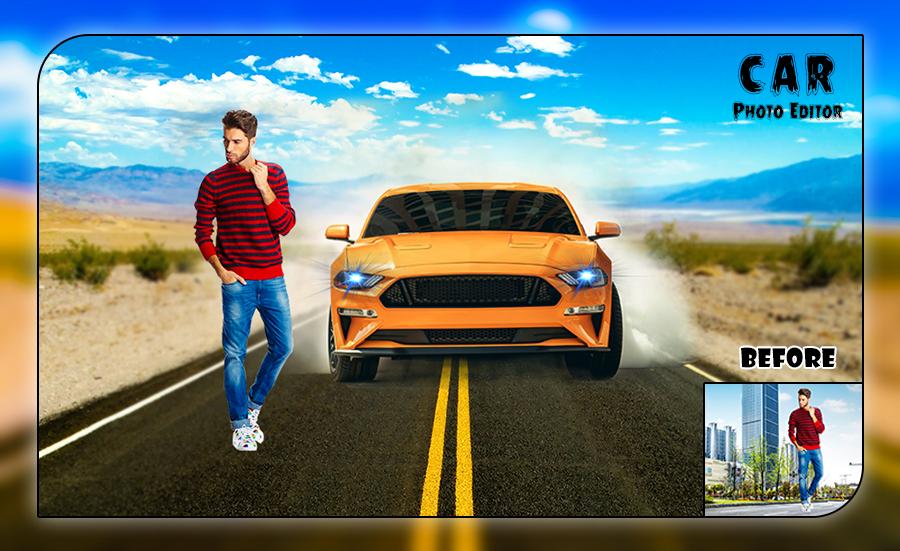
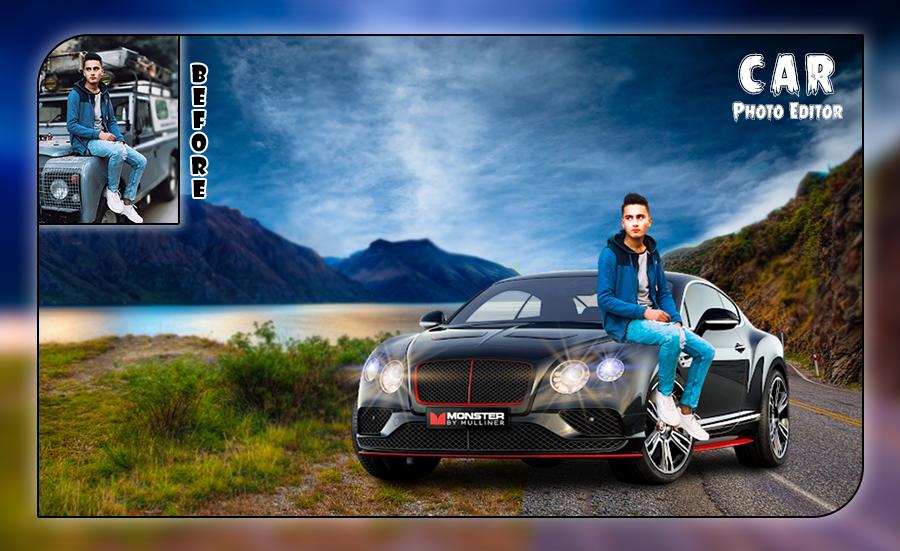
>> Are you car lover ,than you will definatly love this Royal car photo frame. With Royal Car Photo Editor app you can make photos more beautiful by decorating them with fantastic free Car photo frames, edit text on Car photo frames and amazing stickers.
>> Make impressive looking car photo frames by adjusting your images in Royal Car Frame. Once you select the Car frame and edit your picture on it at that moment if you would like to change the Car frame then the option is available .
>> Royal Car Photo Editor is a fantastic app that lets you customize your own photos. Instantly decorate your photos with these enchanting Car frames on your mobile phone to make your memories unforgettable.
>> This is the best and beautiful Royal Car photo Editor that insert your beloved photos to different types of hd Car photo frames.
Avance
Etiquetas
FotografíaInformación
Desarrollador
Stylish Photo Apps
La última versión
3.2
Última actualización
2023-01-18
Categoría
Fotografía
Disponible en
Google Play
Mostrar más
Cómo jugar Royal Car Photo Editor con GameLoop en PC
1. Descargue GameLoop desde el sitio web oficial, luego ejecute el archivo exe para instalar GameLoop.
2. Abra GameLoop y busque "Royal Car Photo Editor", busque Royal Car Photo Editor en los resultados de búsqueda y haga clic en "Instalar".
3. Disfruta jugando Royal Car Photo Editor en GameLoop.
Minimum requirements
OS
Windows 8.1 64-bit or Windows 10 64-bit
GPU
GTX 1050
CPU
i3-8300
Memory
8GB RAM
Storage
1GB available space
Recommended requirements
OS
Windows 8.1 64-bit or Windows 10 64-bit
GPU
GTX 1050
CPU
i3-9320
Memory
16GB RAM
Storage
1GB available space