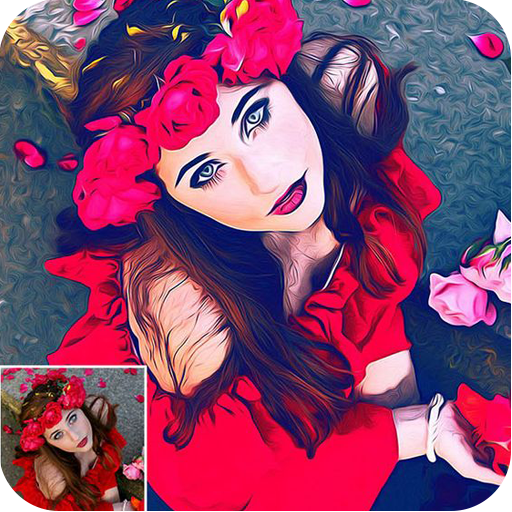
Photo Paint & Sketch Effect para PC
Jazzy Worlds
Descarga Photo Paint & Sketch Effect en PC con GameLoop Emulator
Photo Paint & Sketch Effect en PC
Photo Paint & Sketch Effect, proveniente del desarrollador Jazzy Worlds, se ejecuta en el sistema Android en el pasado.
Ahora, puedes jugar Photo Paint & Sketch Effect en PC con GameLoop sin problemas.
Descárgalo en la biblioteca de GameLoop o en los resultados de búsqueda. No más mirar la batería o llamadas frustrantes en el momento equivocado nunca más.
Simplemente disfrute de Photo Paint & Sketch Effect PC en la pantalla grande de forma gratuita!
Photo Paint & Sketch Effect Introducción
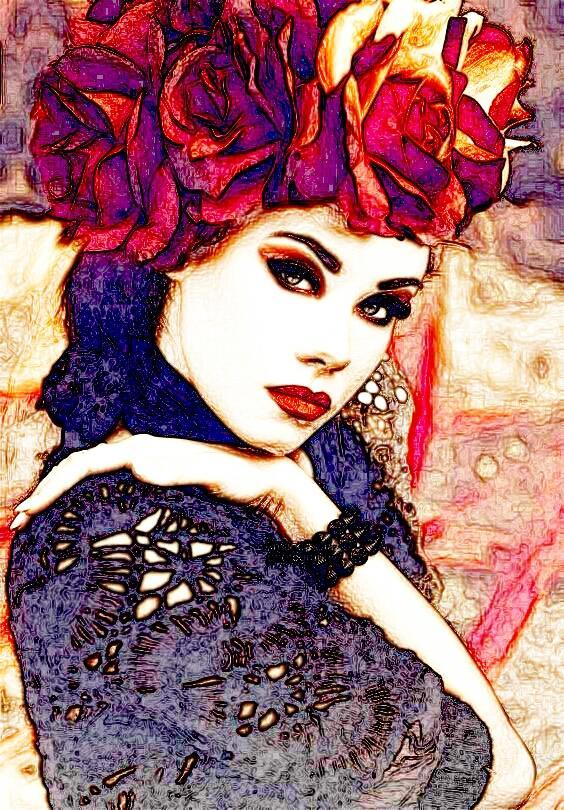
Photo Effect is one of the best collections of stylish and funny photo effects: more than 100 effects! Fantastic face photo montages, photo frames, cartoon effects, Pencil sketch effect, animated effects and photo filters are here for you to enjoy.
Edit your photo instantly with this Awesome powerful Photo Effect app, which is one of the best photo editing tool in android. Get the best photography art in your photos with large number of amazing photo effects.
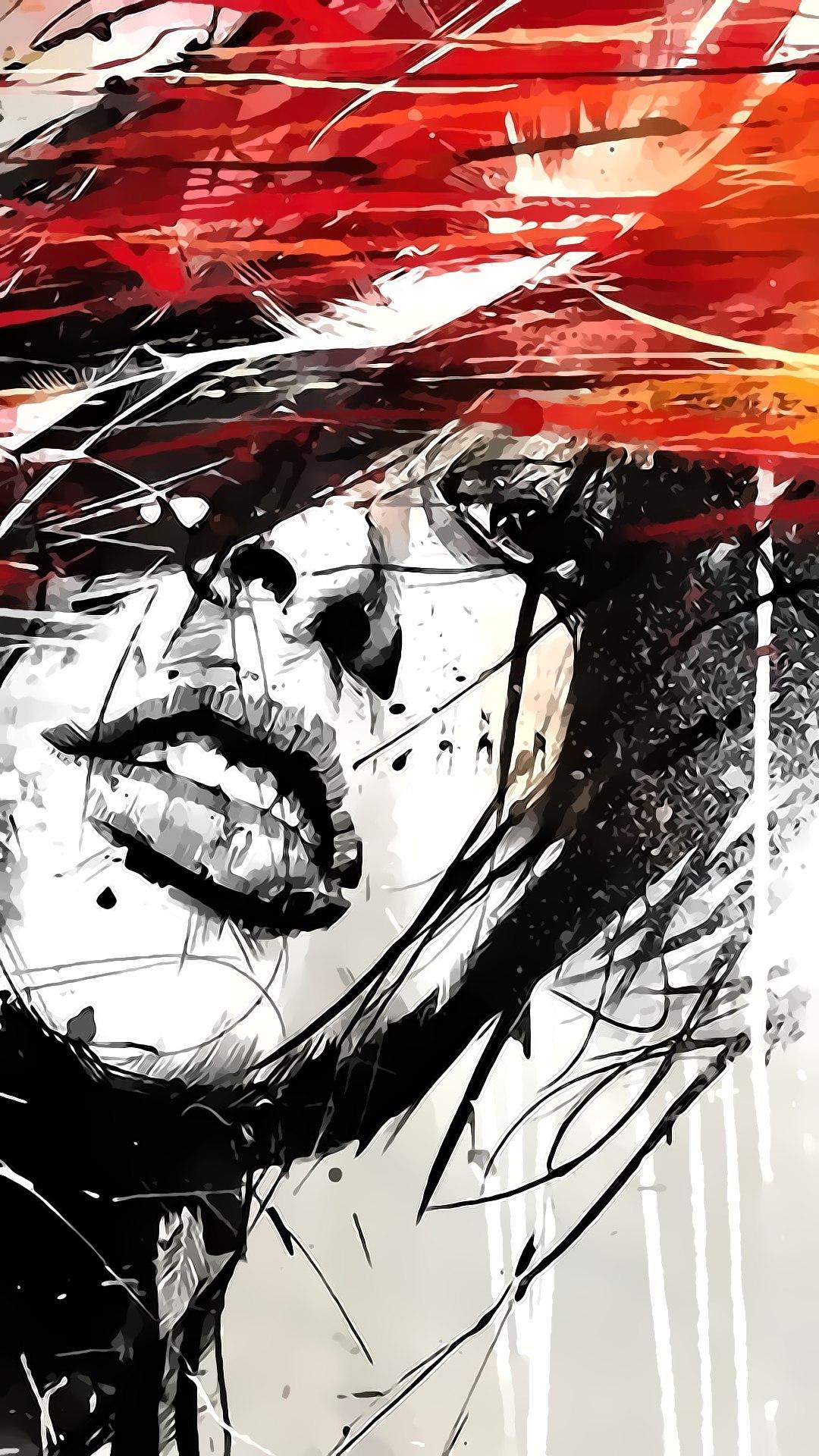
You can create good color & cartoon effect photos with this photo editor app which will let you create beautiful photos. This app comes with beautiful photo frames as well. You can make your photo like a real sketch using this application.
How to use:
Just select one picture or take it from camera and get large varieties of effects and editing options to beautify your picture. Convert your picture in to sketch effects, have a fun and share your photo with your friends and family that you can draw colored sketches.
You can make your selfie best using this Effects. We have added more then 100+ effects like Autumn, Twin, Contrast, Pencil, DSLR effects, Blackout, Engrave, Smart Blur, Desaturate, Border, Desert, Draft, Displace, Reflection, G & B, Shadow, Ghost, Lomo art, R & B, Emboss, R & G, Drops, Saturation, Sharpen, The Past, Oil-Paint, Swap, Snow, Polaroid, Oval, Light, Sharp, Bewitching, Fish Eye, sketch effects, paint effects, Beauty effects, Innocence, Prizma, Surprise, Drawing, Mark, Limitation, Linear, Despair, Micheal, Chawlk, Doller, Desire, Pencil tools and effects, cartoon effects, Transform, Lacrima, Aviator, Boundry, Water, Dreams, Venus, Temperature, Cross, Galaxy, Unique, Sentiment, Paper Art, Shamrock and so many other effect and sketch & Pencil sketch editing on..
Features
★ HDR & DSLR photo effects, cartoon effects, layer editing, Pencil sketch effect, Sketch & Paint effect
★ Drawing paint tools
★ Adjust color, add effects, frame, clone and draw on your photos
★ Curves interface that allows fine-tuning of colors
★ Artwork effects & cartoon filters Picture editor
★ Adding text, images or shapes
★ Focus your picture with Radial and Linear Vignette shape
★ Easy rotation, crop or resize of photos
★ Make your own meme
★ Smart Blur effects
★ Perspective, red-eye, white balance and back light corrections
★ Easily edit with the touch and pinch-to-zoom interface
★ Use photos from your gallery and camera
★ View, edit, or delete your edited Image. Also re-edit that image
★ Save your final result to your gallery and on your SD card
★ Sharing with your friends, family and followers on Facebook, Twitter, Flickr, Instagram and more social apps
★ Save images in Ultra HD 4K resolution (device dependent)
We would love to hear your suggestions & feedback. Send feedback on parmarfalguni2255@gmail.com
Avance
Etiquetas
FotografíaInformación
Desarrollador
Jazzy Worlds
La última versión
2.0
Última actualización
2023-01-31
Categoría
Fotografía
Disponible en
Google Play
Mostrar más
Cómo jugar Photo Paint & Sketch Effect con GameLoop en PC
1. Descargue GameLoop desde el sitio web oficial, luego ejecute el archivo exe para instalar GameLoop.
2. Abra GameLoop y busque "Photo Paint & Sketch Effect", busque Photo Paint & Sketch Effect en los resultados de búsqueda y haga clic en "Instalar".
3. Disfruta jugando Photo Paint & Sketch Effect en GameLoop.
Minimum requirements
OS
Windows 8.1 64-bit or Windows 10 64-bit
GPU
GTX 1050
CPU
i3-8300
Memory
8GB RAM
Storage
1GB available space
Recommended requirements
OS
Windows 8.1 64-bit or Windows 10 64-bit
GPU
GTX 1050
CPU
i3-9320
Memory
16GB RAM
Storage
1GB available space