Photo Editor Effect para PC
LuckApp
Descarga Photo Editor Effect en PC con GameLoop Emulator
Photo Editor Effect en PC
Photo Editor Effect, proveniente del desarrollador LuckApp, se ejecuta en el sistema Android en el pasado.
Ahora, puedes jugar Photo Editor Effect en PC con GameLoop sin problemas.
Descárgalo en la biblioteca de GameLoop o en los resultados de búsqueda. No más mirar la batería o llamadas frustrantes en el momento equivocado nunca más.
Simplemente disfrute de Photo Editor Effect PC en la pantalla grande de forma gratuita!
Photo Editor Effect Introducción
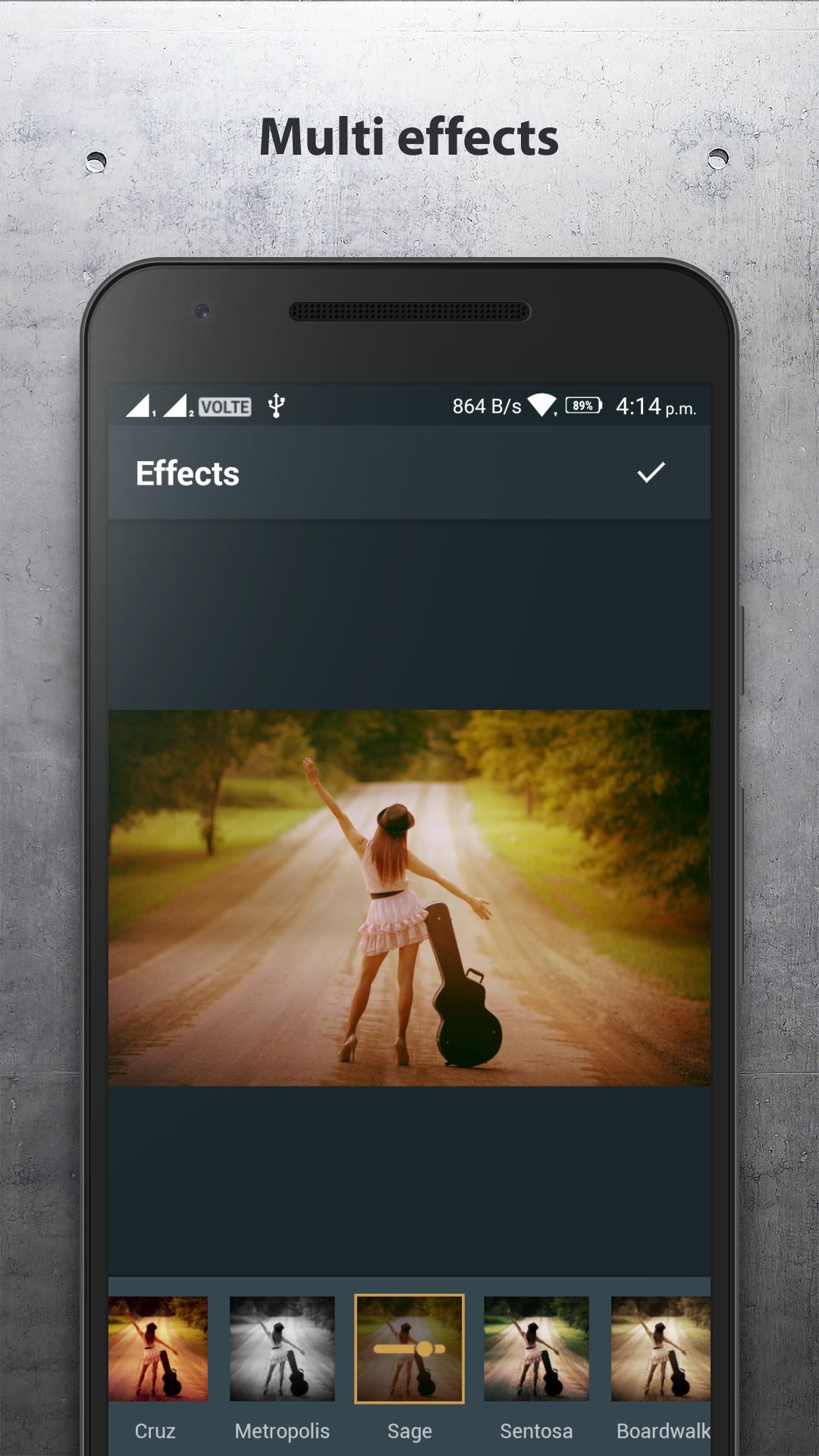
Photo Editor Coloring Effects Version 2024 app offers a fantastic experience for editing photos, turning your pictures into unique works of art with a variety of features. This version includes all the functionalities from previous versions, along with some new upgrades.
Key Features:
Blur Effect: The app allows you to easily blur parts of the photo to highlight the main subject or create a depth effect.
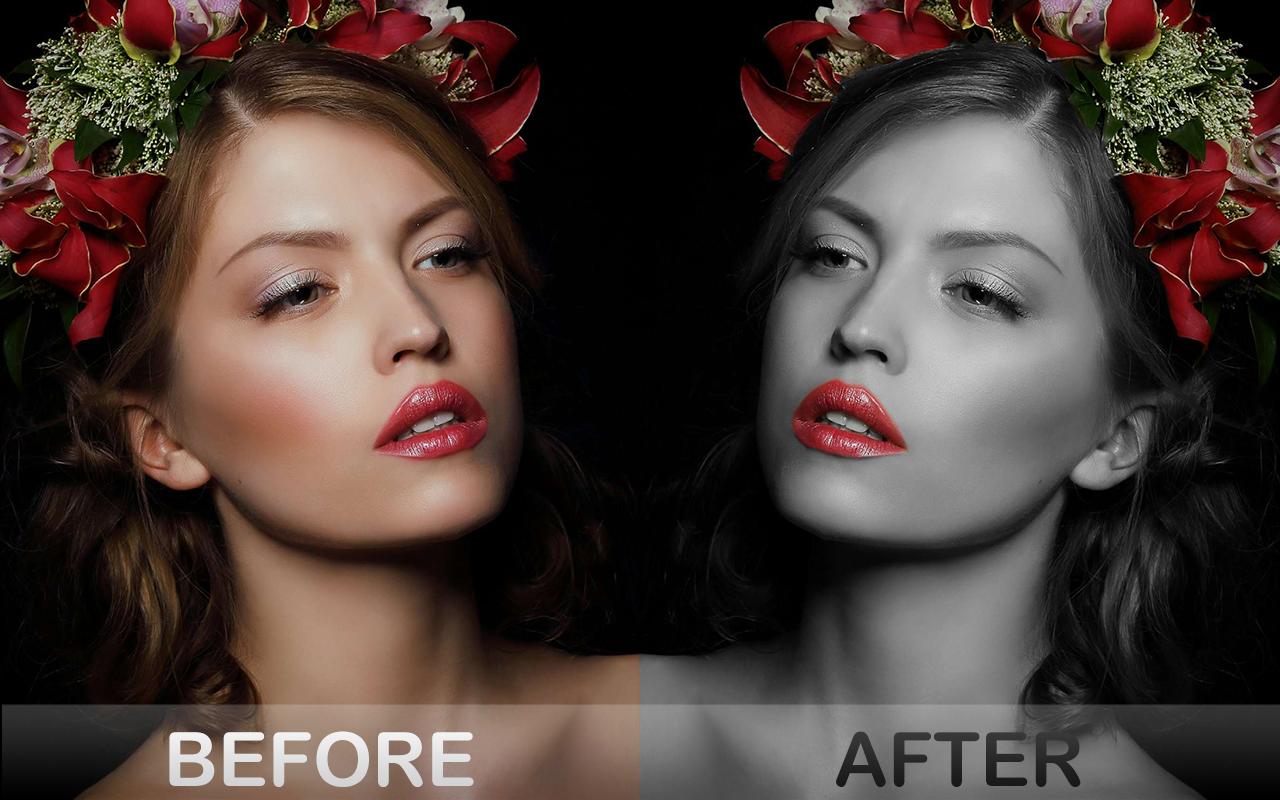
Grayscale Conversion: This feature lets you turn your colored photos into classic black and white with just one tap, adding a vintage or artistic touch.
Tint: You can apply special color tints to your photos, enhancing tones or adding surreal shades to create a fresh and unique look.
Rounded Corners: This feature softens the edges of your photos by rounding the corners, perfect for portraits or graphic design purposes.
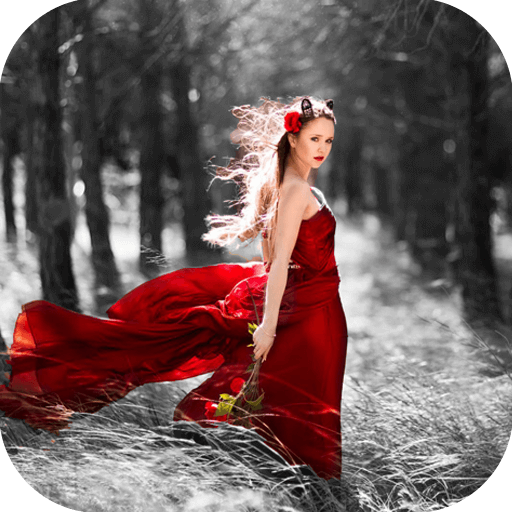
Color Splash Effect: This feature allows you to retain color in a specific area of the photo while converting the rest to grayscale, creating a striking contrast.
Easy Photo Editing: With tools like rotate, flip, align, and adjust color temperature, you can quickly customize your photos to your liking.
Save and Share: The app enables you to save your edited photos and instantly share them on social media, even without an internet connection.
This app is completely free and does not require any additional purchases. It's an ideal tool for anyone who loves photo editing and wants to create unique and eye-catching images.
Permissions access used to this app:
To ensure the best experience, the app requires the following permissions:
Read and Write Storage: To access and save your edited photos.
Camera: To capture photos directly within the app for editing.
Internet: For sharing your edited photos on social media and accessing online resources within the app.
Privacy Notice:
Your privacy is important to us. The app only requests permissions necessary for its functionality and does not collect or share your personal data with third parties. We are committed to ensuring that your data remains secure and private. If you have any questions or concerns regarding our privacy practices, please feel free to contact us at luckapps555@gmail.com
By granting these permissions, you'll have full access to all the features and functionalities the app offers.
Avance
Etiquetas
FotografíaHerramientasInformación
Desarrollador
LuckApp
La última versión
1.6.20
Última actualización
2025-04-04
Categoría
Fotografía
Disponible en
Google Play
Mostrar más
Cómo jugar Photo Editor Effect con GameLoop en PC
1. Descargue GameLoop desde el sitio web oficial, luego ejecute el archivo exe para instalar GameLoop.
2. Abra GameLoop y busque "Photo Editor Effect", busque Photo Editor Effect en los resultados de búsqueda y haga clic en "Instalar".
3. Disfruta jugando Photo Editor Effect en GameLoop.
Minimum requirements
OS
Windows 8.1 64-bit or Windows 10 64-bit
GPU
GTX 1050
CPU
i3-8300
Memory
8GB RAM
Storage
1GB available space
Recommended requirements
OS
Windows 8.1 64-bit or Windows 10 64-bit
GPU
GTX 1050
CPU
i3-9320
Memory
16GB RAM
Storage
1GB available space