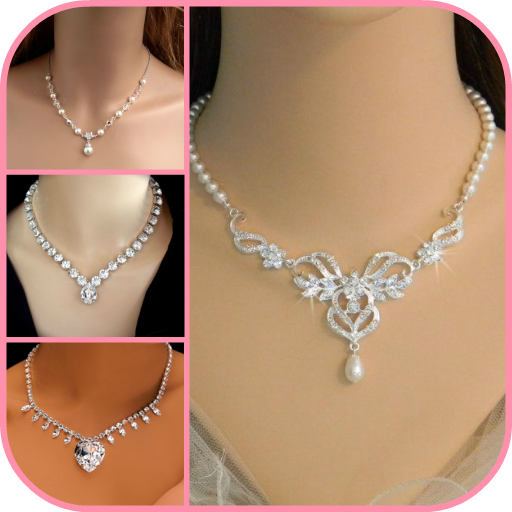
Necklace Photo Editor para PC
clickheroapps
Descarga Necklace Photo Editor en PC con GameLoop Emulator
Necklace Photo Editor en PC
Necklace Photo Editor, proveniente del desarrollador clickheroapps, se ejecuta en el sistema Android en el pasado.
Ahora, puedes jugar Necklace Photo Editor en PC con GameLoop sin problemas.
Descárgalo en la biblioteca de GameLoop o en los resultados de búsqueda. No más mirar la batería o llamadas frustrantes en el momento equivocado nunca más.
Simplemente disfrute de Necklace Photo Editor PC en la pantalla grande de forma gratuita!
Necklace Photo Editor Introducción
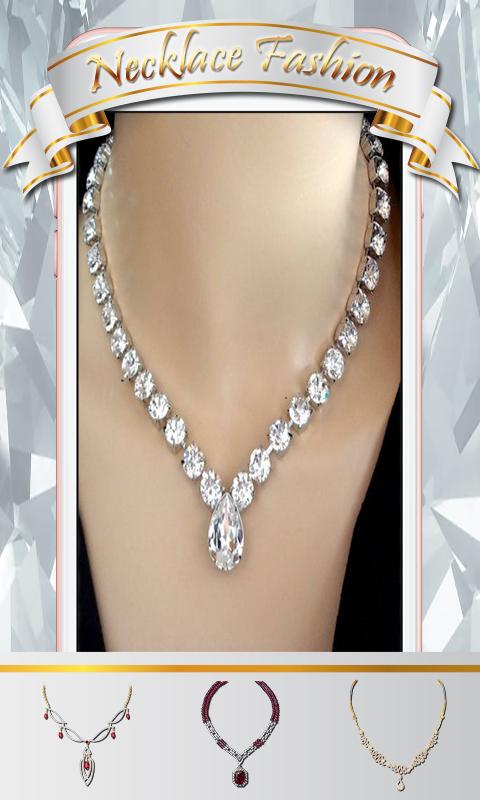
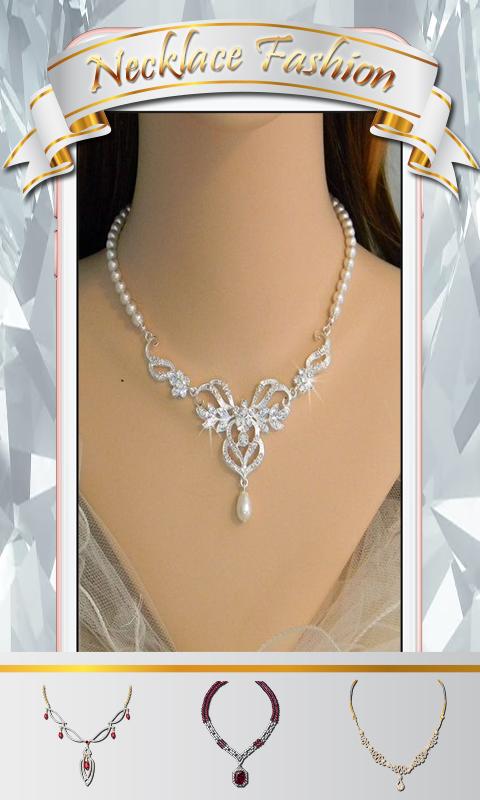
Take a look and have a go with this Necklace Photo Editor here in the play store! Make, create and design your own look with this simple and wonderful app. Now take a tour into the image collection library; choose your favorite necklace accessories from the library and placing it on your pictures. Experiment and try out all the necklace accessories which is available for you and be creative with your work of art.
Make a dazzling beauty and great stylish photo with necklace accessories and share them on your social media friend.
What interesting about the necklace accessories app key features:
❤Easy to use.
❤Friendly user interface.
❤Latest fashioned, and astonishing collection
❤Collection over 50 HD quality necklace accessories designs and style.
❤Select a photo from the gallery or take photos using the phone's camera.
❤Wide range of styles and different templates for any picture.
❤Scale, zoom and move your gallery picture for a perfect fit within the template.
❤Choose your favorite necklace accessories and see the photo effects.
❤Share your creations via WhatsApp, Flickr, Facebook, Picasa, Twitter, Instagram, Skype and other social networks.
Download necklace accessories now and enjoy using this photo making app with awesome designs and pose. Make a move and have fun doing your awesome photos.
Avance
Etiquetas
FotografíaInformación
Desarrollador
clickheroapps
La última versión
1.1.2
Última actualización
2019-07-24
Categoría
Fotografía
Disponible en
Google Play
Mostrar más
Cómo jugar Necklace Photo Editor con GameLoop en PC
1. Descargue GameLoop desde el sitio web oficial, luego ejecute el archivo exe para instalar GameLoop.
2. Abra GameLoop y busque "Necklace Photo Editor", busque Necklace Photo Editor en los resultados de búsqueda y haga clic en "Instalar".
3. Disfruta jugando Necklace Photo Editor en GameLoop.
Minimum requirements
OS
Windows 8.1 64-bit or Windows 10 64-bit
GPU
GTX 1050
CPU
i3-8300
Memory
8GB RAM
Storage
1GB available space
Recommended requirements
OS
Windows 8.1 64-bit or Windows 10 64-bit
GPU
GTX 1050
CPU
i3-9320
Memory
16GB RAM
Storage
1GB available space