My Photo Keyboard with Emoji para PC
Thalia Premium Photo Montage
Descarga My Photo Keyboard with Emoji en PC con GameLoop Emulator
My Photo Keyboard with Emoji en PC
My Photo Keyboard with Emoji, proveniente del desarrollador Thalia Premium Photo Montage, se ejecuta en el sistema Android en el pasado.
Ahora, puedes jugar My Photo Keyboard with Emoji en PC con GameLoop sin problemas.
Descárgalo en la biblioteca de GameLoop o en los resultados de búsqueda. No más mirar la batería o llamadas frustrantes en el momento equivocado nunca más.
Simplemente disfrute de My Photo Keyboard with Emoji PC en la pantalla grande de forma gratuita!
My Photo Keyboard with Emoji Introducción
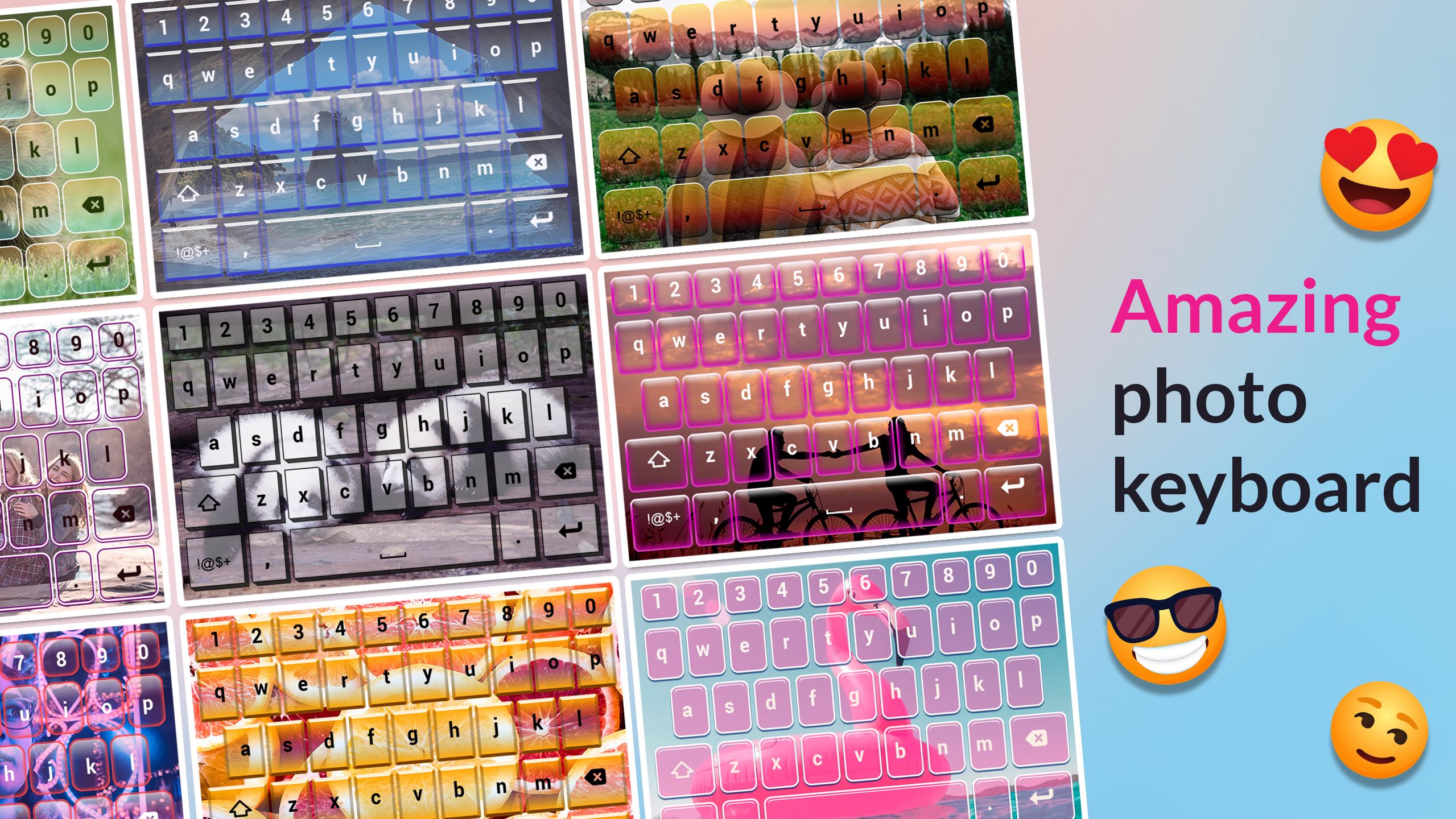
If you are searching for the right tool which will help you set your picture on keyboard you’ve come to the right place! Meet My Photo Keyboard with Emoji, which is here to help you. Type on a keypad theme with my image with specially designed keys that will make your everyday texting unique and the collection of awesome emoticons will help you express your emotions and attitudes with ease. You can change photo backgrounds by choosing one of the images from your phone gallery, or by taking a pic anew. A few taps on the screen, one perfect selfie, and your photo theme is ready to decorate your phone or tablet in the most unique way. It's time for something new and exciting: it's time for My Photo Keyboard with Emoji so download it for free today!
How to set your new app:
1. Click on 'Enable the Keyboard';
2. Check the box-field next to My Photo Keyboard with Emoji and then click on the OK button;
3. Return to the application, then select 'Set the Keyboard to Default' button;
4. Select 'My Photo Keyboard with Emoji';
5. Now, you can change your keypad picture background;
6. Select language and shortcuts;
7. Choose the font color, button shape and the background image;
8. Check whether you like the final look using the 'Preview' option;
9. Choose background images from the gallery or take a new one; with your camera and click the Done button when you are satisfied with the pic.
◠❂◡ ◠❂◡ ◠❂◡ ◠❂◡ ◠❂◡ ◠❂◡ ◠❂◡
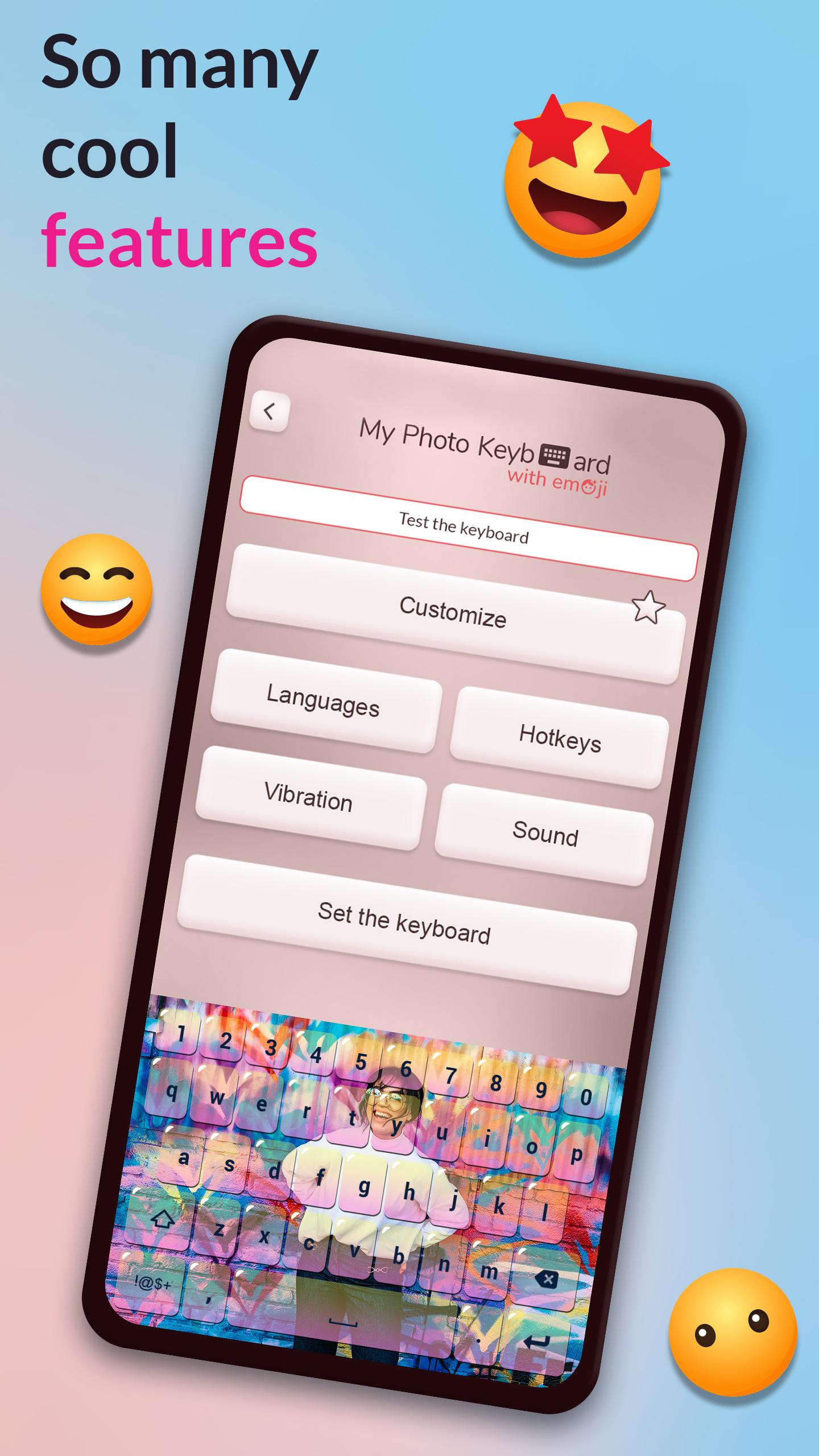
Chat and type like never before! Check out the cool features this app for girls and boys has!
❂ Select your own pictures!
❂ Change the shape of the buttons!
❂ Change the letter color on the buttons!
❂ Completely customizable picture keypad app with emoji art!
❂ A great number of emoticons for your funny SMS text messages!
❂ Choose the default language: English, Spanish, Malay, Vietnamese, Turkish, Italian, French, German, Portuguese, Polish, Russian, Serbian or Romanian!
Prepare to experience something new and different! We know that you deserve a stylish design and that you desperately need “photo keyboard with emojis” so we made that possible for you! Set your own selfie as one of keypad background pictures for your girly “photo keyboard with emoticons”. Get ready to go and text sweet I love you text messages while the picture of you and your beloved lies behind the “cute photo emoji keyboard”. Convince your bfs that the keypad themes with picture are worth every second you spent on installing it. Personalize your phone in an instant, download this free app and have the most unique mobile device!
◠❂◡ ◠❂◡ ◠❂◡ ◠❂◡ ◠❂◡ ◠❂◡ ◠❂◡
You can have a new theme every single day! Don't be satisfied with a different design that will bore you because you can make one of a kind “keyboard with pictures from your gallery” and choose a pic of your family, baby, or take a picture with your selfie camera. Use cool emoticons in your sms, select your language and choose your hotkeys for faster typing. Our keypad with picture is an app which allows you to make personalized photography themes. Great background changer for phones and tablets is here and for free so download “My Photo Keyboard with Emoji” today and have fun forever!
Avance
Etiquetas
FotografíaInformación
Desarrollador
Thalia Premium Photo Montage
La última versión
6.24
Última actualización
2022-10-21
Categoría
Fotografía
Disponible en
Google Play
Mostrar más
Cómo jugar My Photo Keyboard with Emoji con GameLoop en PC
1. Descargue GameLoop desde el sitio web oficial, luego ejecute el archivo exe para instalar GameLoop.
2. Abra GameLoop y busque "My Photo Keyboard with Emoji", busque My Photo Keyboard with Emoji en los resultados de búsqueda y haga clic en "Instalar".
3. Disfruta jugando My Photo Keyboard with Emoji en GameLoop.
Minimum requirements
OS
Windows 8.1 64-bit or Windows 10 64-bit
GPU
GTX 1050
CPU
i3-8300
Memory
8GB RAM
Storage
1GB available space
Recommended requirements
OS
Windows 8.1 64-bit or Windows 10 64-bit
GPU
GTX 1050
CPU
i3-9320
Memory
16GB RAM
Storage
1GB available space