
Luma: heic to jpg converter para PC
Simple Soft Alliance
Descarga Luma: heic to jpg converter en PC con GameLoop Emulator
Luma: heic to jpg converter en PC
Luma: heic to jpg converter, proveniente del desarrollador Simple Soft Alliance, se ejecuta en el sistema Android en el pasado.
Ahora, puedes jugar Luma: heic to jpg converter en PC con GameLoop sin problemas.
Descárgalo en la biblioteca de GameLoop o en los resultados de búsqueda. No más mirar la batería o llamadas frustrantes en el momento equivocado nunca más.
Simplemente disfrute de Luma: heic to jpg converter PC en la pantalla grande de forma gratuita!
Luma: heic to jpg converter Introducción
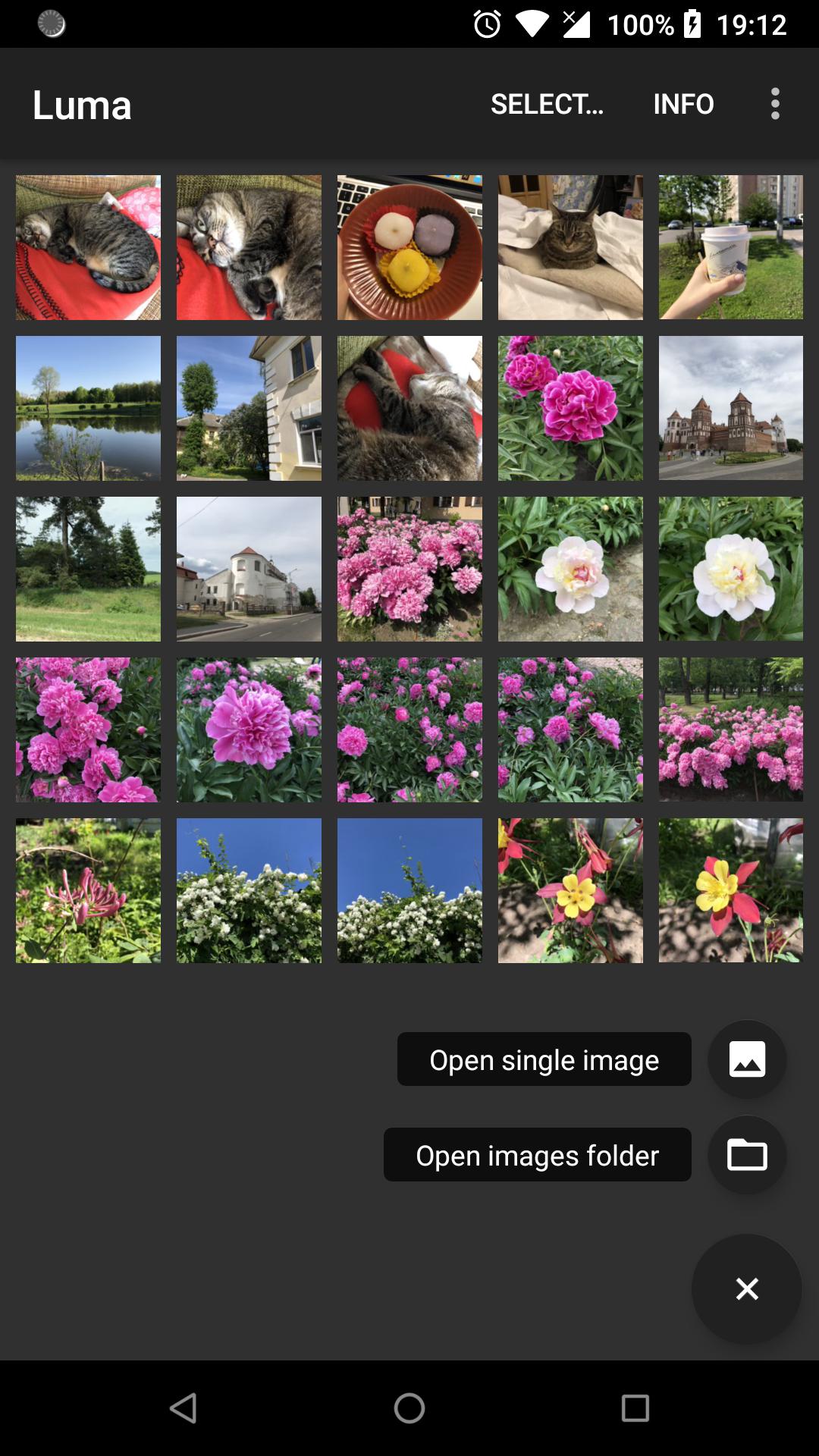
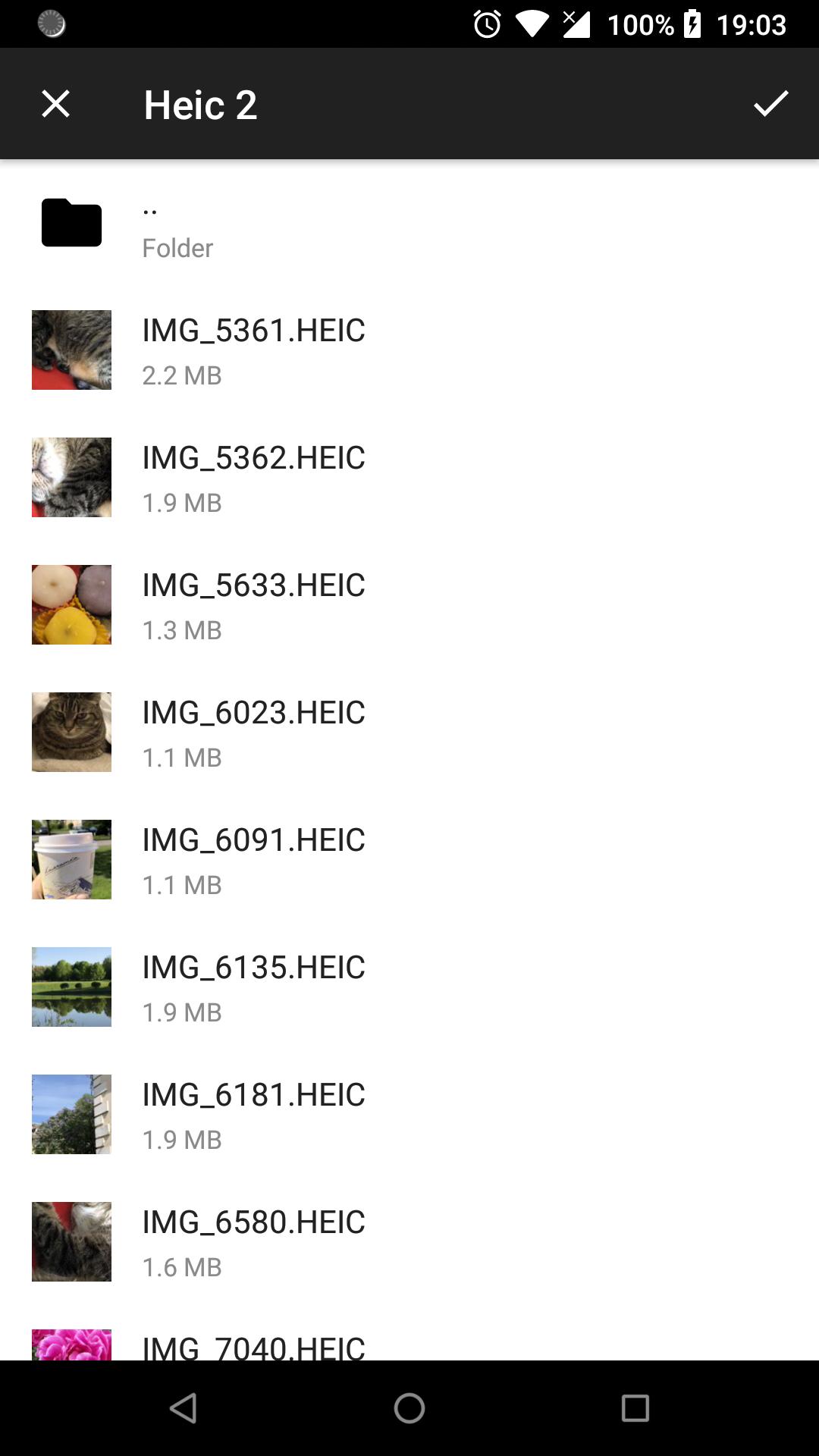
Luma is designed to enable you open and convert to jpeg multiple images with *.HEIC file extension at a time. These are images in High Efficient Image Format (HEIF). Images in this format take twice less space on your device without any loss of image quality. Using this format will help you to save up to 50% of storage space for images.
Luma works completely offline and you don't need to internet connection to make the app working. You can either open single image or select any number of images and convert them to jpeg without loosing quality or metadata.
App features:
* Browse and view any folder containing *.heic files.
* Open and view *.heic images.
* Save and share *.heic images in *.jpeg format.
* Batch convert any number of *.heic images preserving quality and metadata.
* Preserve all image metadata like: location, Exif, XMP, Copyright, ICC profile.
* Preserve depth image if presented.
HEIF is smaller and better
HEIF — or High Efficiency Image File Format — is the still-image version of the HVEC — or H.265 — video format. Its main advantage is that photos saved in HEIF are roughly half the size of JPEGs, and of better quality. That means you can store twice as many photos on your phone before filling it up or, looked at another way, you can keep all the photos you have, while freeing up a ton of gigabytes on your device!
HEIF is flexible
HEIF offers other advantages over JPEG. For starters, it is not so much a file format as a container for files. A JPEG is a single image, but a HEIF can be a single image or a sequence of images.
This makes HEIF perfect for Live Photos, but also makes it a potential replacement for GIF. HEIF also supports transparency, and image color up to 16 bits, versus JPEG’s measly 8-bit color.
In practice, this means that HEIF can capture all of the extended color range provided by the camera’s 10-bit color output. In other words, you will no longer see ugly banding across a blue sky.
Photos will take up less space, while looking better
They will upload and download much faster. And, if the rest of the world adopts HEIF in place of JPEGs, then the whole web will operate more quickly.
By making the move to High Efficiency Video Coding (HEVC) and High Efficiency Image File Format (HEIF) we are getting ready for the future of media consumption and creation!
*For now Luma supports only one still image in HEIF format. Multi-image and video support will be added in next versions so keep updated!
Avance
Etiquetas
FotografíaInformación
Desarrollador
Simple Soft Alliance
La última versión
3.9.0
Última actualización
2023-07-04
Categoría
Fotografía
Disponible en
Google Play
Mostrar más
Cómo jugar Luma: heic to jpg converter con GameLoop en PC
1. Descargue GameLoop desde el sitio web oficial, luego ejecute el archivo exe para instalar GameLoop.
2. Abra GameLoop y busque "Luma: heic to jpg converter", busque Luma: heic to jpg converter en los resultados de búsqueda y haga clic en "Instalar".
3. Disfruta jugando Luma: heic to jpg converter en GameLoop.
Minimum requirements
OS
Windows 8.1 64-bit or Windows 10 64-bit
GPU
GTX 1050
CPU
i3-8300
Memory
8GB RAM
Storage
1GB available space
Recommended requirements
OS
Windows 8.1 64-bit or Windows 10 64-bit
GPU
GTX 1050
CPU
i3-9320
Memory
16GB RAM
Storage
1GB available space