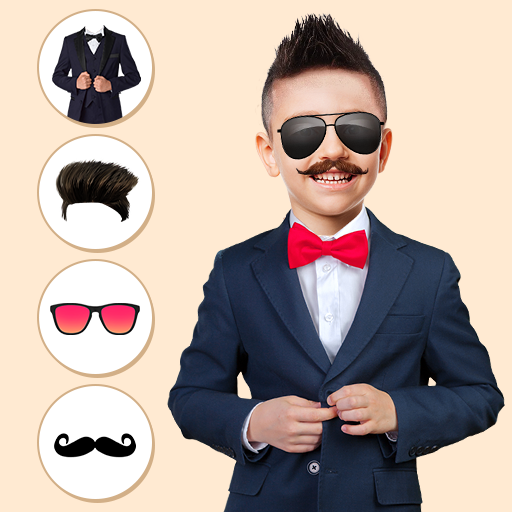
Kids Fashion Photo Editor para PC
JITechApps
Descarga Kids Fashion Photo Editor en PC con GameLoop Emulator
Kids Fashion Photo Editor en PC
Kids Fashion Photo Editor, proveniente del desarrollador JITechApps, se ejecuta en el sistema Android en el pasado.
Ahora, puedes jugar Kids Fashion Photo Editor en PC con GameLoop sin problemas.
Descárgalo en la biblioteca de GameLoop o en los resultados de búsqueda. No más mirar la batería o llamadas frustrantes en el momento equivocado nunca más.
Simplemente disfrute de Kids Fashion Photo Editor PC en la pantalla grande de forma gratuita!
Kids Fashion Photo Editor Introducción
Want to see your kids looks good and Looking for a kid's dress up photo editor application?
If it's your yes, then, Kids fashion photo editor will help to dress up your kids in a trendy fashion.
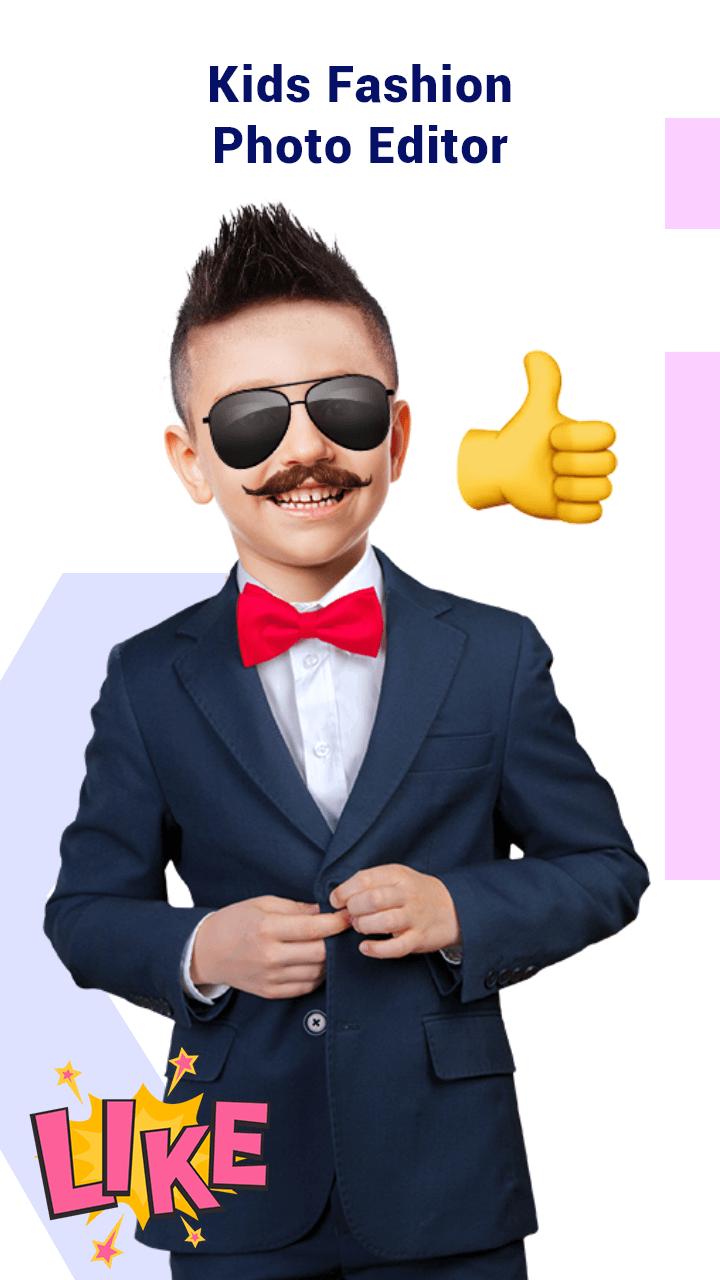
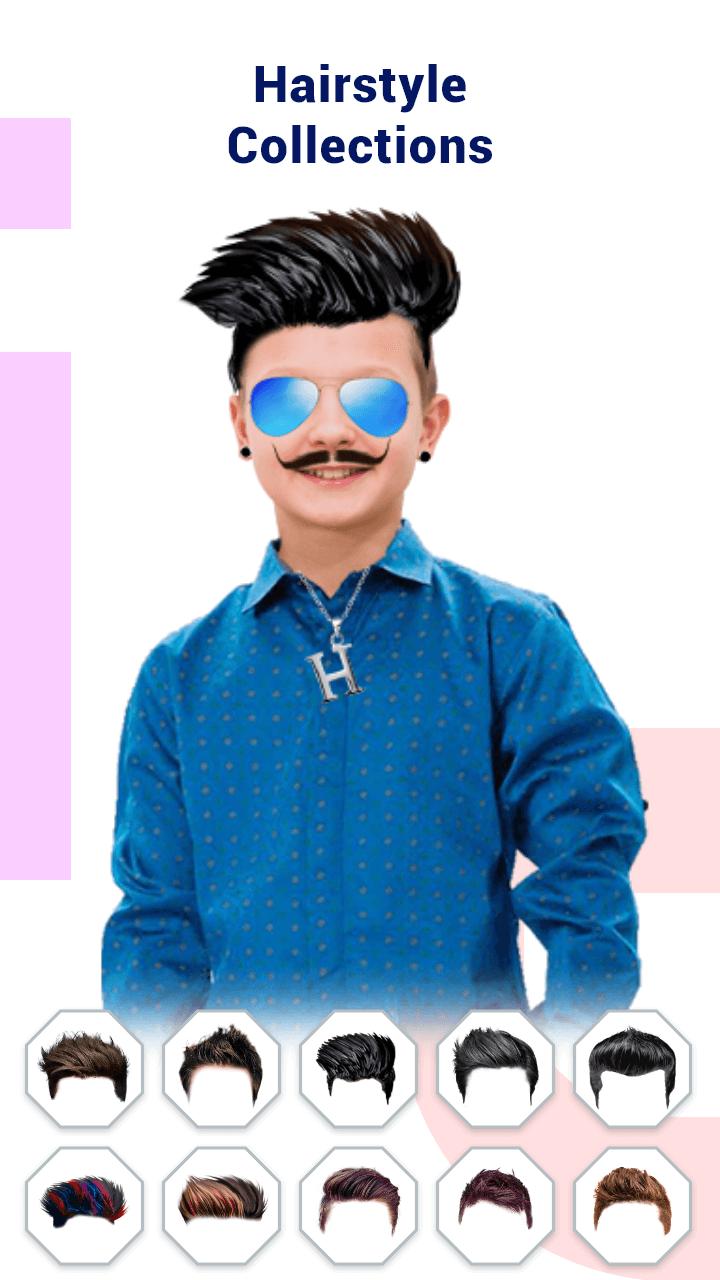
Different kids dressing styles are available for various occasions. You can try each dressing style and create the kid's fashion photo. Kids dress up Photo Editor gives trending kids clothes like kids t-shirts, sherwani, police suits, shirts, and blazers. You can also change the kid's hairstyle, eyebrow, and eyeball in the photo.
Kids Fashion Photo Editor also gives a collection of trendy fashionable chains, caps, ties, earrings, and goggles. To make the kid's fashion photo more attractive, you can add frames, stickers, and text to the photo.
How to add the different kids dressing styles:-
- Select the photo from the phone's gallery or capture it from the camera.
- Crop the photo and can flip and rotate.
- Select the hairstyle, eyebrow, and eyeball and adjust according to the photo.
- Select the fashionable accessories as desired and set accordingly.
- Add the costumes for your kids like blazers, sherwani, shirts, t-shirts, formals, etc.
- Pick the frames from the collection and add on the photo.
- Make the photo more decorative by adding stickers text on the kid's fashion photo.
- Save the changes made in your kid’s photo.
- Share your kid's dress up photo with your friends and family members via social media networks.
Avance
Etiquetas
FotografíaInformación
Desarrollador
JITechApps
La última versión
15.0
Última actualización
2025-10-31
Categoría
Fotografía
Disponible en
Google Play
Mostrar más
Cómo jugar Kids Fashion Photo Editor con GameLoop en PC
1. Descargue GameLoop desde el sitio web oficial, luego ejecute el archivo exe para instalar GameLoop.
2. Abra GameLoop y busque "Kids Fashion Photo Editor", busque Kids Fashion Photo Editor en los resultados de búsqueda y haga clic en "Instalar".
3. Disfruta jugando Kids Fashion Photo Editor en GameLoop.
Minimum requirements
OS
Windows 8.1 64-bit or Windows 10 64-bit
GPU
GTX 1050
CPU
i3-8300
Memory
8GB RAM
Storage
1GB available space
Recommended requirements
OS
Windows 8.1 64-bit or Windows 10 64-bit
GPU
GTX 1050
CPU
i3-9320
Memory
16GB RAM
Storage
1GB available space