Heic to JPG Converter para PC
Smart Photo Editor 2021
Descarga Heic to JPG Converter en PC con GameLoop Emulator
Heic to JPG Converter en PC
Heic to JPG Converter, proveniente del desarrollador Smart Photo Editor 2021, se ejecuta en el sistema Android en el pasado.
Ahora, puedes jugar Heic to JPG Converter en PC con GameLoop sin problemas.
Descárgalo en la biblioteca de GameLoop o en los resultados de búsqueda. No más mirar la batería o llamadas frustrantes en el momento equivocado nunca más.
Simplemente disfrute de Heic to JPG Converter PC en la pantalla grande de forma gratuita!
Heic to JPG Converter Introducción
We’re excited to announce that you can now use HEIC Converter to convert HEIC files into a variety of other image formats using our conversion app.
HEIC is the name Apple have given for the new High Efficiency Image File Format. This format is a slicker and more efficient way of storing an image file.
Utilising modern file compression methods it allows photos on your phone to be created at a fraction of the file size of the typical file format (JPEG), whilst the picture quality is also better than JPEG. This means you can use HEIC to save more photos, which are crisper and sharper than before.
Why is HEIC better than JPG?
JPEG’s have been around since the early 90s and technology has improved enormously since then. With JPEG photo files taking up ever more storage space on customer iPhones and iPads, Apple have been looking for ways to reduce the amount of storage photos consumed. They saw an opportunity to do this with HEIC, whilst also ensuring that the images would not only be smaller, but better quality as well.
Apple adopted the HEIF file format which met these criteria. According to the MPEG group – who had created the file format – twice as much information can be stored using a HEIF image as it can using a JPEG. Apple themselves state “next-generation HEIF compression technology lets you take new photos with the same quality as before but at half the file size. So, snap away.” Users are doing just that as HEIC supports 16-bit deep colour images meaning the images are much crisper.
How do I open a HEIC Image?
The bad news is that HEIC images won’t open automatically on Windows, iPhones running iOS 10 or lower, some Android phones or macOS (which is especially annoying if you send these images via Airdrop).
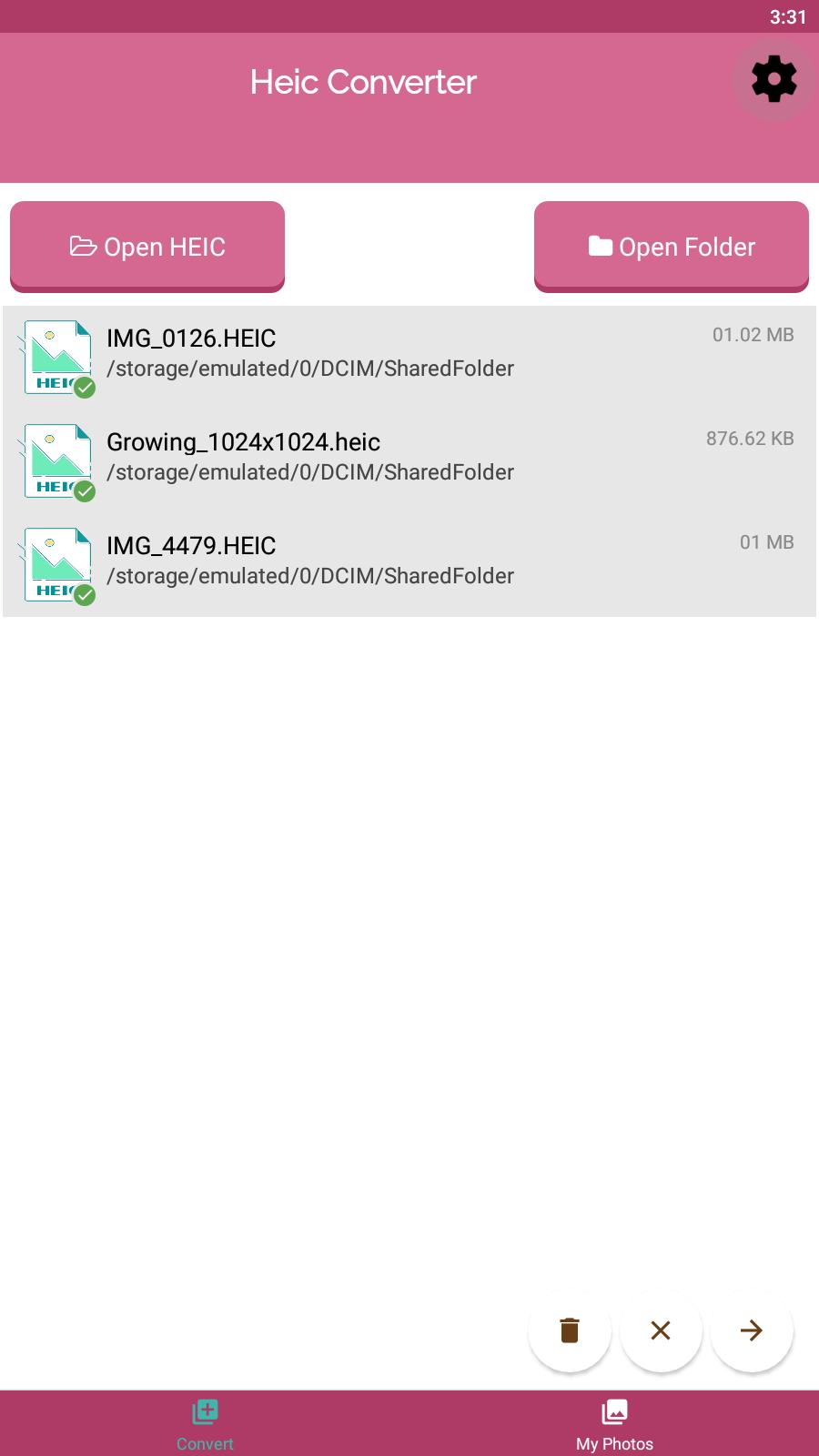
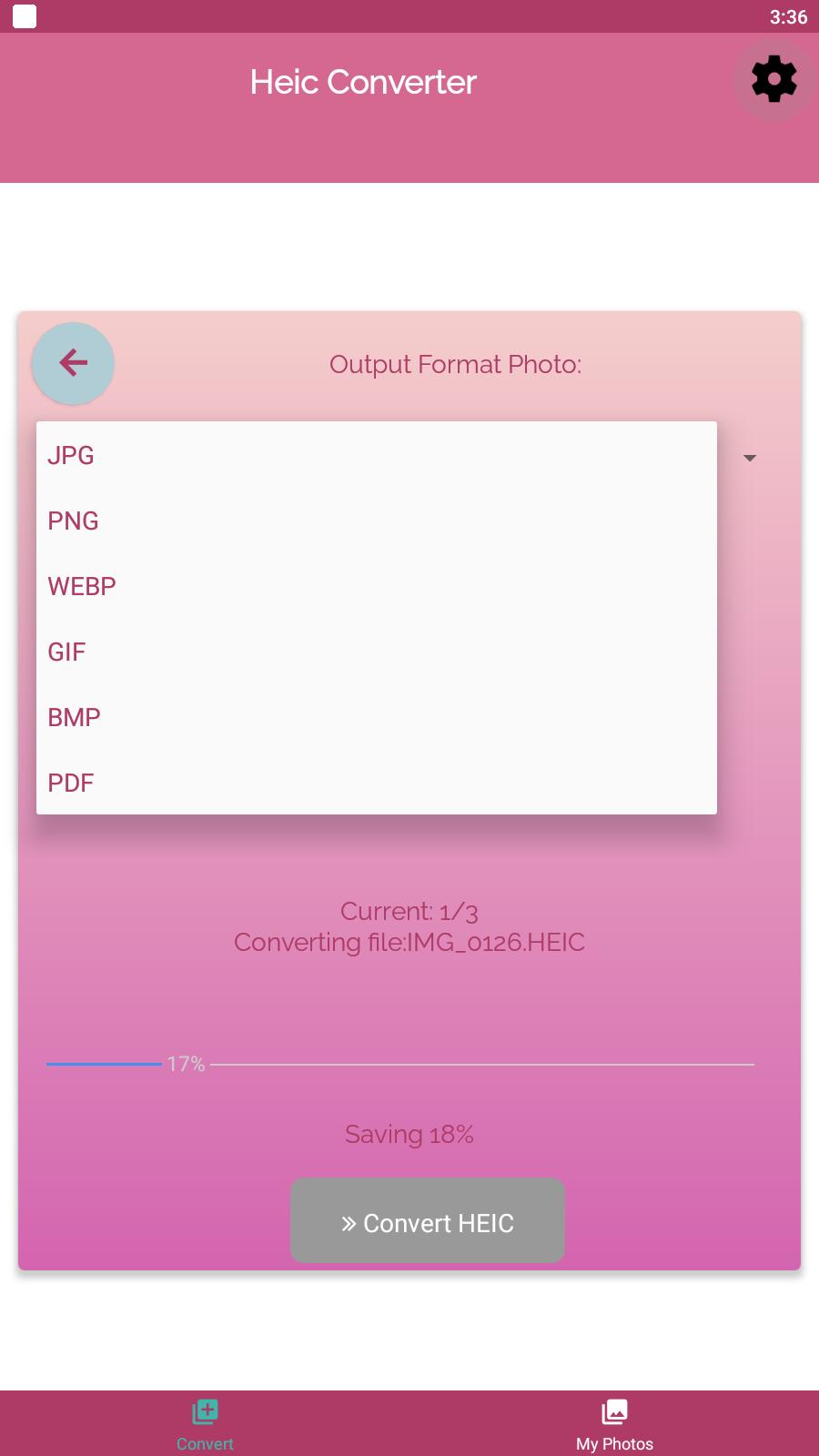
However, you can now use heic to jpg converter file conversion app to convert HEIC files to JPG, PNG, PDF and other formats . We’ll convert the file quicker than you can say “Cheese” 🙂
You can convert your HEIC image to any of the following image formats:
bmp – Windows bitmap
gif – Compuserve graphics interchange
jpg – JPEG compliant image
pdf – Portable Document Format
png – Portable Network Graphic
Now you can take twice as many pictures and open them on any device there’s no excuse not to get out there and take more amazing photos.
Happy snapping!
Avance
Etiquetas
FotografíaInformación
Desarrollador
Smart Photo Editor 2021
La última versión
12
Última actualización
2024-04-19
Categoría
Fotografía
Disponible en
Google Play
Mostrar más
Cómo jugar Heic to JPG Converter con GameLoop en PC
1. Descargue GameLoop desde el sitio web oficial, luego ejecute el archivo exe para instalar GameLoop.
2. Abra GameLoop y busque "Heic to JPG Converter", busque Heic to JPG Converter en los resultados de búsqueda y haga clic en "Instalar".
3. Disfruta jugando Heic to JPG Converter en GameLoop.
Minimum requirements
OS
Windows 8.1 64-bit or Windows 10 64-bit
GPU
GTX 1050
CPU
i3-8300
Memory
8GB RAM
Storage
1GB available space
Recommended requirements
OS
Windows 8.1 64-bit or Windows 10 64-bit
GPU
GTX 1050
CPU
i3-9320
Memory
16GB RAM
Storage
1GB available space