DateCamera(Auto timestamp) para PC
Office110
Descarga DateCamera(Auto timestamp) en PC con GameLoop Emulator
DateCamera(Auto timestamp) en PC
DateCamera(Auto timestamp), proveniente del desarrollador Office110, se ejecuta en el sistema Android en el pasado.
Ahora, puedes jugar DateCamera(Auto timestamp) en PC con GameLoop sin problemas.
Descárgalo en la biblioteca de GameLoop o en los resultados de búsqueda. No más mirar la batería o llamadas frustrantes en el momento equivocado nunca más.
Simplemente disfrute de DateCamera(Auto timestamp) PC en la pantalla grande de forma gratuita!
DateCamera(Auto timestamp) Introducción
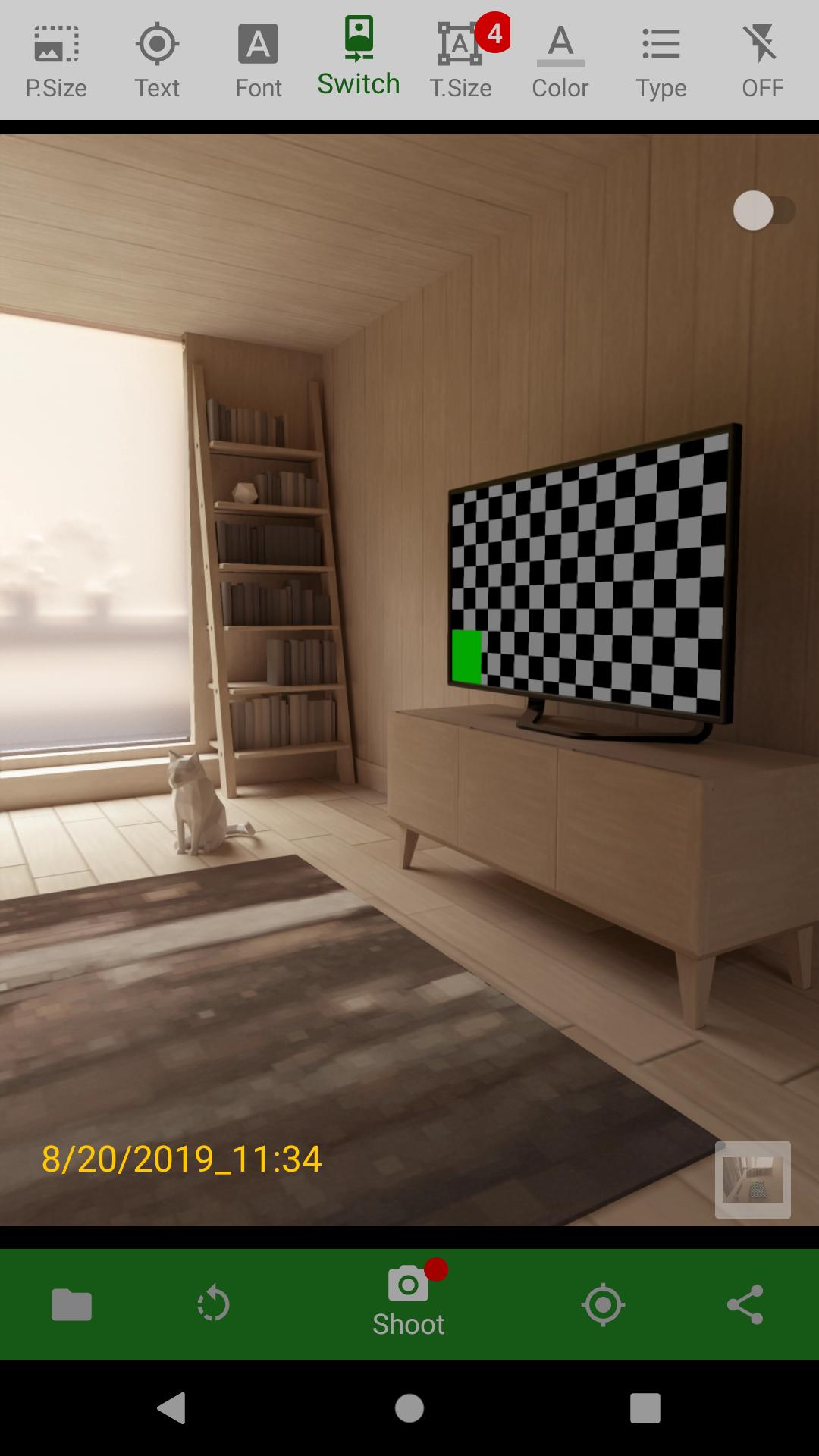
Never miss a moment with DateCamera (Auto Timestamp)! This essential camera app automatically adds a timestamp to your photos, perfect for documenting important events, business records, travel memories, or simply adding context to your everyday snapshots. Easily customize the date and time format, color, size, and orientation (horizontal or vertical) to match your preferences.
Searching for a "date camera"? Look no further! DateCamera offers precise and customizable date stamping, ensuring your photos are always accurately labeled. Capture memories with confidence, knowing the exact date and time are embedded directly onto the image.
Key Features:
* Automatic Date & Time Stamps: Effortlessly add timestamps to every photo. Choose from a variety of formats (YYYY/MM/DD, MM/DD/YYYY, custom, and more).
* Customizable Design: Personalize your timestamps with adjustable colors, sizes, and horizontal or vertical orientation.
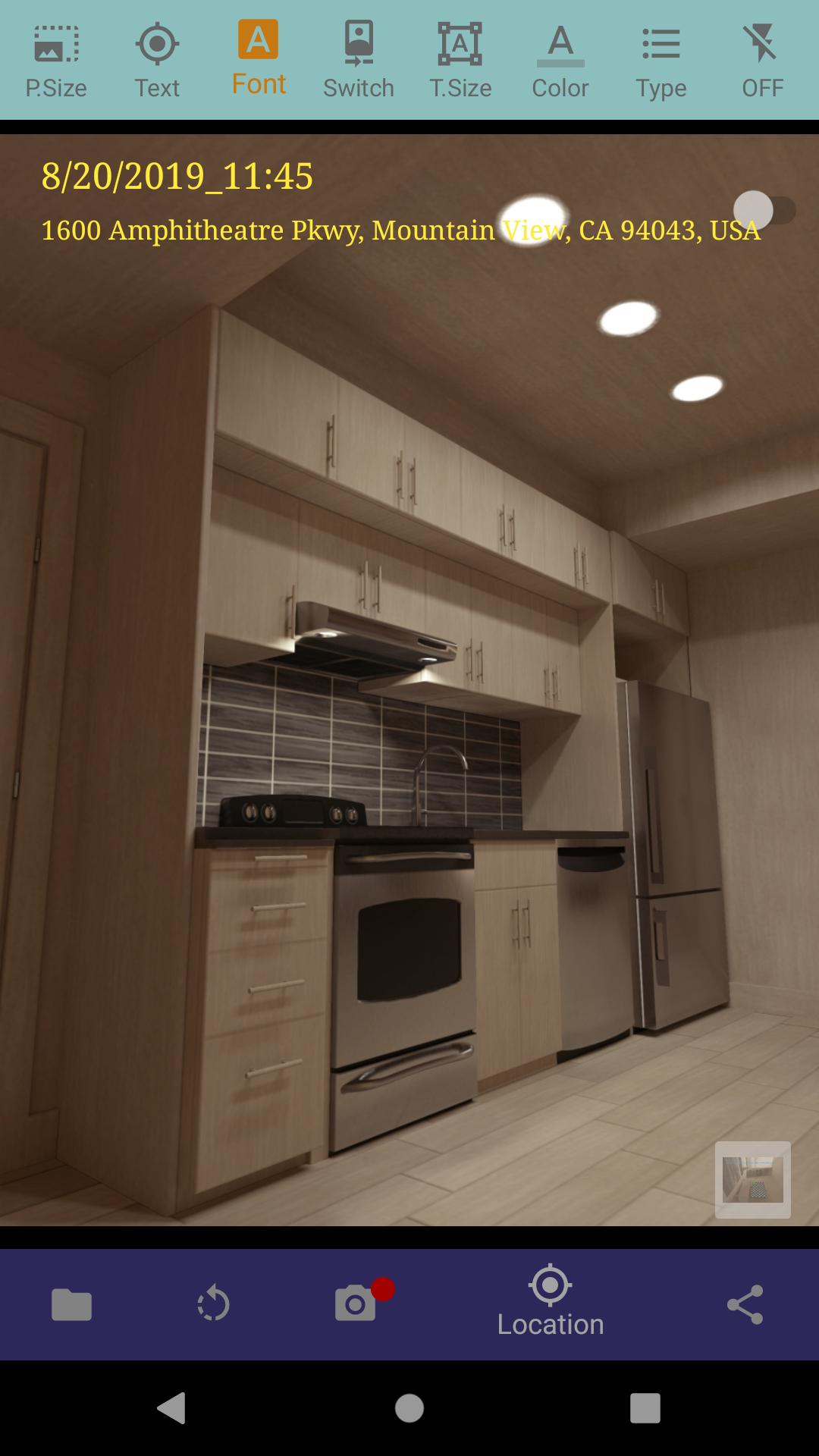
* Location Tagging (GPS): Automatically record the location where your photos were taken, ideal for travel and business use. Easily toggle location data on or off.
* Easy-to-Use Interface: Enjoy a simple and intuitive design for seamless photo capture and timestamp customization.
* Multiple Date/Time Formats: Select the format that best suits your needs, including 24-hour or 12-hour clock options.
* Various Photo Sizes: Optimize image size to manage storage space.
Ideal For:
* Business documentation and record keeping
* Legal and insurance purposes
* Travel photography and journaling
* Construction site progress tracking
* Real estate photography
* Everyday moments and memories
Important Notes:
* For Android 10 and above, photos are saved in /DCIM/DateCamera/.
* Requires camera and location permissions (optional).
* If you encounter issues, restarting your device may help.
Download DateCamera today and start adding valuable context to your photos! See our Privacy Policy for details on data usage: https://office110.info/policy_datecamera.html#policy_en
Avance
Etiquetas
FotografíaInformación
Desarrollador
Office110
La última versión
4.5.3
Última actualización
2025-01-19
Categoría
Fotografía
Disponible en
Google Play
Mostrar más
Cómo jugar DateCamera(Auto timestamp) con GameLoop en PC
1. Descargue GameLoop desde el sitio web oficial, luego ejecute el archivo exe para instalar GameLoop.
2. Abra GameLoop y busque "DateCamera(Auto timestamp)", busque DateCamera(Auto timestamp) en los resultados de búsqueda y haga clic en "Instalar".
3. Disfruta jugando DateCamera(Auto timestamp) en GameLoop.
Minimum requirements
OS
Windows 8.1 64-bit or Windows 10 64-bit
GPU
GTX 1050
CPU
i3-8300
Memory
8GB RAM
Storage
1GB available space
Recommended requirements
OS
Windows 8.1 64-bit or Windows 10 64-bit
GPU
GTX 1050
CPU
i3-9320
Memory
16GB RAM
Storage
1GB available space