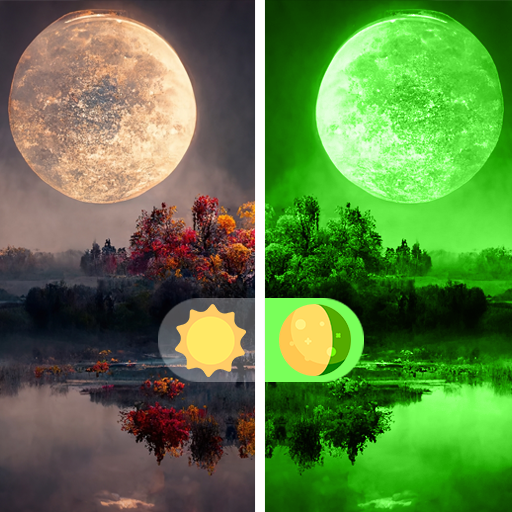
GreenLens: Night Vision Camera para PC
Universal Apps Center
Descarga GreenLens: Night Vision Camera en PC con GameLoop Emulator
GreenLens: Night Vision Camera en PC
GreenLens: Night Vision Camera, proveniente del desarrollador Universal Apps Center, se ejecuta en el sistema Android en el pasado.
Ahora, puedes jugar GreenLens: Night Vision Camera en PC con GameLoop sin problemas.
Descárgalo en la biblioteca de GameLoop o en los resultados de búsqueda. No más mirar la batería o llamadas frustrantes en el momento equivocado nunca más.
Simplemente disfrute de GreenLens: Night Vision Camera PC en la pantalla grande de forma gratuita!
GreenLens: Night Vision Camera Introducción
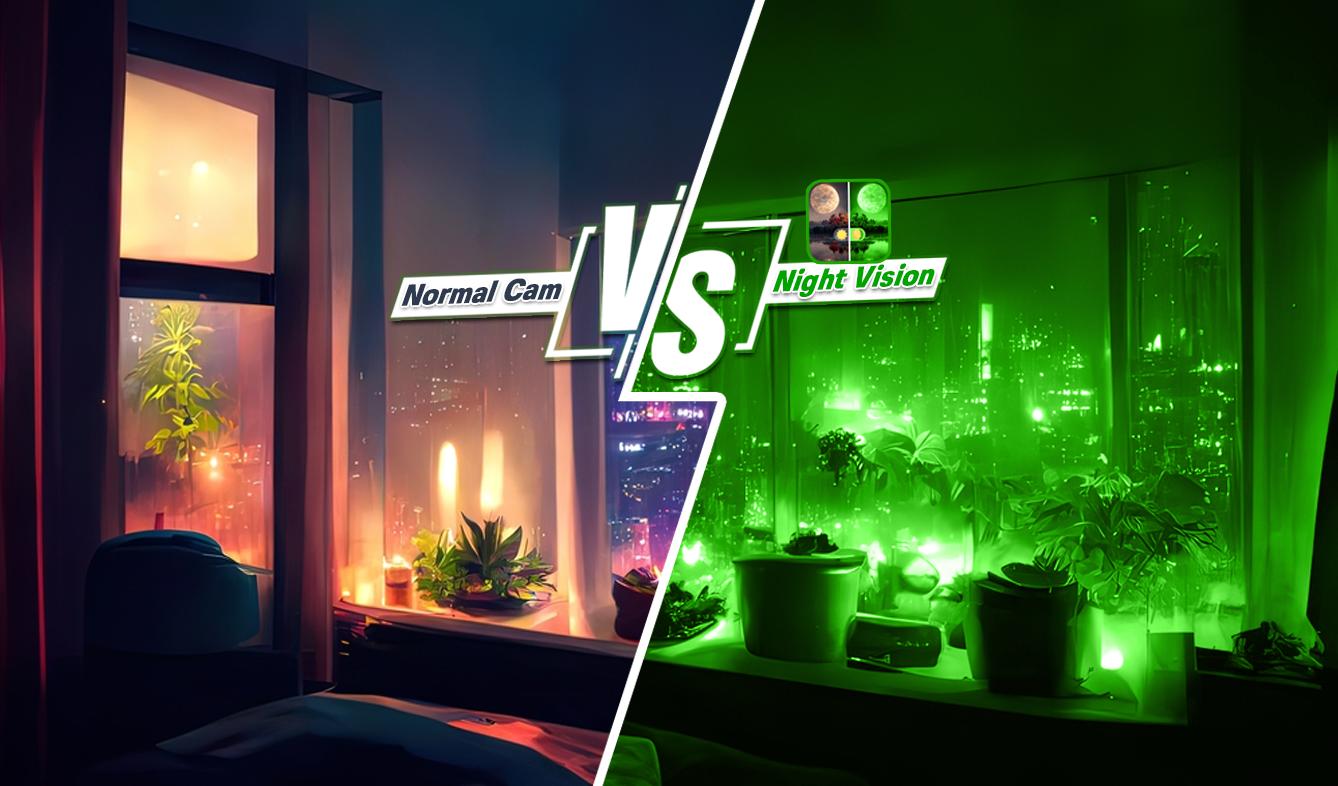
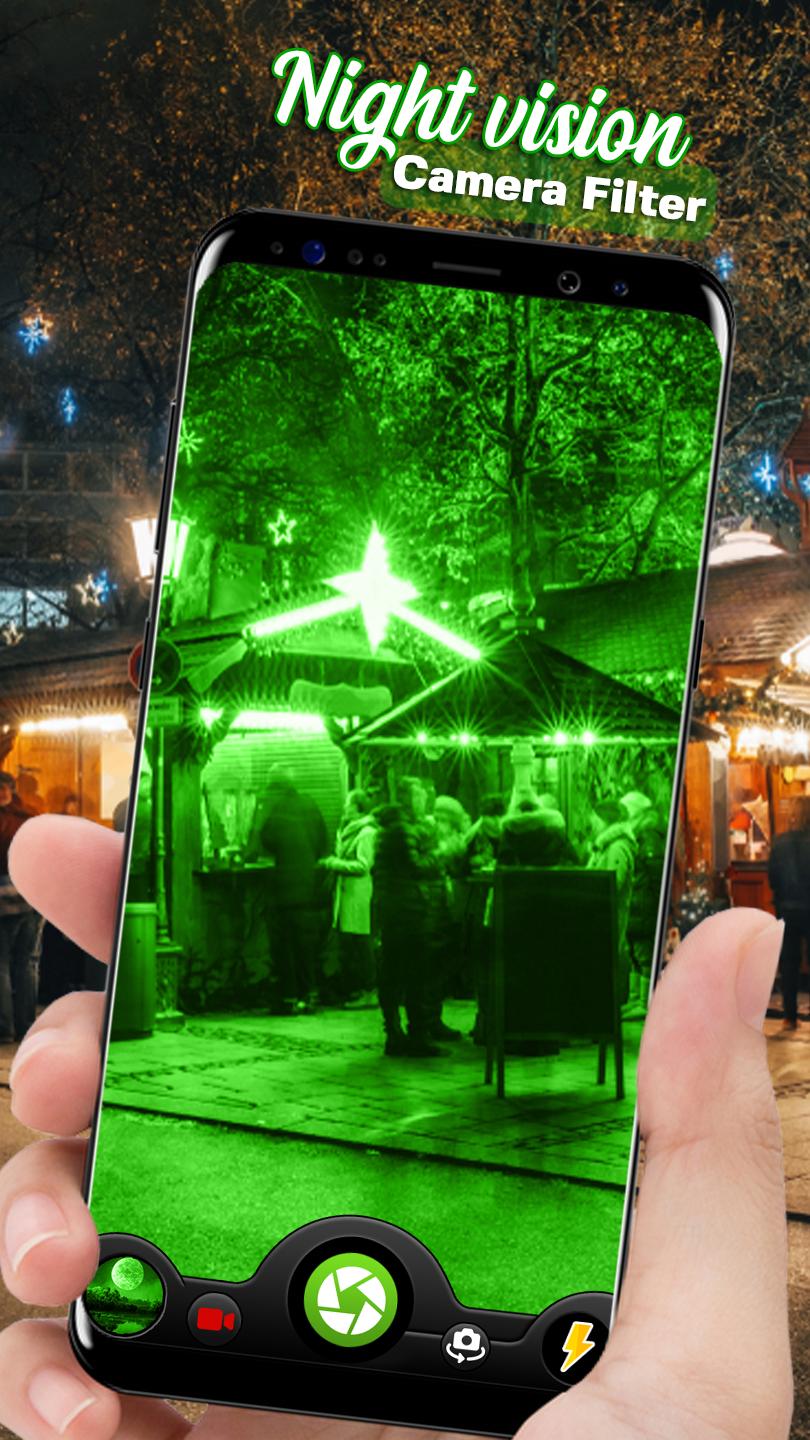
Night vision filter camera is an amazing app to capture your photos and videos on your phone's camera with green filter that gives a night vision look to your photos and videos.
If you want your photos or videos in night mode look just install this cool app and make your photos look like they are captured in night vision filter, just by applying night vision camera filter on them.
Night Mode filter Camera works without any delays and lags. During the photo capturing and video recording process you can switch camera to night filter or can use without night filter just with one click. This Night vision filter camera mode HD Photo & Video app applies a green color gradient to the video stream of your built-in camera based on the color intensity of image.
FEATURES:
• Easy to use
• Simple UI
• Light mode filter
• Night Mode filter
• Photo Camera
• HD Video Camera
• Flashlight
• Front and rear camera
• Share this photos and videos to your friends
* Please note that this is not a true night vision or thermal camera tool. The app functions within the potential and capacity of your phone and phone's camera.
Avance
Etiquetas
FotografíaInformación
Desarrollador
Universal Apps Center
La última versión
1.0
Última actualización
2023-03-02
Categoría
Fotografía
Disponible en
Google Play
Mostrar más
Cómo jugar GreenLens: Night Vision Camera con GameLoop en PC
1. Descargue GameLoop desde el sitio web oficial, luego ejecute el archivo exe para instalar GameLoop.
2. Abra GameLoop y busque "GreenLens: Night Vision Camera", busque GreenLens: Night Vision Camera en los resultados de búsqueda y haga clic en "Instalar".
3. Disfruta jugando GreenLens: Night Vision Camera en GameLoop.
Minimum requirements
OS
Windows 8.1 64-bit or Windows 10 64-bit
GPU
GTX 1050
CPU
i3-8300
Memory
8GB RAM
Storage
1GB available space
Recommended requirements
OS
Windows 8.1 64-bit or Windows 10 64-bit
GPU
GTX 1050
CPU
i3-9320
Memory
16GB RAM
Storage
1GB available space