
Black and White Camera App para PC
AppsForIG
Descarga Black and White Camera App en PC con GameLoop Emulator
Black and White Camera App en PC
Black and White Camera App, proveniente del desarrollador AppsForIG, se ejecuta en el sistema Android en el pasado.
Ahora, puedes jugar Black and White Camera App en PC con GameLoop sin problemas.
Descárgalo en la biblioteca de GameLoop o en los resultados de búsqueda. No más mirar la batería o llamadas frustrantes en el momento equivocado nunca más.
Simplemente disfrute de Black and White Camera App PC en la pantalla grande de forma gratuita!
Black and White Camera App Introducción
Black and White Camera App is designed for people who know that classic photos never go out of style. Although there is an abundance of camera filter apps out there, you tapped on this one, so go ahead and see what else this Black and White Camera App can do.
Enjoy taking photos
Turn photos into stunning pieces of classic art, this is the black and white photo editor that will give you the ability to customize every detail. From harsh shadows and soft vintage tones to classic photos, this powerful black and white photo editor will help you turn your photos into masterpieces.The simplicity of classic photography
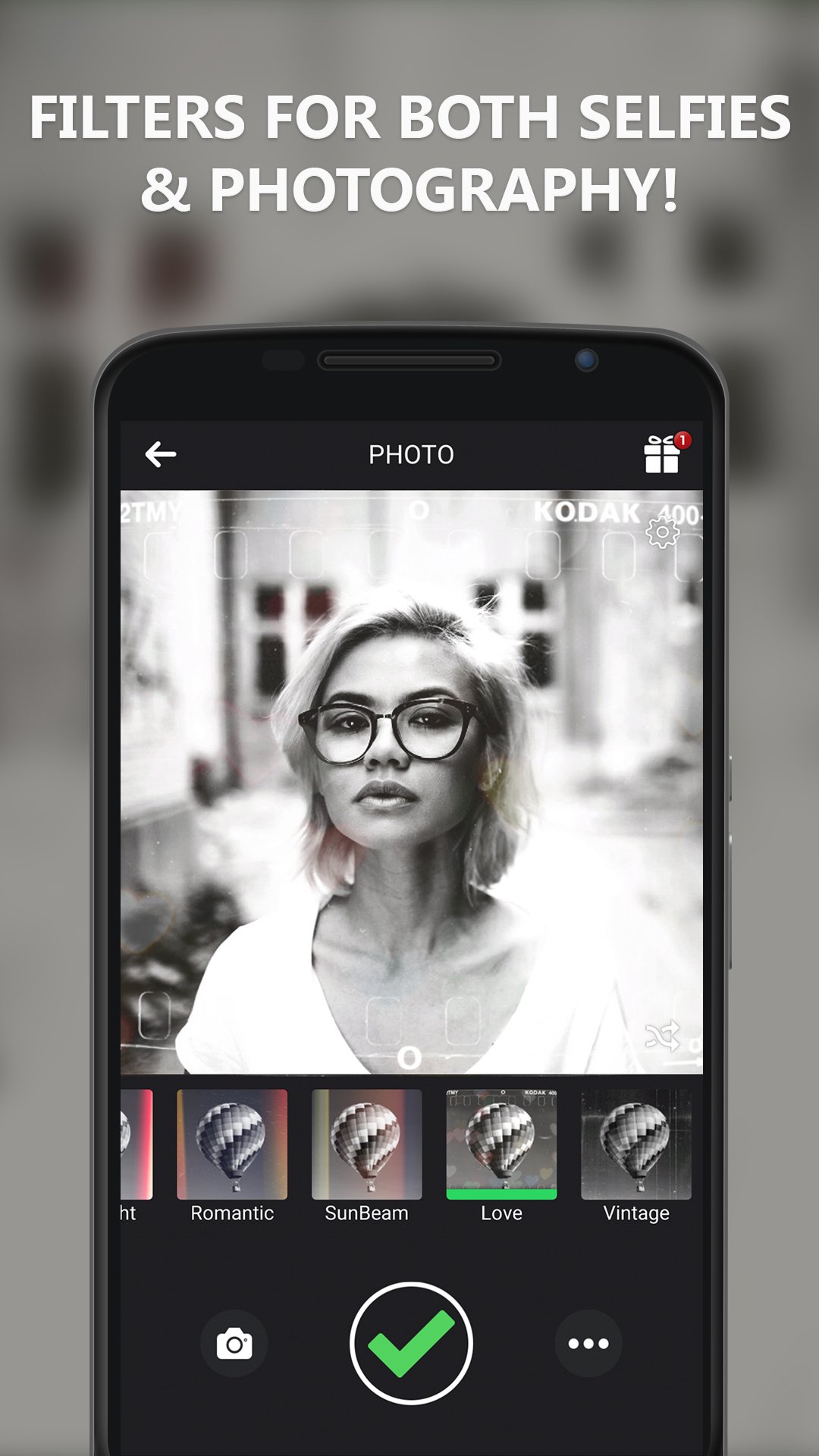
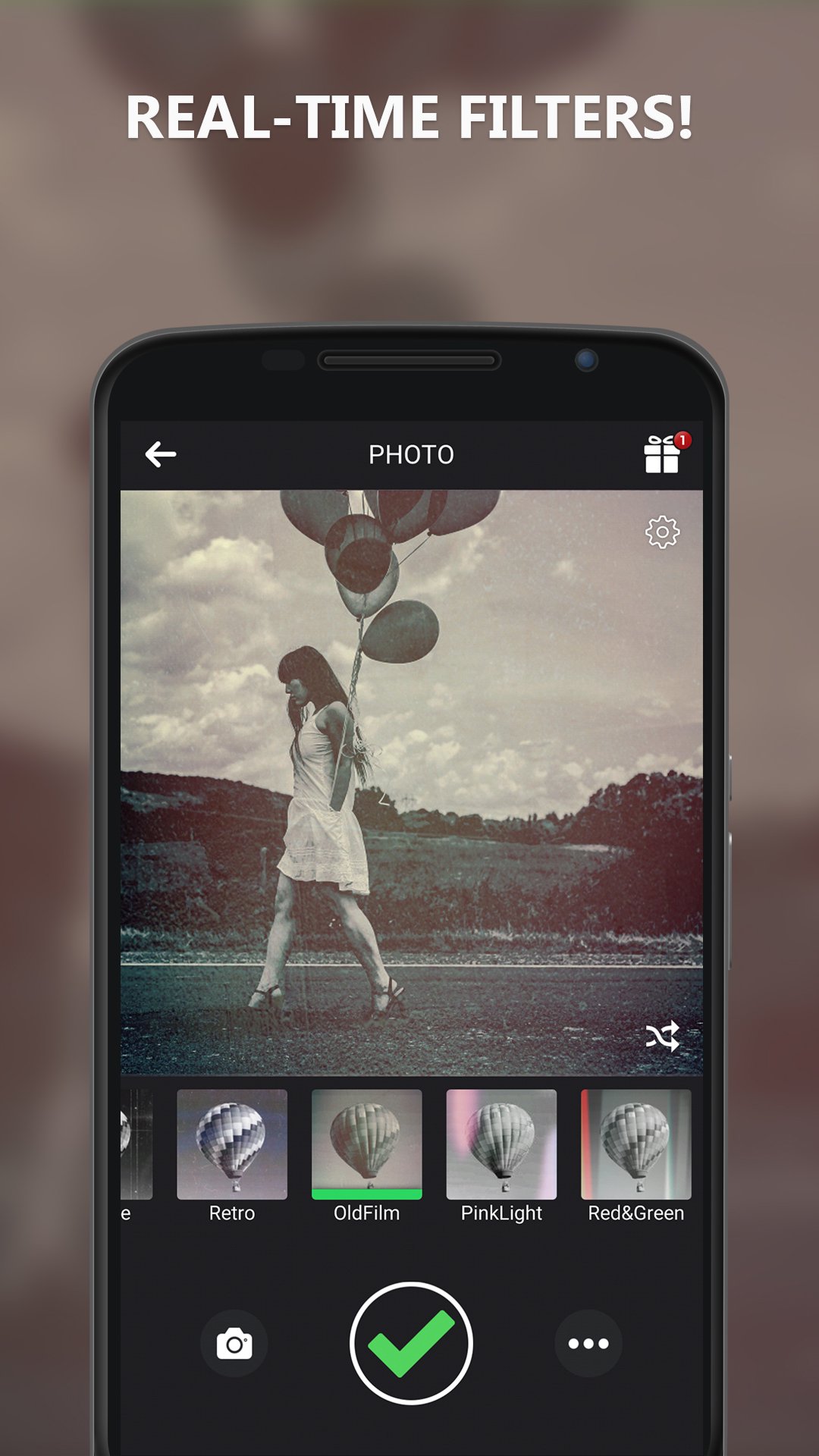
This black and white photo app has streamlined old school tools that you will actually enjoy using. The live filters enable you to see the results on the spot, making the Black and White Camera App great for preserving genuine photos in an art style. If you want to edit pictures that you’ve taken in the past, the built-in black and white pic editor can enhance details. From adding depth to photos to creating stark contrasts, this black and white pic editor can help you preserve specific colors in an image, add a vintage style, and add depth to your photos.Retro looks
If you appreciate photography, you will love the tools for the old effect camera. You can reproduce the effects of vintage film photography by creating grain, a subtle blur, or lighter tones. The app includes an adaptable black and white filter camera with a variety of tweaks that help create a sense of preciseness in every photograph. The photographs remain clear, outstanding, and elegantly expressive, regardless of whether you take the photographs in real time using the live black and white filter camera or edit them afterward.Are you looking for an effective and easy-to-use camera? The b/w camera mode is the answer because it gets rid of any complications and permits you to concentrate on the composition. This b/w camera mode is the best for casual pictures, portraits, and street photography. If you want to be a little more creative, switch to the b and w camera mode for more delicate contrasts and soft tones. Every photograph you take in every b and w camera setting will be transformed into an emotionally impactful picture that tells a story.
APP OVERVIEW:
📷 Over 40 adjustable effects
📷 Enable flash and timer settings
📷 Use either back camera or selfie camera
📷 Create and add relevant hashtags
The Black and White Camera App aims to cater to all levels of skill, from novice to expert. The ability to apply filters then mix and match with selective color overlays is a wonderful way to enhance your social media feed. The black and white photo editor is especially valuable with all of the custom effects available. Use the black and white photo app to give your photo a unique feel.
If exquisite minimalism is your vision, or you’re a fan of a stark difference between the photo layers, or you’re going for a retro photo theme, then the old effect camera and black and white filter camera will become your favorites. When fast and easy editing is the goal, the b/w camera and black and white pic editor will give you a great experience. The black and white photo app will be there to give you a valuable experience, whether you plan to develop your photo editing skills or just want to have a great time.
Download the Black and White Camera App right now
Experience one of the most versatile photo editors. Preserve priceless memories and edit them beautifully!Avance
Etiquetas
FotografíaInformación
Desarrollador
AppsForIG
La última versión
5.1.1
Última actualización
2025-12-01
Categoría
Fotografía
Disponible en
Google Play
Mostrar más
Cómo jugar Black and White Camera App con GameLoop en PC
1. Descargue GameLoop desde el sitio web oficial, luego ejecute el archivo exe para instalar GameLoop.
2. Abra GameLoop y busque "Black and White Camera App", busque Black and White Camera App en los resultados de búsqueda y haga clic en "Instalar".
3. Disfruta jugando Black and White Camera App en GameLoop.
Minimum requirements
OS
Windows 8.1 64-bit or Windows 10 64-bit
GPU
GTX 1050
CPU
i3-8300
Memory
8GB RAM
Storage
1GB available space
Recommended requirements
OS
Windows 8.1 64-bit or Windows 10 64-bit
GPU
GTX 1050
CPU
i3-9320
Memory
16GB RAM
Storage
1GB available space