
Colorize – Restore Old Photos para PC
Vertexshare Software Ltd
Descarga Colorize – Restore Old Photos en PC con GameLoop Emulator
Colorize – Restore Old Photos en PC
Colorize – Restore Old Photos, proveniente del desarrollador Vertexshare Software Ltd, se ejecuta en el sistema Android en el pasado.
Ahora, puedes jugar Colorize – Restore Old Photos en PC con GameLoop sin problemas.
Descárgalo en la biblioteca de GameLoop o en los resultados de búsqueda. No más mirar la batería o llamadas frustrantes en el momento equivocado nunca más.
Simplemente disfrute de Colorize – Restore Old Photos PC en la pantalla grande de forma gratuita!
Colorize – Restore Old Photos Introducción
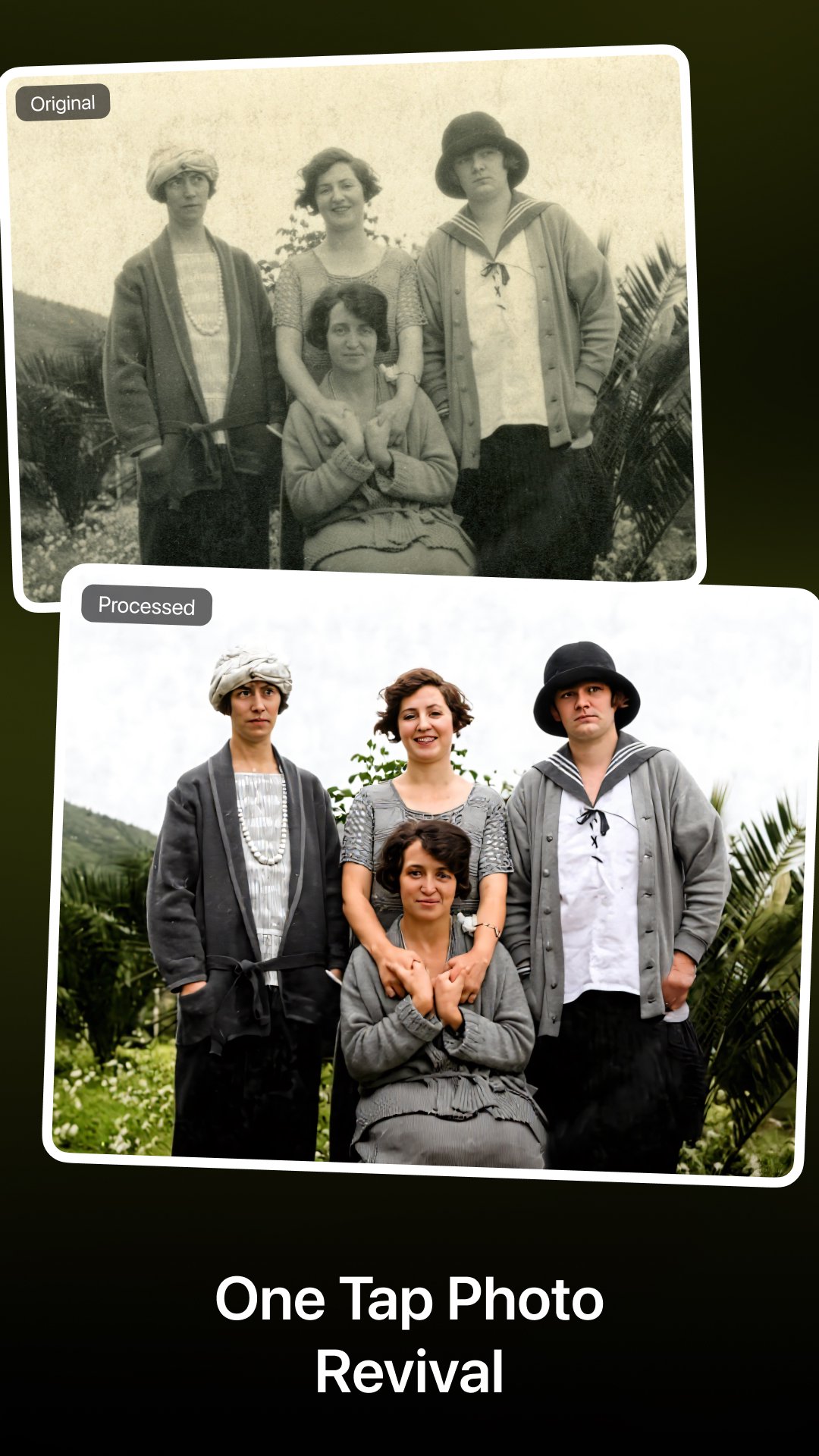
Bring old memories back to life with Colorize — an advanced AI-powered photo restoration app for Android.
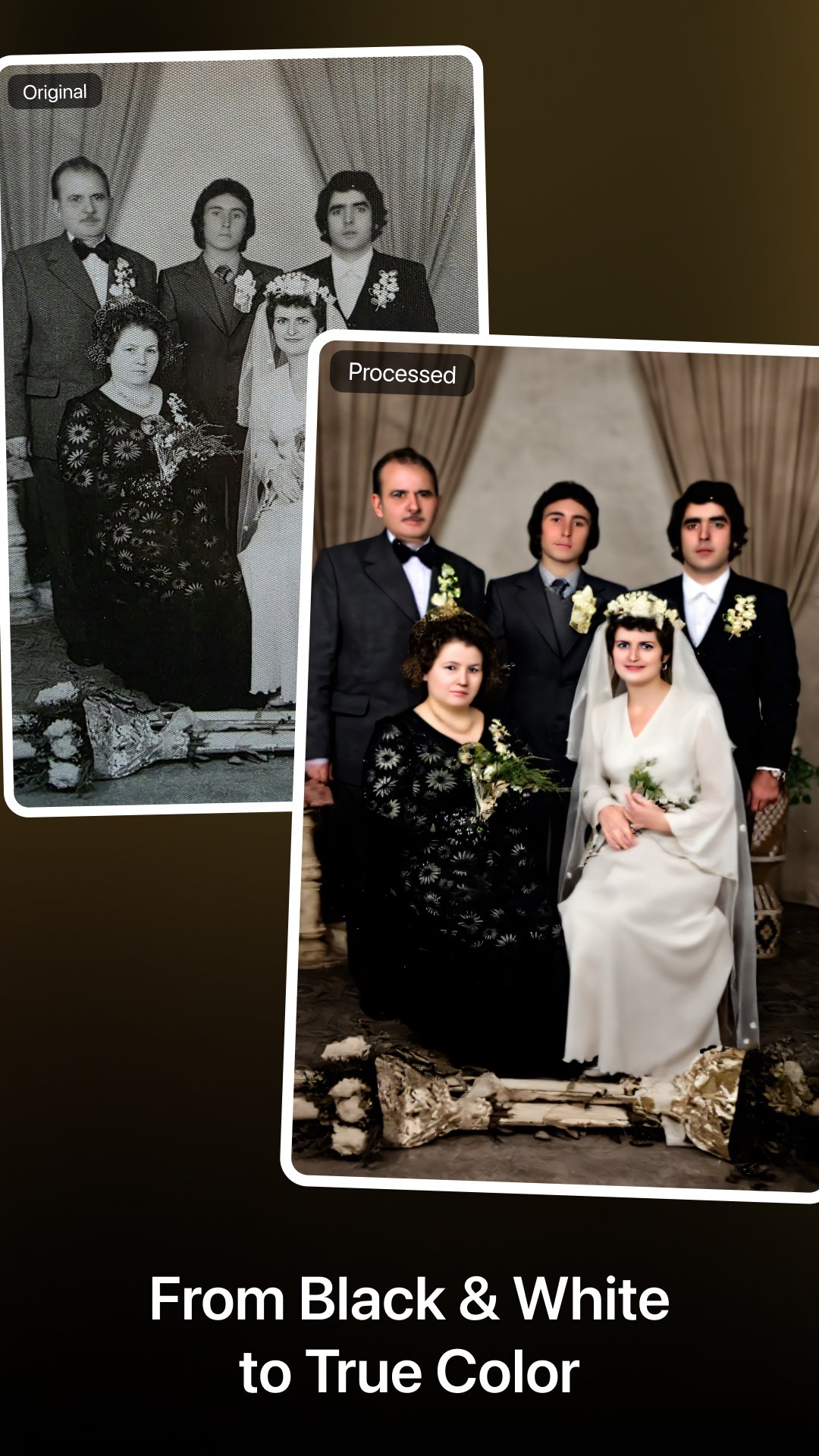
Colorize helps you colorize black-and-white photos, repair damaged images, enhance faces, and upscale low-resolution photos into clear, natural, and vivid results.
Restore family portraits, repair scratched photos, fix blurry faces, or enhance vintage photos — all in one tap.
What’s New
--------------------------------
Fully redesigned UI & rebuilt AI processing engine
New all-in-one AI workflow: colorize + repair + enhance in one step
New online 4× photo upscaling for high-resolution output
Improved privacy: cloud images auto-delete within 24 hours
Faster History preview & record management
Optimized performance, memory usage & stability.
Key Features
--------------------------------
AI Photo Colorization
Turn black-and-white photos into realistic, natural-looking color images.
Old Photo Repair (1-Step)
Automatically remove scratches, cracks, stains, noise, and photo damage.
Face & Portrait Enhancement
Sharpen facial details, restore clarity, and enhance portraits naturally.
Online 4× Photo Upscaling
Upscale photos locally on your device — fast, private, and no internet required.
Privacy Protection
Cloud-processed photos auto-delete within 24 hours.
Advanced AI Models
Trained on millions of vintage photos across people, landscapes, and historical eras.
How to Use
--------------------------------
Choose a photo to restore or colorize
Apply AI restoration (colorize + repair + enhance in one tap)
(Optional) Use online 4× upscaling
Save, share, or compare with the original
Who Is This App For?
--------------------------------
People digitizing old family albums
Users restoring blurred, damaged, or faded photos
Anyone looking for natural AI photo colorization
A powerful alternative to Remini, Photomyne & similar apps
Premium Plans
--------------------------------
Unlock unlimited access to all AI features:
Monthly: $6.99
Yearly: $19.99 (Best value)
Lifetime: $29.99 (One-time purchase)
For feature requests or support, contact:
Support@imagecolorizer.com
Links
--------------------------------
Website: https://imagecolorizer.com
Privacy Policy: https://imagecolorizer.com/privacy
Terms of Service: https://imagecolorizer.com/terms
Avance
Etiquetas
FotografíaInformación
Desarrollador
Vertexshare Software Ltd
La última versión
4.0.4
Última actualización
Yesterday
Categoría
Fotografía
Disponible en
Google Play
Mostrar más
Cómo jugar Colorize – Restore Old Photos con GameLoop en PC
1. Descargue GameLoop desde el sitio web oficial, luego ejecute el archivo exe para instalar GameLoop.
2. Abra GameLoop y busque "Colorize – Restore Old Photos", busque Colorize – Restore Old Photos en los resultados de búsqueda y haga clic en "Instalar".
3. Disfruta jugando Colorize – Restore Old Photos en GameLoop.
Minimum requirements
OS
Windows 8.1 64-bit or Windows 10 64-bit
GPU
GTX 1050
CPU
i3-8300
Memory
8GB RAM
Storage
1GB available space
Recommended requirements
OS
Windows 8.1 64-bit or Windows 10 64-bit
GPU
GTX 1050
CPU
i3-9320
Memory
16GB RAM
Storage
1GB available space