Auto Photo Stamper para PC
SFV Infotech
Descarga Auto Photo Stamper en PC con GameLoop Emulator
Auto Photo Stamper en PC
Auto Photo Stamper, proveniente del desarrollador SFV Infotech, se ejecuta en el sistema Android en el pasado.
Ahora, puedes jugar Auto Photo Stamper en PC con GameLoop sin problemas.
Descárgalo en la biblioteca de GameLoop o en los resultados de búsqueda. No más mirar la batería o llamadas frustrantes en el momento equivocado nunca más.
Simplemente disfrute de Auto Photo Stamper PC en la pantalla grande de forma gratuita!
Auto Photo Stamper Introducción
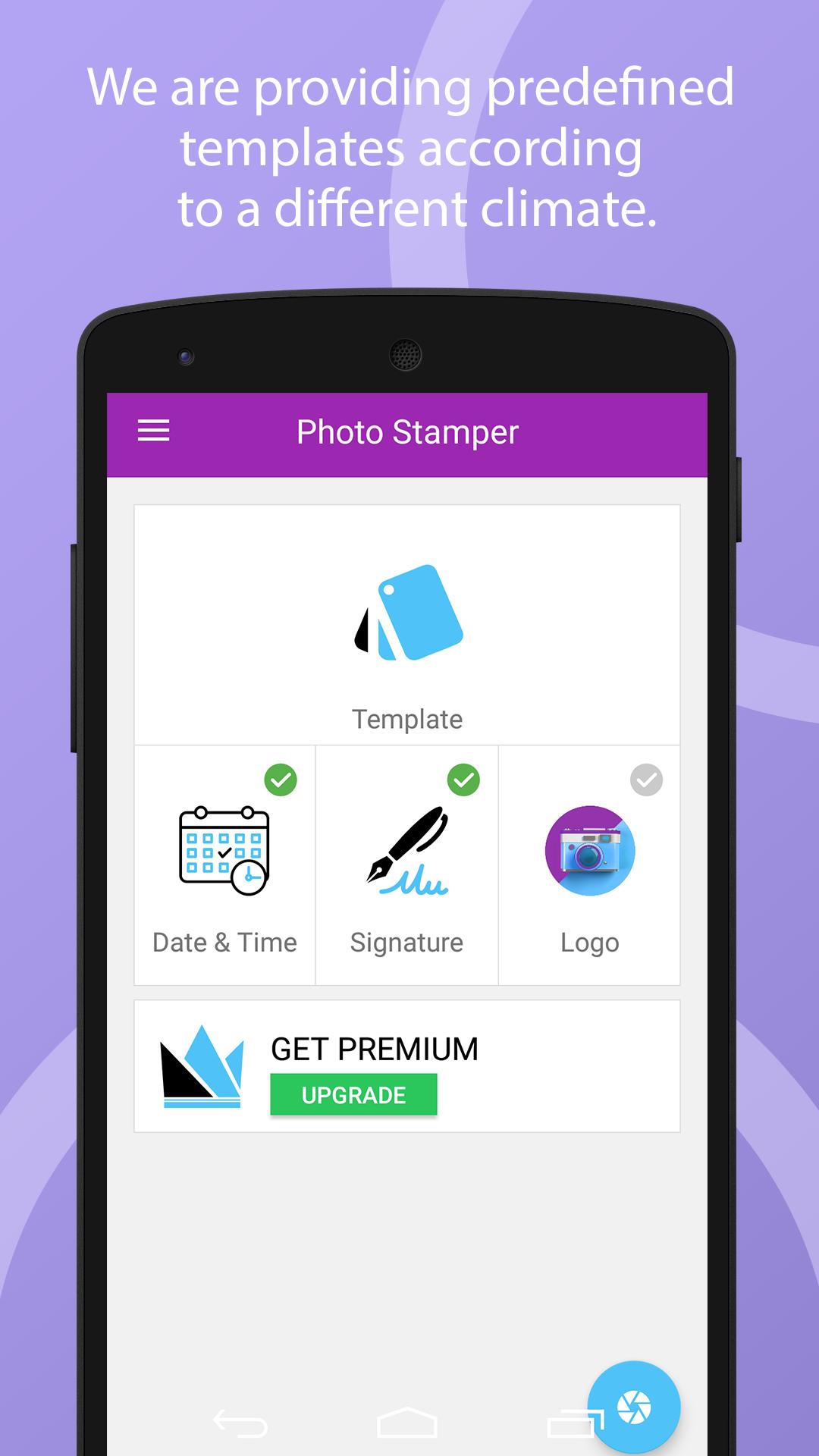
Photo Stamper app helps you to add Date & Time, Signature and Logo to your camera images with providing a hassle-free environment.
Date & Time
• You can add Date & Time with customization of the following parameter.
• You can customize Date & Time formats.
• You can show either Date or Time also.
• You can customize font size depending on your requirements.
• You can change font style with the use of predefined font style list.
• You can change the position as per your requirement.
• You can change the Date & Time colour as per your current climate.
Signature
• You can add Signature with customization of the following parameter.
• You can manually input signature text.
• You can customize the signature font size depending on your requirements.
• You can change the signature font style with the use of a predefined font style list.
• You can change the signature position as per your requirement.
• you can change the signature colour as per your current climate.
Logo
• You can add Logo with customization of the following parameter.
• You can manually set the logo from your gallery.
• Cropping is also provided if you need to crop the gallery image for the logo.
• You can change the logo position as per your requirement.
• You can change the logo size as per your requirement.
Template (Themes)
• In Template, We are providing predefined templates according to a different climate.
• The predefined template climates are listed below.
Snowfalls View,
Beaches View,
Greenery View,
Sunset View,
Night View,
Mountain View,
Sea View etc.
• you can easily change the template with one click as per your climate.
Avance
Etiquetas
FotografíaInformación
Desarrollador
SFV Infotech
La última versión
1.5
Última actualización
2019-09-07
Categoría
Fotografía
Disponible en
Google Play
Mostrar más
Cómo jugar Auto Photo Stamper con GameLoop en PC
1. Descargue GameLoop desde el sitio web oficial, luego ejecute el archivo exe para instalar GameLoop.
2. Abra GameLoop y busque "Auto Photo Stamper", busque Auto Photo Stamper en los resultados de búsqueda y haga clic en "Instalar".
3. Disfruta jugando Auto Photo Stamper en GameLoop.
Minimum requirements
OS
Windows 8.1 64-bit or Windows 10 64-bit
GPU
GTX 1050
CPU
i3-8300
Memory
8GB RAM
Storage
1GB available space
Recommended requirements
OS
Windows 8.1 64-bit or Windows 10 64-bit
GPU
GTX 1050
CPU
i3-9320
Memory
16GB RAM
Storage
1GB available space