
ArtMovie - ProMovie Recorder para PC
vertex2d
Descarga ArtMovie - ProMovie Recorder en PC con GameLoop Emulator
ArtMovie - ProMovie Recorder en PC
ArtMovie - ProMovie Recorder, proveniente del desarrollador vertex2d, se ejecuta en el sistema Android en el pasado.
Ahora, puedes jugar ArtMovie - ProMovie Recorder en PC con GameLoop sin problemas.
Descárgalo en la biblioteca de GameLoop o en los resultados de búsqueda. No más mirar la batería o llamadas frustrantes en el momento equivocado nunca más.
Simplemente disfrute de ArtMovie - ProMovie Recorder PC en la pantalla grande de forma gratuita!
ArtMovie - ProMovie Recorder Introducción
ArtMovie brings the filmmaking experience of professional cinema cameras to your mobile devices.
Take advantage of your device's recording capabilities to record professional-quality video.
Whether you are a vlogger, commercial director, or a well-established filmmaker, you will benefit from the app's professional features, including:
• Support 4K video recording
• Support 1080p video recording
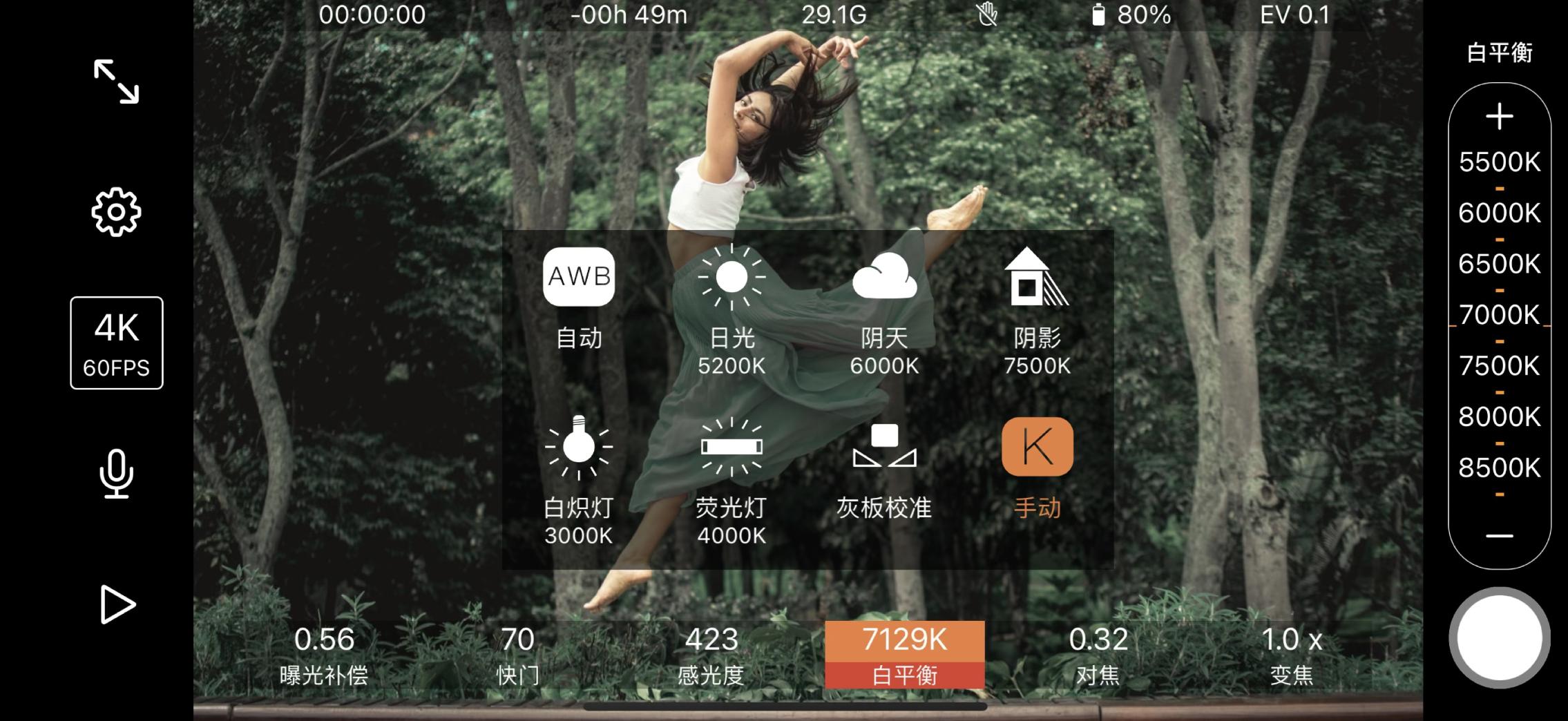
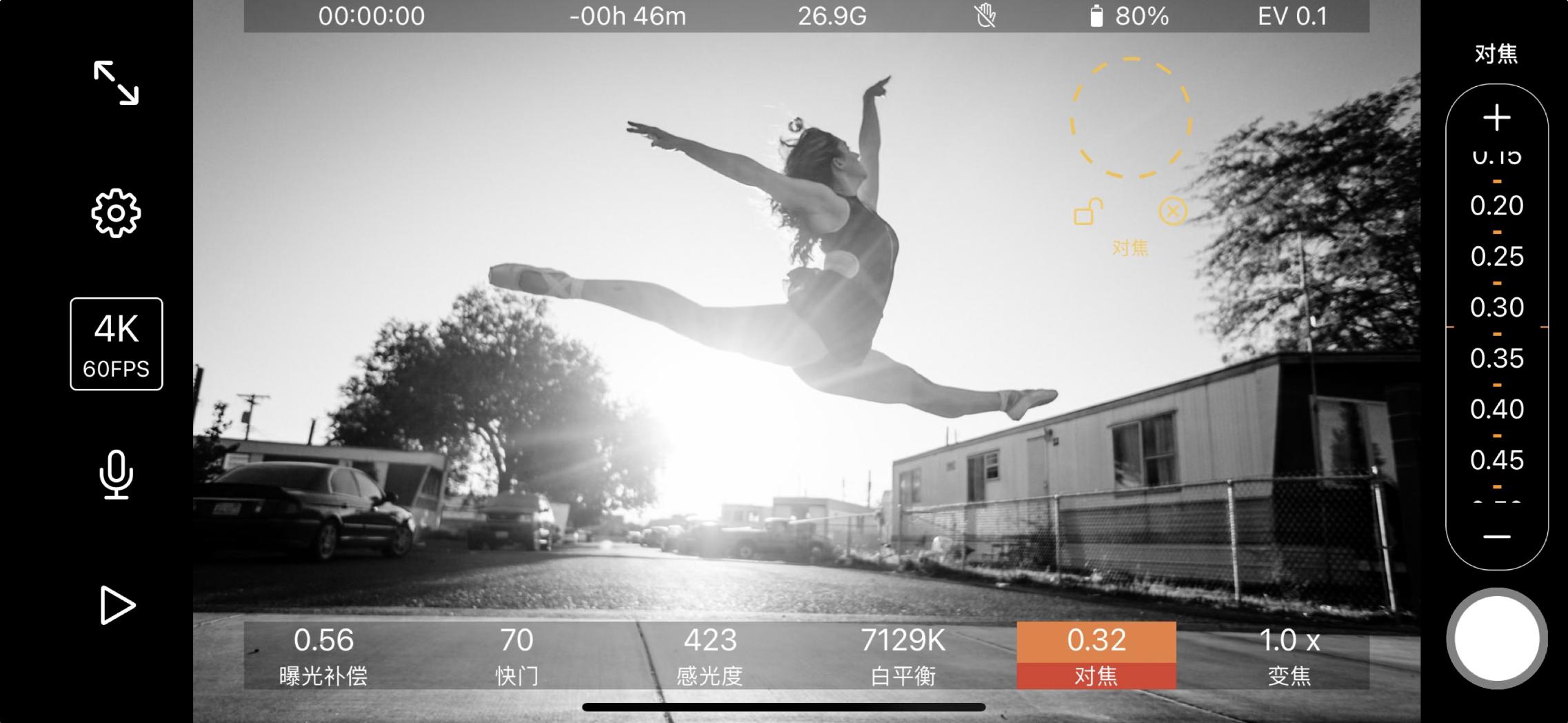
• Manual control of exposure, shutter, sensitivity, focus and white balance
• High-definition video capture with encoding rates up to 160 Mbps
• Switch between ultra-wide, wide and telephoto lenses
Camera Controls:
• Separate "Metering Point" and "Focus Point"
• Exposure compensation
• Manual Control/Lock:
- Shutter Speed / Sensitivity (ISO)
- Color temperature
- focus
• Preset white balance
• White balance calibration
Convenient video storage and management features:
• Support to save recorded video to photo library
• Support to browse, play, share, delete, and save videos in the app
• Support super high resolution video compression, and export and save to mobile phone album
Avance
Etiquetas
FotografíaInformación
Desarrollador
vertex2d
La última versión
1.1.1
Última actualización
2023-01-22
Categoría
Fotografía
Disponible en
Google Play
Mostrar más
Cómo jugar ArtMovie - ProMovie Recorder con GameLoop en PC
1. Descargue GameLoop desde el sitio web oficial, luego ejecute el archivo exe para instalar GameLoop.
2. Abra GameLoop y busque "ArtMovie - ProMovie Recorder", busque ArtMovie - ProMovie Recorder en los resultados de búsqueda y haga clic en "Instalar".
3. Disfruta jugando ArtMovie - ProMovie Recorder en GameLoop.
Minimum requirements
OS
Windows 8.1 64-bit or Windows 10 64-bit
GPU
GTX 1050
CPU
i3-8300
Memory
8GB RAM
Storage
1GB available space
Recommended requirements
OS
Windows 8.1 64-bit or Windows 10 64-bit
GPU
GTX 1050
CPU
i3-9320
Memory
16GB RAM
Storage
1GB available space