
3D Stereo Photo Viewer para PC
Tekla Inc.
Descarga 3D Stereo Photo Viewer en PC con GameLoop Emulator
3D Stereo Photo Viewer en PC
3D Stereo Photo Viewer, proveniente del desarrollador Tekla Inc., se ejecuta en el sistema Android en el pasado.
Ahora, puedes jugar 3D Stereo Photo Viewer en PC con GameLoop sin problemas.
Descárgalo en la biblioteca de GameLoop o en los resultados de búsqueda. No más mirar la batería o llamadas frustrantes en el momento equivocado nunca más.
Simplemente disfrute de 3D Stereo Photo Viewer PC en la pantalla grande de forma gratuita!
3D Stereo Photo Viewer Introducción
Now support RoKit phones and 3D TVs using Settings - Display Attributes!
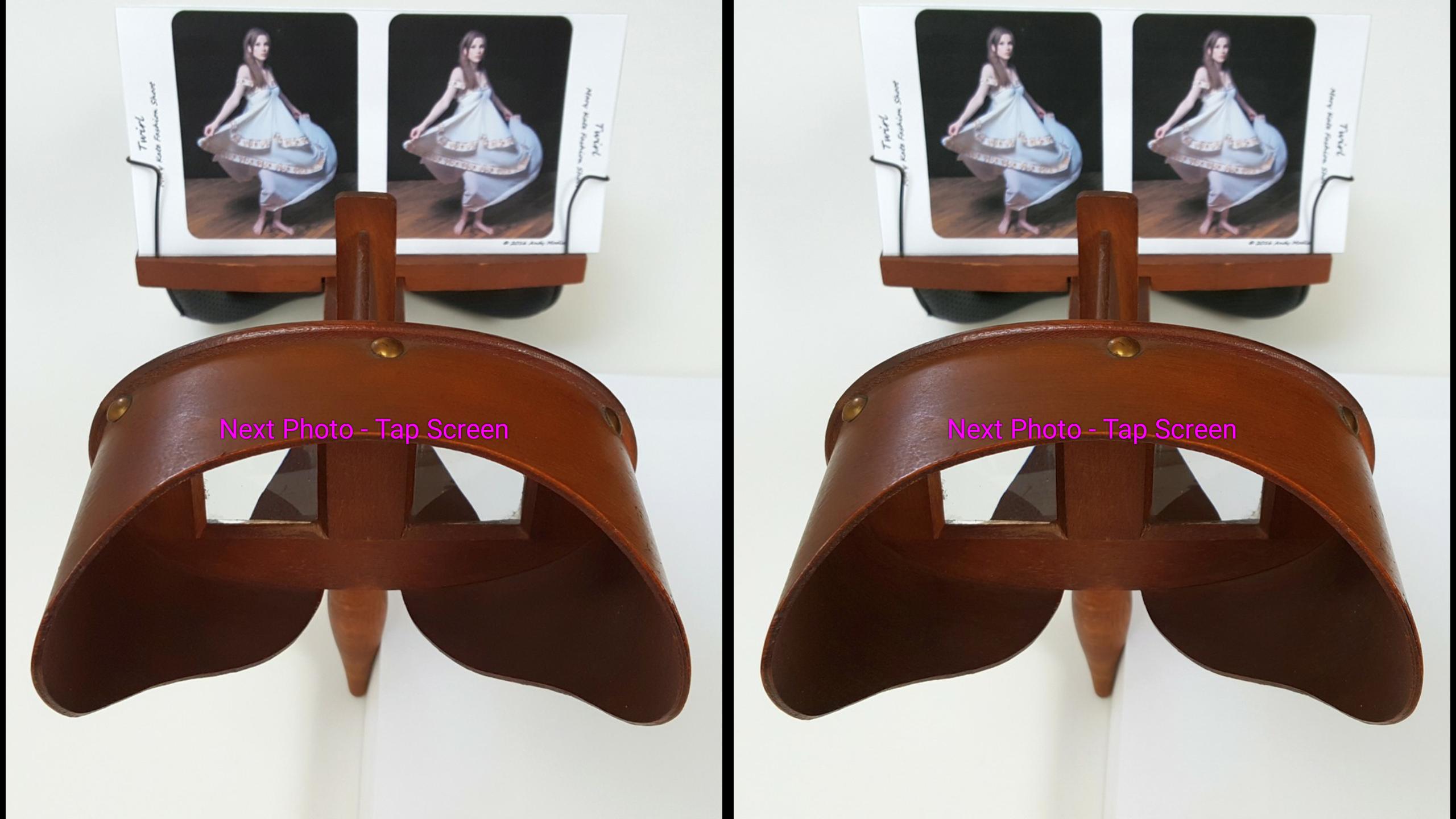
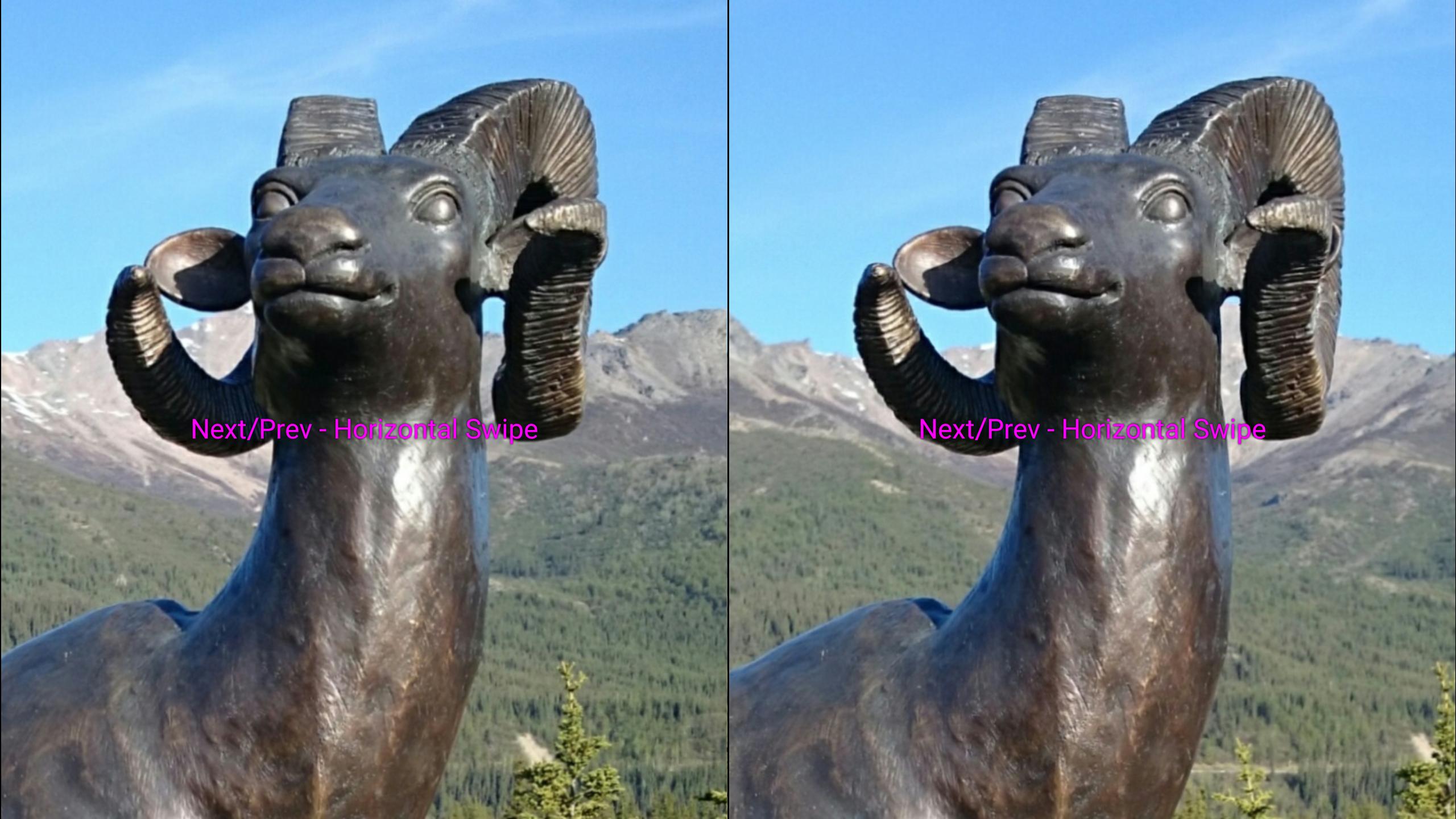
Use this app to quickly and easily view, with a stereoscope, your 3D stereo photo portfolios stored on your phone or on the Web. And you can view your 2D (monocular) photo folders and portfolios too.
The 3D Stereo Photo Viewer displays side-by-side (stereoscopic parallel) photos stored on your phone or embedded in many Web page photo galleries. You locate Web galleries using a QR code URL link or from a clipboard URL link via the menu or Settings option. The app can use QR code URL links to reference web pages embedded with photos you want to see using this app.
The app supports the stereo file formats MPO and JPS in addition to parallel (side-by-side) left/right JPG, PNG files, and individual left/right files.
You can capture stereo photos using a Camera Cha-Cha technique function launched from the menu, or volume up button. Use "Open Camera Remote" app because it has a volume up and screen tap feature to take a photo, among other helpful configurable options. https://play.google.com/store/apps/details?d=net.sourceforge.opencameraremote&hl=en
The app displays stereo photos intended for viewing with a smartphone stereoscope, such as a Lorgnette stereoscope or the Cyclopital3d View-Vaster stereoscope.
When the distance between the left and right eye image on your phone, center to center, nearly matches the distance between your eyes, it may be possible for you to "free view" the photo to see it in 3D stereo without a stereoscope or other viewer. To learn more about the free viewing technique, do a Google search "how to free view stereo (3d) images". DO NOT free view or use this app, if it gives you eye strain or discomfort.
To view 3D photos with a Google Cardboard VR viewer, Please see https://play.google.com/store/apps/details?id=com.andymodla.apps.vrstereophotoviewer
The 3D/VR version has 360 degree 3D panorama viewing and 180/360 swivel chair modes with zoom.
For help and a full feature list, including remote key controller options, please see my user guide at http://www.tekla3d.com/3d-stereo-photo-viewer-user-guide.html
Avance
Etiquetas
FotografíaInformación
Desarrollador
Tekla Inc.
La última versión
3.3.9
Última actualización
2021-08-26
Categoría
Fotografía
Disponible en
Google Play
Mostrar más
Cómo jugar 3D Stereo Photo Viewer con GameLoop en PC
1. Descargue GameLoop desde el sitio web oficial, luego ejecute el archivo exe para instalar GameLoop.
2. Abra GameLoop y busque "3D Stereo Photo Viewer", busque 3D Stereo Photo Viewer en los resultados de búsqueda y haga clic en "Instalar".
3. Disfruta jugando 3D Stereo Photo Viewer en GameLoop.
Minimum requirements
OS
Windows 8.1 64-bit or Windows 10 64-bit
GPU
GTX 1050
CPU
i3-8300
Memory
8GB RAM
Storage
1GB available space
Recommended requirements
OS
Windows 8.1 64-bit or Windows 10 64-bit
GPU
GTX 1050
CPU
i3-9320
Memory
16GB RAM
Storage
1GB available space