Widget Bluetooth para PC
GreenLog
Descarga Widget Bluetooth en PC con GameLoop Emulator
Widget Bluetooth en PC
Widget Bluetooth, proveniente del desarrollador GreenLog, se ejecuta en el sistema Android en el pasado.
Ahora, puedes jugar Widget Bluetooth en PC con GameLoop sin problemas.
Descárgalo en la biblioteca de GameLoop o en los resultados de búsqueda. No más mirar la batería o llamadas frustrantes en el momento equivocado nunca más.
Simplemente disfrute de Widget Bluetooth PC en la pantalla grande de forma gratuita!
Widget Bluetooth Introducción
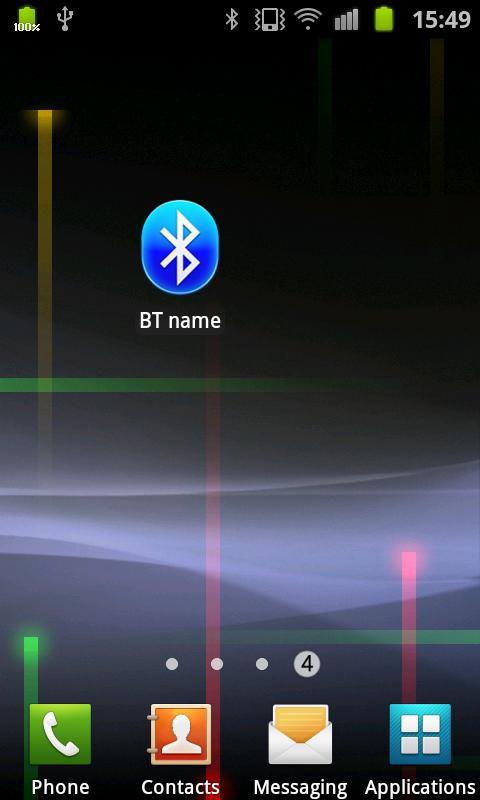
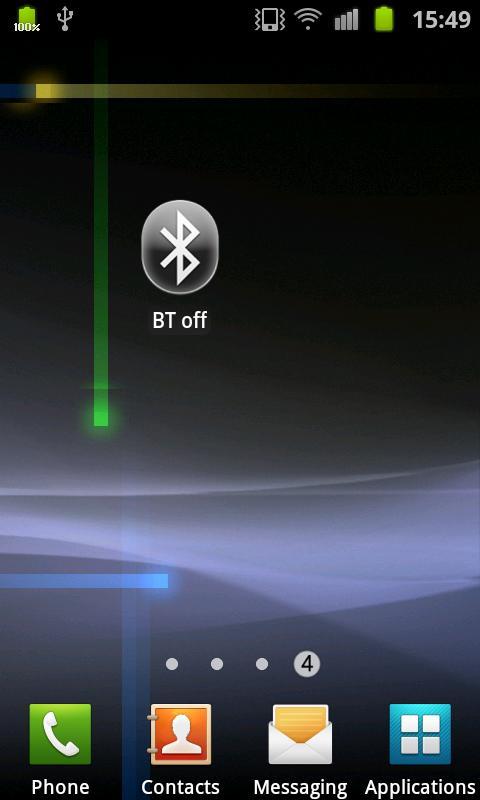
This is simple widget for your home screen which allow you to control Bluetooth.
Absolutely ADs-free.
Widget will show:
-state of Bluetooth module - on/off/switching
-your device name
Widget controls:
-single tap - turning on / turning off
-double tab - opens system Bluetooth settings
This widget is part of GreenLogger widget collection. Check screenshots. New widgets will be published soon. See they in our market developer profile: click on "more by greenlog" below.
All widget by GreenLogger are:
-small size
-don't create items in main menu
-low consumption of resources
-easy control and informative
Avance
Información
Desarrollador
GreenLog
La última versión
1.0
Última actualización
2012-03-02
Categoría
Personalización
Disponible en
Google Play
Mostrar más
Cómo jugar Widget Bluetooth con GameLoop en PC
1. Descargue GameLoop desde el sitio web oficial, luego ejecute el archivo exe para instalar GameLoop.
2. Abra GameLoop y busque "Widget Bluetooth", busque Widget Bluetooth en los resultados de búsqueda y haga clic en "Instalar".
3. Disfruta jugando Widget Bluetooth en GameLoop.
Minimum requirements
OS
Windows 8.1 64-bit or Windows 10 64-bit
GPU
GTX 1050
CPU
i3-8300
Memory
8GB RAM
Storage
1GB available space
Recommended requirements
OS
Windows 8.1 64-bit or Windows 10 64-bit
GPU
GTX 1050
CPU
i3-9320
Memory
16GB RAM
Storage
1GB available space