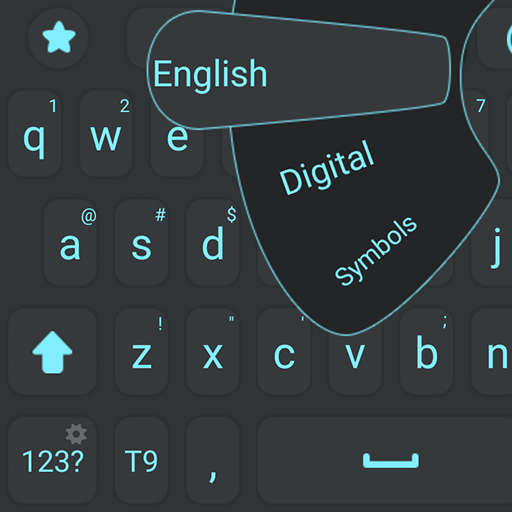
Voice Keyboard para PC
Digital Awesome Themes
Descarga Voice Keyboard en PC con GameLoop Emulator
Voice Keyboard en PC
Voice Keyboard, proveniente del desarrollador Digital Awesome Themes, se ejecuta en el sistema Android en el pasado.
Ahora, puedes jugar Voice Keyboard en PC con GameLoop sin problemas.
Descárgalo en la biblioteca de GameLoop o en los resultados de búsqueda. No más mirar la batería o llamadas frustrantes en el momento equivocado nunca más.
Simplemente disfrute de Voice Keyboard PC en la pantalla grande de forma gratuita!
Voice Keyboard Introducción
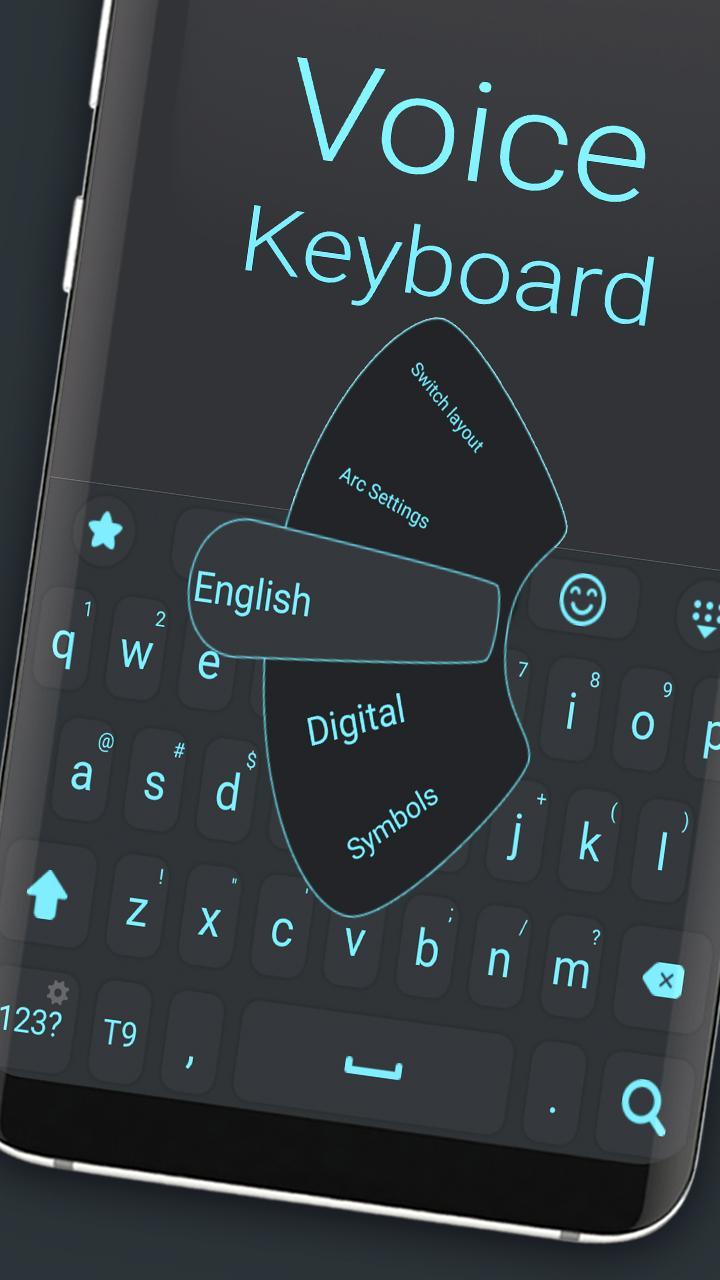
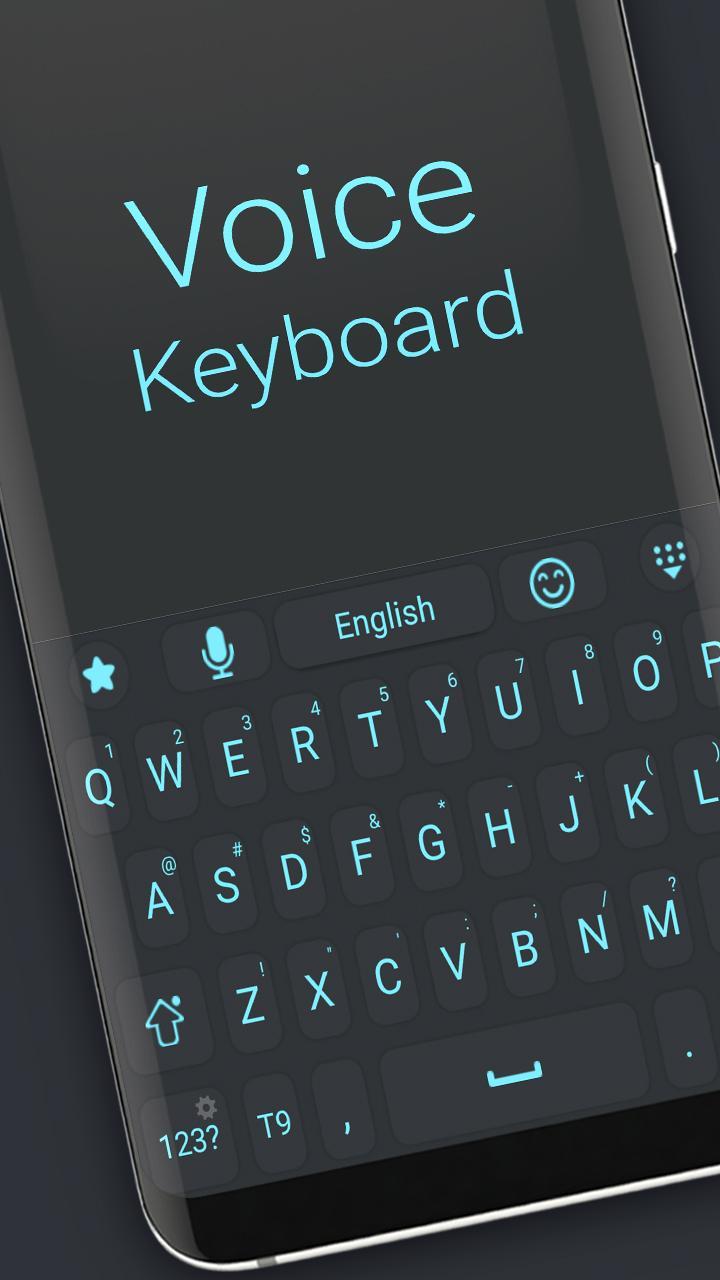
Voice Keyboard – Speak Naturally, Type Effortlessly
Say goodbye to typing struggles and hello to seamless communication with Voice Keyboard! This innovative keyboard lets you convert your voice into text instantly, making messaging, emailing, and note-taking faster and easier than ever before.
Whether you’re on the go, multitasking, or just want to type hands-free, Voice Keyboard delivers highly accurate voice recognition powered by advanced speech-to-text technology. Enjoy clear and natural dictation with punctuation and formatting support.
Why choose Voice Keyboard?
🎤 Fast, accurate voice-to-text conversion with minimal errors
🌐 Supports multiple languages and accents for global users
📝 Edit, delete, or manually type within the same keyboard
🔊 Voice commands for punctuation and formatting
🔒 Privacy-focused design ensures your data stays secure
🌟 Lightweight and easy to use with a sleek, user-friendly interface
Boost your productivity and communicate faster than ever. Try Voice Keyboard today and experience the future of typing!
Avance
Etiquetas
PersonalizaciónInformación
Desarrollador
Digital Awesome Themes
La última versión
3.0.1
Última actualización
2025-06-11
Categoría
Personalización
Disponible en
Google Play
Mostrar más
Cómo jugar Voice Keyboard con GameLoop en PC
1. Descargue GameLoop desde el sitio web oficial, luego ejecute el archivo exe para instalar GameLoop.
2. Abra GameLoop y busque "Voice Keyboard", busque Voice Keyboard en los resultados de búsqueda y haga clic en "Instalar".
3. Disfruta jugando Voice Keyboard en GameLoop.
Minimum requirements
OS
Windows 8.1 64-bit or Windows 10 64-bit
GPU
GTX 1050
CPU
i3-8300
Memory
8GB RAM
Storage
1GB available space
Recommended requirements
OS
Windows 8.1 64-bit or Windows 10 64-bit
GPU
GTX 1050
CPU
i3-9320
Memory
16GB RAM
Storage
1GB available space