TIMEFLIK Watch Faces para PC
TIMEFLIK (ex MR TIME)
Descarga TIMEFLIK Watch Faces en PC con GameLoop Emulator
TIMEFLIK Watch Faces en PC
TIMEFLIK Watch Faces, proveniente del desarrollador TIMEFLIK (ex MR TIME), se ejecuta en el sistema Android en el pasado.
Ahora, puedes jugar TIMEFLIK Watch Faces en PC con GameLoop sin problemas.
Descárgalo en la biblioteca de GameLoop o en los resultados de búsqueda. No más mirar la batería o llamadas frustrantes en el momento equivocado nunca más.
Simplemente disfrute de TIMEFLIK Watch Faces PC en la pantalla grande de forma gratuita!
TIMEFLIK Watch Faces Introducción
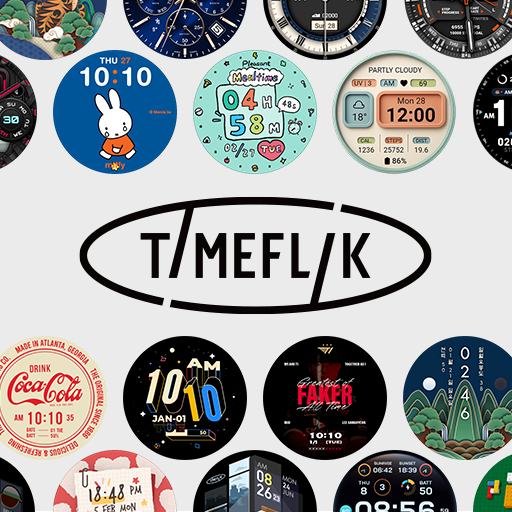
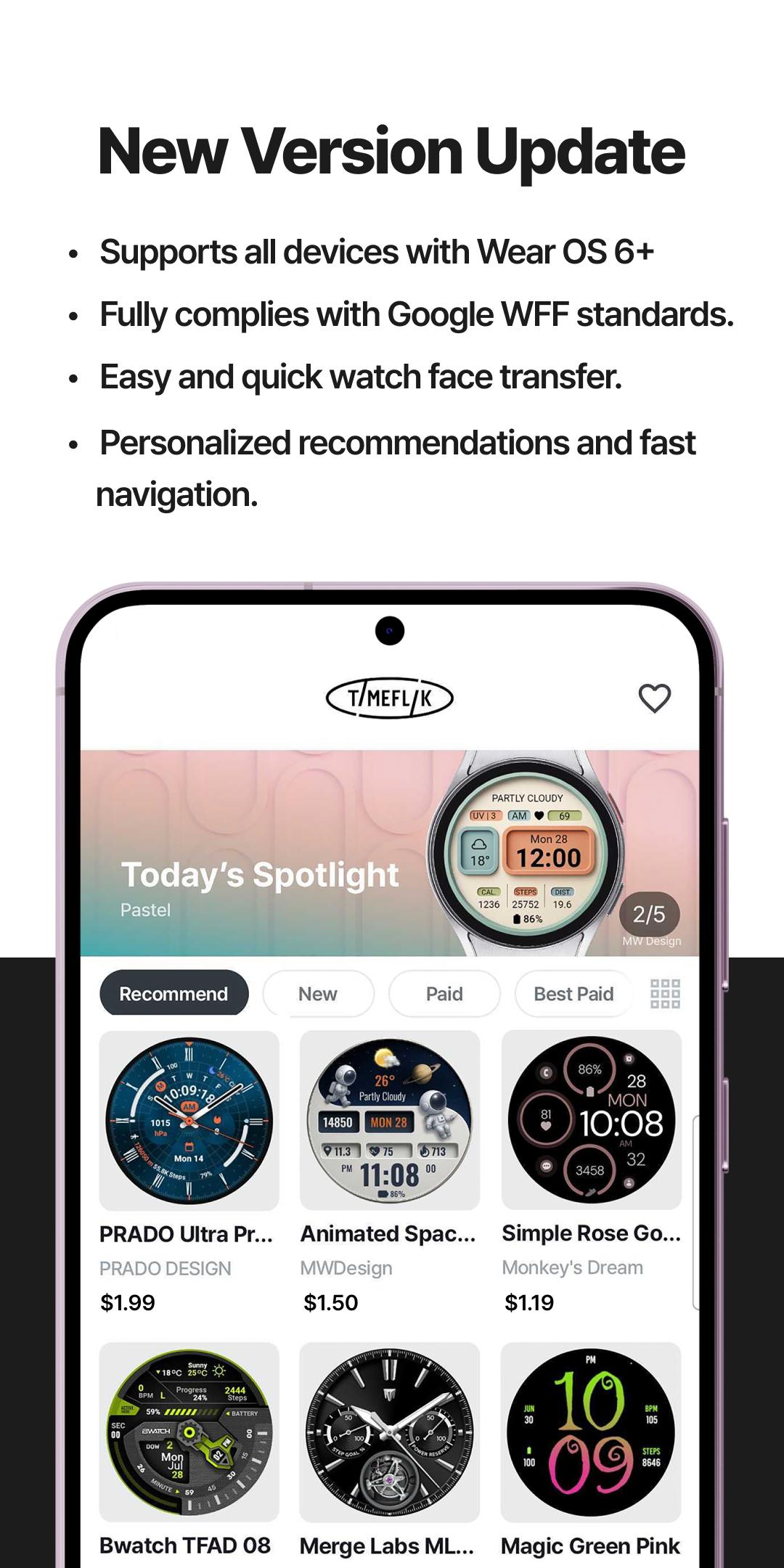
The best smartwatch watch face marketplace with over 2 million watch faces, the most in the world.
Galaxy Watch 8, Watch 8 Classic, Galaxy Watch Ultra and All Wear OS 6+ devices Official Support!
If you’re using a smartwatch with Wear OS 6, please go to My Page > Settings to switch to the new version.
INSTALL OUR WATCH APP!!! Set TIMEFLIK watch app in your watch screen to send watch faces properly.
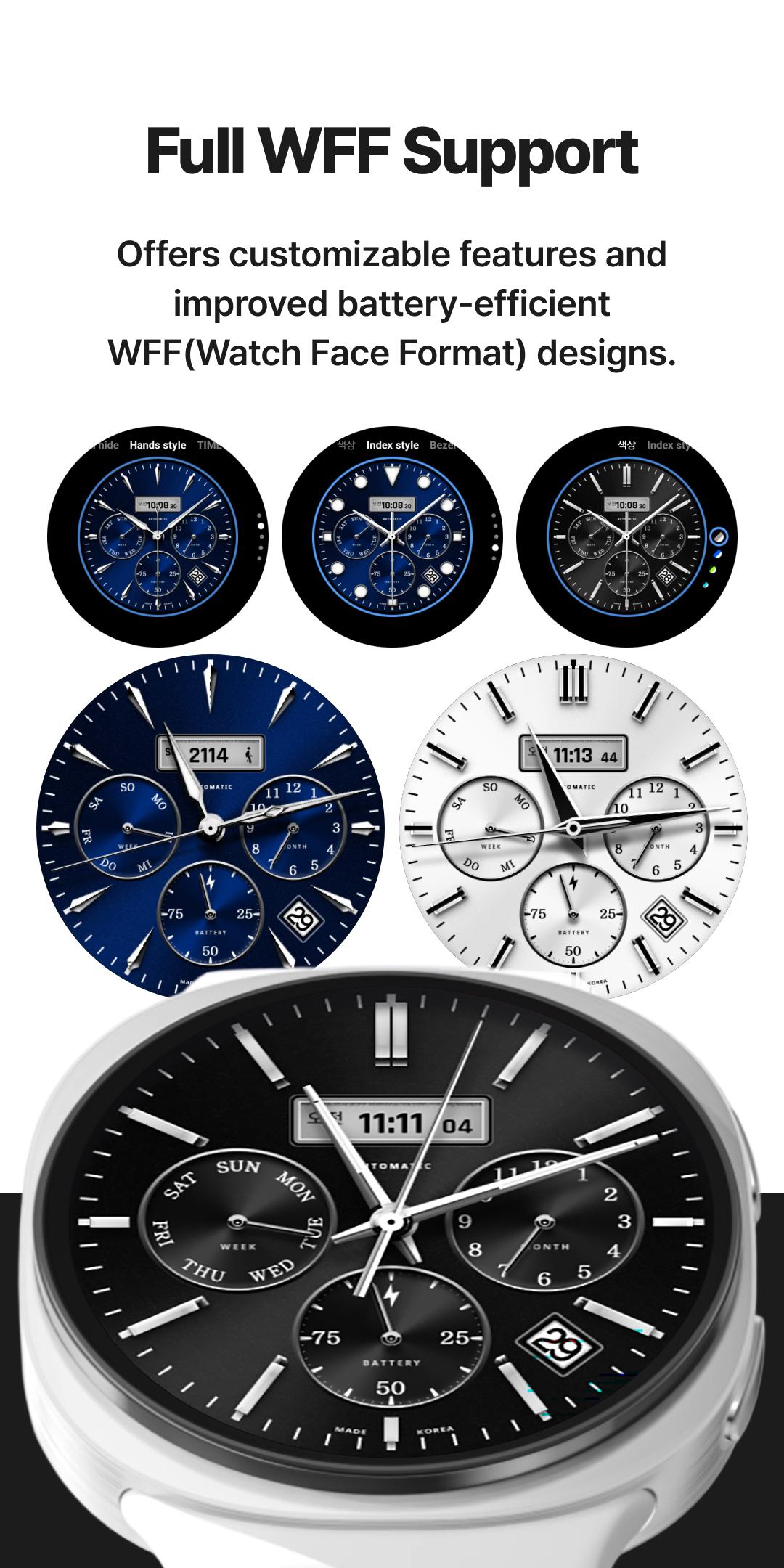
⌚︎ Full Watch Face Format Support
Offers customizable features and improved battery-efficient WFF(Watch Face Format) designs.😎
⌚︎ One-Tap Application
Change watch faces instantly with one button, no need for a clunky companion app.
⌚︎ Top Designers
Discover stunning designs by over 50 professional designers.
⌚︎ Design your own watch faces.
Anyone can be a designer with TIMEFLIK free templates!
Customize with your photos or free templates like hands, subdials, battery status, even health features; steps, weather and UV index!
⌚︎ Fresh Styles Daily
Upgrade with a subscription for unlimited access to all watch faces.
Enjoy your first year's subscription for just $19.99 (a $71.99 value)
Google Play's Best for Wear Winner 👏
[How to use?]
1. Install our watch app.
- Google Play : Wear OS by Google / Samsung Galaxy Watch 4, 5, 6, 7, Ultra, 8, 8 Classic
2. Set TIMEFLIK as your watch face.
- Go to the Wearable app > Watch faces > and choose Timeflix from the "Downloaded" list.
[Health Connect Permission Request]
TIMEFLIK requests Health Connect permission from your mobile device to offer these features:
1. Check your step count directly on your watch face. Real-time activity tracking helps you monitor your health and stay motivated.
2. Enjoy dynamic design updates (e.g., color changes or animations based on your step count) using step data.
TIMEFLIK uses Health Connect data only for watch face information and does not use it for ads, data sales, or syncing with incompatible platforms. Access is limited to read-only StepsCadence/Steps, and you can manage or delete permissions in the app settings.
NOT Supported :
Huawei OS (Huawei Watch GT/GT2)
Xiaomi OS (Amazfit GTS / Pace / Bip / ... )
FitBit
Garmin
SUPPORTED:
Wear OS by Google
[Available in Apple watch? / What about Wear OS Watches not in the list?]
TIMEFLIK Android app has to be synced with TIMEFLIK Wear OS/Tizen watch app. So if you don’t have both Android phone + Wear OS/Tizen smart wearable, please understand its feature will be limited.
[Access Permission Request(Optional)]
[Disclaimer]
Avance
Etiquetas
PersonalizaciónJuegos de mesaInformación
Desarrollador
TIMEFLIK (ex MR TIME)
La última versión
10.1.0
Última actualización
2025-10-01
Categoría
Personalización
Disponible en
Google Play
Mostrar más
Cómo jugar TIMEFLIK Watch Faces con GameLoop en PC
1. Descargue GameLoop desde el sitio web oficial, luego ejecute el archivo exe para instalar GameLoop.
2. Abra GameLoop y busque "TIMEFLIK Watch Faces", busque TIMEFLIK Watch Faces en los resultados de búsqueda y haga clic en "Instalar".
3. Disfruta jugando TIMEFLIK Watch Faces en GameLoop.
Minimum requirements
OS
Windows 8.1 64-bit or Windows 10 64-bit
GPU
GTX 1050
CPU
i3-8300
Memory
8GB RAM
Storage
1GB available space
Recommended requirements
OS
Windows 8.1 64-bit or Windows 10 64-bit
GPU
GTX 1050
CPU
i3-9320
Memory
16GB RAM
Storage
1GB available space