Super Status Bar - Customize para PC
Tom Bayley
Descarga Super Status Bar - Customize en PC con GameLoop Emulator
Super Status Bar - Customize en PC
Super Status Bar - Customize, proveniente del desarrollador Tom Bayley, se ejecuta en el sistema Android en el pasado.
Ahora, puedes jugar Super Status Bar - Customize en PC con GameLoop sin problemas.
Descárgalo en la biblioteca de GameLoop o en los resultados de búsqueda. No más mirar la batería o llamadas frustrantes en el momento equivocado nunca más.
Simplemente disfrute de Super Status Bar - Customize PC en la pantalla grande de forma gratuita!
Super Status Bar - Customize Introducción
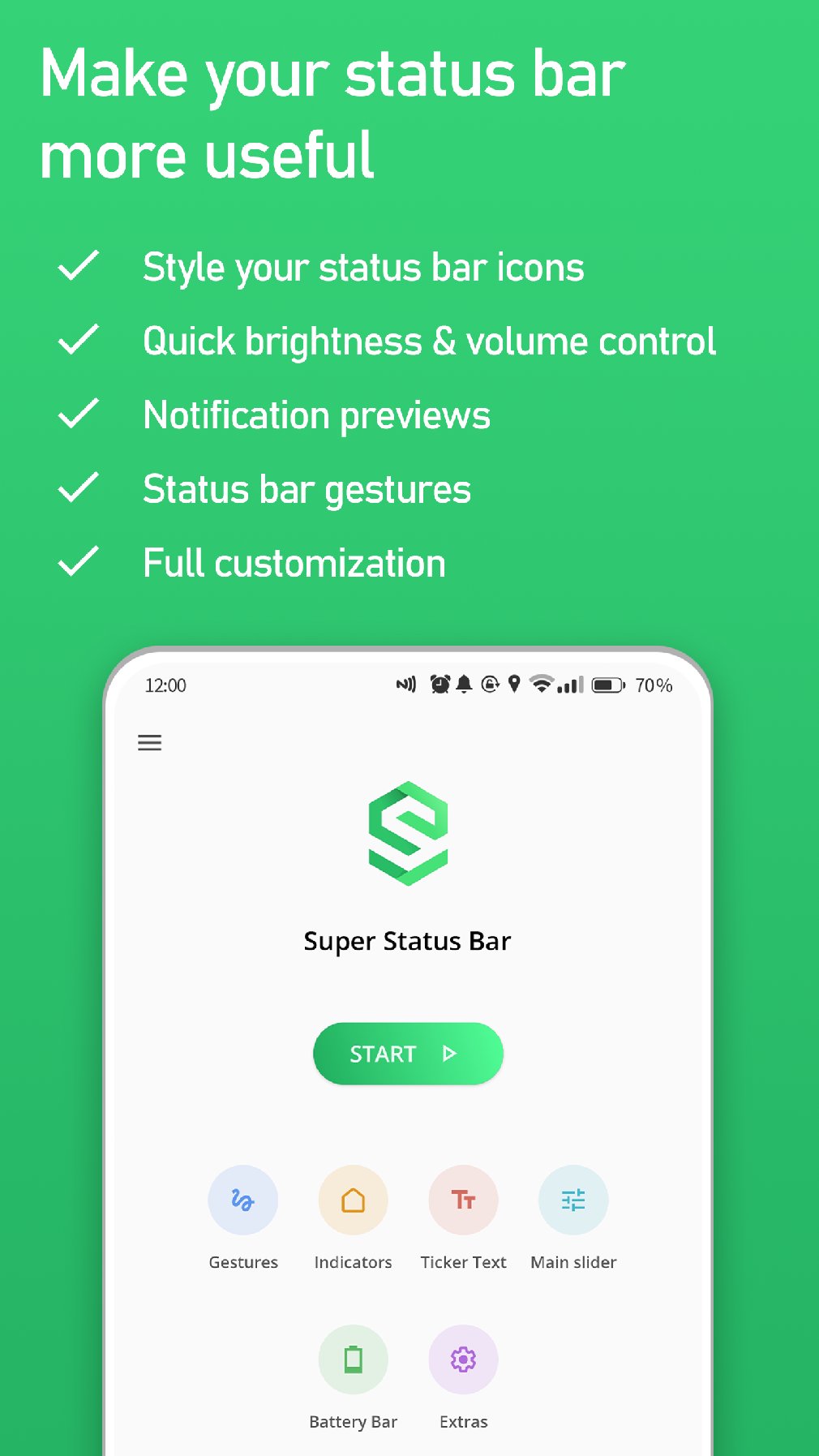
Super Status Bar is the most complete Android status bar customization app — no root required. Bring back notification ticker text, swipe to control brightness and volume, assign gesture shortcuts to any action, add a battery bar, and restyle your icons to match any look.
⭐ Trusted by 5+ million Android users worldwide ⭐
🔔 NOTIFICATION TICKER TEXT
Restore the classic scrolling notification ticker. New notifications display discreetly along your status bar — no intrusive pop-ups, no interruptions.
- Fully customizable font, color, size, and scroll speed
- Optionally replaces floating heads-up notifications
⚡ STATUS BAR BRIGHTNESS & VOLUME CONTROL
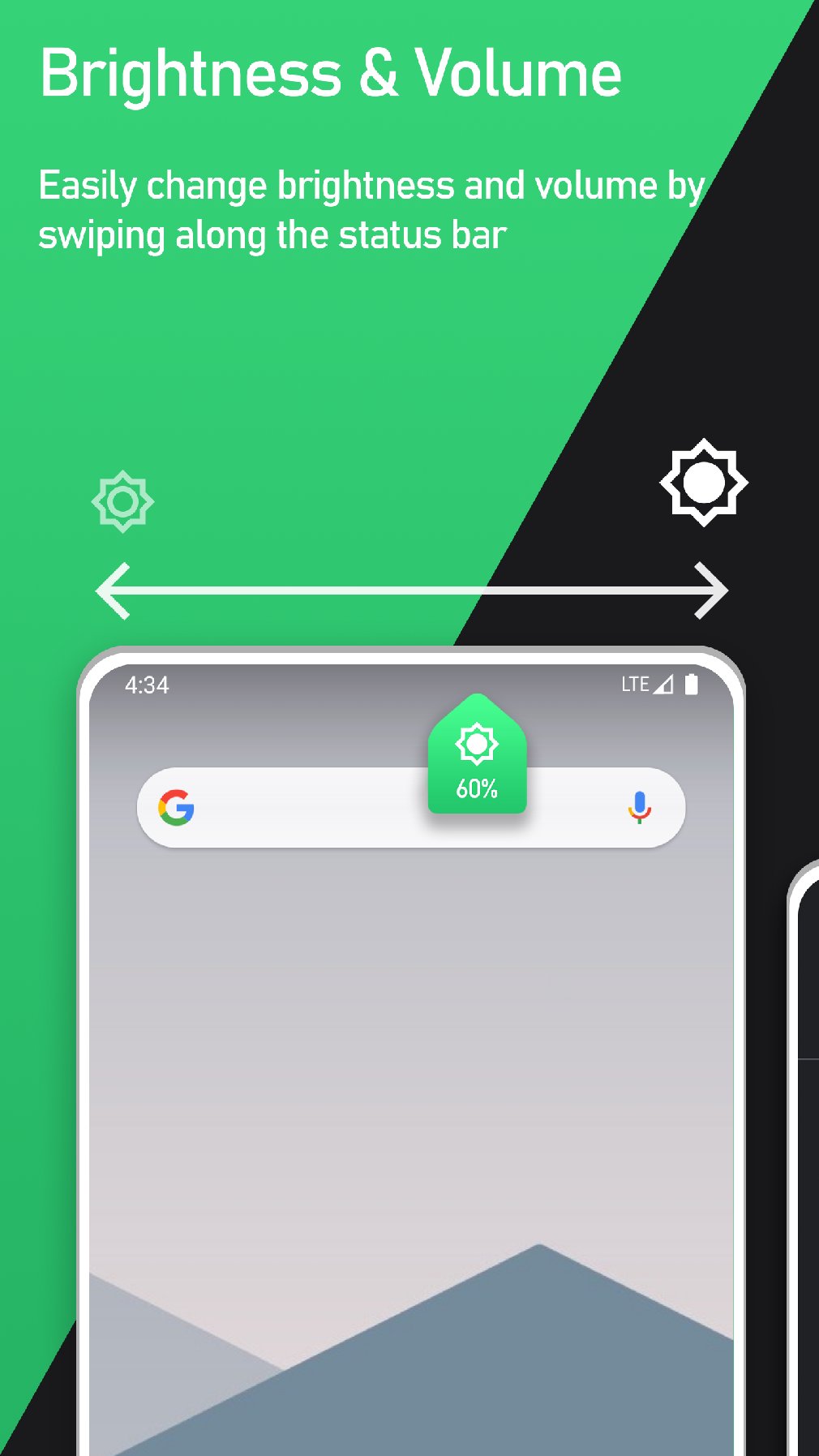
Swipe along the status bar to instantly adjust brightness or volume — no need to open settings or pull down the shade.
- Screen brightness
- Media, ring, notification, alarm, and call volumes
- Smart auto-detection: automatically adjusts whichever audio is currently active
👆 STATUS BAR GESTURES
Turn your status bar into a powerful shortcut hub. Assign any action to tap, double tap, long press, or left/right swipe:
- Lock screen / turn off display
- Toggle flashlight or screen rotation
- Take a screenshot
- Open any app or app shortcut
- Expand notifications or quick settings
- Navigate: Back, Home, Recents, switch apps
- Enter split screen mode
🎨 STATUS BAR ICON STYLES
Restyle your status bar icons with a single tap:
- iOS, HyperOS, MIUI, and Android styles
- Hide any icons you don't want cluttering your status bar
- Customize icon tint and status bar background color
🔋 BATTERY BAR
Display your battery level as a sleek bar along the top of your screen:
- Smooth charging animation
- Fully customizable color, size, and position
- Always visible at a glance — no need to squint at a tiny icon
WHY SUPER STATUS BAR?
✔ No root required
✔ Lightweight with minimal battery impact
✔ Fully customizable — make it yours
✔ Regular updates and active community support
Super Status Bar uses Android's Accessibility Service to power status bar gestures and the notification ticker. This permission is required for these features to function.
Avance
Etiquetas
PersonalizaciónInformación
Desarrollador
Tom Bayley
La última versión
2.13.1
Última actualización
2026-08-24
Categoría
Personalización
Disponible en
Google Play
Mostrar más
Cómo jugar Super Status Bar - Customize con GameLoop en PC
1. Descargue GameLoop desde el sitio web oficial, luego ejecute el archivo exe para instalar GameLoop.
2. Abra GameLoop y busque "Super Status Bar - Customize", busque Super Status Bar - Customize en los resultados de búsqueda y haga clic en "Instalar".
3. Disfruta jugando Super Status Bar - Customize en GameLoop.
Minimum requirements
OS
Windows 8.1 64-bit or Windows 10 64-bit
GPU
GTX 1050
CPU
i3-8300
Memory
8GB RAM
Storage
1GB available space
Recommended requirements
OS
Windows 8.1 64-bit or Windows 10 64-bit
GPU
GTX 1050
CPU
i3-9320
Memory
16GB RAM
Storage
1GB available space