Suga Kpop BTS Video Call & chat Simulator para PC
DVlaap
Descarga Suga Kpop BTS Video Call & chat Simulator en PC con GameLoop Emulator
Suga Kpop BTS Video Call & chat Simulator en PC
Suga Kpop BTS Video Call & chat Simulator, proveniente del desarrollador DVlaap, se ejecuta en el sistema Android en el pasado.
Ahora, puedes jugar Suga Kpop BTS Video Call & chat Simulator en PC con GameLoop sin problemas.
Descárgalo en la biblioteca de GameLoop o en los resultados de búsqueda. No más mirar la batería o llamadas frustrantes en el momento equivocado nunca más.
Simplemente disfrute de Suga Kpop BTS Video Call & chat Simulator PC en la pantalla grande de forma gratuita!
Suga Kpop BTS Video Call & chat Simulator Introducción
Hello fans for suga bts kpop video call simulator chat,
Fake call from suga is a simple application Enables the user to make a fake call that look so real.
Download Prank call suga bts simulator and make calls with suga by one click for thinking your friends are you call suga bts and receiving fake calls from kpop bts.
Prank call from suga bts - great suga bts prank!!
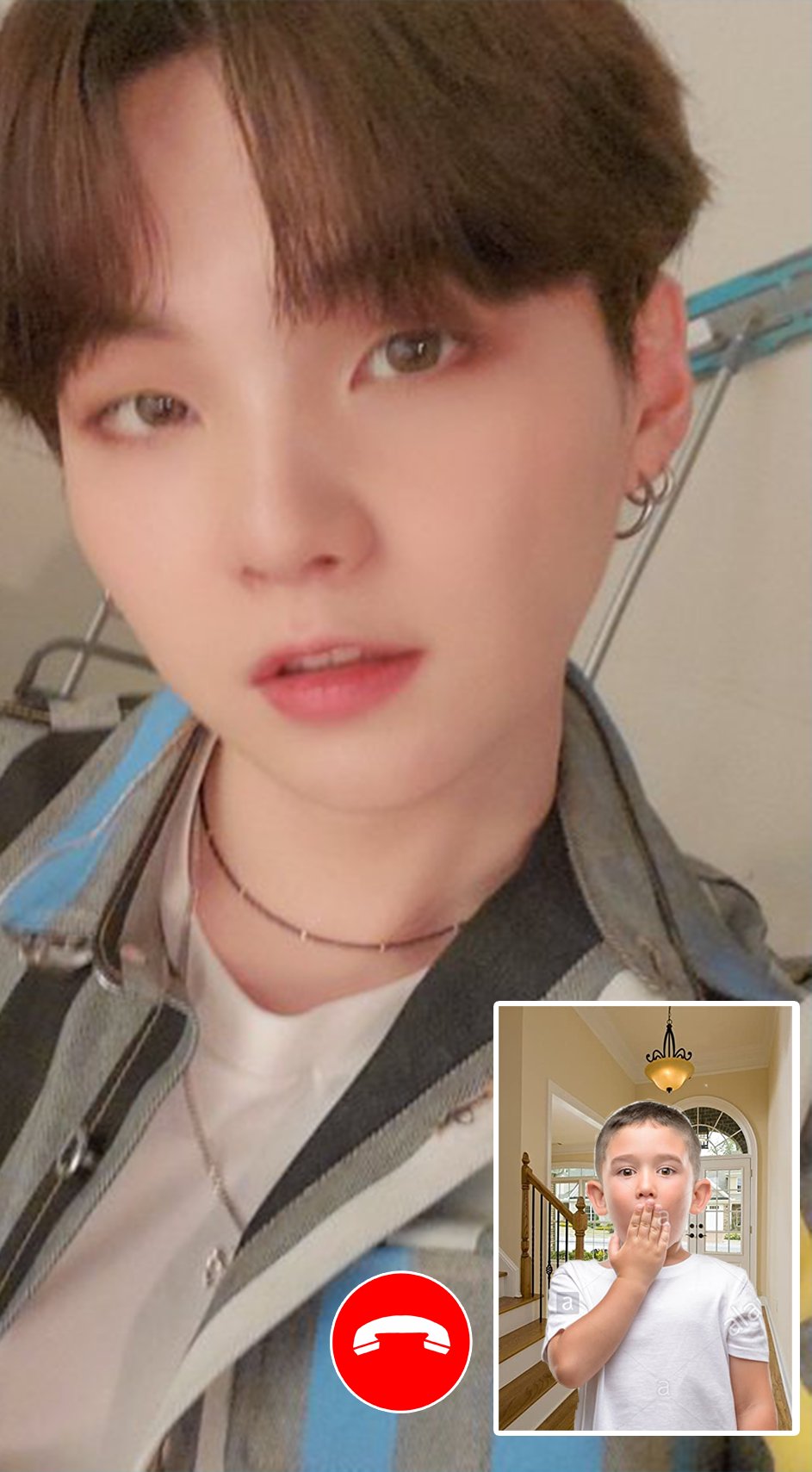
This app will allow you to receive a call video from your favorite Bangtan Boys,
When night time hits, turn on a fake call from bts suga and show a friend and you will see how he is scared!!
Make fun of a lot of fun! Night time is the best time for kpop calls!!
Bts suga ( calling, live chat, calling video ) and check your contacts to compos numbers of the hero
or the suga bts or best kpop and calling.
* Features:
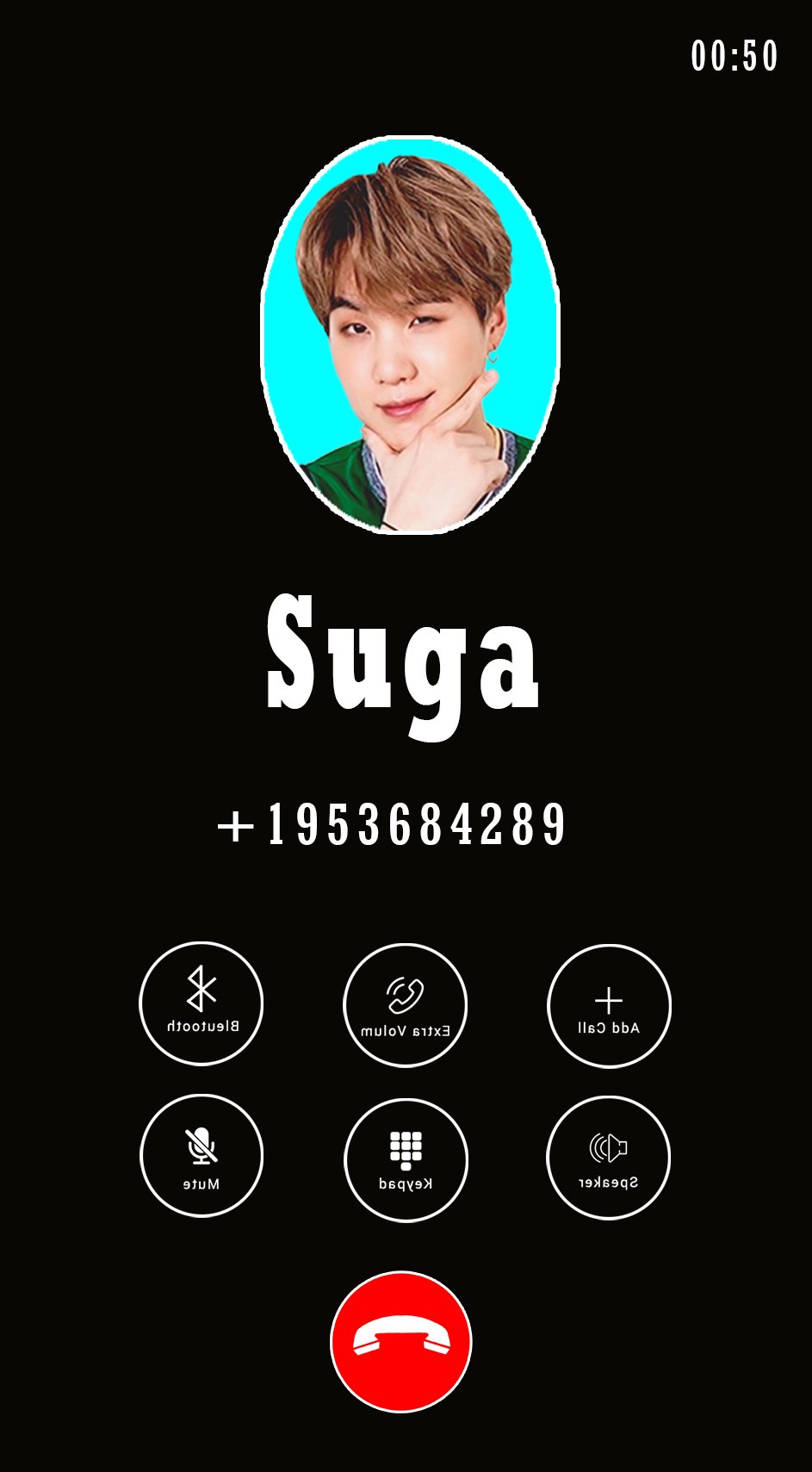
> Simulation incoming call from suga bts
> Choose your character suga bts
> Add your Own Voices
> Select phone ringtone
> Voice will be played when you will answer the Call
> Options to reject or accept a call
> Easy to use
> Cool and friendly Design
> Simulate Fake calling
> bts call and call video
> bts message Simulator Prank
> suga call and call video
> suga message Simulator Prank
> Schedule a new fake call at a specific time
> The most professional and beautiful fake video caller id application in Android is prank calling suga bts!
* Disclaimer:
this app is a prank call. You will have an incoming call simulated by the idol.
This App is only for joking with your friends, have fun and if you like vote for it and share your friends! thank you..
Avance
Información
Desarrollador
DVlaap
La última versión
2
Última actualización
2021-03-27
Categoría
Personalización
Disponible en
Google Play
Mostrar más
Cómo jugar Suga Kpop BTS Video Call & chat Simulator con GameLoop en PC
1. Descargue GameLoop desde el sitio web oficial, luego ejecute el archivo exe para instalar GameLoop.
2. Abra GameLoop y busque "Suga Kpop BTS Video Call & chat Simulator", busque Suga Kpop BTS Video Call & chat Simulator en los resultados de búsqueda y haga clic en "Instalar".
3. Disfruta jugando Suga Kpop BTS Video Call & chat Simulator en GameLoop.
Minimum requirements
OS
Windows 8.1 64-bit or Windows 10 64-bit
GPU
GTX 1050
CPU
i3-8300
Memory
8GB RAM
Storage
1GB available space
Recommended requirements
OS
Windows 8.1 64-bit or Windows 10 64-bit
GPU
GTX 1050
CPU
i3-9320
Memory
16GB RAM
Storage
1GB available space