
Strawberry Checks +HOME Theme para PC
+HOME by Ateam Entertainment
Descarga Strawberry Checks +HOME Theme en PC con GameLoop Emulator
Strawberry Checks +HOME Theme en PC
Strawberry Checks +HOME Theme, proveniente del desarrollador +HOME by Ateam Entertainment, se ejecuta en el sistema Android en el pasado.
Ahora, puedes jugar Strawberry Checks +HOME Theme en PC con GameLoop sin problemas.
Descárgalo en la biblioteca de GameLoop o en los resultados de búsqueda. No más mirar la batería o llamadas frustrantes en el momento equivocado nunca más.
Simplemente disfrute de Strawberry Checks +HOME Theme PC en la pantalla grande de forma gratuita!
Strawberry Checks +HOME Theme Introducción
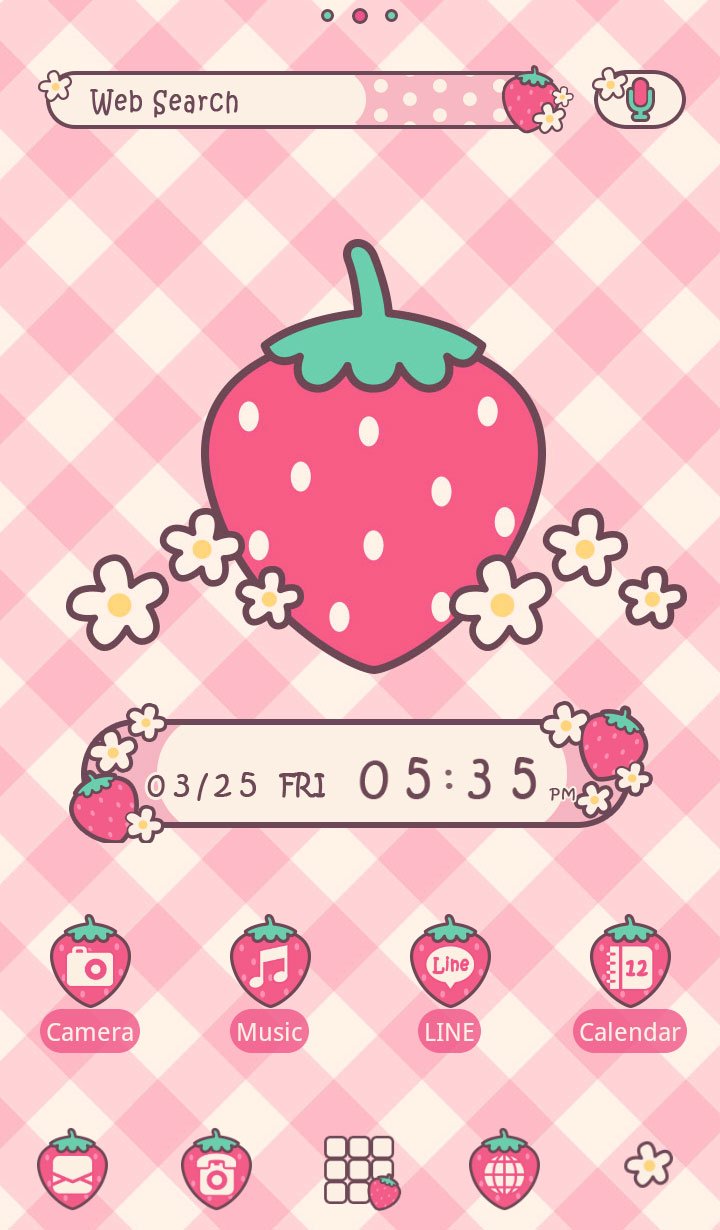
Transform your Android with the Aesthetic Strawberry Gingham Theme!
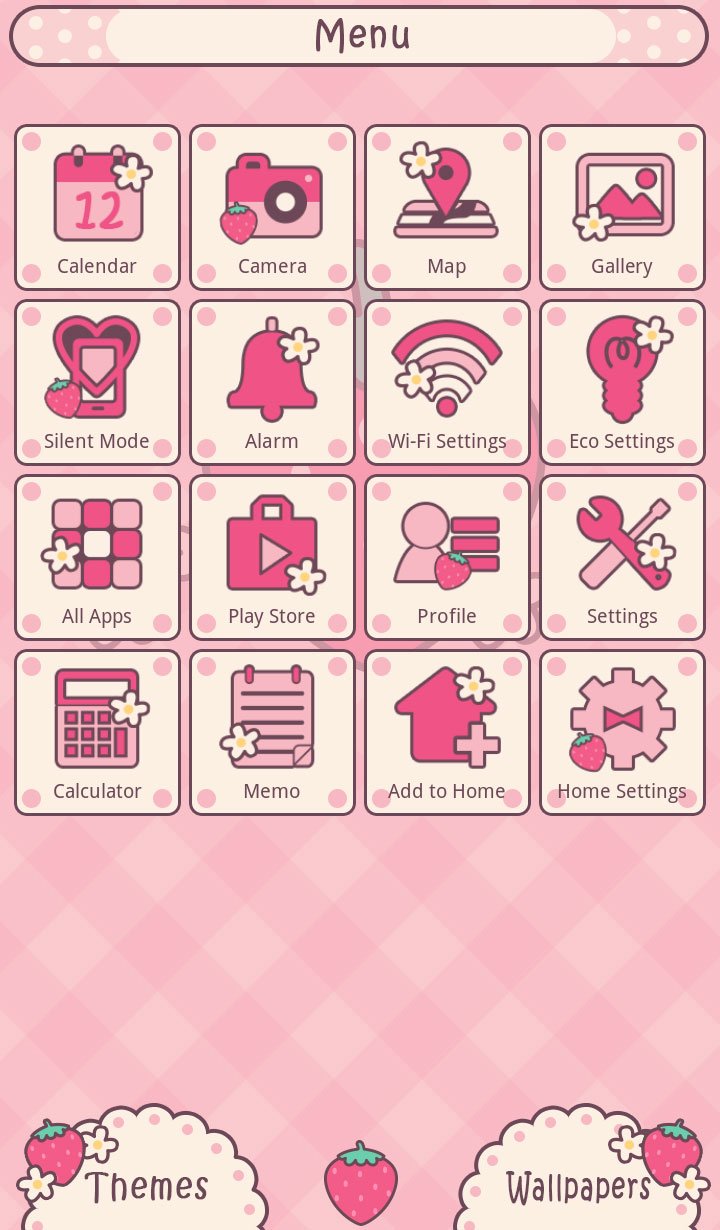
This adorable theme comes with charming strawberry gingham wallpapers, cute strawberry-shaped icons, and handy widgets. With just one tap, transform your entire phone—from your home screen to the app drawer and menu—into a sweet, girly aesthetic you’ll love every day!
Wallpaper and Icons: You can bulk change your smartphone's wallpaper and the icons of frequently used apps to a stylish design.
※ To customize, installation of the home app "+HOME" (a launcher that allows you to customize wallpapers, icons, and widgets) is required.
For instructions, inquiries, or requests, please contact us at info+android@atm-plushome.com.
Images are for illustration purposes and may differ from the actual product.
Avance
Etiquetas
PersonalizaciónInformación
Desarrollador
+HOME by Ateam Entertainment
La última versión
1.0.43
Última actualización
2026-04-15
Categoría
Personalización
Disponible en
Google Play
Mostrar más
Cómo jugar Strawberry Checks +HOME Theme con GameLoop en PC
1. Descargue GameLoop desde el sitio web oficial, luego ejecute el archivo exe para instalar GameLoop.
2. Abra GameLoop y busque "Strawberry Checks +HOME Theme", busque Strawberry Checks +HOME Theme en los resultados de búsqueda y haga clic en "Instalar".
3. Disfruta jugando Strawberry Checks +HOME Theme en GameLoop.
Minimum requirements
OS
Windows 8.1 64-bit or Windows 10 64-bit
GPU
GTX 1050
CPU
i3-8300
Memory
8GB RAM
Storage
1GB available space
Recommended requirements
OS
Windows 8.1 64-bit or Windows 10 64-bit
GPU
GTX 1050
CPU
i3-9320
Memory
16GB RAM
Storage
1GB available space