Smart Screen off: Double tap para PC
keytools inc
Descarga Smart Screen off: Double tap en PC con GameLoop Emulator
Smart Screen off: Double tap en PC
Smart Screen off: Double tap, proveniente del desarrollador keytools inc, se ejecuta en el sistema Android en el pasado.
Ahora, puedes jugar Smart Screen off: Double tap en PC con GameLoop sin problemas.
Descárgalo en la biblioteca de GameLoop o en los resultados de búsqueda. No más mirar la batería o llamadas frustrantes en el momento equivocado nunca más.
Simplemente disfrute de Smart Screen off: Double tap PC en la pantalla grande de forma gratuita!
Smart Screen off: Double tap Introducción
The all-new Smart Screen Off Android app is the ultimate screen optimizer app. Smart Screen Off app is a fully customizable feature-driven app that assists the user in dealing with the screen display time easily and efficiently.
Smart Screen Off app is free to install and operate. Smart Screen Off app has an easy installation process and easy-to-use functionality. Smart Screen Off app imbibes professional and latest material design along with straightforward and user-friendly GUI.This app is a full-fledged Android app designed by professional Android designers and Android developers!
Highlights:
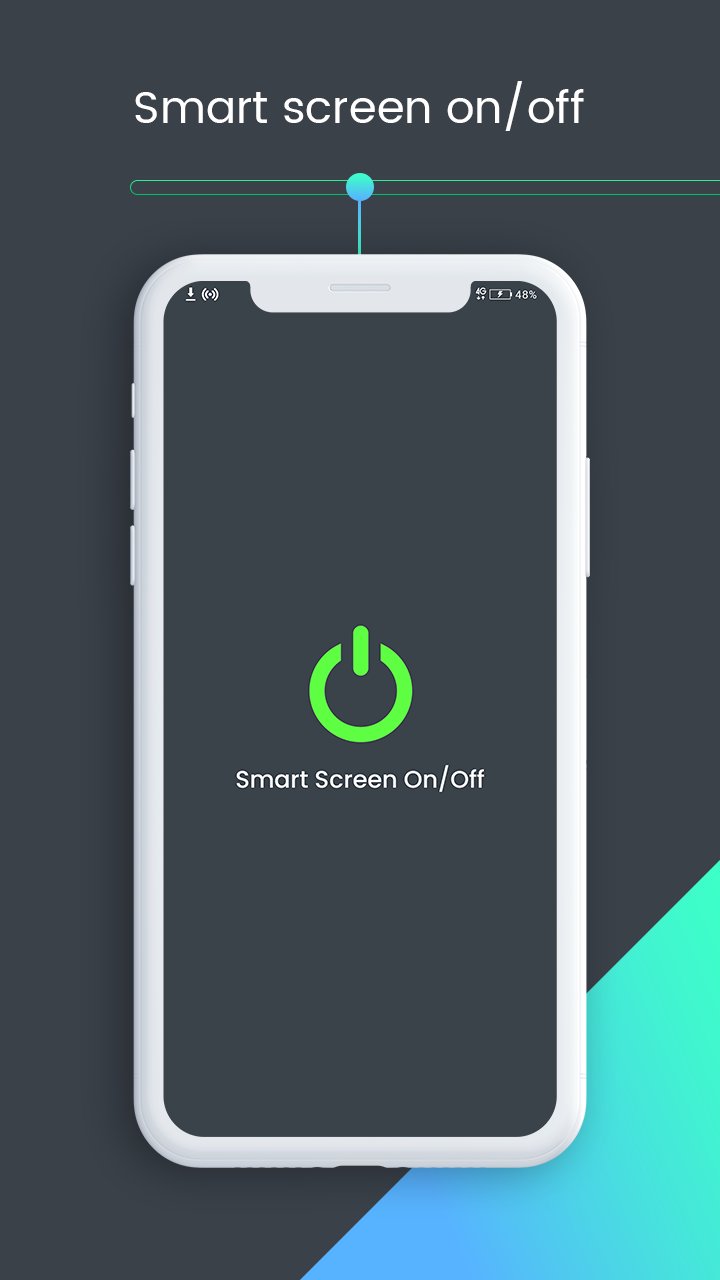
- Press power icon button to activate screen lock.
- Activate device administrator for privilege to turn off screen.
- Activate Smart Screen Off as device admin app.
- Press power icon button to deactivate Screen locks.
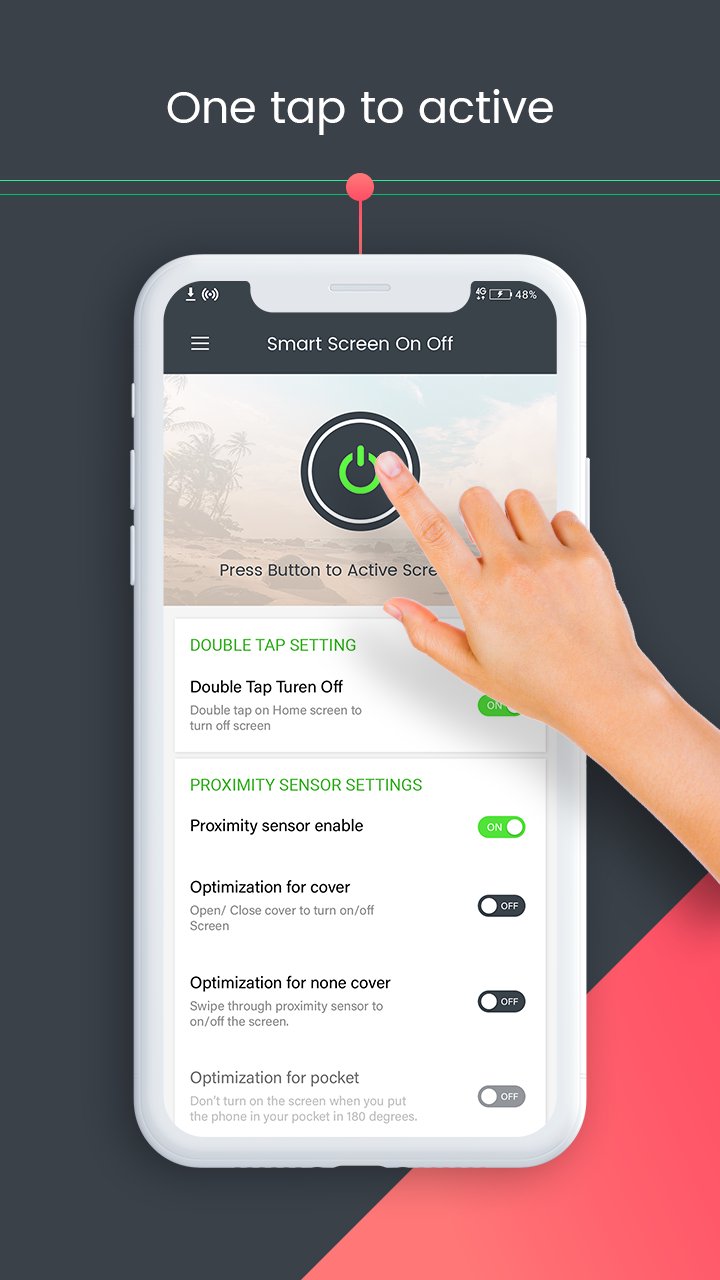
- Types of Settings: Double Tap settings, proximity sensor settings, advanced settings, Time value settings, Utilities and Permission.
DOUBLE TAP SETTINGS
Toggle option is facilitated. Double tap on Home Screen to turn off screen.
PROXIMITY SENSOR SETTINGS
Proximity sensor enable. Screen off using proximity sensor.
Optimization for Cover. Open/Close cover to turn on/off screen.
Optimization for non-cover. Swipe through proximity server to turn on/off screen.
ADVANCED SETTINGS
Show floating popup. Screen turn faster. Set the floating popup opacity via slider.
Disable in landscape mode. Useful for taking photos or watching movies.
Play sound. Play sound when screen turn on/off automatically.
Vibrate. Vibrate when screen turn on/off automatically.
TIME VALUE SETTINGS
Turn On. Turn on screen with proximity server.
Turn Off. Turn off screen with proximity sensor.
Screen on timeout value. Time-based. Automatically screen on after selected seconds.
Screen off timeout value. Time-based. Put your hand on sensor to screen off after selected seconds.
UTILITIES
Optimization.
Hide Notification.
Schedule.
Language.
Enable sleeping time Set sleep time and wake up time.
PERMISSION
1. FOREGROUND_SERVICE_SPECIAL_USE – Used to run a foreground service to detect double tap on the home screen and turn off the screen instantly.
2. BIND_ACCESSIBILITY_SERVICE – Used only to detect whether the user is on the home screen to enable the double tap screen-off feature.
3. Device Administrator Permission – Required to lock the device screen when the user performs the double tap gesture.
Smart Screen Off is a lightweight application, will not drain the device memory and other resources. Smart Screen Off app is compatible with almost all screen resolutions of mobile and tablet devices. Once installed no further internet connection is required by the Smart Screen Off app. Smart Screen app serves its purpose effectively and is a reliable Android app.
Hurry Up!!!
Install the Smart Screen off: Double tap to off screen app NOW!!!
Avance
Etiquetas
PersonalizaciónInformación
Desarrollador
keytools inc
La última versión
7.3
Última actualización
2026-01-21
Categoría
Personalización
Disponible en
Google Play
Mostrar más
Cómo jugar Smart Screen off: Double tap con GameLoop en PC
1. Descargue GameLoop desde el sitio web oficial, luego ejecute el archivo exe para instalar GameLoop.
2. Abra GameLoop y busque "Smart Screen off: Double tap", busque Smart Screen off: Double tap en los resultados de búsqueda y haga clic en "Instalar".
3. Disfruta jugando Smart Screen off: Double tap en GameLoop.
Minimum requirements
OS
Windows 8.1 64-bit or Windows 10 64-bit
GPU
GTX 1050
CPU
i3-8300
Memory
8GB RAM
Storage
1GB available space
Recommended requirements
OS
Windows 8.1 64-bit or Windows 10 64-bit
GPU
GTX 1050
CPU
i3-9320
Memory
16GB RAM
Storage
1GB available space