
Smart Launcher 6 ‧ Home Screen para PC
Smart Launcher Team
Descarga Smart Launcher 6 ‧ Home Screen en PC con GameLoop Emulator
Smart Launcher 6 ‧ Home Screen en PC
Smart Launcher 6 ‧ Home Screen, proveniente del desarrollador Smart Launcher Team, se ejecuta en el sistema Android en el pasado.
Ahora, puedes jugar Smart Launcher 6 ‧ Home Screen en PC con GameLoop sin problemas.
Descárgalo en la biblioteca de GameLoop o en los resultados de búsqueda. No más mirar la batería o llamadas frustrantes en el momento equivocado nunca más.
Simplemente disfrute de Smart Launcher 6 ‧ Home Screen PC en la pantalla grande de forma gratuita!
Smart Launcher 6 ‧ Home Screen Introducción
Make your Android home screen faster, cleaner, and truly yours.
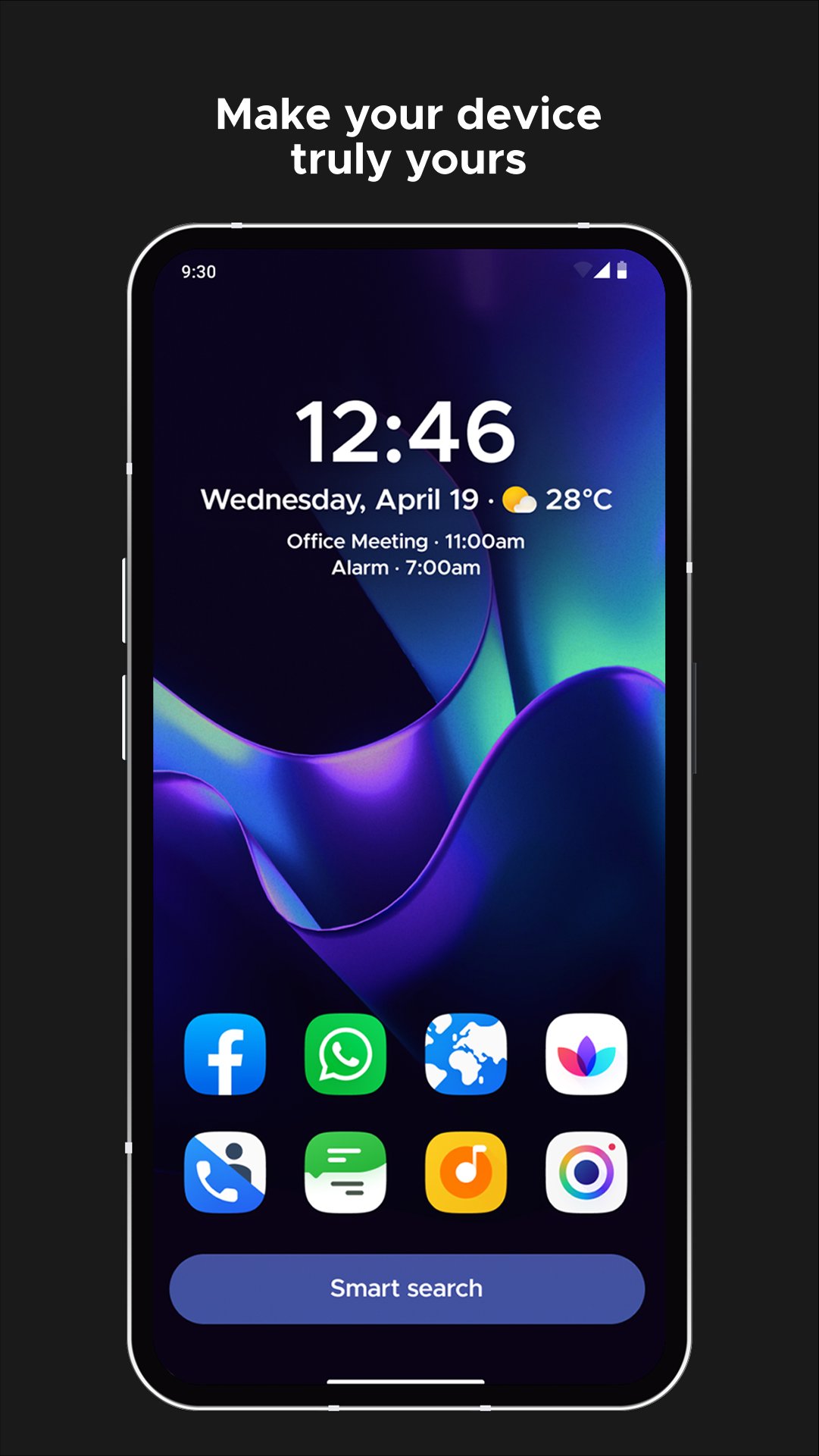
Smart Launcher automatically organizes your apps, adapts its colors to your wallpaper, and keeps everything you use most within easy reach.
🏅 Trusted by more than 50 million users worldwide.
-----
WHY YOU'LL LOVE SMART LAUNCHER
• Your apps, automatically organized
Smart Launcher sorts your apps into categories, keeping your phone tidy and making everything easier to find.
• A home screen that matches your style
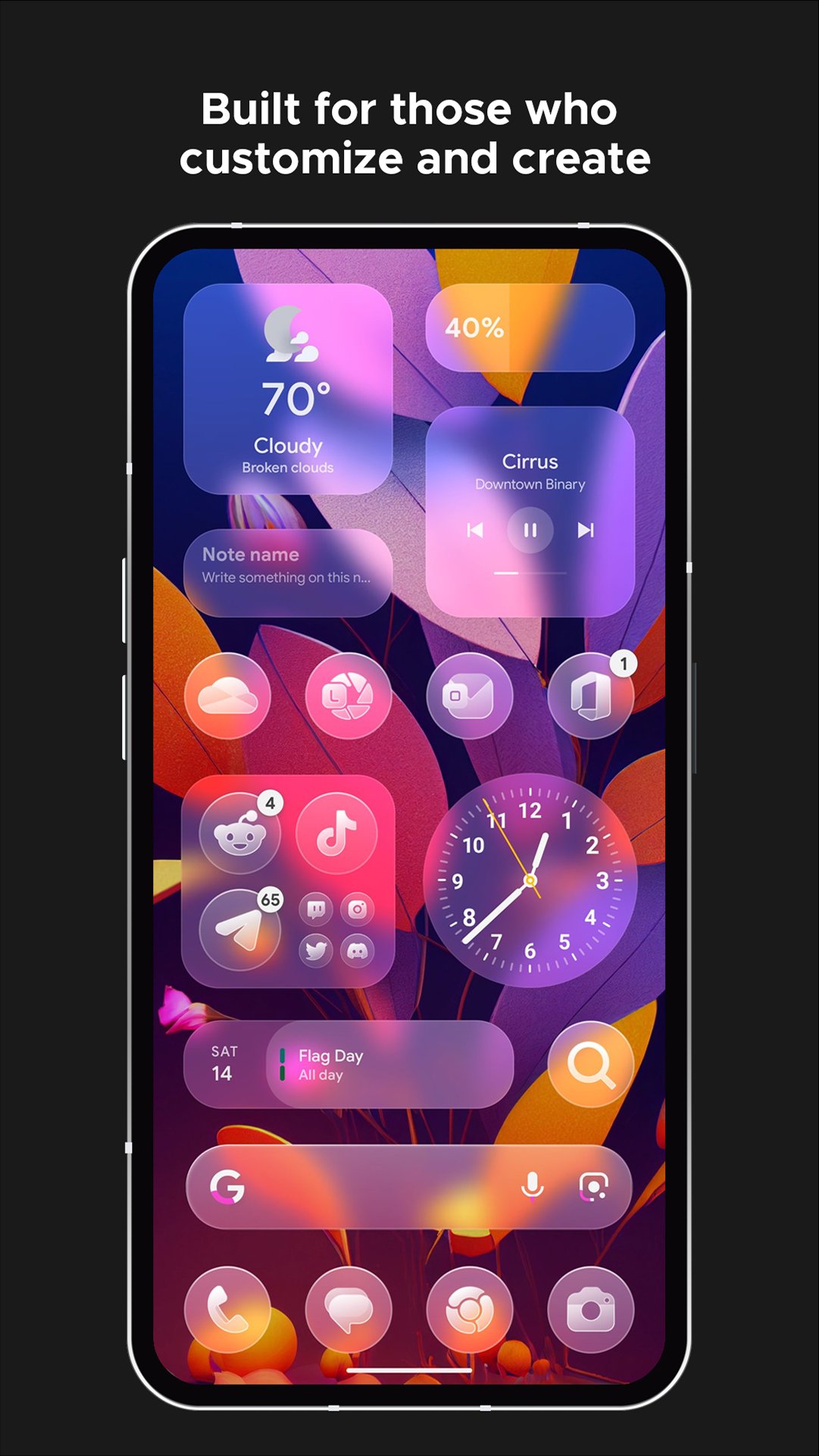
Colors automatically adapt to your wallpaper. You can also customize every part of your theme, choose from thousands of Google Fonts, and use your favorite icon packs.
• Designed for one-handed use
The apps and actions you use most are placed near the bottom of the screen, where they are easier to reach.
• Powerful widgets, built in
Use responsive widgets for weather, photos, calendar, battery, music, notes, and more. Widget stacks let you place multiple widgets in the same space and scroll between them.
• Fast and flexible search
Find apps and contacts instantly, search the web, run calculations, or start common actions directly from the search bar.
• Make your home screen personal
Create custom stickers, place them among your icons and widgets, and build a layout that feels completely your own.
• News directly on your home screen
Follow your favorite sources using the customizable built-in news reader with RSS support.
-----
MORE CONTROL WHEN YOU NEED IT
• Configure gestures and hotkeys for actions such as turning off the screen or opening notifications.
• See which apps have active notifications without installing an additional plugin.
• Hide private apps and protect them with a PIN.
• Use adaptive icons for a more consistent visual style.
• Hide system bars for a more immersive home screen.
• Browse wallpapers from different sources and back up your current wallpaper before changing it.
-----
Smart Launcher is regularly updated to support new Android versions, devices, and community requests.
Join our Reddit community to share feedback, discover new setups, and help shape future updates:
https://www.reddit.com/r/smartlauncher
-----
Smart Launcher can use Android's Accessibility API to enable optional features such as turning off the screen or opening notifications with a gesture. Enabling this permission is optional, and Smart Launcher does not collect data through the Accessibility API.
Avance
Etiquetas
PersonalizaciónInformación
Desarrollador
Smart Launcher Team
La última versión
6.6 build 020
Última actualización
2026-09-10
Categoría
Personalización
Disponible en
Google Play
Mostrar más
Cómo jugar Smart Launcher 6 ‧ Home Screen con GameLoop en PC
1. Descargue GameLoop desde el sitio web oficial, luego ejecute el archivo exe para instalar GameLoop.
2. Abra GameLoop y busque "Smart Launcher 6 ‧ Home Screen", busque Smart Launcher 6 ‧ Home Screen en los resultados de búsqueda y haga clic en "Instalar".
3. Disfruta jugando Smart Launcher 6 ‧ Home Screen en GameLoop.
Minimum requirements
OS
Windows 8.1 64-bit or Windows 10 64-bit
GPU
GTX 1050
CPU
i3-8300
Memory
8GB RAM
Storage
1GB available space
Recommended requirements
OS
Windows 8.1 64-bit or Windows 10 64-bit
GPU
GTX 1050
CPU
i3-9320
Memory
16GB RAM
Storage
1GB available space