Ringtones Glitch Sounds para PC
Palmera Labs
Descarga Ringtones Glitch Sounds en PC con GameLoop Emulator
Ringtones Glitch Sounds en PC
Ringtones Glitch Sounds, proveniente del desarrollador Palmera Labs, se ejecuta en el sistema Android en el pasado.
Ahora, puedes jugar Ringtones Glitch Sounds en PC con GameLoop sin problemas.
Descárgalo en la biblioteca de GameLoop o en los resultados de búsqueda. No más mirar la batería o llamadas frustrantes en el momento equivocado nunca más.
Simplemente disfrute de Ringtones Glitch Sounds PC en la pantalla grande de forma gratuita!
Ringtones Glitch Sounds Introducción
Set a Glitch ringtone, alarm or notification. More than 65 tones and sounds to choose.
Tired of your same ringtone? No problem! Set a new glitch sound or tune from our library of glitches we included in this app.
You can choose from more than 65 different audios to personalize your ringtones.
Not only that: you can set also alarms and notification tones.
The variety of sounds and audios will let you change also from time to time without repeating.
Original and fresh sounds, tunes and beats you can't find in other apps.
Some of the these tunes have been produced by professional producers, dj's and beatmakers for audio projects and libraries used around the world, based on loops, samples and sounds inspired by hits.
Future updates will include the features of sharing, more tunes, and singing over the beats and samples
Permissions needed for the app to work:
---------------------------------------
-Change system settings: needed to change your ringtone
-Access media files: needed to install the audio in your phone so it can be used as a ringtone
How to use:
-----------
Easy simple!
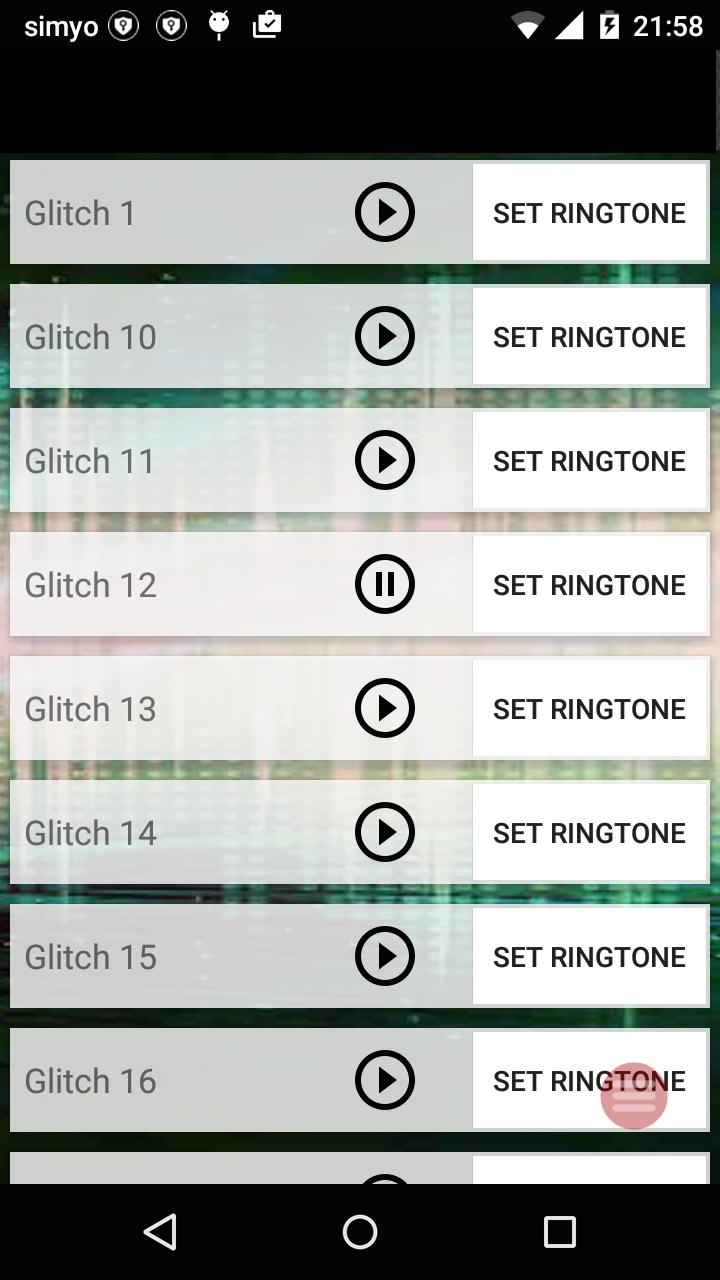
Browse through the audio list, playing the glitches until you find a tune you like.
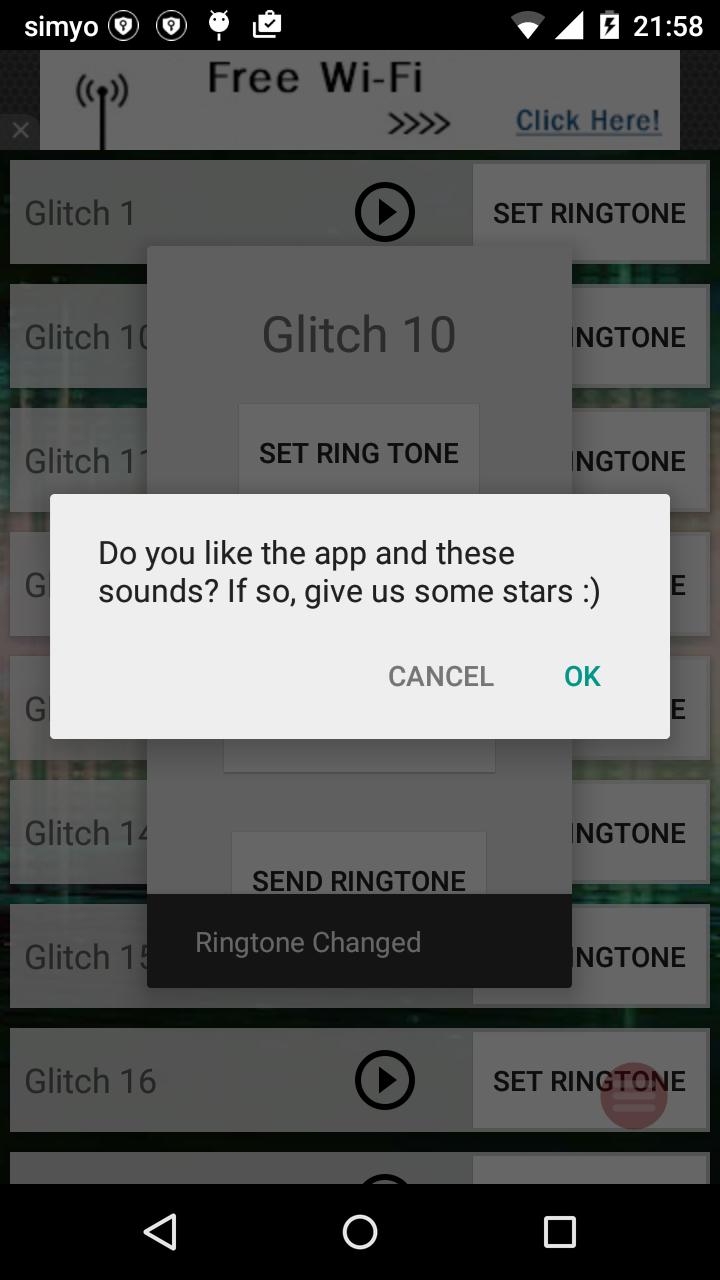
Once you find it, click on "Set ringtone". A popup will appear where you can choose to install as a Ringtone, Notification Tone or Alarm.
If you select the alarm, you will be directed to the Alarm settings to set it in whatever alarm you want to use it.
And that's it, very easy and simple way to personalize your tunes.
Contact:
--------
If you have any suggestion or comment, don't doubt and contact us.
And Finally, if you have the time, we appreciate and honest review in the store page.
Thanks for your download
Avance
Etiquetas
PersonalizaciónInformación
Desarrollador
Palmera Labs
La última versión
10.13
Última actualización
2024-01-15
Categoría
Personalización
Disponible en
Google Play
Mostrar más
Cómo jugar Ringtones Glitch Sounds con GameLoop en PC
1. Descargue GameLoop desde el sitio web oficial, luego ejecute el archivo exe para instalar GameLoop.
2. Abra GameLoop y busque "Ringtones Glitch Sounds", busque Ringtones Glitch Sounds en los resultados de búsqueda y haga clic en "Instalar".
3. Disfruta jugando Ringtones Glitch Sounds en GameLoop.
Minimum requirements
OS
Windows 8.1 64-bit or Windows 10 64-bit
GPU
GTX 1050
CPU
i3-8300
Memory
8GB RAM
Storage
1GB available space
Recommended requirements
OS
Windows 8.1 64-bit or Windows 10 64-bit
GPU
GTX 1050
CPU
i3-9320
Memory
16GB RAM
Storage
1GB available space