
Remap keys & floating button para PC
Sumy Applications
Descarga Remap keys & floating button en PC con GameLoop Emulator
Remap keys & floating button en PC
Remap keys & floating button, proveniente del desarrollador Sumy Applications, se ejecuta en el sistema Android en el pasado.
Ahora, puedes jugar Remap keys & floating button en PC con GameLoop sin problemas.
Descárgalo en la biblioteca de GameLoop o en los resultados de búsqueda. No más mirar la batería o llamadas frustrantes en el momento equivocado nunca más.
Simplemente disfrute de Remap keys & floating button PC en la pantalla grande de forma gratuita!
Remap keys & floating button Introducción
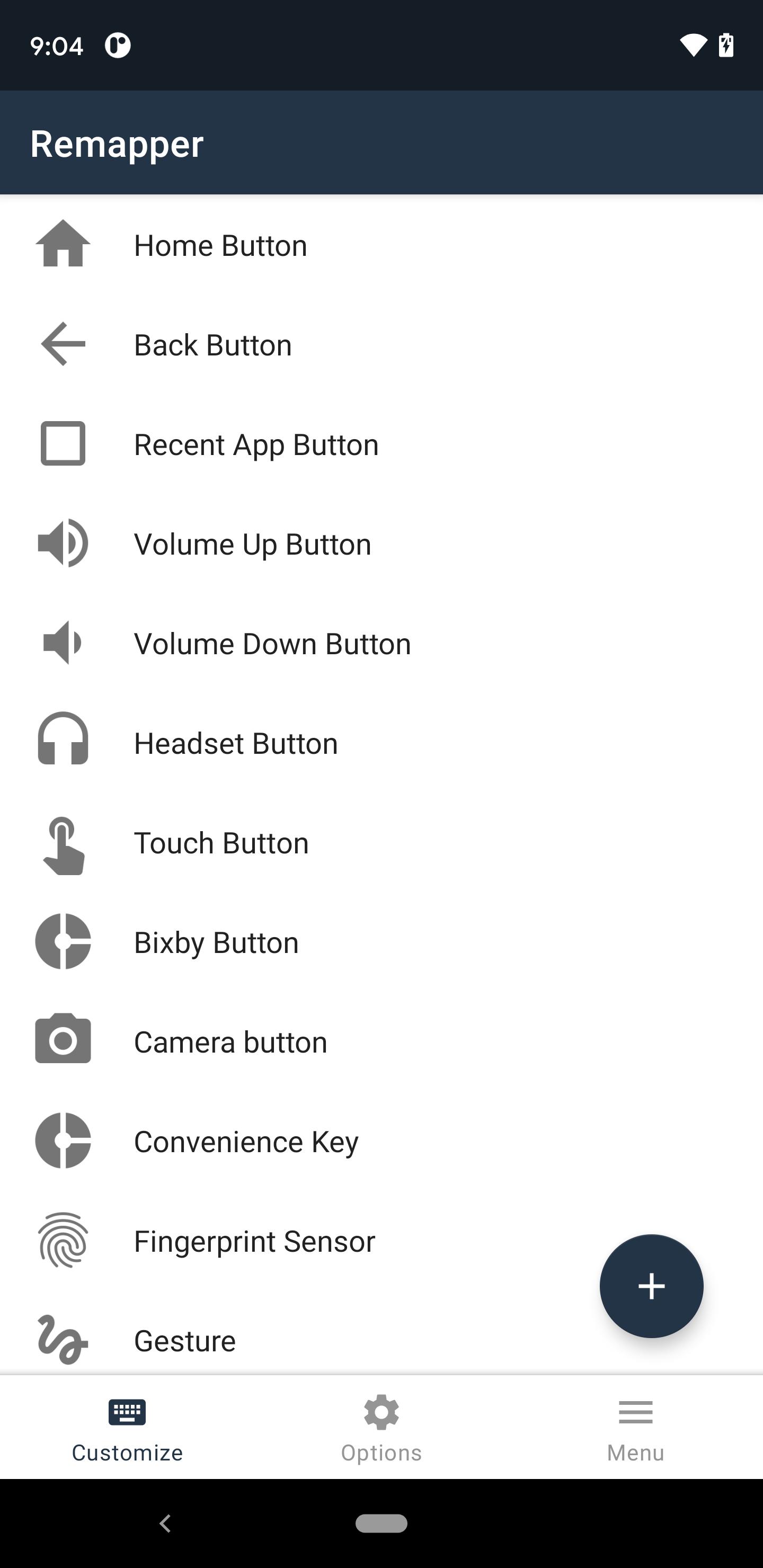
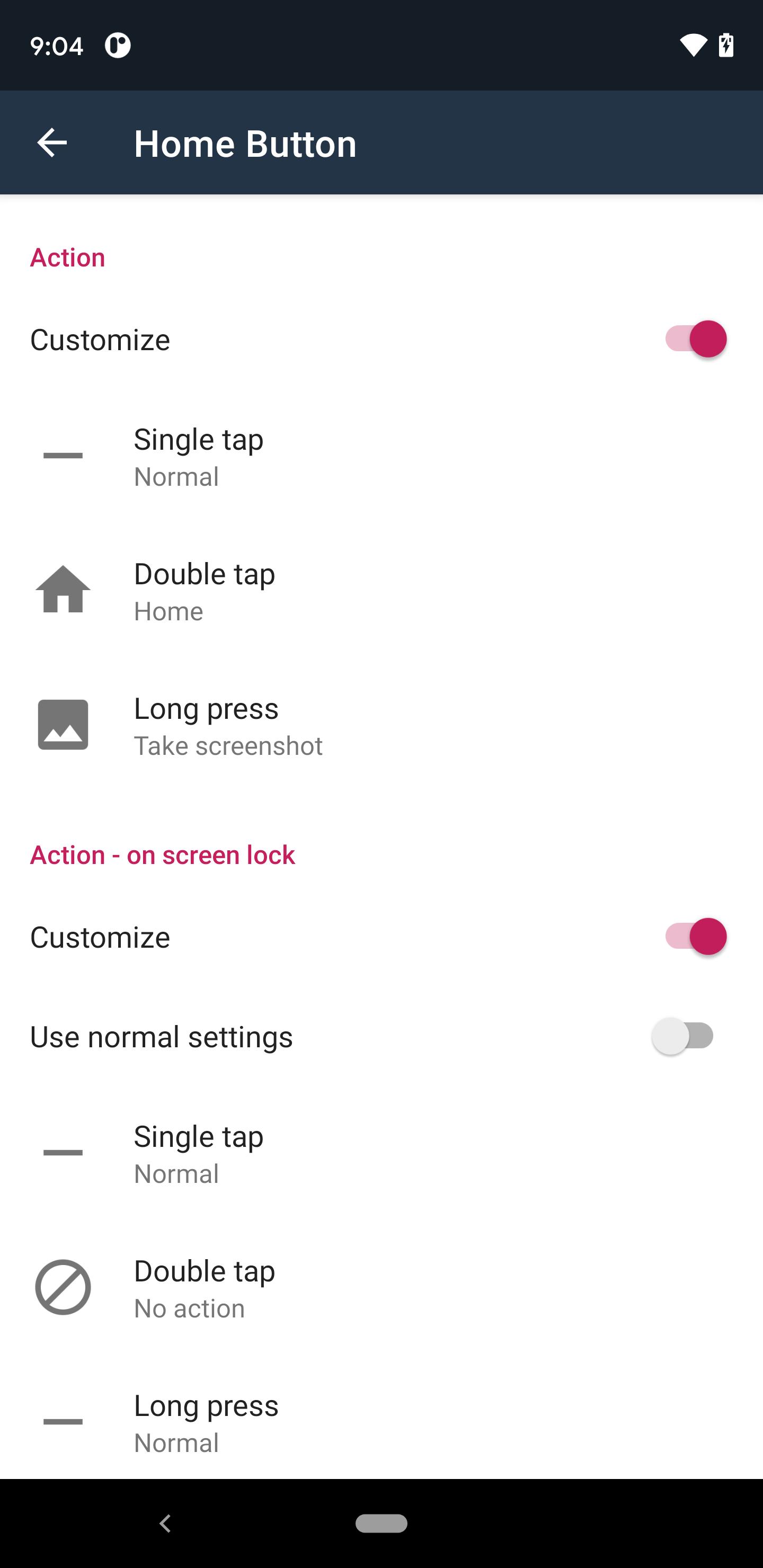
You can assign your favorite custom actions to various hardware buttons such as the back button, volume buttons, and Bixby button, as well as to the fingerprint sensor, device gestures, and floating buttons placed on the screen.
Gamepads and keyboards are also supported.
Accessibility service
This app is required Accessibility service. It is used to detect when the buttons are pressed on your device in this app. Once Accessibility service is enabled, this app can detect user-input button events and re-assign them to user customized actions. Accessibility service is used only for that purpose and this app does not collect any informations such as entered letters, passwords, credit card numbers, etc.
Supported Buttons
* Fingerprint
* Volume +/- button
* Home button
* back button
* Application history button
* Bixby button
* Headset button
* Virtual touch button
* Other keyboard buttons
* Gesture such as shake smartphone / face up / face down
Functions to be supported in the future
* Active Edge operation
Support
Please contact us if you have any request as we plan to continue to make additional improvements such as additional functions by updating from time to time. Basically it will correspond except for things that it is absolutely difficult to deal with.
Privacy Policy
About android.permission.CAMERA
This permission is necessary for light On / Off operation. This app have not done any take pictures using the camera.
Others
* Bixby is a registered trademark of Samsung.
* Active Edge is a registered trademark of Google.
Avance
Etiquetas
PersonalizaciónInformación
Desarrollador
Sumy Applications
La última versión
4.00
Última actualización
2025-05-02
Categoría
Personalización
Disponible en
Google Play
Mostrar más
Cómo jugar Remap keys & floating button con GameLoop en PC
1. Descargue GameLoop desde el sitio web oficial, luego ejecute el archivo exe para instalar GameLoop.
2. Abra GameLoop y busque "Remap keys & floating button", busque Remap keys & floating button en los resultados de búsqueda y haga clic en "Instalar".
3. Disfruta jugando Remap keys & floating button en GameLoop.
Minimum requirements
OS
Windows 8.1 64-bit or Windows 10 64-bit
GPU
GTX 1050
CPU
i3-8300
Memory
8GB RAM
Storage
1GB available space
Recommended requirements
OS
Windows 8.1 64-bit or Windows 10 64-bit
GPU
GTX 1050
CPU
i3-9320
Memory
16GB RAM
Storage
1GB available space