
Multilingual Keyboard English para PC
Fast Keyboard & Voice Translator
Descarga Multilingual Keyboard English en PC con GameLoop Emulator
Multilingual Keyboard English en PC
Multilingual Keyboard English, proveniente del desarrollador Fast Keyboard & Voice Translator, se ejecuta en el sistema Android en el pasado.
Ahora, puedes jugar Multilingual Keyboard English en PC con GameLoop sin problemas.
Descárgalo en la biblioteca de GameLoop o en los resultados de búsqueda. No más mirar la batería o llamadas frustrantes en el momento equivocado nunca más.
Simplemente disfrute de Multilingual Keyboard English PC en la pantalla grande de forma gratuita!
Multilingual Keyboard English Introducción
Experience true typing freedom with our multiling keyboard;
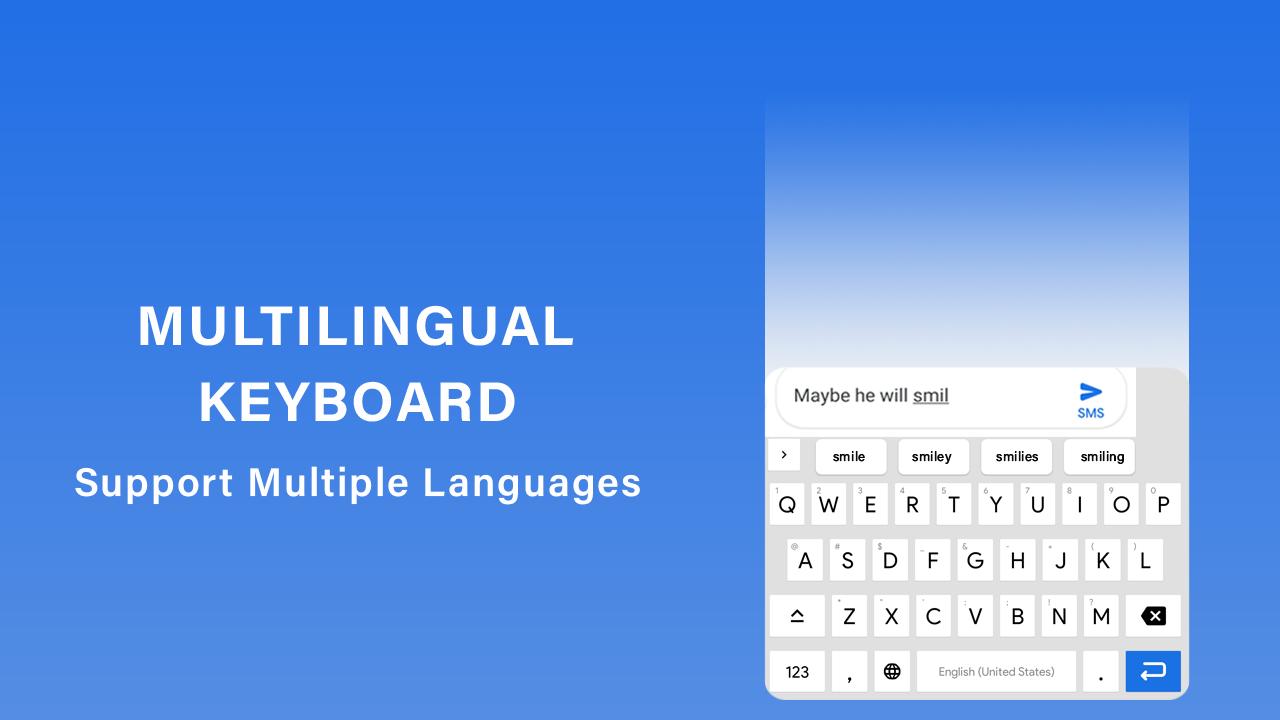
Designed to support every user’s needs from QWERTY keyboard lovers to AZERTY keyboard users. Hindi typing with efficient Bangla keyboard support or accurate Khmer typing, this all language keyboard has you covered. Customize and design your own layout for a personalized experience, including phonetic keyboard. Optimized for both mobile and tablet keyboard usage, it also features smart auto-correction to ensure a flawless typing.
With a multi language keyboard that supports Myanmar typing and functions as a full-featured multi keyboard app. With a dual language keyboard, users can enjoy easy typing keyboard functionality while exploring popular fonts that enhance every message. This universal keyboard doubles as a multi typing keyboard, offering a beautiful theme selection and expressive emoji arts for a fun. Choose your favorite keyboard wallpaper, switch languages on the fly, and enjoy smart typing with okeyboard okey and phum keyboard options.
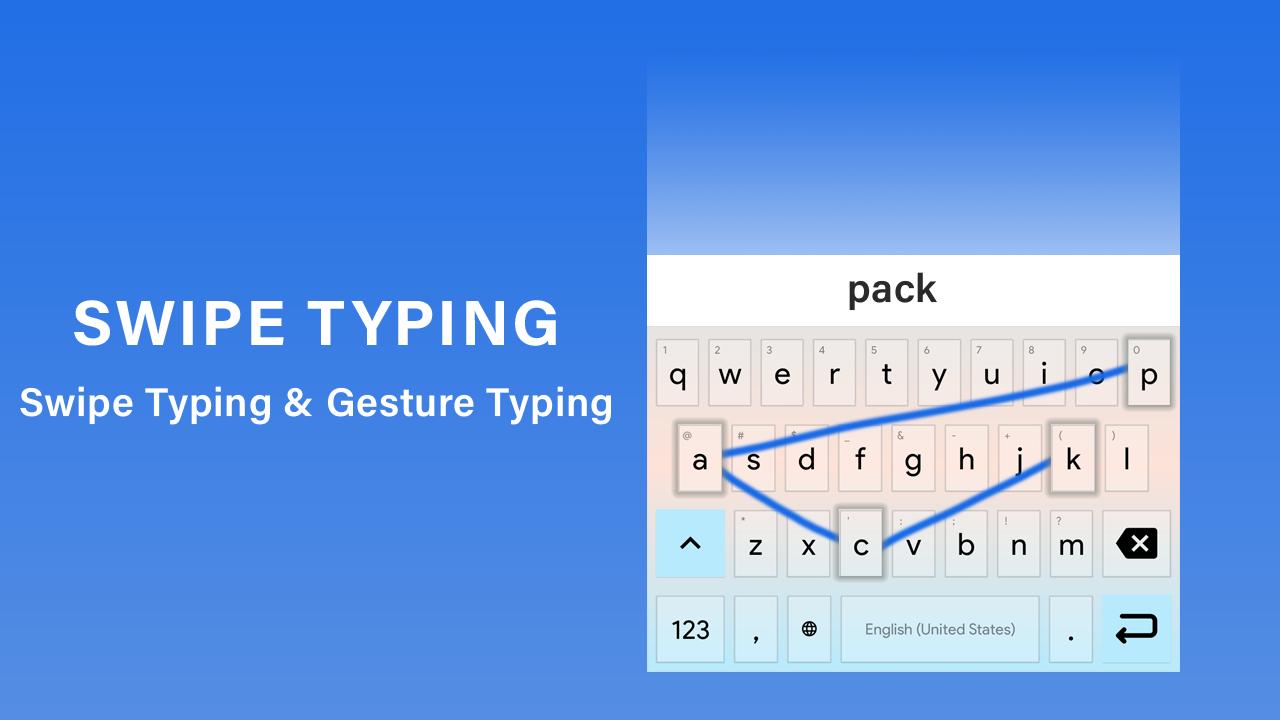
Benefit from intelligent word predictions, smooth swipe typing. With layout DIY, you can fully customize your keyboard. Discover the ultimate language keyboard app with a built-in translator in keyboard and full support for multilingual typing keyboard functionality. Happy face emoji with smiley face emoji, and a wide range of expressive icons, all while enjoying a sleek fancy keyboard wallpaper.
Multiling keyboard app is perfect for English typing text as well as users who want to type any language easily using a multiple language keyboard. Whether you need a keyboard for translation or just a fun and functional design, this app has it all. With the Multilink keyboard, you can type in multiple languages seamlessly, whether you're chatting with friends. Personalize your keyboard by choosing from various themes, or customize your own keyboard layout. Express your emotions using an emoticon keyboard filled with smiley emoji and creative emoji faces.
Multilingual support;
Support 7 languages at a time.
Support 70 plus languages.
50 plus custom themes with custom emojis, smileys and stickers.
MULTI LANGUAGE LKEYBOARD SUPPORT;
US English keyboard
UK English keyboard
AUS ENGLISH KEYBOARD
CAN ENGLISH KEYBOARD
FRENCH KEYBOARD
SPANISH KEYBOARD
GERMAN KEYBOARD
HINDI KEYBOARD
PORTUGUESE KEYBOARD
RUSSIAN KEYBOARD
GEORGIAN KEYBOARD
AFRICAN KEYBOARD
ALBANIAN KEYBOARD
ARABIC KEYBOARD
ARMENIAN KEYBOARD
AZERBAIJANI KEYBOARD
BANGLA KEYBOARD
BOSNAIAN KEYBOARD
BELARUSIAN KEYBOARD
BOSNIAN KEYBOARD
BULGARIAN KEYBOARD
CATALAN KEYBOARD
CROATIAN KEYBOARD
CZECH KEYBOARD
DANISH KEYBOARD
DUTCH KEYBOARD
ESTONIAN KEYBOARD
GREEK KEYBOARD
KYRYZ KEYBOARD
KURDISH KEYBOARD
LATVIAN KEYBOARD
LITHUNIAN KEYBOARD
MACEDONIAN KEYBOARD
NORWEGIAN KEYBOARD
POLISH KEYBOARD
ROMANIAN KEYBOARD
SLOVAK KEYBOARD
SLOVENIAN KEYBOARD
TAJIK KEYBOARD
KOREAN KEYBOARD
ITALIAN KEYBOARD
INDONESIAN KEYBOARD
MEYNAMAR KEYBOARD
GEORGIAN KEYBOARD
HUNGARIAN KEYBOARD
HEBREW KEYBOARD
KAZAKH KEYBOARD
MALAYSIAN KEYBOARD
MONGOLIAN KEYBOARD
PERSIANKEYBOARD
PASHTO KEYBOARD
SERBIAN KEYBOARD
TURKISH KEYBOARD
URDU KEYBOARD
UKRAINIAN KEYBOARD
UZBEK KEYBOARD
Avance
Etiquetas
PersonalizaciónProductividadInformación
Desarrollador
Fast Keyboard & Voice Translator
La última versión
V17
Última actualización
2025-10-19
Categoría
Personalización
Disponible en
Google Play
Mostrar más
Cómo jugar Multilingual Keyboard English con GameLoop en PC
1. Descargue GameLoop desde el sitio web oficial, luego ejecute el archivo exe para instalar GameLoop.
2. Abra GameLoop y busque "Multilingual Keyboard English", busque Multilingual Keyboard English en los resultados de búsqueda y haga clic en "Instalar".
3. Disfruta jugando Multilingual Keyboard English en GameLoop.
Minimum requirements
OS
Windows 8.1 64-bit or Windows 10 64-bit
GPU
GTX 1050
CPU
i3-8300
Memory
8GB RAM
Storage
1GB available space
Recommended requirements
OS
Windows 8.1 64-bit or Windows 10 64-bit
GPU
GTX 1050
CPU
i3-9320
Memory
16GB RAM
Storage
1GB available space