Melod UI v2.0 For KLWP Pro para PC
Melodic UI
Descarga Melod UI v2.0 For KLWP Pro en PC con GameLoop Emulator
Melod UI v2.0 For KLWP Pro en PC
Melod UI v2.0 For KLWP Pro, proveniente del desarrollador Melodic UI, se ejecuta en el sistema Android en el pasado.
Ahora, puedes jugar Melod UI v2.0 For KLWP Pro en PC con GameLoop sin problemas.
Descárgalo en la biblioteca de GameLoop o en los resultados de búsqueda. No más mirar la batería o llamadas frustrantes en el momento equivocado nunca más.
Simplemente disfrute de Melod UI v2.0 For KLWP Pro PC en la pantalla grande de forma gratuita!
Melod UI v2.0 For KLWP Pro Introducción
This is not a stand alone application. Themes require Kustom Live Wallpaper PRO (Not the free version of KLWP).
Kustom (KLWP PRO) https://play.google.com/store/apps/details?id=org.kustom.wallpaper.pro
What do you need:
✔ Kustom (KLWP PRO)
✔ A KLWP compatible launcher (NOVA LAUNCHER RECOMMENDED)
✔ Hide Status Bar
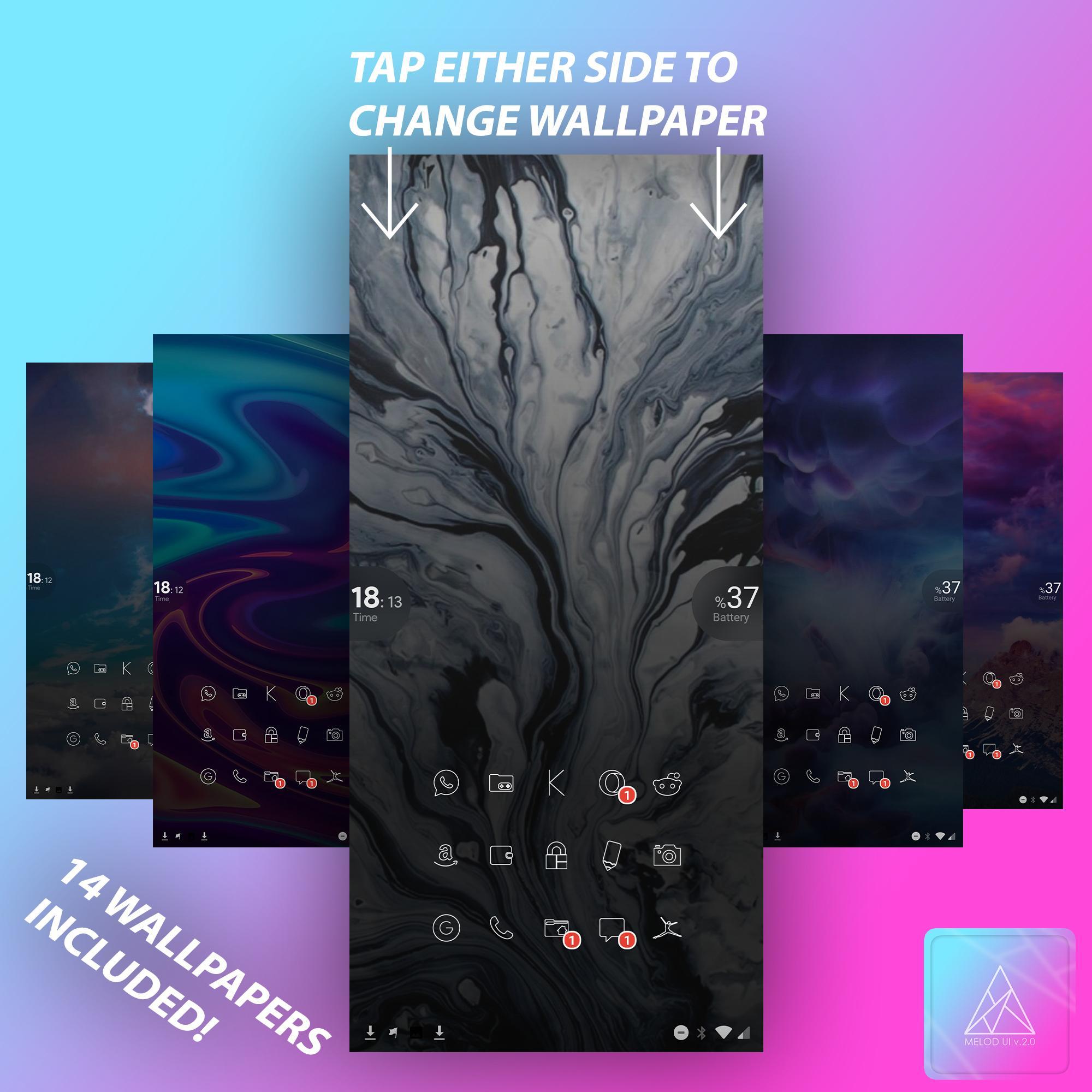
Open the KLWP then go to the global tab Where you can change Your Walls, Colors and most of the stuff.
If you liked the MELOD UI KLWP, do not forget to rate the stars and leave your comment!
Please contact me with any questions / issues before leaving a negative rating.
My Twitter:
https://twitter.com/designsmelodic
All These Themes Were Made With a One Plus 7 Pro Device.
Avance
Etiquetas
PersonalizaciónInformación
Desarrollador
Melodic UI
La última versión
v2020.Jan.23.19
Última actualización
2020-01-23
Categoría
Personalización
Disponible en
Google Play
Mostrar más
Cómo jugar Melod UI v2.0 For KLWP Pro con GameLoop en PC
1. Descargue GameLoop desde el sitio web oficial, luego ejecute el archivo exe para instalar GameLoop.
2. Abra GameLoop y busque "Melod UI v2.0 For KLWP Pro", busque Melod UI v2.0 For KLWP Pro en los resultados de búsqueda y haga clic en "Instalar".
3. Disfruta jugando Melod UI v2.0 For KLWP Pro en GameLoop.
Minimum requirements
OS
Windows 8.1 64-bit or Windows 10 64-bit
GPU
GTX 1050
CPU
i3-8300
Memory
8GB RAM
Storage
1GB available space
Recommended requirements
OS
Windows 8.1 64-bit or Windows 10 64-bit
GPU
GTX 1050
CPU
i3-9320
Memory
16GB RAM
Storage
1GB available space