Launcher & theme for Asus ZenF para PC
Ninja Inc
Descarga Launcher & theme for Asus ZenF en PC con GameLoop Emulator
Launcher & theme for Asus ZenF en PC
Launcher & theme for Asus ZenF, proveniente del desarrollador Ninja Inc, se ejecuta en el sistema Android en el pasado.
Ahora, puedes jugar Launcher & theme for Asus ZenF en PC con GameLoop sin problemas.
Descárgalo en la biblioteca de GameLoop o en los resultados de búsqueda. No más mirar la batería o llamadas frustrantes en el momento equivocado nunca más.
Simplemente disfrute de Launcher & theme for Asus ZenF PC en la pantalla grande de forma gratuita!
Launcher & theme for Asus ZenF Introducción
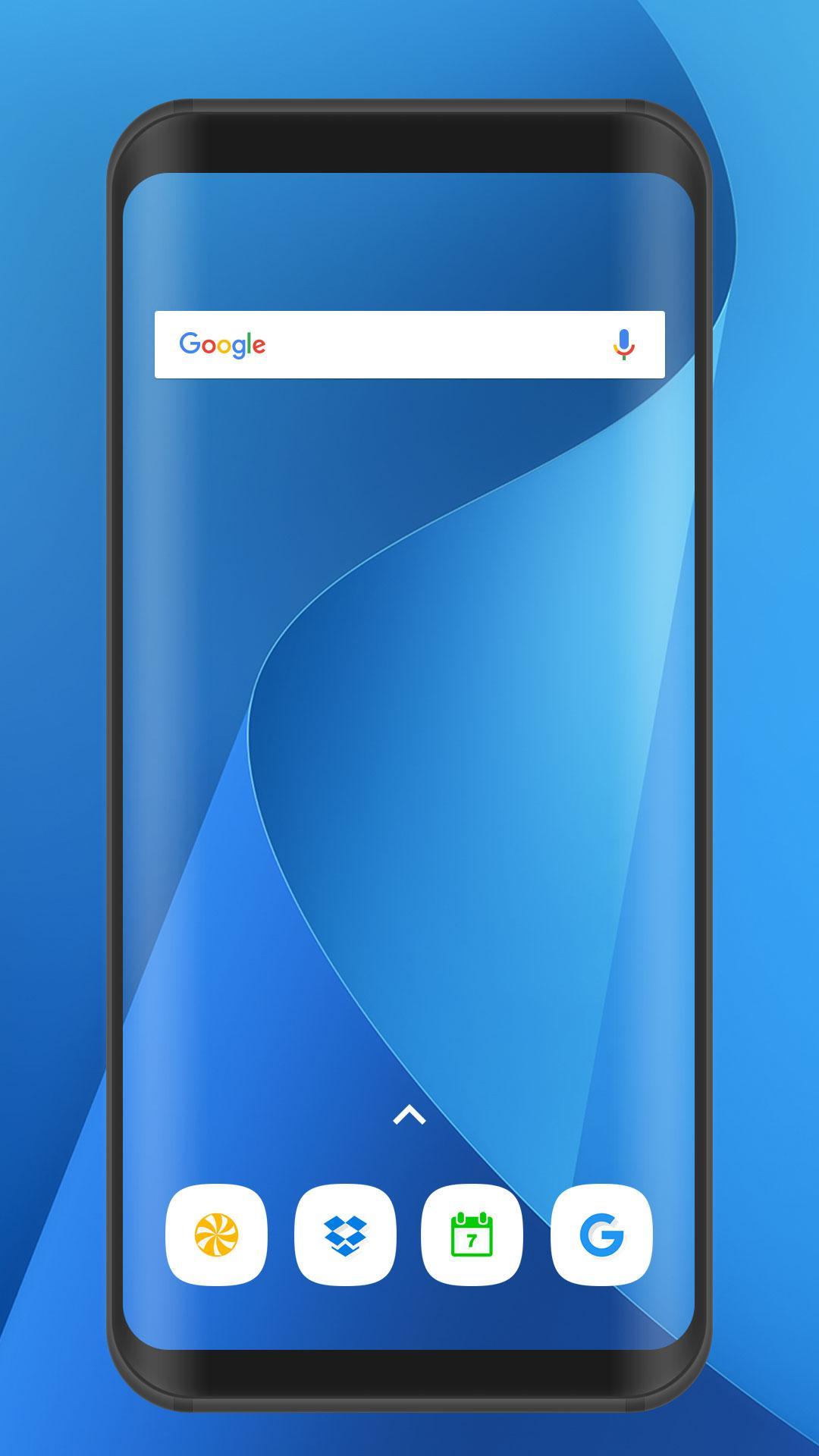
► Best theme launcher Asus ZenFone Max Plus (M1) for android
Theme for Asus ZenFone Max Plus (M1) makes your phone faster & stylish with lots of themes and customizations.
You can make a Touchwiz desktop on all devices with Android 8.0 launcher (oreo) or higher.
ZenFone Max Plus theme app will make your android phone look like Asus ZenFone Max Plus (M1), allowing you to completely refurbish your existing Android home screen. Suma Launcher lets you customize widgets and set wallpapers in many flavours and designs. Launcher with sidebar for ROG Phone and zenfone 4 selfie.
Asus ZenFone Max Plus (M1) Theme and Launcher contains lots of wallpapers as well as which you can use for your backgrounds or share with your friends. Asus ZenFone Max Plus (M1) theme and launcher also focuses on wallpaper image itself, to make greater performance. You would never have to worry about your memories or battery running out.
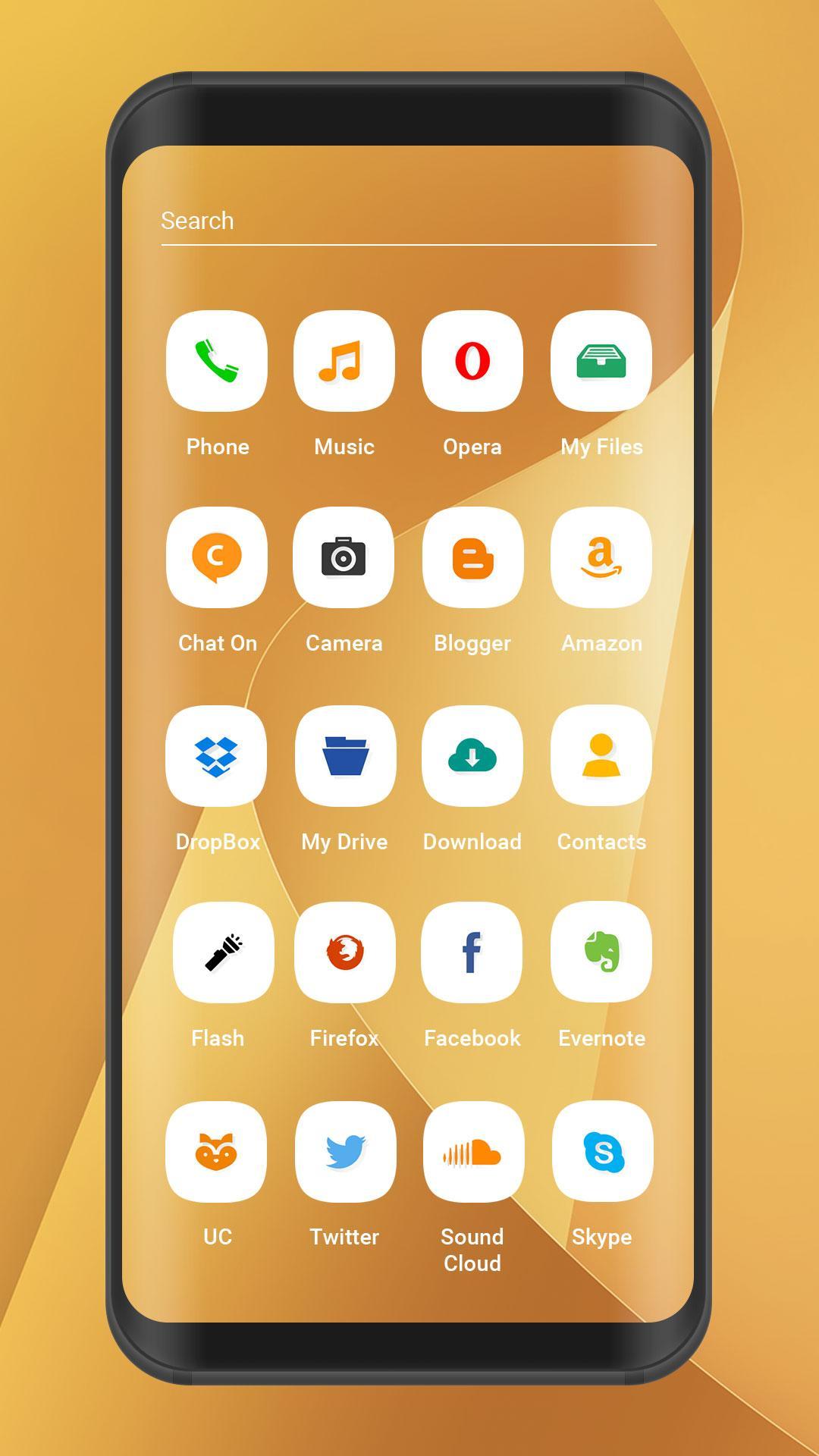
Summary, this theme and launcher brings a personalized interface, which contains cool icons pack and awesome background decorations. Download this theme and launcher for and enjoy!
☆Suma Launcher and Asus ZenFone Max Plus (M1) Theme
Suma Launcher and Asus ZenFone Max Plus (M1) Theme makes your phone faster & stylish with lots of themes and customizations. Include : icon theme, scroll speed, animation, screen orientation
☆Suma Launcher With Slidebar
Sidebar launcher apps and app drawer
☆Suma Launcher and asus zenfone max plus (m1) theme Customize Desktop
Suma Launcher customize icon size, transition effect
►Themes support following launchers:
1. About All available Launcher
►FEATURES
★ Amazing static HD 4K live wallpapers.
★ White collection of bundles of icons pack.
★ Customize full fledged animated look.
★ Both landscape and portrait support for phone and tablets.
★ Easy to use.
★ Small in size and very fast and simple.
►To set this theme , please follow the following steps:
⊹ Select 'Asus ZenFone Max Plus (M1)' theme (icon pack).
⊹ Tap on Apply Theme item.
⊹ Select your choice of luncher on which you want to apply this theme (Suma Launcher Recommended).
⊹ Then Apply the Theme. wait for almost 20 Seconds to apply the theme.
►To change Wallpaper and Lock Screen Background, please follow the following steps:
⊹ Select 'Asus ZenFone Max Plus (M1)' Theme.
⊹ Tap on 'Wallpapers' Item.
⊹ Select any wallpaper either by SET AS WALLPAPER or click on tick mark.
⊹ Choose Set As Lock Screen and Home Screen.
→ Personalize your wallpaper, icons, clock widget, and search widget in a snap!
→ Beginner-friendly user interface!
→ Cute, cool, and stylish themes to choose from!
→ Easy-to-use one stop menu where you can access your camera, calendar, maps, alarm, gallery, and much more at the touch of a button!
This beautiful theme (3d love wallpaper, background hd and luncher) can be run in both smartphone and tablet. This theme will be install to Asus ZenFone Live (L1) / ZenFone 5z / zenfone 5 lite / Asus ZenFone Max Pro (M1) / zenfone 4 pro / zenfone 4 selfie etc.
*This app is not affiliated with or endorsed by Asus.
*This app is not affiliated with or endorsed by Android.
Avance
Etiquetas
PersonalizaciónInformación
Desarrollador
Ninja Inc
La última versión
1.3
Última actualización
2019-12-22
Categoría
Personalización
Disponible en
Google Play
Mostrar más
Cómo jugar Launcher & theme for Asus ZenF con GameLoop en PC
1. Descargue GameLoop desde el sitio web oficial, luego ejecute el archivo exe para instalar GameLoop.
2. Abra GameLoop y busque "Launcher & theme for Asus ZenF", busque Launcher & theme for Asus ZenF en los resultados de búsqueda y haga clic en "Instalar".
3. Disfruta jugando Launcher & theme for Asus ZenF en GameLoop.
Minimum requirements
OS
Windows 8.1 64-bit or Windows 10 64-bit
GPU
GTX 1050
CPU
i3-8300
Memory
8GB RAM
Storage
1GB available space
Recommended requirements
OS
Windows 8.1 64-bit or Windows 10 64-bit
GPU
GTX 1050
CPU
i3-9320
Memory
16GB RAM
Storage
1GB available space