Digital Clock Neon Wallpapers para PC
Zia App Studio
Descarga Digital Clock Neon Wallpapers en PC con GameLoop Emulator
Digital Clock Neon Wallpapers en PC
Digital Clock Neon Wallpapers, proveniente del desarrollador Zia App Studio, se ejecuta en el sistema Android en el pasado.
Ahora, puedes jugar Digital Clock Neon Wallpapers en PC con GameLoop sin problemas.
Descárgalo en la biblioteca de GameLoop o en los resultados de búsqueda. No más mirar la batería o llamadas frustrantes en el momento equivocado nunca más.
Simplemente disfrute de Digital Clock Neon Wallpapers PC en la pantalla grande de forma gratuita!
Digital Clock Neon Wallpapers Introducción
LED Digital Clock and Live Wallpaper with different stylish clock styles:
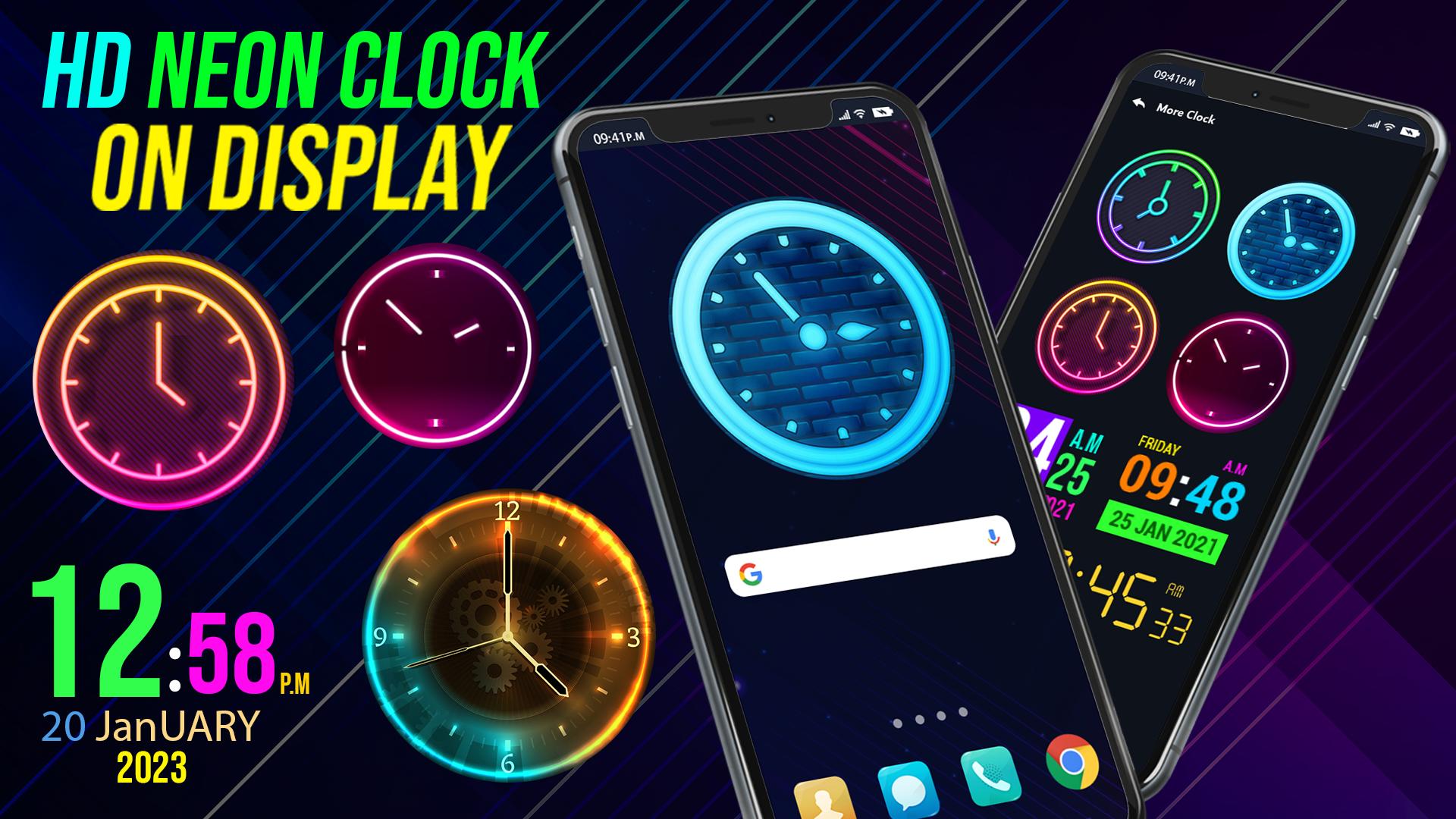
This is simple and attractive live wallpaper app with Neon style Digital clock. Neon Digital Clock and Live Wallpaper also display clock with date and week day. This digital live clock displays time and date beautifully on mobile screen like stylish watch.
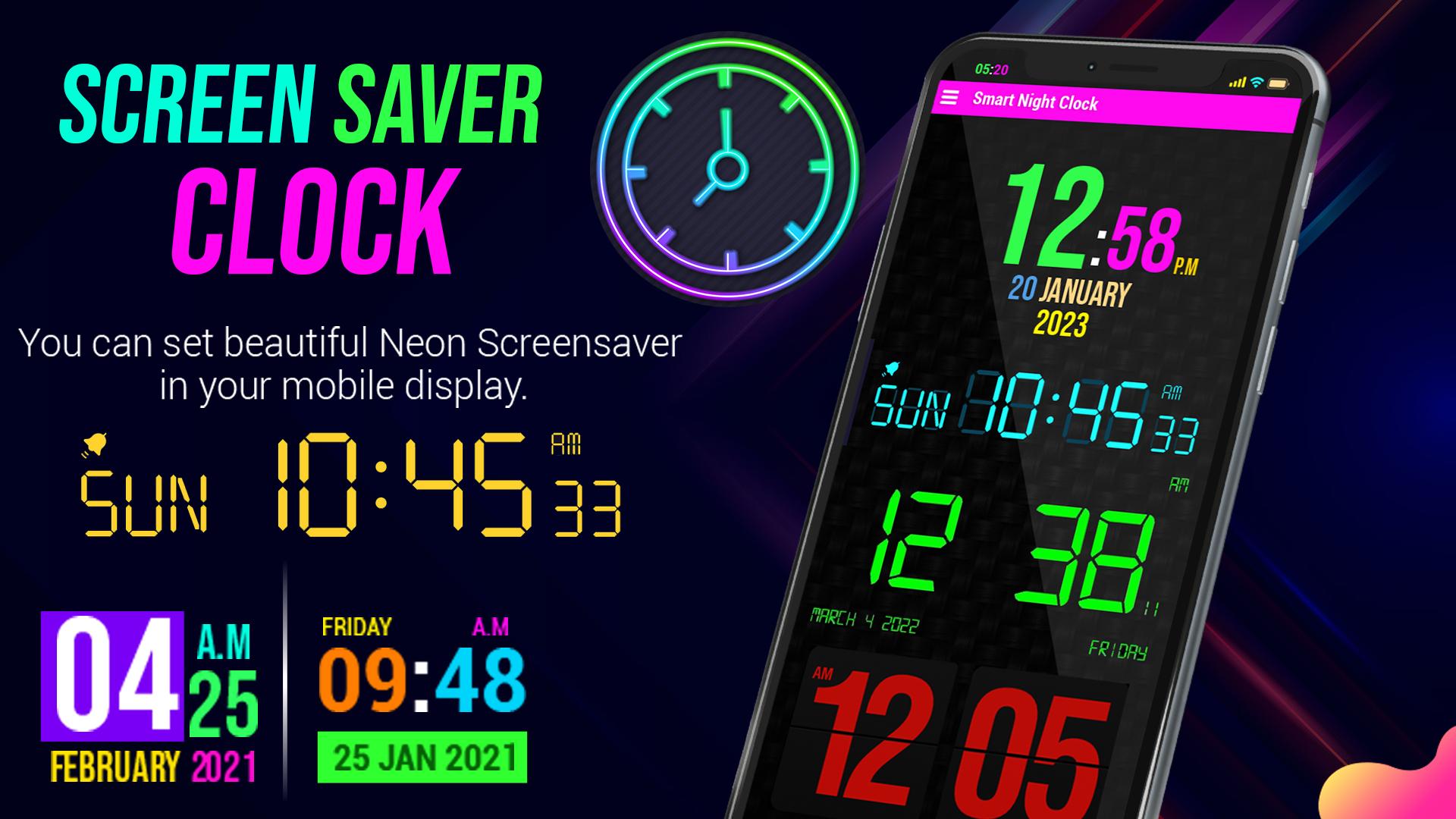
Number of color combinations are available for displaying clock in this screen clock. This Neon style digital watch makes mobile screen more beautiful and attractive. There are multiple neon wallpapers available in this digital watch and neon wallpapers app. Display time shown minutes, seconds date and day as well. Now a days these multi-color display clock or screen clocks are commonly used.
Night Led Neon digital clock enables user to customize its smart watch with its settings features. This Neon Digital Clock Live Wallpaper is also customizable live wallpapers, you can customize the following features:-
Its custom Features are:
Clock color settings: set color for display text in this LED clock.
Clock style settings: set size for display text in this smart clock.
Multiple digital watch styles are available to set different neon clocks on display.
Set the clock text color and font and wallpaper behind the clock
Different attractive stylish neon wallpapers for clock and set as live wallpapers
Use of this digital watch is easy and simple to use. Just open the Digital Clock Neon Wallpapers set smart watch or smart clock then set this clock and wallpaper as home screen. And this Smart night clock led colorful wallpaper makes smartphone display colorful and decent. This display smart watch application is offline and without any purchase.
Avance
Etiquetas
PersonalizaciónInformación
Desarrollador
Zia App Studio
La última versión
2.2
Última actualización
2023-08-13
Categoría
Personalización
Disponible en
Google Play
Mostrar más
Cómo jugar Digital Clock Neon Wallpapers con GameLoop en PC
1. Descargue GameLoop desde el sitio web oficial, luego ejecute el archivo exe para instalar GameLoop.
2. Abra GameLoop y busque "Digital Clock Neon Wallpapers", busque Digital Clock Neon Wallpapers en los resultados de búsqueda y haga clic en "Instalar".
3. Disfruta jugando Digital Clock Neon Wallpapers en GameLoop.
Minimum requirements
OS
Windows 8.1 64-bit or Windows 10 64-bit
GPU
GTX 1050
CPU
i3-8300
Memory
8GB RAM
Storage
1GB available space
Recommended requirements
OS
Windows 8.1 64-bit or Windows 10 64-bit
GPU
GTX 1050
CPU
i3-9320
Memory
16GB RAM
Storage
1GB available space