LED Keyboard: Colorful Backlit para PC
Zayzik : LED Keyboard Studio
Descarga LED Keyboard: Colorful Backlit en PC con GameLoop Emulator
LED Keyboard: Colorful Backlit en PC
LED Keyboard: Colorful Backlit, proveniente del desarrollador Zayzik : LED Keyboard Studio, se ejecuta en el sistema Android en el pasado.
Ahora, puedes jugar LED Keyboard: Colorful Backlit en PC con GameLoop sin problemas.
Descárgalo en la biblioteca de GameLoop o en los resultados de búsqueda. No más mirar la batería o llamadas frustrantes en el momento equivocado nunca más.
Simplemente disfrute de LED Keyboard: Colorful Backlit PC en la pantalla grande de forma gratuita!
LED Keyboard: Colorful Backlit Introducción
LED Keyboard is a keyboard application that provides a unique typing experience with dynamic RGB color effects while typing.
Enhance your typing experience with LED Keyboard, the ultimate keyboard app that brings dynamic RGB color effects, customizable themes, and advanced typing features. Whether you’re looking to personalize your keyboard, type faster, or add fun to your messages, LED Keyboard has everything you need!
Key Features:
🎨 Dynamic Themes & Customization:
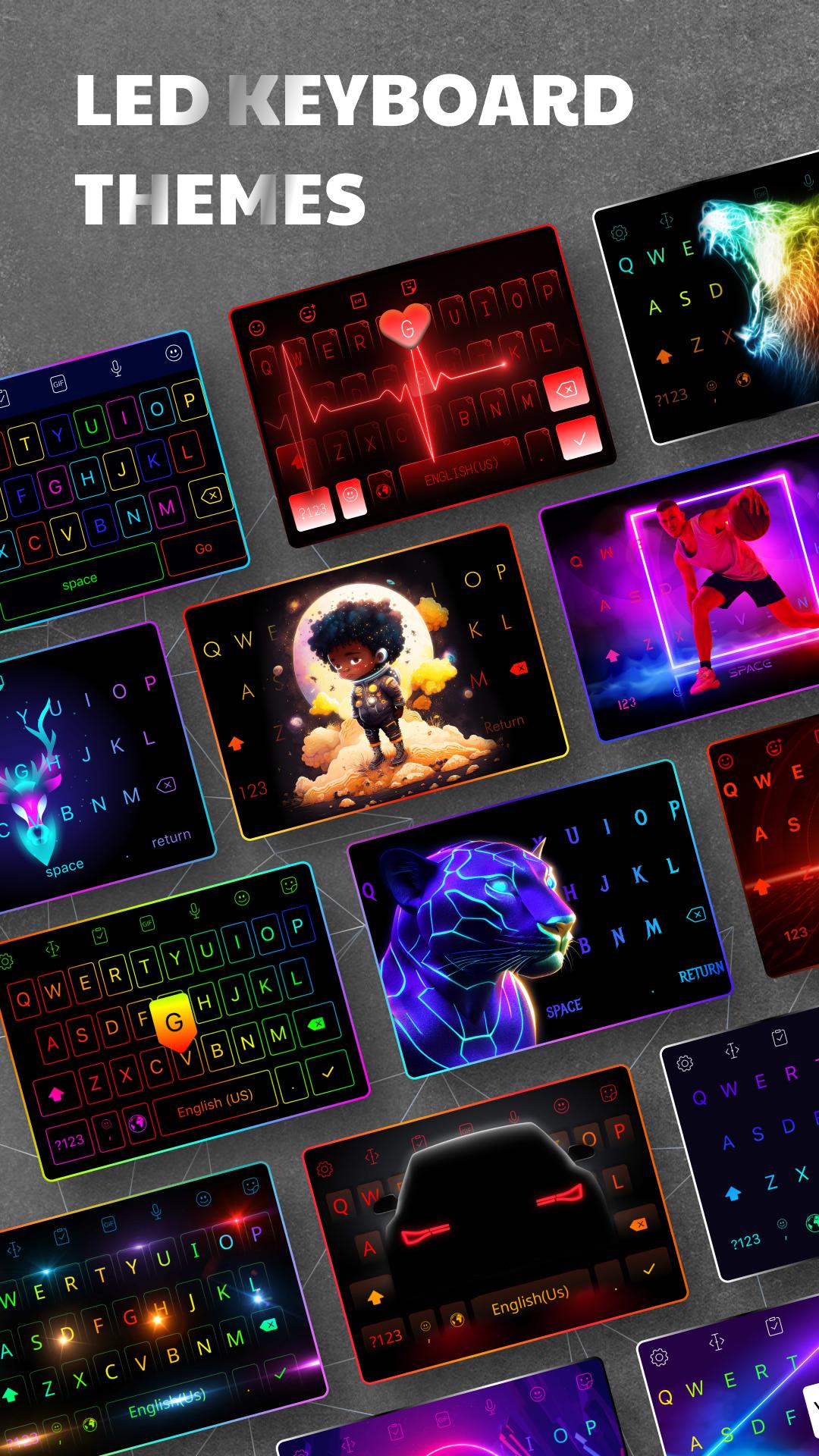
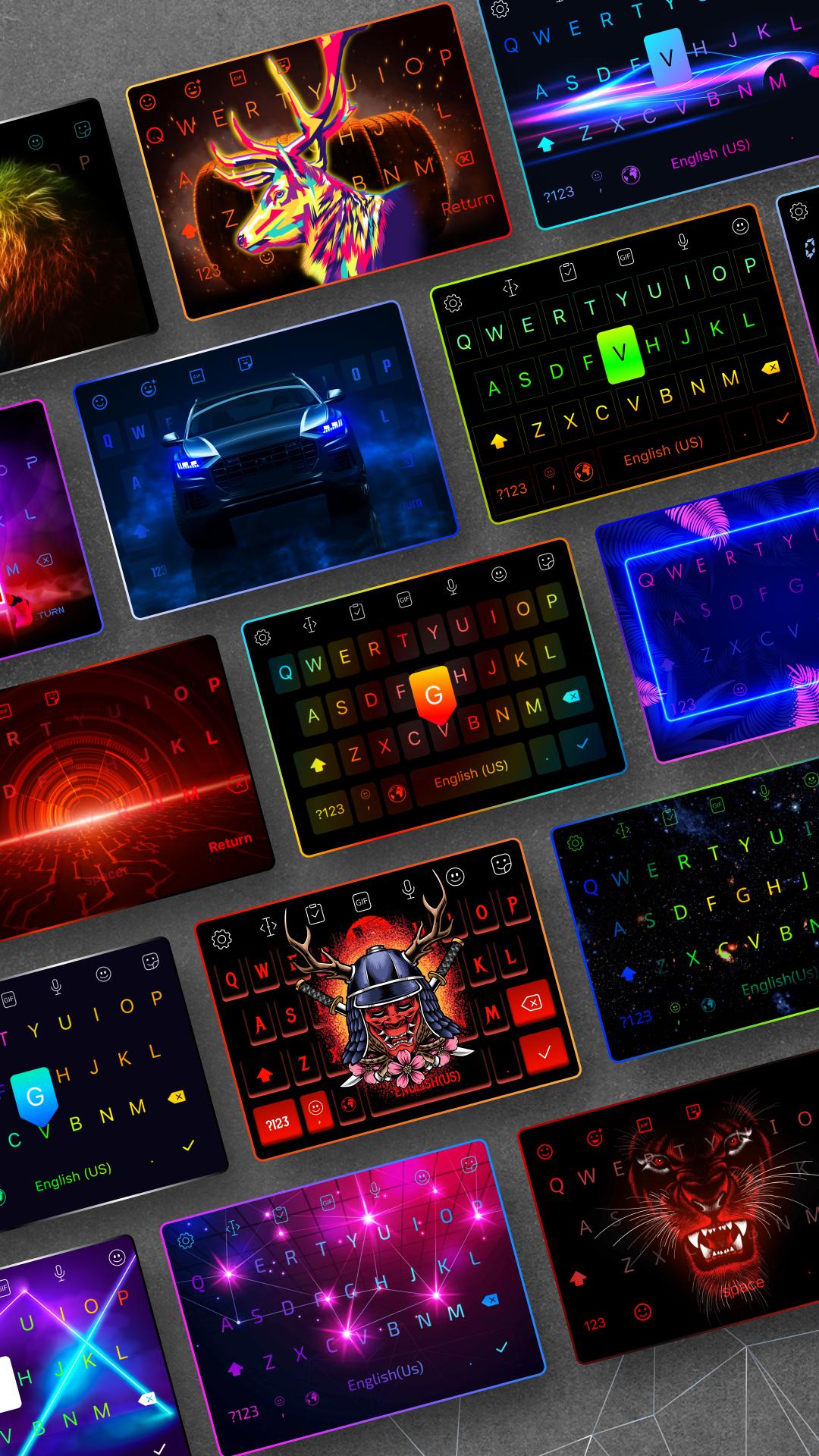
- Choose from a variety of RGB & LED themes with vibrant color effects beneath the keys.
- Opt for monochromatic themes for a minimalist look.
- Use your own images as keyboard backgrounds or select from our collection.
- Generated themes for a unique, creative touch.
- Gradient backgrounds that transition through a spectrum of colors.
🎉 Emojis, Stickers, & GIFs:
- Express yourself with a wide selection of emojis, emoticons, stickers, and the latest GIFs.
- Stay updated with the newest emoji releases for fun conversations.
🅰️ Free Fonts & Custom Text Styles:
- Choose from hundreds of free, stylish fonts to make your text stand out.
- Use these fonts across various apps to give your messages a unique look.
- Custom fonts will help your content stand out and make typing more fun.
⌨️ Live Keyboards & Personalization:
- Create neon, RGB keyboards with real-time color effects that light up as you type.
- Customize key size and adjust for a more comfortable typing experience.
- Choose from hundreds of free, stylish fonts to make your text stand out.
- Upload your own images for a truly personalized keyboard.
📱 Fast & Smart Typing:
- Voice-to-text functionality for hands-free typing.
- Swipe typing for faster input.
- Powered word suggestions and automatic spelling correction to streamline your typing.
🎮 Gaming Keyboard Mode:
- Perfect for gamers! Create a gaming-inspired keyboard with vivid RGB effects that make typing fun while chatting or streaming.
🔒 Privacy Focused:
- Your privacy is our priority! LED Keyboard does not collect any personal data or information you type. We are committed to your security.
Why Choose LED Keyboard?
- Many RGB & LED themes layouts with color effects beneath your keys.
- Free fonts and custom text styles to make your messages pop.
- Constant updates with emojis, emoticons, and stickers.
- Personalize with your own images and backgrounds.
- Fast, smart typing with AI word suggestions, voice input, and swipe typing.
Note:
When installing any keyboard app, you may receive a warning about data collection. This applies to all keyboard apps, not just LED Keyboard. We do not collect any personal data, ensuring your privacy is always protected.
For feedback or suggestions, feel free to reach out to us:
📧 Email: ledkeyboard.feedback@gmail.com
👍 Facebook: [LED Keyboard RGB Keyboard](https://www.facebook.com/Led-Keyboard-RGB-Keyboard-839146486458313)
Avance
Etiquetas
PersonalizaciónInformación
Desarrollador
Zayzik : LED Keyboard Studio
La última versión
16.6.5
Última actualización
2024-09-27
Categoría
Personalización
Disponible en
Google Play
Mostrar más
Cómo jugar LED Keyboard: Colorful Backlit con GameLoop en PC
1. Descargue GameLoop desde el sitio web oficial, luego ejecute el archivo exe para instalar GameLoop.
2. Abra GameLoop y busque "LED Keyboard: Colorful Backlit", busque LED Keyboard: Colorful Backlit en los resultados de búsqueda y haga clic en "Instalar".
3. Disfruta jugando LED Keyboard: Colorful Backlit en GameLoop.
Minimum requirements
OS
Windows 8.1 64-bit or Windows 10 64-bit
GPU
GTX 1050
CPU
i3-8300
Memory
8GB RAM
Storage
1GB available space
Recommended requirements
OS
Windows 8.1 64-bit or Windows 10 64-bit
GPU
GTX 1050
CPU
i3-9320
Memory
16GB RAM
Storage
1GB available space