Iphone Control Center para PC
Paragon Studio
Descarga Iphone Control Center en PC con GameLoop Emulator
Iphone Control Center en PC
Iphone Control Center, proveniente del desarrollador Paragon Studio, se ejecuta en el sistema Android en el pasado.
Ahora, puedes jugar Iphone Control Center en PC con GameLoop sin problemas.
Descárgalo en la biblioteca de GameLoop o en los resultados de búsqueda. No más mirar la batería o llamadas frustrantes en el momento equivocado nunca más.
Simplemente disfrute de Iphone Control Center PC en la pantalla grande de forma gratuita!
Iphone Control Center Introducción
- NEW UPDATE FEATURE.
+ Add video recorder screen feature.
+ Add capture screenshot feature.
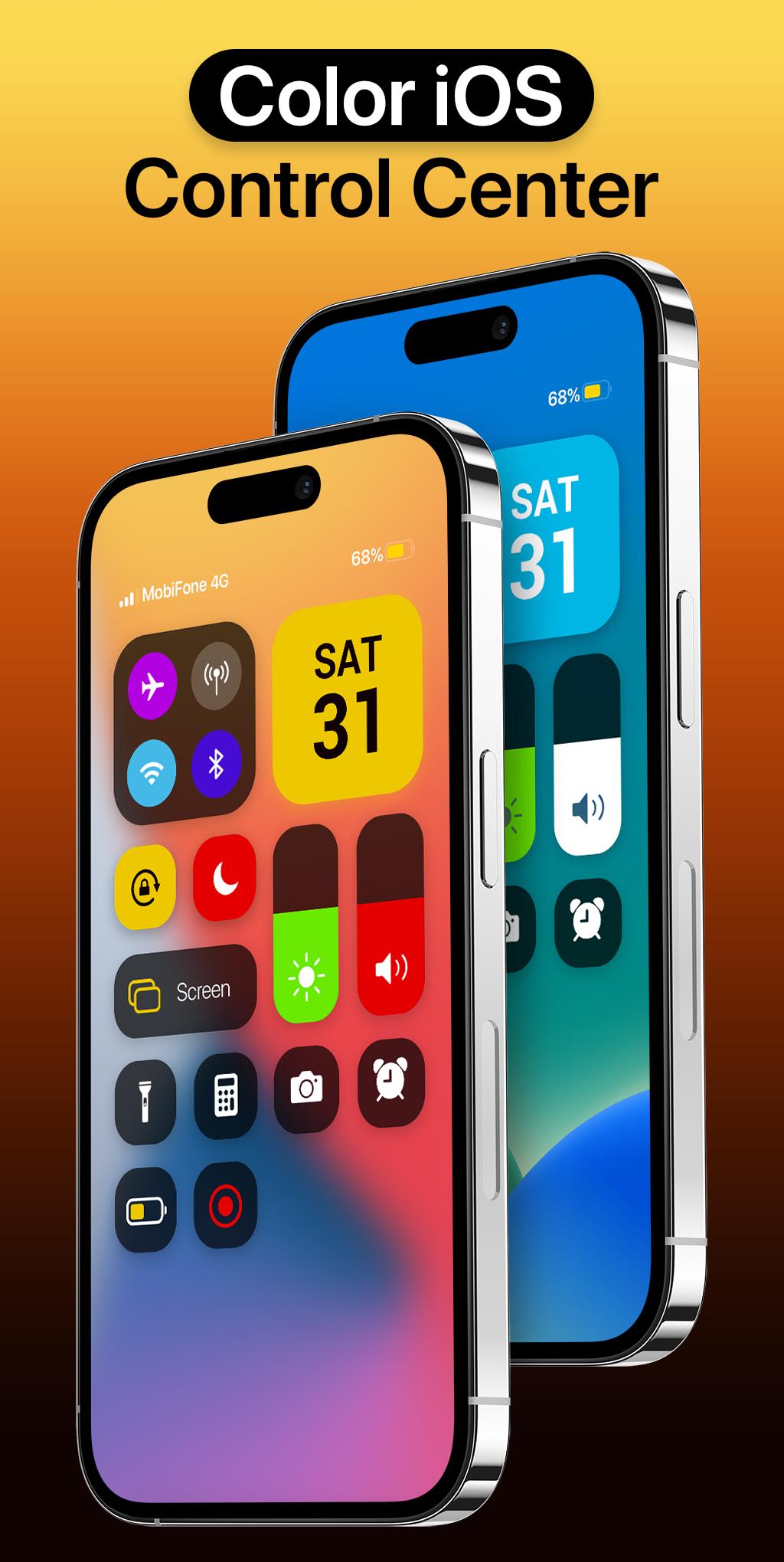
Bring control center with iOS 16 Style to your Android phone with Iphone Control Center. Support portrait and landscape mode feature. If you want to customize Control Center Color on your device, open Iphone 14 Control Center application and you can change everything.
The best Control Center Changer Color panel just a swipe and quick access to your device settings or control your device settings directly. Quick access to the camera, flashlight, and other settings in the control center iOS 16. Powerful options to customize your mobile with quick access to settings and actions like iPhone.
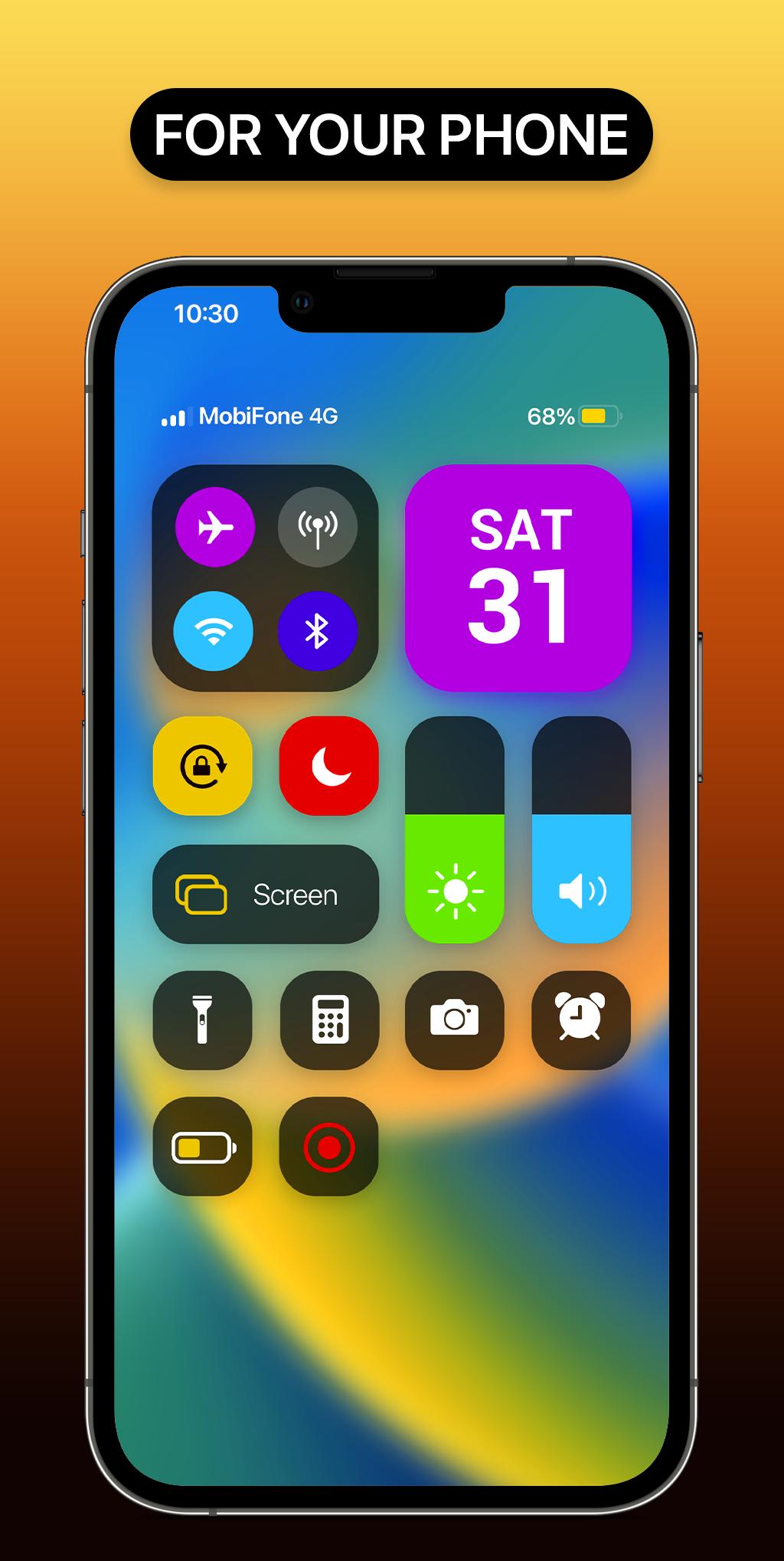
Iphone 14 Control Center help you save your time in changing Wi-Fi settings, Brightness, Volume, Bluetooth and more all from one slide control panel. Personalize your phone to iOS design style easily with a powerful control center! You can have an experience of using a newest and modern iOS phone with your current android phone.
Iphone Control Center features:
- Change Color
- Support portrait and landscape mode feature
- Blur control center background like iOS style, make your phone more beautiful and attractive
- Full customize iOS 15 control center: add app from your phone, help you quick access to your app
- Support lock screen: show control center on lock screen
- Very easy to open iControl Center: Swipe the edge screen to open. To close iCenter iOS 16, you just need to touch or swipe on the screen
- By using a control center with full function like iOS 16, your phone will be like a brand new phone 14 with a nice and streamlined design.
With Color Iphone Control Center, you can quickly access multiple settings:
- Quick on/off: Wi-Fi, Bluetooth, Airplane Mode, Mobile Connection
- Volume adjust: quick and super-easy adjust volume by swiping up and down.
- Brightness adjust: swipe up for brighter screen and swipe down for darker screen.
- Camera: One click to open your camera, instant access to capture all your precious moments.
- Flashlight: One click to open your Flashlight
- Calculator: Easy using and quick access to your calculator
*NOTE
ACCESSIBILITY SERVICE
This app uses ACCESSIBILITY SERVICE
This application requires activation in the accessibility service to display the control center view on the mobile screen.
Additionally, this app utilizes accessibility service functionalities such as control music, control volume, and dismissing system dialogs, among other features.
This application does not accumulate or disclose any user information about this accessibility right.
No user data is stored by this application about this accessibility right.
Avance
Etiquetas
PersonalizaciónInformación
Desarrollador
Paragon Studio
La última versión
1.6
Última actualización
2023-11-30
Categoría
Personalización
Disponible en
Google Play
Mostrar más
Cómo jugar Iphone Control Center con GameLoop en PC
1. Descargue GameLoop desde el sitio web oficial, luego ejecute el archivo exe para instalar GameLoop.
2. Abra GameLoop y busque "Iphone Control Center", busque Iphone Control Center en los resultados de búsqueda y haga clic en "Instalar".
3. Disfruta jugando Iphone Control Center en GameLoop.
Minimum requirements
OS
Windows 8.1 64-bit or Windows 10 64-bit
GPU
GTX 1050
CPU
i3-8300
Memory
8GB RAM
Storage
1GB available space
Recommended requirements
OS
Windows 8.1 64-bit or Windows 10 64-bit
GPU
GTX 1050
CPU
i3-9320
Memory
16GB RAM
Storage
1GB available space