reer IP BabyCam Move para PC
reer GmbH
Descarga reer IP BabyCam Move en PC con GameLoop Emulator
reer IP BabyCam Move en PC
reer IP BabyCam Move, proveniente del desarrollador reer GmbH, se ejecuta en el sistema Android en el pasado.
Ahora, puedes jugar reer IP BabyCam Move en PC con GameLoop sin problemas.
Descárgalo en la biblioteca de GameLoop o en los resultados de búsqueda. No más mirar la batería o llamadas frustrantes en el momento equivocado nunca más.
Simplemente disfrute de reer IP BabyCam Move PC en la pantalla grande de forma gratuita!
reer IP BabyCam Move Introducción
Please note: To use this app you need an IP BabyCam Move from reer
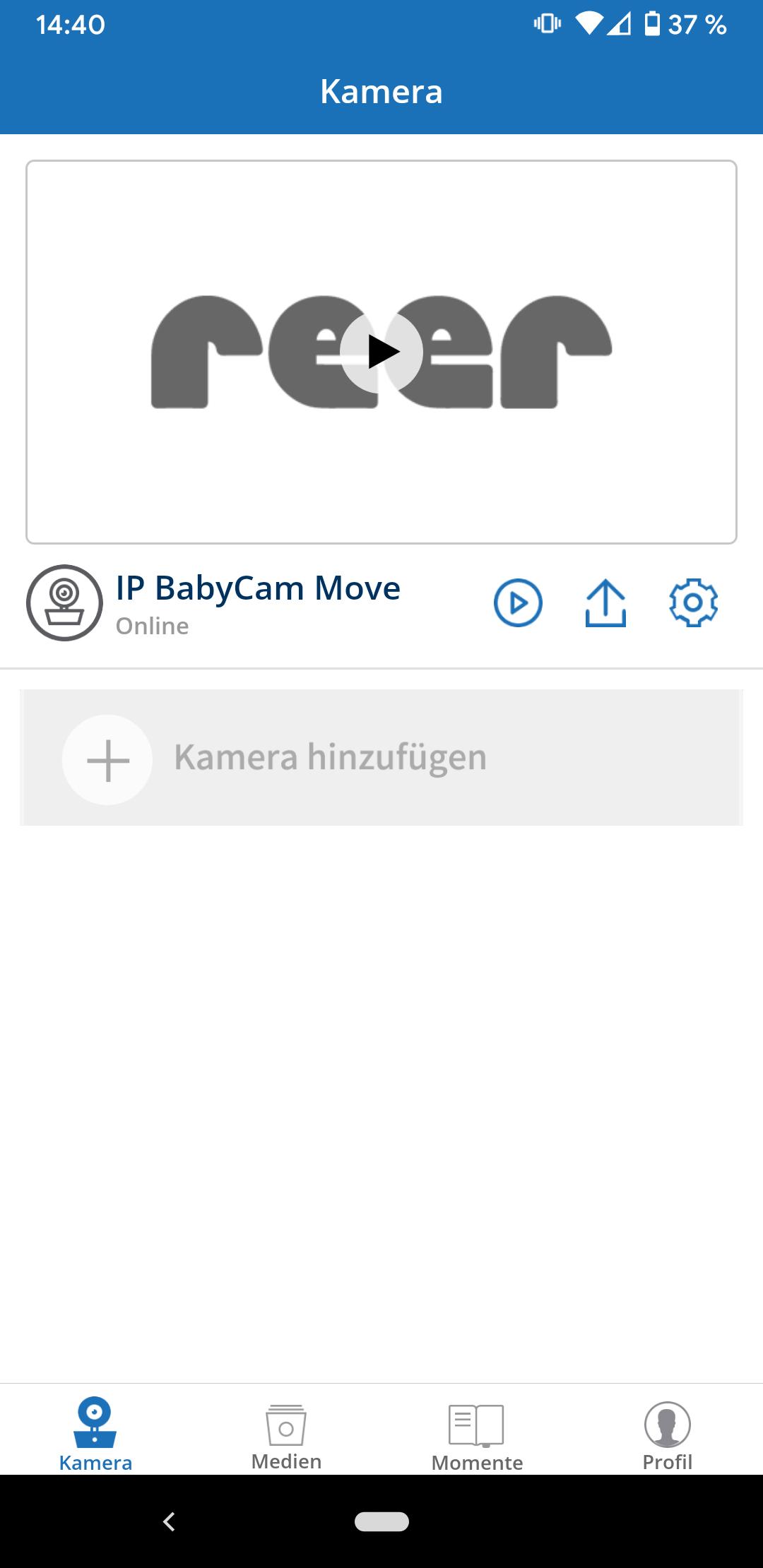
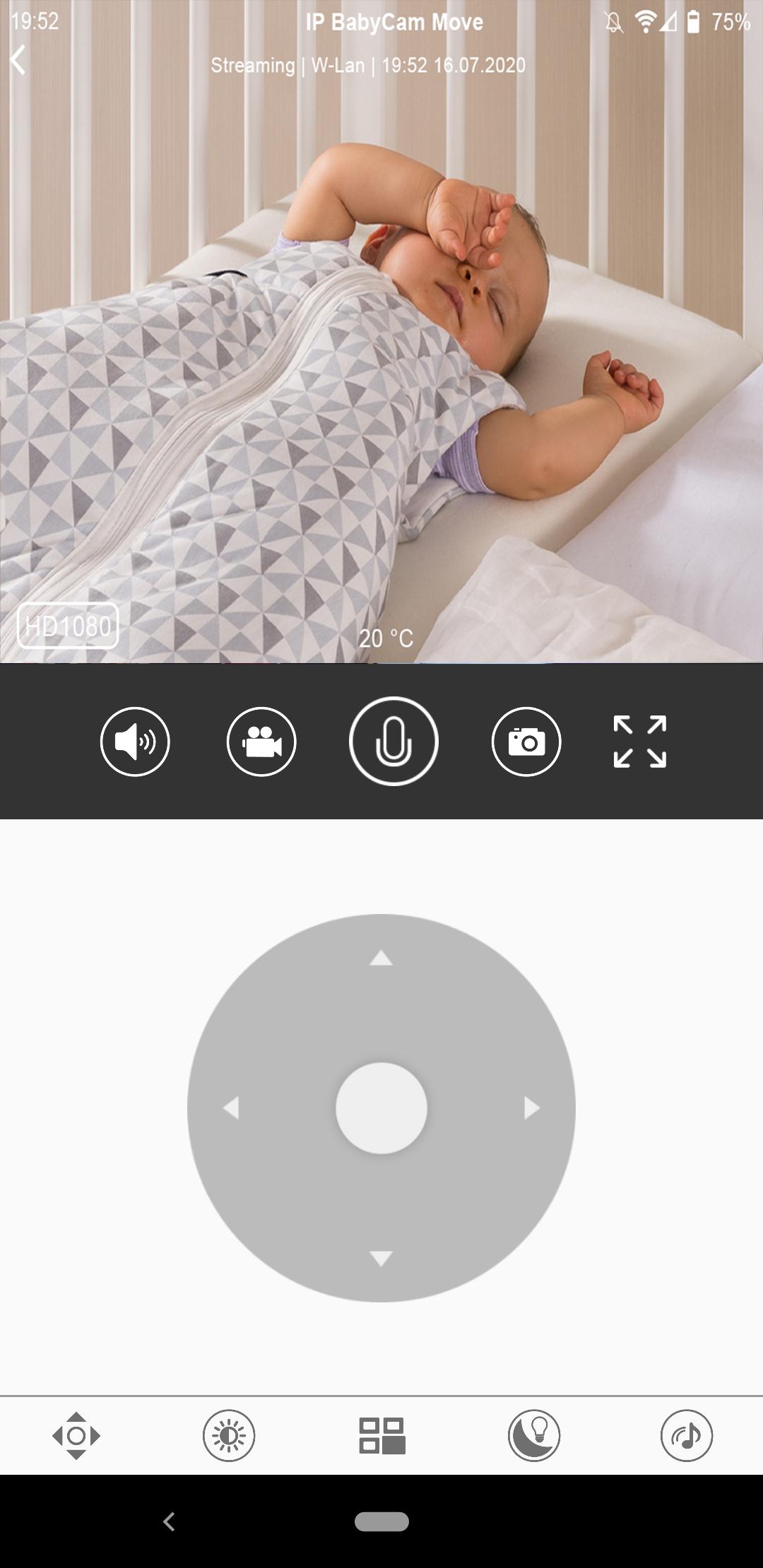
Install the app and follow the instructions to connect your smartphone to the IP BabyCam Move from reer. In just a few steps you can turn your smartphone into a smart baby monitor. The most important features of the reer IP BabyCam Move at a glance:
& # 10003; Unlimited range: worldwide access to your camera
& # 10003; Record videos or photos and share them via Messenger
& # 10003; Push notification
& # 10003; A camera can be linked to any number of smartphones
& # 10003; All the features of a modern baby monitor thanks to the baby specialists from reer
& # 10003; Motion and noise detection
& # 10003; Intercom function
& # 10003; VOX mode
& # 10003; Night light, dimmable
& # 10003; 6 lullabies / sounds of nature
& # 10003; Data storage and processing takes place in Germany
Avance
Etiquetas
Paternidad y maternidadInformación
Desarrollador
reer GmbH
La última versión
1.0.7.6
Última actualización
2025-10-02
Categoría
Paternidad y maternidad
Disponible en
Google Play
Mostrar más
Cómo jugar reer IP BabyCam Move con GameLoop en PC
1. Descargue GameLoop desde el sitio web oficial, luego ejecute el archivo exe para instalar GameLoop.
2. Abra GameLoop y busque "reer IP BabyCam Move", busque reer IP BabyCam Move en los resultados de búsqueda y haga clic en "Instalar".
3. Disfruta jugando reer IP BabyCam Move en GameLoop.
Minimum requirements
OS
Windows 8.1 64-bit or Windows 10 64-bit
GPU
GTX 1050
CPU
i3-8300
Memory
8GB RAM
Storage
1GB available space
Recommended requirements
OS
Windows 8.1 64-bit or Windows 10 64-bit
GPU
GTX 1050
CPU
i3-9320
Memory
16GB RAM
Storage
1GB available space