
MMGuardian Parental Control para PC
MMGuardian.com
Descarga MMGuardian Parental Control en PC con GameLoop Emulator
MMGuardian Parental Control en PC
MMGuardian Parental Control, proveniente del desarrollador MMGuardian.com, se ejecuta en el sistema Android en el pasado.
Ahora, puedes jugar MMGuardian Parental Control en PC con GameLoop sin problemas.
Descárgalo en la biblioteca de GameLoop o en los resultados de búsqueda. No más mirar la batería o llamadas frustrantes en el momento equivocado nunca más.
Simplemente disfrute de MMGuardian Parental Control PC en la pantalla grande de forma gratuita!
MMGuardian Parental Control Introducción
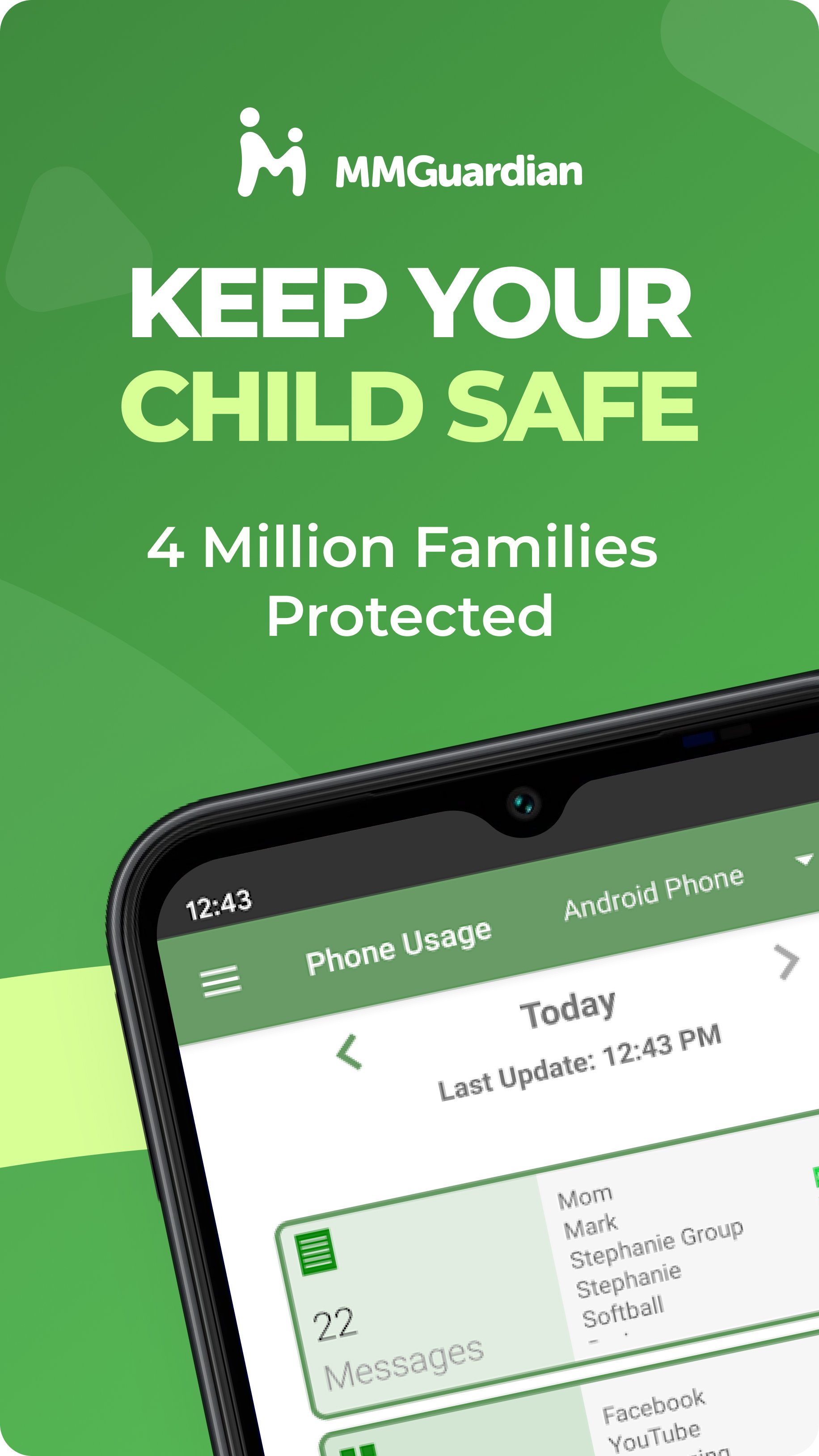
Use MMGuardian Parental Control in your family to help keep your kids safe online. Our advanced parental controls enable easy remote child monitoring. Link this parent app with your child's phone to set parent limits on screen time, block apps & games, filter the internet, monitor text messages and get safety alerts. MMGuardian also includes a GPS location tracker.
This is the app for the parent's phone - you must also install a different app on your child's phone. Install this parent app first, and you will be guided to download the relevant Android parental control app or iPhone parental control app from Google Play or the App Store, on your child's phone.
Receive alerts when your child's text messages, supported social media chat messages or web searches are indicative of drugs, sexting, cyberbullying, child grooming, violence, suicidal thoughts and more.
What does MMGuardian Do?
With the MMGuardian Child Phone App installed to your child's Android phone, you will be able to monitor and block:
• SMS text messages
• Web browsing activity
• Application usage
• Phone calls
Social Media Chat Monitoring
In addition to normal SMS texts, chat messages from Facebook Messenger, WhatsApp, Snapchat, Instagram, Kik, TikTok and Discord are reported. Alerts will be sent to you if the content in a SMS text or chat message appears to relate to one of nine special categories including sexting, cyberbullying and suicidal thoughts.
The benefits of using MMGuardian Parental Control when your child has an Android phone include:
• Alerting you when text messages or web searches are indicative of sexting, cyberbullying, suicidal thoughts and more.
• Alerting you when pictures on your child's phone, or sent in an MMS message, are of an adult nature or indicative of sexting.
• Comprehensive reports for text messages, app usage, web browsing and voice calls.
Additional Functions
• Locate your child's phone
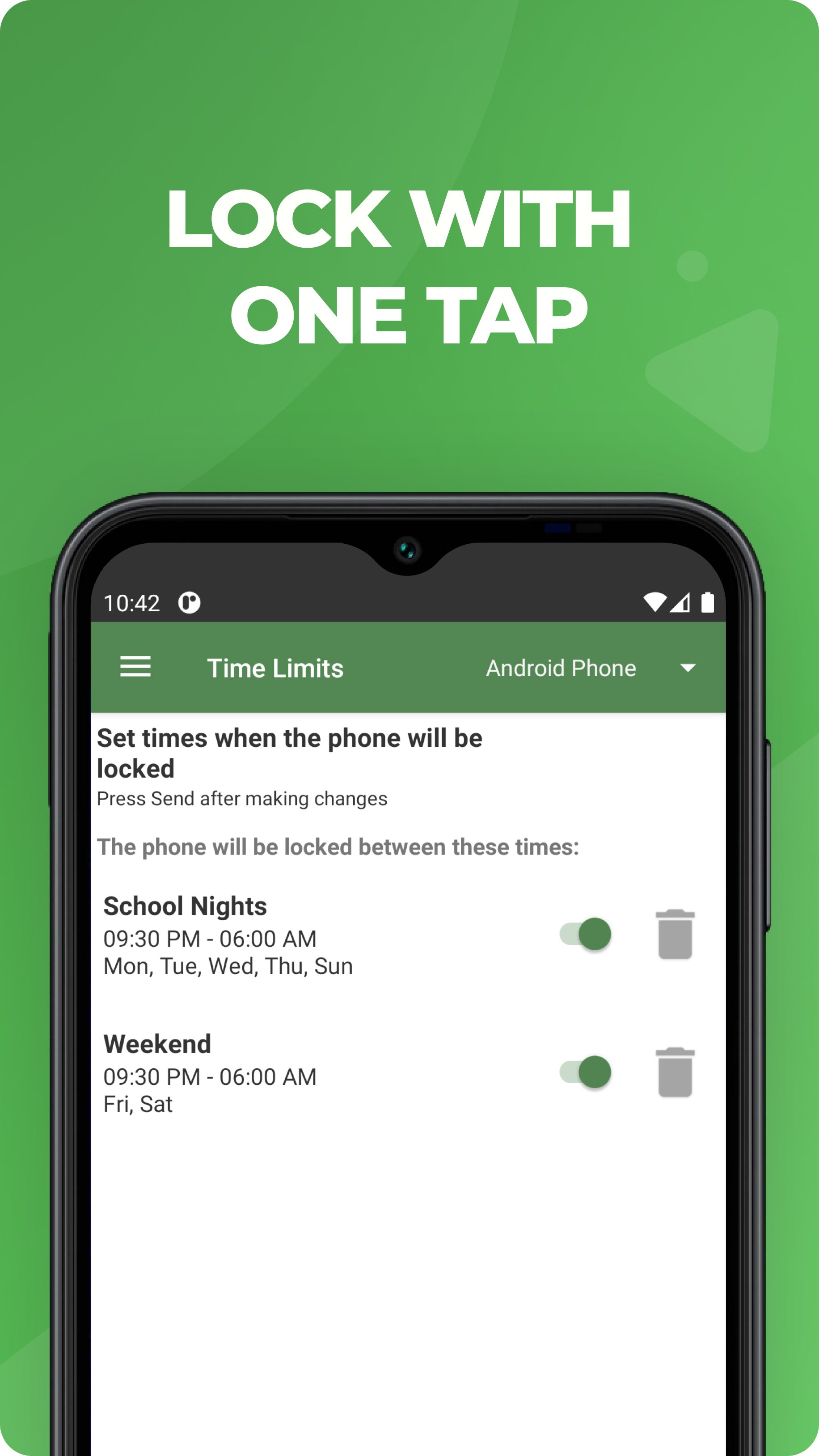
• Quickly lock or unlock your child's phone
• Set limits for screen time, app usage, web filtering
This app on your phone and the one on your child's phone must be registered using the same (parent's) email address.
Both your phone and your child's phone should have network data capability, as the app uses data to send and receive configuration commands, reports and alerts.
Free 14 day trial
You do not need to set up a subscription to get the free 14 day trial. After the free trial period of the app on the child's phone has ended, unless the child phone app is licensed by a subscription, the functions in this Parent App that relate to premium functions on the child's app will be disabled. However you can still use MMGuardian to locate your child's phone remotely.
Subscriptions
You may purchase a subscription from within this Parental Control app app to apply to the MMGuardian app installed on your child's phone. Subscriptions are $4.99/mo or $49.99/year for one child phone. Family plans for up to 5 child devices are twice these amounts.
We encourage parents to discuss the reasons to use a parental control app with their children, which include helping to protect them from potential risks of their own actions and the actions of others, such as excessive screen time, cyberbullying and sexting.
Avance
Etiquetas
Paternidad y maternidadInformación
Desarrollador
MMGuardian.com
La última versión
3.7.42
Última actualización
2026-08-17
Categoría
Paternidad y maternidad
Disponible en
Google Play
Mostrar más
Cómo jugar MMGuardian Parental Control con GameLoop en PC
1. Descargue GameLoop desde el sitio web oficial, luego ejecute el archivo exe para instalar GameLoop.
2. Abra GameLoop y busque "MMGuardian Parental Control", busque MMGuardian Parental Control en los resultados de búsqueda y haga clic en "Instalar".
3. Disfruta jugando MMGuardian Parental Control en GameLoop.
Minimum requirements
OS
Windows 8.1 64-bit or Windows 10 64-bit
GPU
GTX 1050
CPU
i3-8300
Memory
8GB RAM
Storage
1GB available space
Recommended requirements
OS
Windows 8.1 64-bit or Windows 10 64-bit
GPU
GTX 1050
CPU
i3-9320
Memory
16GB RAM
Storage
1GB available space