Volume Booster:Sound Maximizer para PC
EE Applications
Descarga Volume Booster:Sound Maximizer en PC con GameLoop Emulator
Volume Booster:Sound Maximizer en PC
Volume Booster:Sound Maximizer, proveniente del desarrollador EE Applications, se ejecuta en el sistema Android en el pasado.
Ahora, puedes jugar Volume Booster:Sound Maximizer en PC con GameLoop sin problemas.
Descárgalo en la biblioteca de GameLoop o en los resultados de búsqueda. No más mirar la batería o llamadas frustrantes en el momento equivocado nunca más.
Simplemente disfrute de Volume Booster:Sound Maximizer PC en la pantalla grande de forma gratuita!
Volume Booster:Sound Maximizer Introducción
Are you wondering if the sound volume of your speakers and headphones is inadequate? Do you want to hear the music louder?
Sound Maximizer, Louder Volume, and Amplifier can help you with such issues. Volume Maximizer can raise volume levels. With Volume Booster, you can use the audio Enhancer of your phone's speakers and headphones. This max Volume Booster will work for you whether you're listening to music, audiobooks, playing games, or watching movies. Sound Enhancer is a must-have Volume Booster Slider.
Find the best deal for your requirements and use a sound Maximizer to make the music louder.
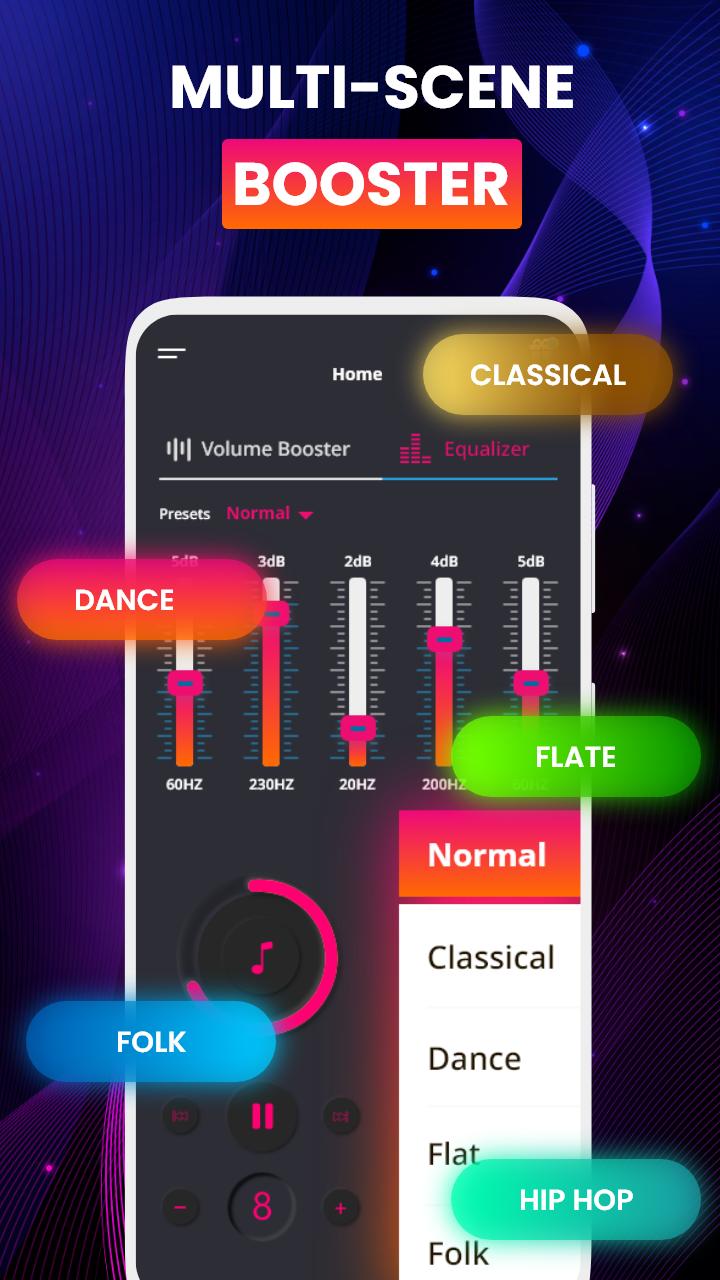
A volume amplifier will surely help you in making the volume louder. Make the music louder with a sound equalizer.
Increase the amount of media and the system's capacity and use an audio enhancer for louder volume. The max volume booster improves the volume of media and system without impacting sound quality, making it ideal for films, audiobooks, music, games, video bass booster, alarms, and ringtones, among other things. This app increase the intensity of your speaker or use a headphone volume booster. Movies, audiobooks, and music can all benefit from this max volume Maximizer.
Why Extra Volume Booster?
Sound amplifier, Audio Enhancer & Amplifier is now available for download, giving you complete control over the volume of your speakers and headphone volume booster to make the music louder. Audio Enhancer is a available for all Android phones and tablets as a headphone volume booster. It has the ability to raise the phone volume over the media and sound equalizer. Now is the time to get it! Turn your favorite smartphone into a portable volume amplifier
Brilliant features of Sound Amplifier
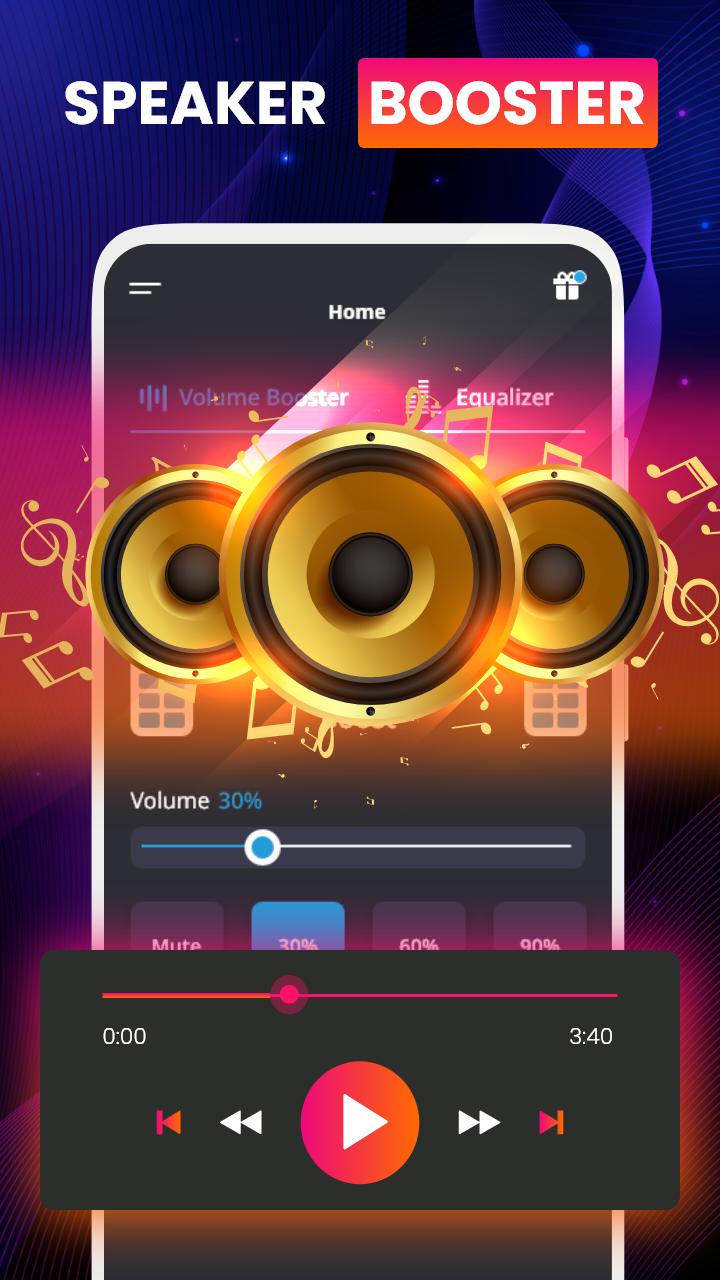
Use the louder volume of material such as videos, audiobooks, headphone boosters, music, games, and other forms of entertainment.
Raise the volume of alerts, ringtones, and other system sounds by using a speaker booster
Amplify volume without compromising sound quality and enjoy a louder volume of this sound booster
A sound Amplifier for headphones, Bluetooth speakers, and other video bass booster devices.
Enable the music to play in the background while the sound booster device is locked.
User-Friendly sound Amplifier
Stylish and easy-to-use max volume booster interface
No root is required for a louder volume
Disclaimer: Listening to music at a high volume can impair your hearing or lead your phone speakers to break. To hit the required level, we recommend slowly increasing the volume of the speaker. Louder Volume can put your hearing ability at a huge risk. By installing this app, you agree that you will not hold the developer responsible for any hardware or hearing damage and that you will use the music amplifier at your own risk.
Avance
Etiquetas
Music-&Información
Desarrollador
EE Applications
La última versión
40.6
Última actualización
2025-08-09
Categoría
Music-audio
Disponible en
Google Play
Mostrar más
Cómo jugar Volume Booster:Sound Maximizer con GameLoop en PC
1. Descargue GameLoop desde el sitio web oficial, luego ejecute el archivo exe para instalar GameLoop.
2. Abra GameLoop y busque "Volume Booster:Sound Maximizer", busque Volume Booster:Sound Maximizer en los resultados de búsqueda y haga clic en "Instalar".
3. Disfruta jugando Volume Booster:Sound Maximizer en GameLoop.
Minimum requirements
OS
Windows 8.1 64-bit or Windows 10 64-bit
GPU
GTX 1050
CPU
i3-8300
Memory
8GB RAM
Storage
1GB available space
Recommended requirements
OS
Windows 8.1 64-bit or Windows 10 64-bit
GPU
GTX 1050
CPU
i3-9320
Memory
16GB RAM
Storage
1GB available space