
Video, MP3 to Vocal & Karaoke para PC
happytime inc
Descarga Video, MP3 to Vocal & Karaoke en PC con GameLoop Emulator
Video, MP3 to Vocal & Karaoke en PC
Video, MP3 to Vocal & Karaoke, proveniente del desarrollador happytime inc, se ejecuta en el sistema Android en el pasado.
Ahora, puedes jugar Video, MP3 to Vocal & Karaoke en PC con GameLoop sin problemas.
Descárgalo en la biblioteca de GameLoop o en los resultados de búsqueda. No más mirar la batería o llamadas frustrantes en el momento equivocado nunca más.
Simplemente disfrute de Video, MP3 to Vocal & Karaoke PC en la pantalla grande de forma gratuita!
Video, MP3 to Vocal & Karaoke Introducción
Want to eliminate vocals from video and audio for an instrumental remix?
Now, You can easily separate instrumental from video and songs for karaoke by using this Video, MP3 to Vocal & Karaoke app. This is really an amazing app for singers who want to practice singing and can practice from a smartphone.
Separate songs and remove vocals, extract instrumental, Drums, and Bass using AI from the video and audio songs. You get the separate files of vocals, all instruments together, and also separate instruments like bass drum piano, etc. Save the separated vocal and instrumental results easily on your mobile device and can share them with your friends and family.
This Instant Karaoke Making app will allow transform songs and videos from your phone to karaoke easily and for free. In a few seconds, you can eliminate vocals from songs and videos, bass, drums, piano, and other musical instruments.
How to remove a voice from mp3 tracks for karaoke?
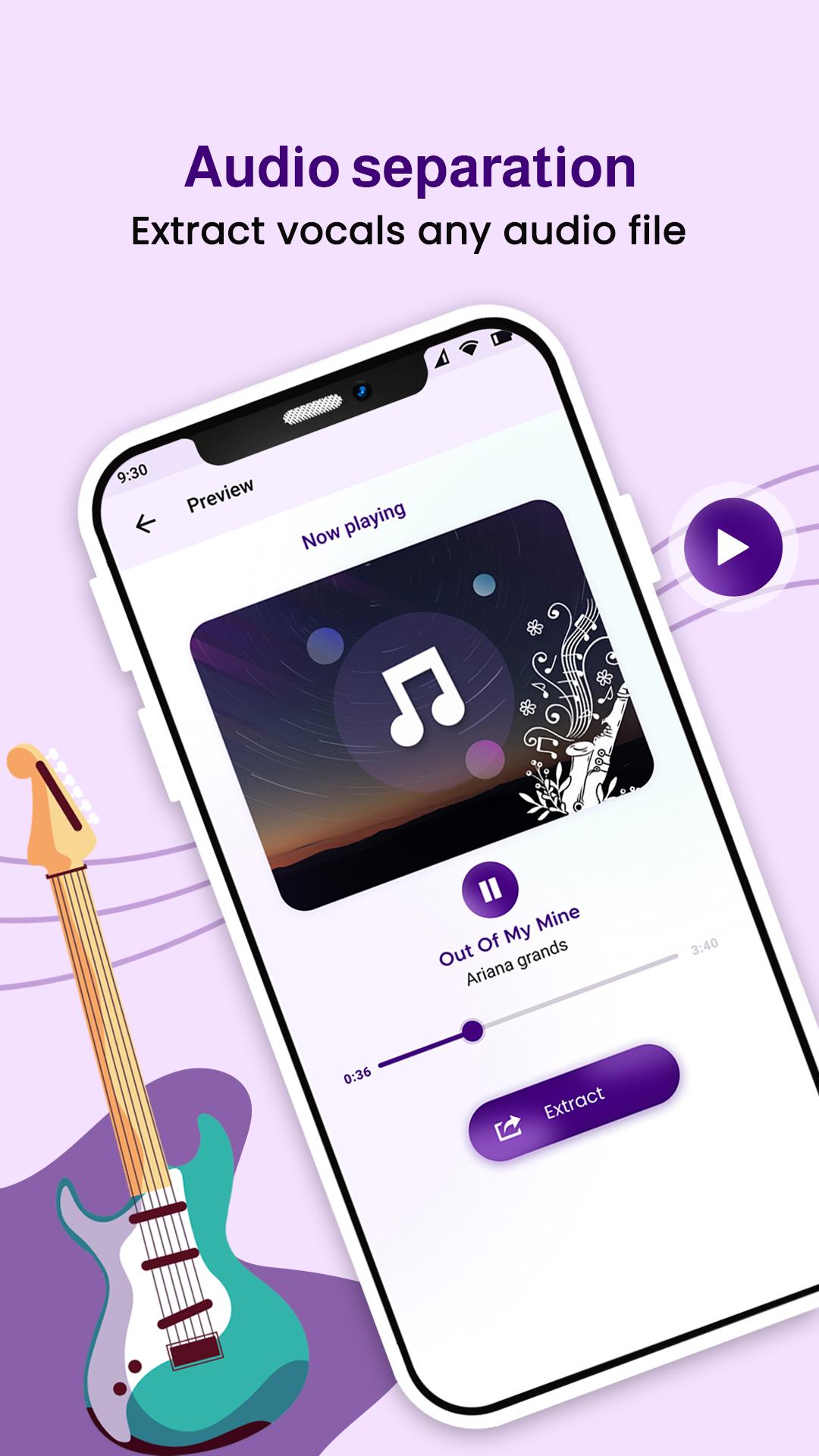
1. Choose the audio files from the device for separating vocals and instrumentals.
2. Click on extract and get options such as instrumental & vocal, and vocal, drum, bass, piano & others for karaoke.
3. After separating it, you can listen separately to the vocal and instrumental audio.
4. Easily share the vocal, instrumental, and respective separate instruments audio files with friends and family.
How to remove vocal & instrumental from video files for karaoke?
1. Pick the video file from the device to eliminate vocals and instrumentals.
2. Click on extract and get options such as instrumental & vocal, and vocal, drum, bass, piano & others for karaoke.
3. After eliminating the video file, you can listen separately to the vocal and instrumental audio.
4. Easily share the vocal, instrumental, and respective separate instruments audio files with friends and family.
Features of Vocal Remover from MP3 songs and Video:
- Simple and easy to use Video, MP3 to Vocal & Karaoke maker app.
- All audio and video format support.
- You can separate vocal and instrumental from video files.
- Separate vocals using AI (Artificial Intelligence) from audio songs and video.
- You can get separate files of vocal, instrumental, bass, drums, piano, and more.
- Get the vocal, and instrumental karaoke files output directly saved in your device.
- Share your instrumental and vocal files, with friends and family.
Video, MP3 to Vocal & Karaoke app is a very useful app for musicians, DJs, cover makers, and others. This is the best app for karaoke, as it gets original tracks from audio sounds and video with high output.
Avance
Etiquetas
Music-&Información
Desarrollador
happytime inc
La última versión
11.0
Última actualización
2024-11-27
Categoría
Music-audio
Disponible en
Google Play
Mostrar más
Cómo jugar Video, MP3 to Vocal & Karaoke con GameLoop en PC
1. Descargue GameLoop desde el sitio web oficial, luego ejecute el archivo exe para instalar GameLoop.
2. Abra GameLoop y busque "Video, MP3 to Vocal & Karaoke", busque Video, MP3 to Vocal & Karaoke en los resultados de búsqueda y haga clic en "Instalar".
3. Disfruta jugando Video, MP3 to Vocal & Karaoke en GameLoop.
Minimum requirements
OS
Windows 8.1 64-bit or Windows 10 64-bit
GPU
GTX 1050
CPU
i3-8300
Memory
8GB RAM
Storage
1GB available space
Recommended requirements
OS
Windows 8.1 64-bit or Windows 10 64-bit
GPU
GTX 1050
CPU
i3-9320
Memory
16GB RAM
Storage
1GB available space