Radio FM AM: Live Local Radio para PC
Apps_Pro
Descarga Radio FM AM: Live Local Radio en PC con GameLoop Emulator
Radio FM AM: Live Local Radio en PC
Radio FM AM: Live Local Radio, proveniente del desarrollador Apps_Pro, se ejecuta en el sistema Android en el pasado.
Ahora, puedes jugar Radio FM AM: Live Local Radio en PC con GameLoop sin problemas.
Descárgalo en la biblioteca de GameLoop o en los resultados de búsqueda. No más mirar la batería o llamadas frustrantes en el momento equivocado nunca más.
Simplemente disfrute de Radio FM AM: Live Local Radio PC en la pantalla grande de forma gratuita!
Radio FM AM: Live Local Radio Introducción
📻 The Ultimate AM FM Radio App for Android - Your Gateway to Unlimited Music and Live Radio Stations!
Discover one of the most popular radio apps for Android that combines an easy-to-use FM radio tuner with access to over 30,000 AM FM radio stations worldwide. Whether you're tuning into local news, exploring new genres of music, or catching up on sports and podcasts, this app has everything you need.
🌟 Why Choose Our FM Radio App?
No matter where you are, enjoy seamless streaming of the best live radio stations and an array of features designed for your convenience:
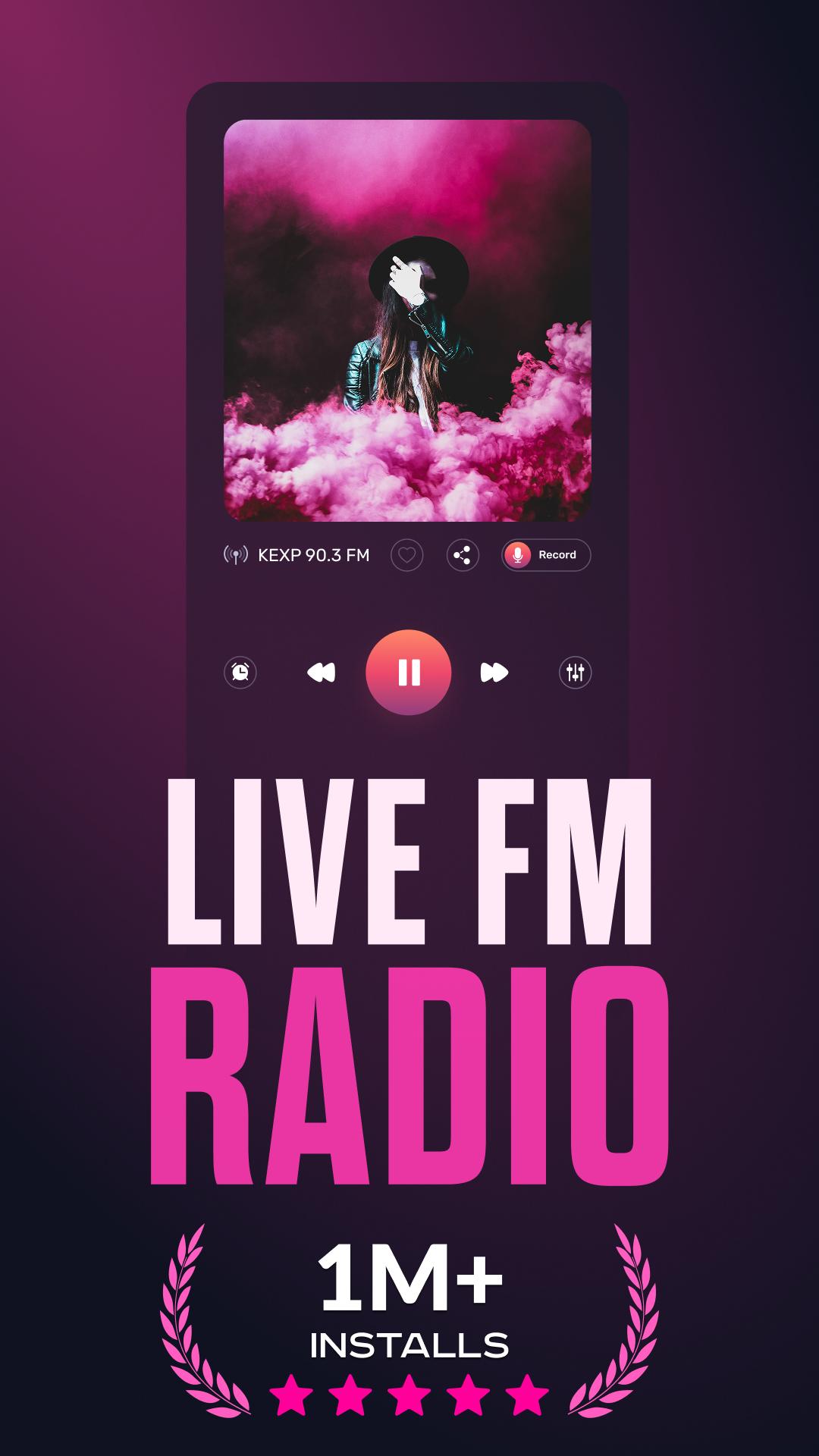
🎧 30,000+ Worldwide Radio Stations: Tune in to popular stations like WXPN 88.5 FM, Magic 97.3 FM, Mega 104.3, and more.
🎧 Genre Variety for Every Mood: From Pop, Rock, Hip-Hop, and Jazz to Classical, Country, Blues, and Latin music, you'll always find something to suit your taste.
🎧 Offline Music Options: Save your favorite stations to access them later.
🎧 Music Recognition: Instantly identify the artist and track you're listening to.
🎧 Alarm Clock with FM Radio: Wake up to your favorite station every morning.
🎧 Car Mode Compatibility: Connect to your car’s speakers and enjoy local radio stations, music, or news on the go.
🎧 Advanced Equalizer: Customize audio settings for crystal-clear sound.
🎧 Sleep Timer: Set the app to turn off automatically when you’re ready to sleep.
🎧 Convenient Home Screen Widget: Quick access to your most-used features.
🔍 How to Find and Enjoy Your Favorite Radio Stations
With an intuitive interface, finding live or local FM radio stations is simple:
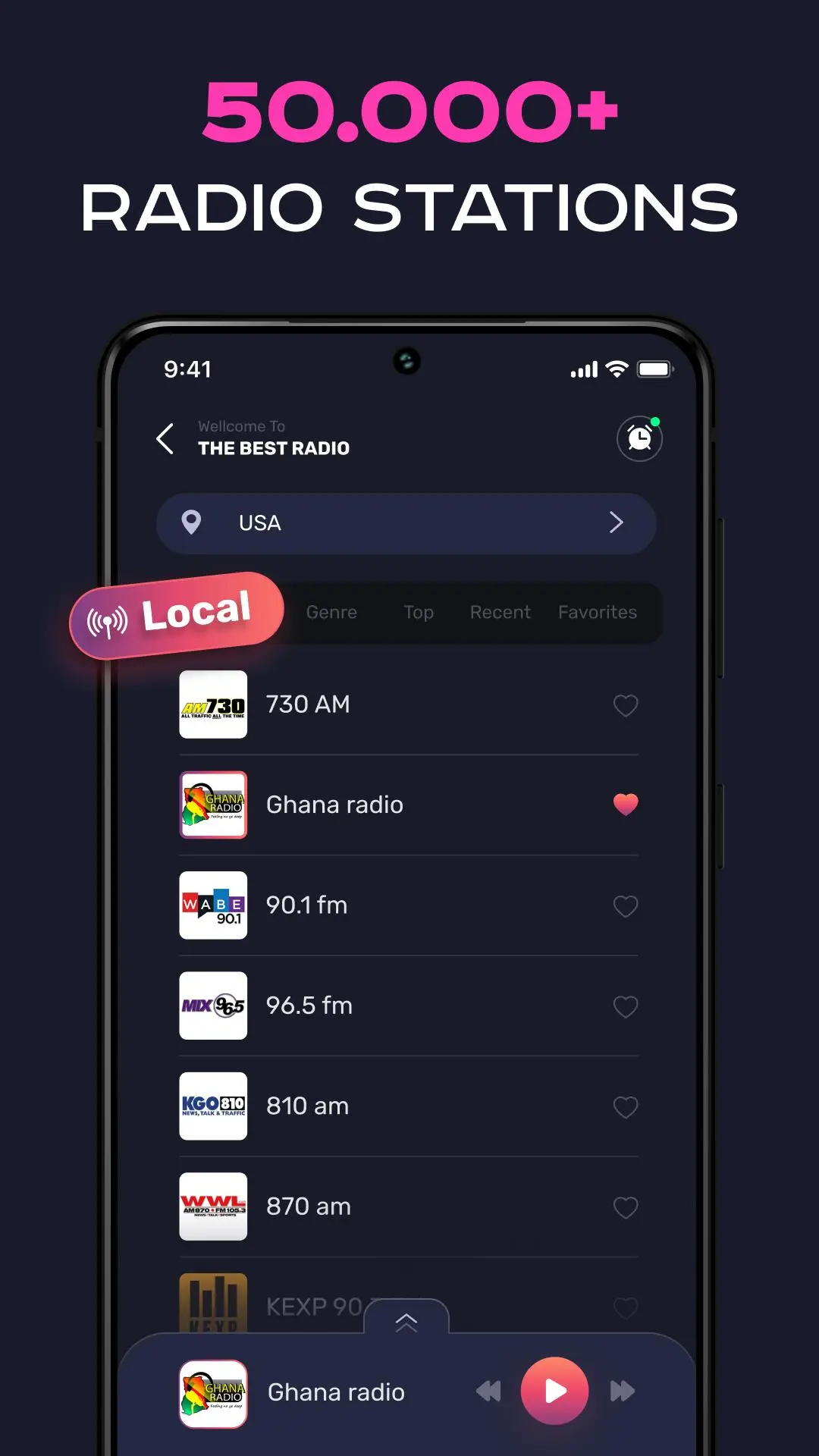
Open the app and navigate through five easy menu sections:
- Countries
- Locals
- Favorites
- Recent
- Top Picks
Browse through radio stations by genre, location, or popularity. You'll see station names and logos for easy identification.
Add stations to your Favorites by tapping the star icon for quick access anytime.
Create playlists with your top FM radio stations or AM radio channels and enjoy a personalized listening experience.
📱 Why This Radio App Stands Out
- Access radio FM AM stations.
- Discover the best music radio and live radio streams.
- Enjoy the app offline with stored stations.
- A reliable FM radio app of charge for Android devices.
- Features like tuner radio player, FM transmitter support, and compatibility with online radio services.
- Whether you're looking for an FM tuner, radio apps for Android, or the ultimate radio station app, this is your go-to radio player.
🎶 Experience the Best in Music and Radio Apps Today!
Download the FM Radio App and elevate your music listening with a simple radio tuner that works seamlessly. From local radio stations to global favorites, this app offers everything you need to stay entertained and informed.
Your next favorite station is just a tap away!
Avance
Etiquetas
Music-&Información
Desarrollador
Apps_Pro
La última versión
1.7.8
Última actualización
2025-07-15
Categoría
Music-audio
Disponible en
Google Play
Mostrar más
Cómo jugar Radio FM AM: Live Local Radio con GameLoop en PC
1. Descargue GameLoop desde el sitio web oficial, luego ejecute el archivo exe para instalar GameLoop.
2. Abra GameLoop y busque "Radio FM AM: Live Local Radio", busque Radio FM AM: Live Local Radio en los resultados de búsqueda y haga clic en "Instalar".
3. Disfruta jugando Radio FM AM: Live Local Radio en GameLoop.
Minimum requirements
OS
Windows 8.1 64-bit or Windows 10 64-bit
GPU
GTX 1050
CPU
i3-8300
Memory
8GB RAM
Storage
1GB available space
Recommended requirements
OS
Windows 8.1 64-bit or Windows 10 64-bit
GPU
GTX 1050
CPU
i3-9320
Memory
16GB RAM
Storage
1GB available space