
Loch Ness Monster Real Sounds para PC
Third Age Ai
Descarga Loch Ness Monster Real Sounds en PC con GameLoop Emulator
Loch Ness Monster Real Sounds en PC
Loch Ness Monster Real Sounds, proveniente del desarrollador Third Age Ai, se ejecuta en el sistema Android en el pasado.
Ahora, puedes jugar Loch Ness Monster Real Sounds en PC con GameLoop sin problemas.
Descárgalo en la biblioteca de GameLoop o en los resultados de búsqueda. No más mirar la batería o llamadas frustrantes en el momento equivocado nunca más.
Simplemente disfrute de Loch Ness Monster Real Sounds PC en la pantalla grande de forma gratuita!
Loch Ness Monster Real Sounds Introducción
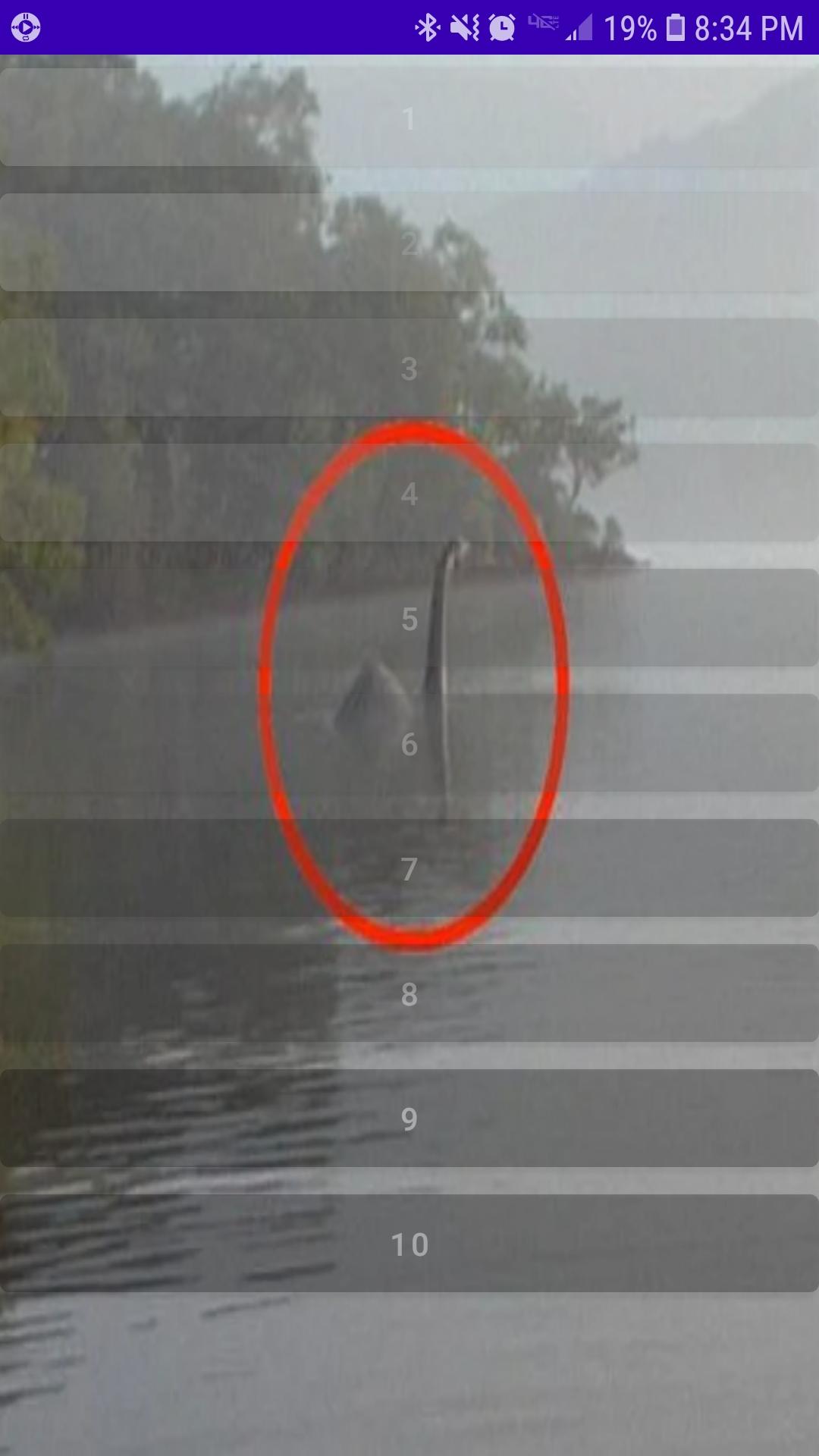
Loch Ness Monster Real Sounds features a collection of recently released sound recordings taken in the Northwest region of the lake. While Loch Ness is already well known for many strange appearances, the Loch Ness Monster continues to puzzle many sceptic, scientist and enthusiast alike. Many want to believe, yet even more remain unsure. Most just want the truth.
Recently released to the public comes a collection of audio recordings highly anticipated by most as factual proof the Loch Ness Monster lives and still inhabits the lake peacefully alongside many a brave fishermen.
What you hear may disturb you. Possibly even leave you feeling void of all purpose in response. Please take caution before glimpsing inside at what you may find. Loch Ness Monster Real Sounds is not for the faint hearted.
Avance
Etiquetas
Music-&Información
Desarrollador
Third Age Ai
La última versión
3.0
Última actualización
2022-11-19
Categoría
Music-audio
Disponible en
Google Play
Mostrar más
Cómo jugar Loch Ness Monster Real Sounds con GameLoop en PC
1. Descargue GameLoop desde el sitio web oficial, luego ejecute el archivo exe para instalar GameLoop.
2. Abra GameLoop y busque "Loch Ness Monster Real Sounds", busque Loch Ness Monster Real Sounds en los resultados de búsqueda y haga clic en "Instalar".
3. Disfruta jugando Loch Ness Monster Real Sounds en GameLoop.
Minimum requirements
OS
Windows 8.1 64-bit or Windows 10 64-bit
GPU
GTX 1050
CPU
i3-8300
Memory
8GB RAM
Storage
1GB available space
Recommended requirements
OS
Windows 8.1 64-bit or Windows 10 64-bit
GPU
GTX 1050
CPU
i3-9320
Memory
16GB RAM
Storage
1GB available space