
AI Vocal Remover Offline para PC
JKHD
Descarga AI Vocal Remover Offline en PC con GameLoop Emulator
AI Vocal Remover Offline en PC
AI Vocal Remover Offline, proveniente del desarrollador JKHD, se ejecuta en el sistema Android en el pasado.
Ahora, puedes jugar AI Vocal Remover Offline en PC con GameLoop sin problemas.
Descárgalo en la biblioteca de GameLoop o en los resultados de búsqueda. No más mirar la batería o llamadas frustrantes en el momento equivocado nunca más.
Simplemente disfrute de AI Vocal Remover Offline PC en la pantalla grande de forma gratuita!
AI Vocal Remover Offline Introducción
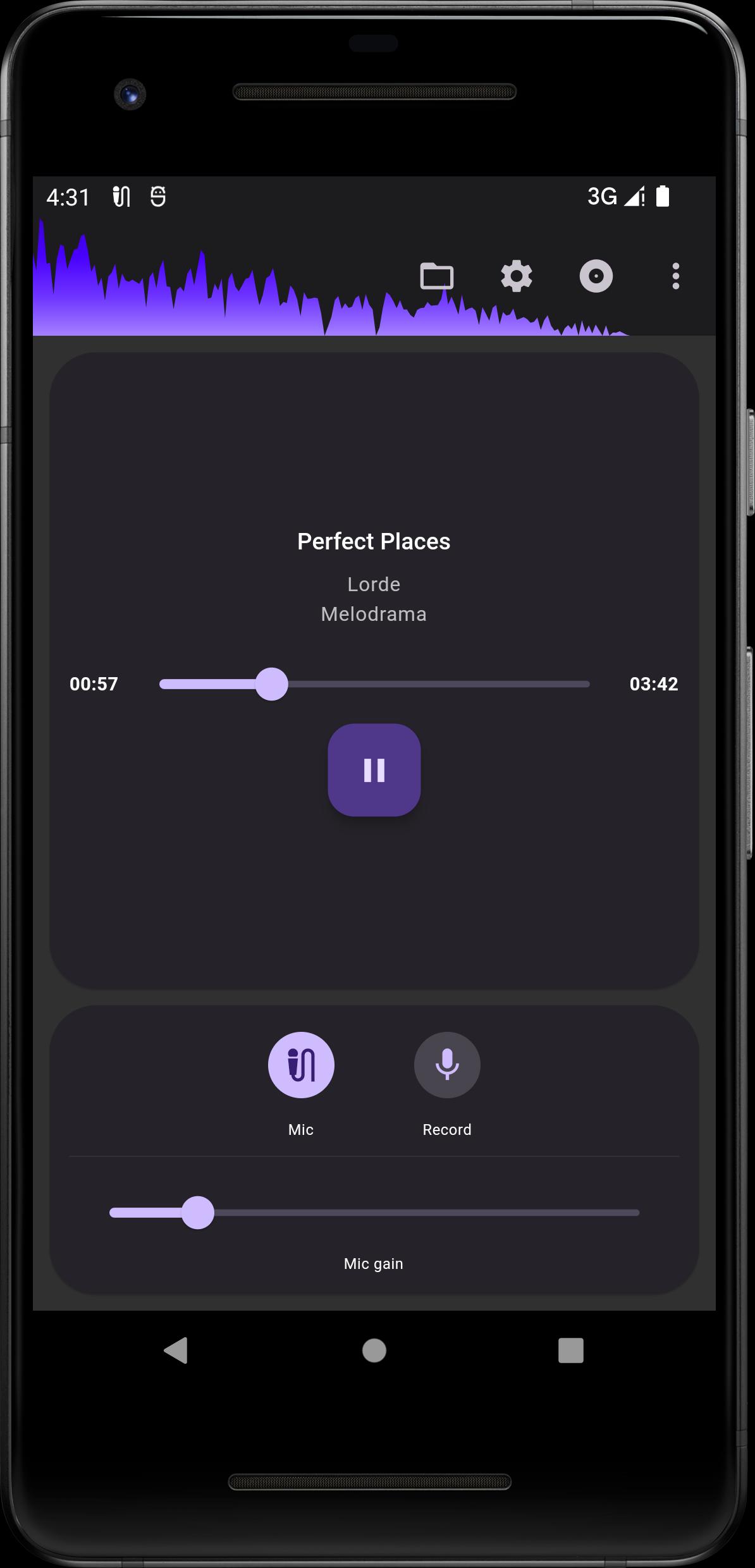
The app allows you to convert any song into an instrumental version (or vocal version) for karaoke, supporting real-time conversion and playback. It is great for practicing singing and making covers.
Features
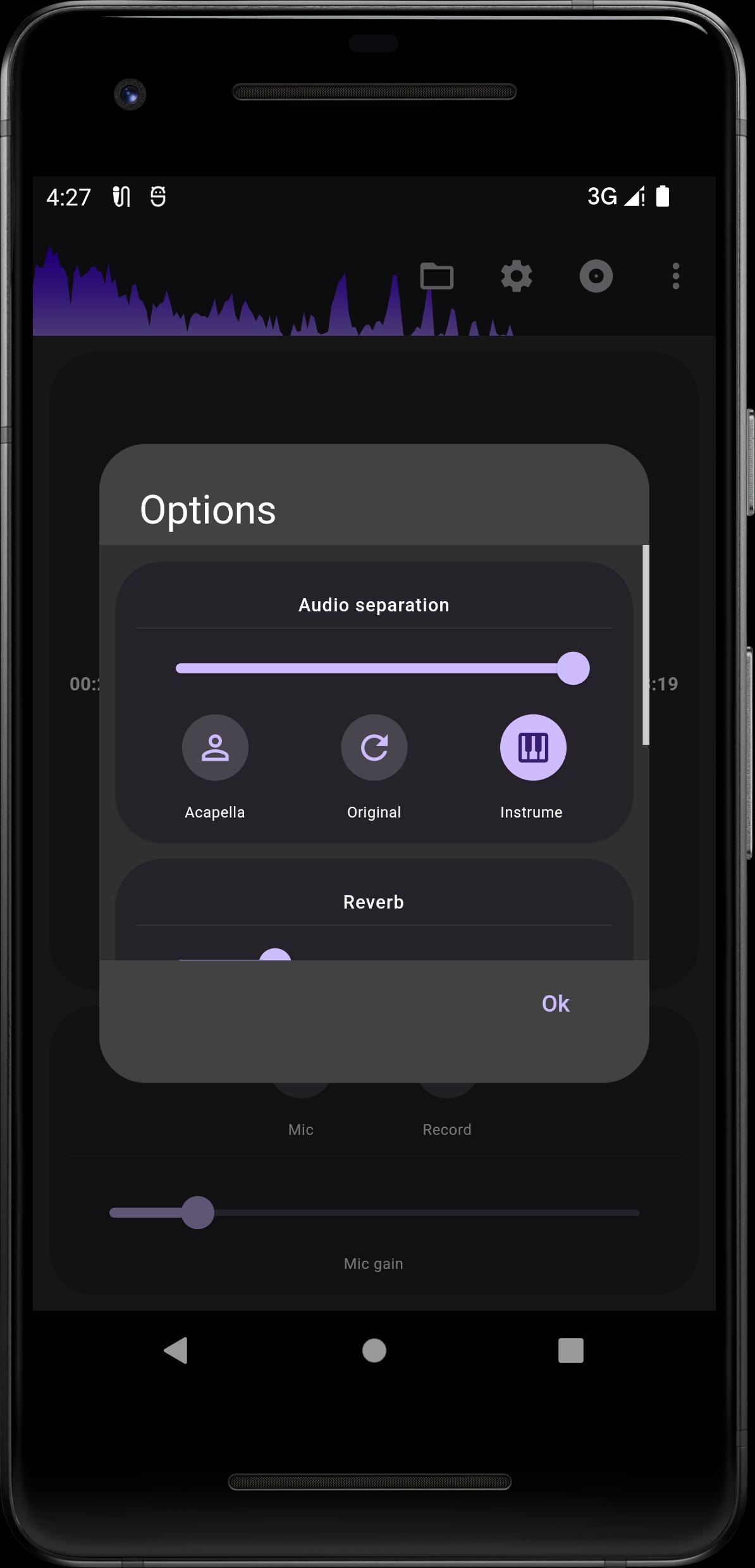
• Convert original songs into instrumental or vocal versions using AI technology.
• No network dependency, just use your device for offline processing, no need to upload your songs.
• Record your vocals and mix them with the instrumental version to make your own covers.
• Adjustable reverb effector.
• Adjustable audio separation strength.
• Support for common audio formats (MP3, M4A, AAC, OGG, FLAC, WAV).
• Support MP4 format video.
• The app is also a high quality music speed changer!
Notes
• Please do not install the app on the SD card, as this may cause the app not to be launched.
• Please use earbuds or headphones for the best recording experience.
Avance
Etiquetas
Music-&Información
Desarrollador
JKHD
La última versión
4.6.1
Última actualización
2025-08-31
Categoría
Music-audio
Disponible en
Google Play
Mostrar más
Cómo jugar AI Vocal Remover Offline con GameLoop en PC
1. Descargue GameLoop desde el sitio web oficial, luego ejecute el archivo exe para instalar GameLoop.
2. Abra GameLoop y busque "AI Vocal Remover Offline", busque AI Vocal Remover Offline en los resultados de búsqueda y haga clic en "Instalar".
3. Disfruta jugando AI Vocal Remover Offline en GameLoop.
Minimum requirements
OS
Windows 8.1 64-bit or Windows 10 64-bit
GPU
GTX 1050
CPU
i3-8300
Memory
8GB RAM
Storage
1GB available space
Recommended requirements
OS
Windows 8.1 64-bit or Windows 10 64-bit
GPU
GTX 1050
CPU
i3-9320
Memory
16GB RAM
Storage
1GB available space