
GoSONIC Subsonic Music Player para PC
Ready Steady Go Software
Descarga GoSONIC Subsonic Music Player en PC con GameLoop Emulator
GoSONIC Subsonic Music Player en PC
GoSONIC Subsonic Music Player, proveniente del desarrollador Ready Steady Go Software, se ejecuta en el sistema Android en el pasado.
Ahora, puedes jugar GoSONIC Subsonic Music Player en PC con GameLoop sin problemas.
Descárgalo en la biblioteca de GameLoop o en los resultados de búsqueda. No más mirar la batería o llamadas frustrantes en el momento equivocado nunca más.
Simplemente disfrute de GoSONIC Subsonic Music Player PC en la pantalla grande de forma gratuita!
GoSONIC Subsonic Music Player Introducción
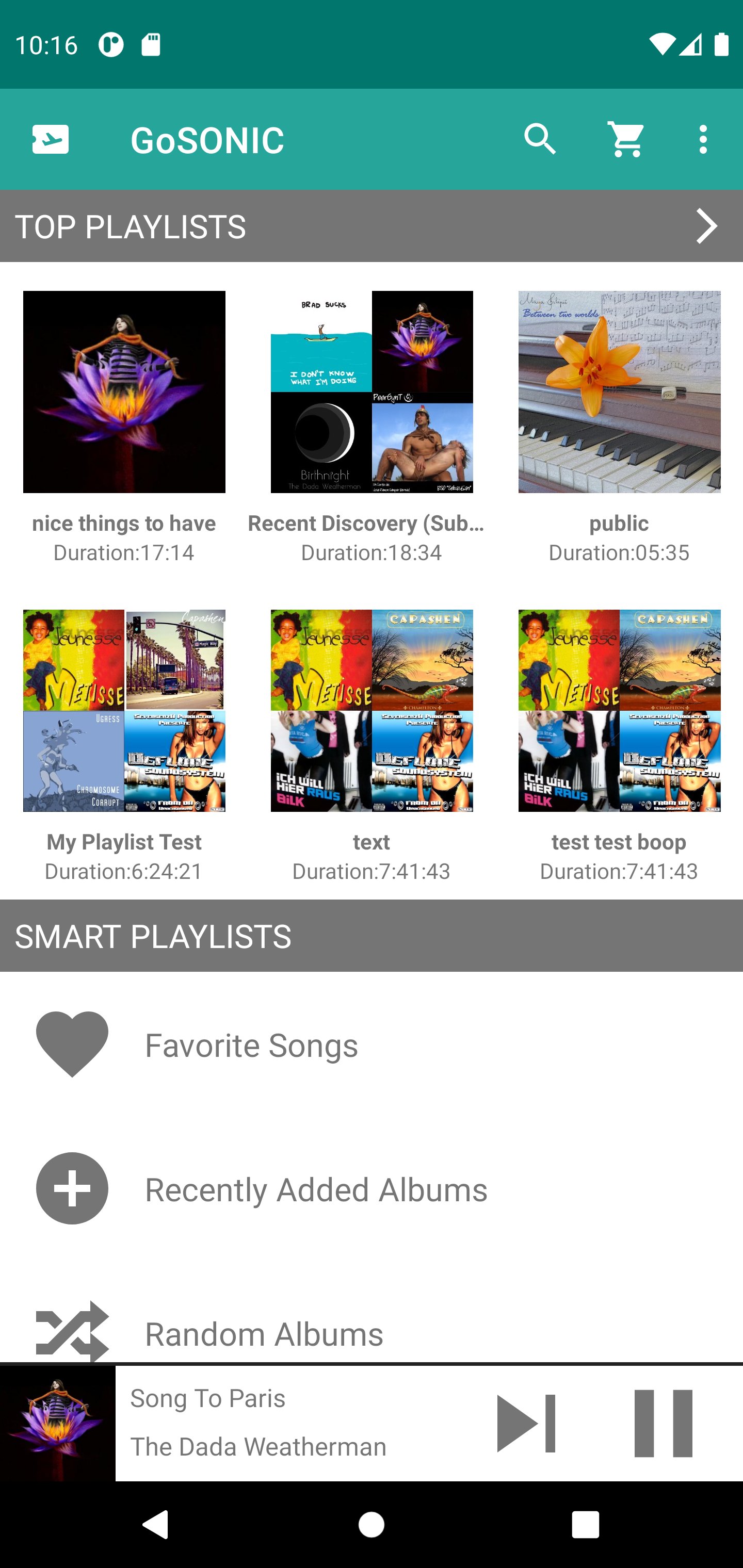
A music streaming client that enhances your Subsonic server in a modern easy to use interface. GoSONIC requires you to use a Subsonic compatible server installed on your local Windows, Mac or Linux system. GoSONIC uses the ID3 tags found in your music files to determine song, album and artist names (via the Subsonic ID3 tag API).
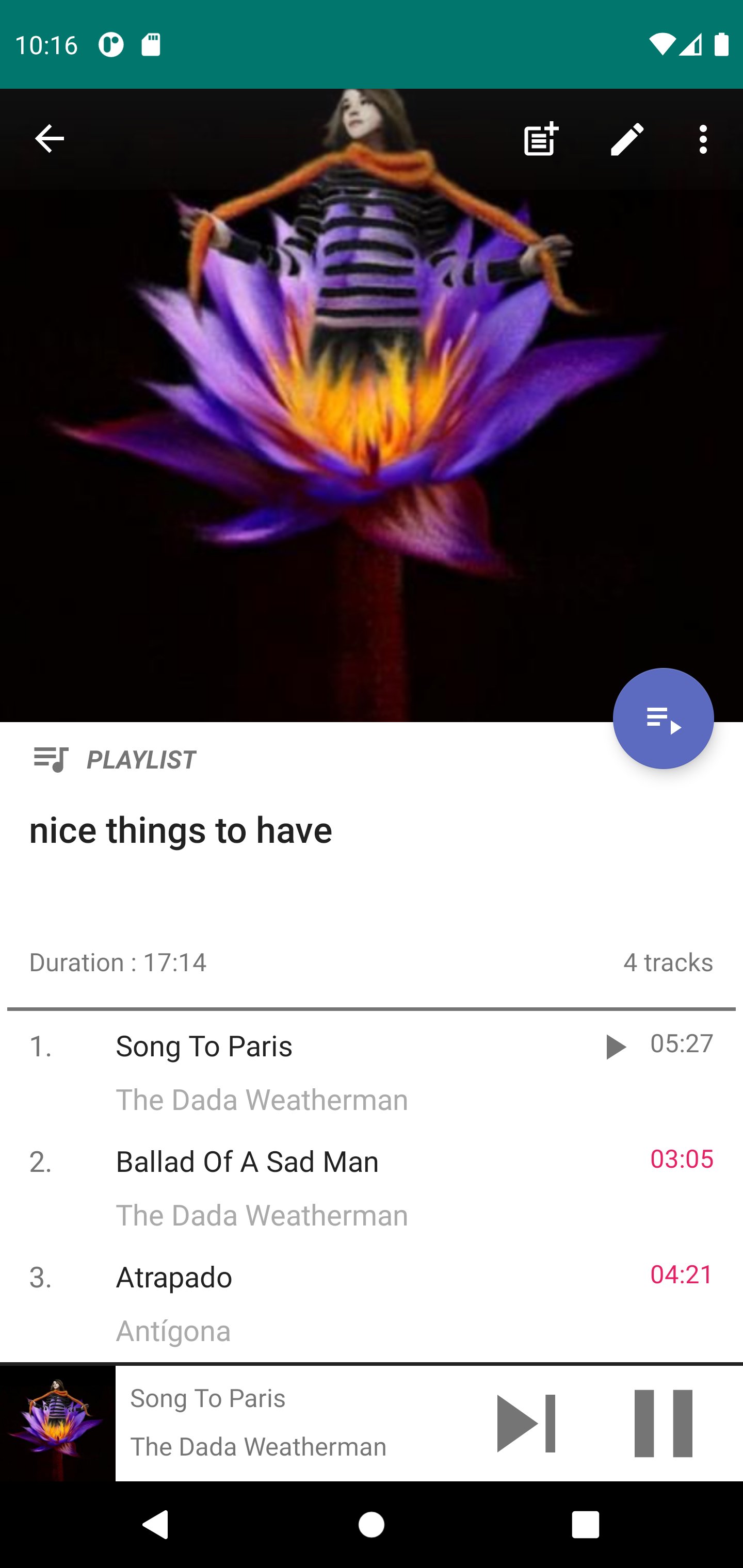
Built from the ground up, this app is all new and designed with common tasks in mind. Create and modify your playlists, find music and star your favorite songs and albums. An advanced Invite function allows you to get your friends and family quickly enjoying the music on your server.
Built in smart playlists allow you to quickly build new playlists or simply listen to what you want quickly. The artist page contains Top Songs and Artist Radio Playlists.
Building playlists has never been easier! A menu option allows you to add the entire contents of an existing playlist to a different one. Or you can long press individual songs and quickly add them to a playlist.
You will have control over your locally cached music by specifying how much local storage the cache uses and how many songs to cache ahead. The Cache Ahead function allows you to keep listening to music when you encounter dead spots in signal strength or simply have no internet connection.
Android Auto is supported so you can listen safely while in the car.
Chromecast built-in (formerly Google Cast) support allows you to send your music to play on Google enabled devices.
PLEASE NOTE: Some Subsonic compatible Music Servers may not support all features found in GoSONIC because they lack support for the necessary API's.
Avance
Etiquetas
Music-&Información
Desarrollador
Ready Steady Go Software
La última versión
2.1.1
Última actualización
2024-11-17
Categoría
Music-audio
Disponible en
Google Play
Mostrar más
Cómo jugar GoSONIC Subsonic Music Player con GameLoop en PC
1. Descargue GameLoop desde el sitio web oficial, luego ejecute el archivo exe para instalar GameLoop.
2. Abra GameLoop y busque "GoSONIC Subsonic Music Player", busque GoSONIC Subsonic Music Player en los resultados de búsqueda y haga clic en "Instalar".
3. Disfruta jugando GoSONIC Subsonic Music Player en GameLoop.
Minimum requirements
OS
Windows 8.1 64-bit or Windows 10 64-bit
GPU
GTX 1050
CPU
i3-8300
Memory
8GB RAM
Storage
1GB available space
Recommended requirements
OS
Windows 8.1 64-bit or Windows 10 64-bit
GPU
GTX 1050
CPU
i3-9320
Memory
16GB RAM
Storage
1GB available space