Box Radio : City Pop & More para PC
Sense Media Gh
Descarga Box Radio : City Pop & More en PC con GameLoop Emulator
Box Radio : City Pop & More en PC
Box Radio : City Pop & More, proveniente del desarrollador Sense Media Gh, se ejecuta en el sistema Android en el pasado.
Ahora, puedes jugar Box Radio : City Pop & More en PC con GameLoop sin problemas.
Descárgalo en la biblioteca de GameLoop o en los resultados de búsqueda. No más mirar la batería o llamadas frustrantes en el momento equivocado nunca más.
Simplemente disfrute de Box Radio : City Pop & More PC en la pantalla grande de forma gratuita!
Box Radio : City Pop & More Introducción
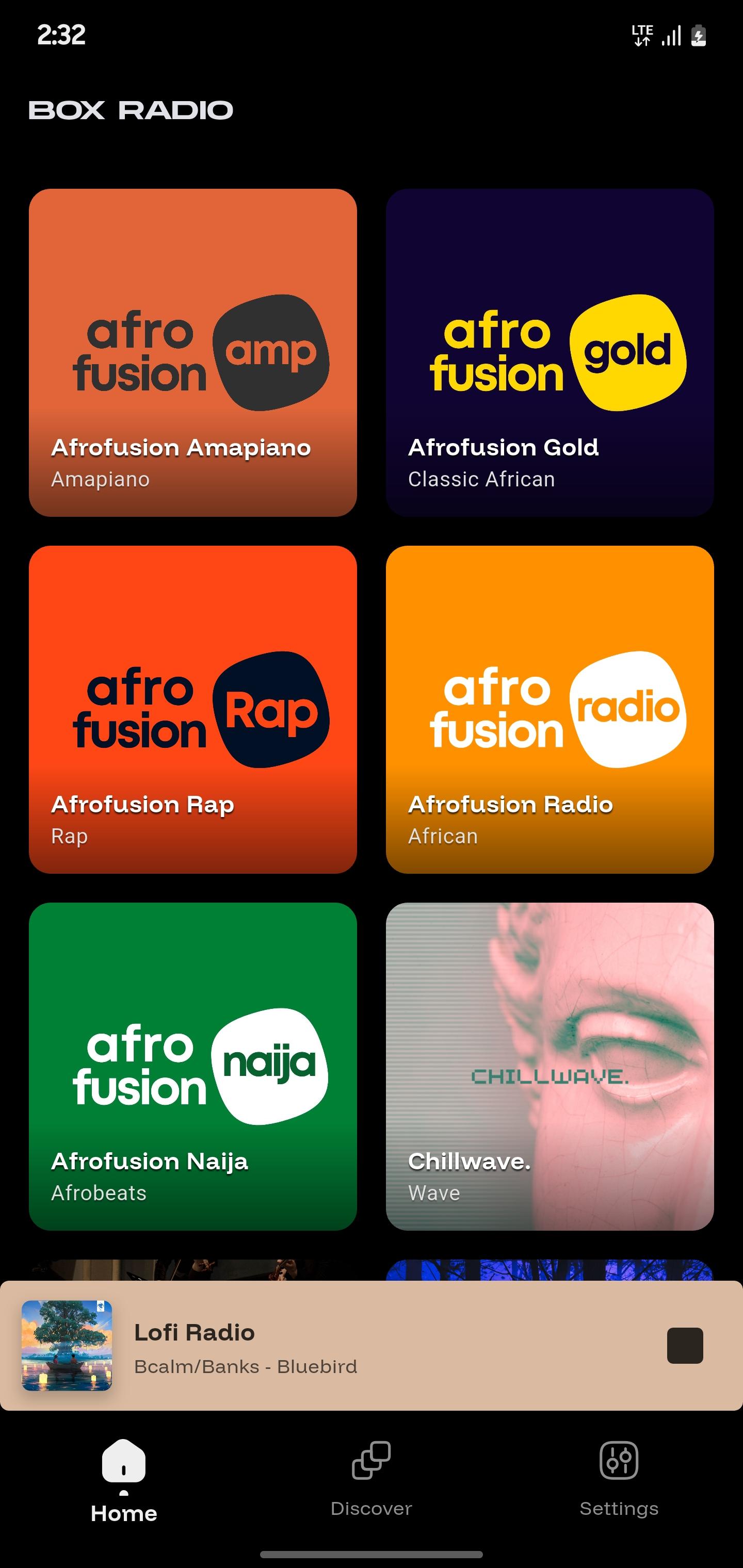
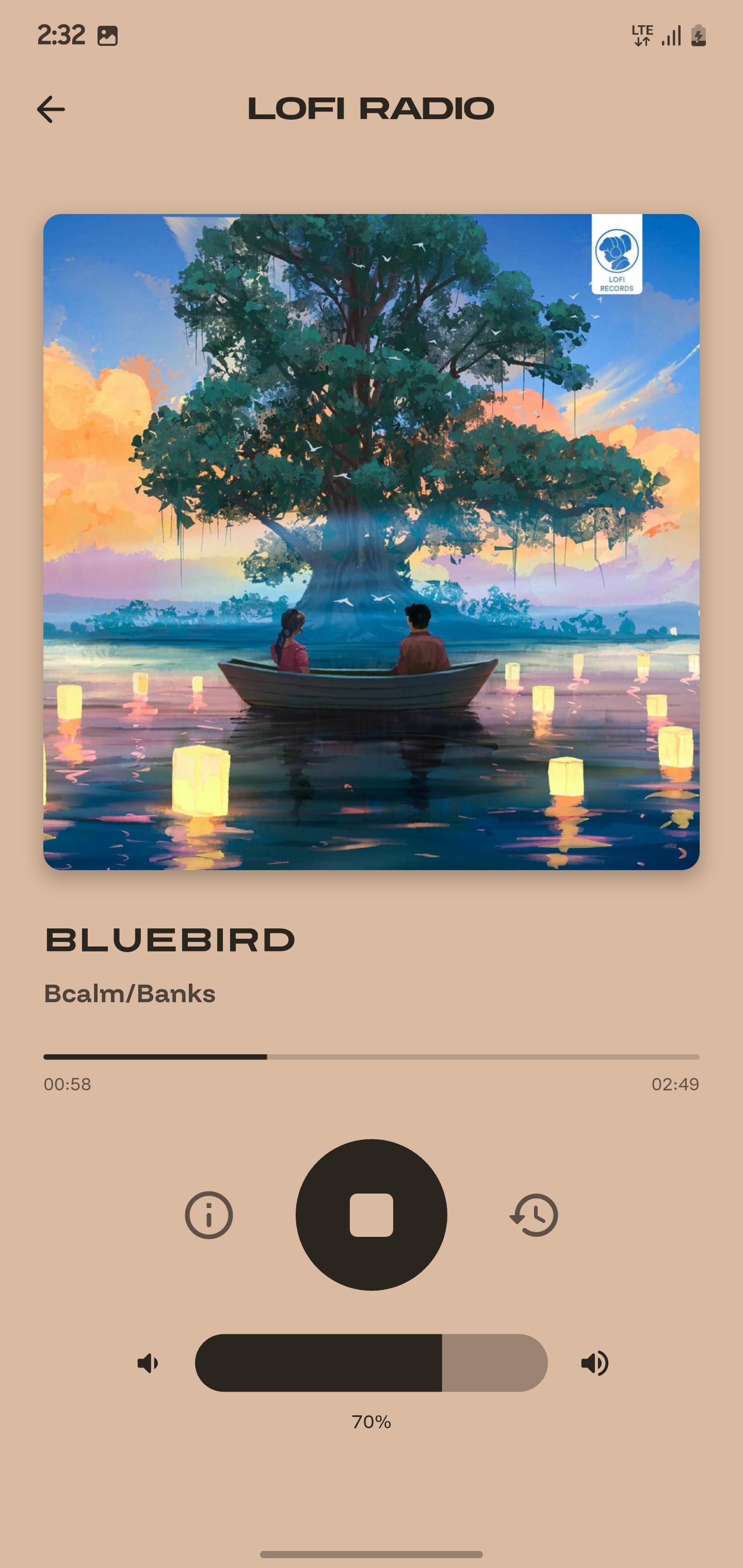
Listen to high-quality music radio stations anytime, anywhere with Box Radio. Powered by Ghanacloud Limited, we bring you nonstop music and entertainment from over 30 free stations across the world’s favorite genres.
Whether you’re in the mood to relax, party, study, or discover new sounds, Box Radio has a station for you. Enjoy crystal-clear streaming, no sign-ups required, and instant access to the music you love.
Our stations cover every mood and style:
• Afrofusion – Afrobeats, Naija, Amapiano, African Rap, and Classics
• Pop & Dance – Global Pop, J-POP, K-POP, City Pop, Dance, and Game Music
• Chill & Study – Lofi, ChillHop, ChillJazz, and ChillWave
• Rock & Hip-Hop – Rock and Roll, 90s Hip-Hop, Classic Rap
• Jazz & Classical – Timeless Jazz and Classical masterpieces
• Reggae & Dancehall – Reggae Republic, Dancehall Mash Up
• Faith & Inspiration – Gospel Plus and Christian music 24/7
• Fun & Family – Comedy, Anime, Kiddiestream, and Santa Radio
Key Features:
– 30+ curated music stations across multiple genres
– 24/7 high-quality streaming
– Free and easy to use, no registration needed
– Global music for every mood
Box Radio: Music Without Limits. Press play and let the music take over.
Avance
Etiquetas
Music-&Información
Desarrollador
Sense Media Gh
La última versión
1.0.4
Última actualización
2025-10-04
Categoría
Music-audio
Disponible en
Google Play
Mostrar más
Cómo jugar Box Radio : City Pop & More con GameLoop en PC
1. Descargue GameLoop desde el sitio web oficial, luego ejecute el archivo exe para instalar GameLoop.
2. Abra GameLoop y busque "Box Radio : City Pop & More", busque Box Radio : City Pop & More en los resultados de búsqueda y haga clic en "Instalar".
3. Disfruta jugando Box Radio : City Pop & More en GameLoop.
Minimum requirements
OS
Windows 8.1 64-bit or Windows 10 64-bit
GPU
GTX 1050
CPU
i3-8300
Memory
8GB RAM
Storage
1GB available space
Recommended requirements
OS
Windows 8.1 64-bit or Windows 10 64-bit
GPU
GTX 1050
CPU
i3-9320
Memory
16GB RAM
Storage
1GB available space