
ViV Aortic para PC
KRUTSCH
Descarga ViV Aortic en PC con GameLoop Emulator
ViV Aortic en PC
ViV Aortic, proveniente del desarrollador KRUTSCH, se ejecuta en el sistema Android en el pasado.
Ahora, puedes jugar ViV Aortic en PC con GameLoop sin problemas.
Descárgalo en la biblioteca de GameLoop o en los resultados de búsqueda. No más mirar la batería o llamadas frustrantes en el momento equivocado nunca más.
Simplemente disfrute de ViV Aortic PC en la pantalla grande de forma gratuita!
ViV Aortic Introducción
An instant guide to Valve in Valve procedures for clinicians
Quick, clear and concise information about heart valves and Valve in Valve therapy. A guide you wish you always had at your fingertips.
About
Valve in Valve app was originally developed as a collaboration between the technology company UBQO and Dr. Vinayak (Vinnie) Bapat, Consultant Cardiac Surgeon at St. Thomas' Hospital, London, UK. The team at KRUTSCH reimagined the app, introducing modern design, as well as a novel editing interface for to allow cardiologists to edit cloud-hosted valve data.
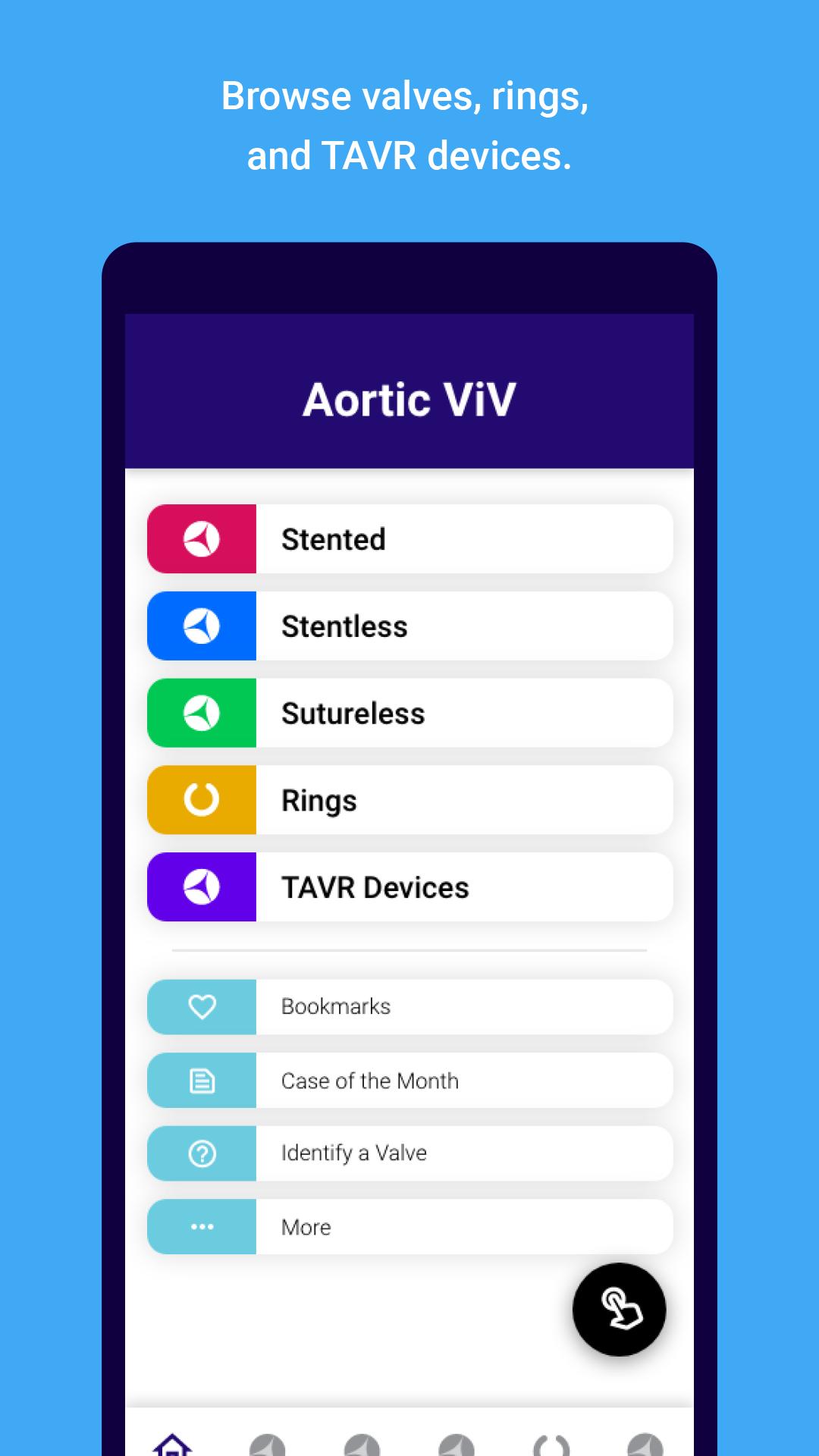
Valve in Valve app provides information specific for a clinical scenario, quickly and simply. This will help in the planning of and performing a Valve in Valve case. The application navigates the user through important aspects of surgical and TAVR valve design, which are vital for a successful Valve in Valve procedure. The app logically steps through the possible combinations to give the user specific information needed to perform the procedure.
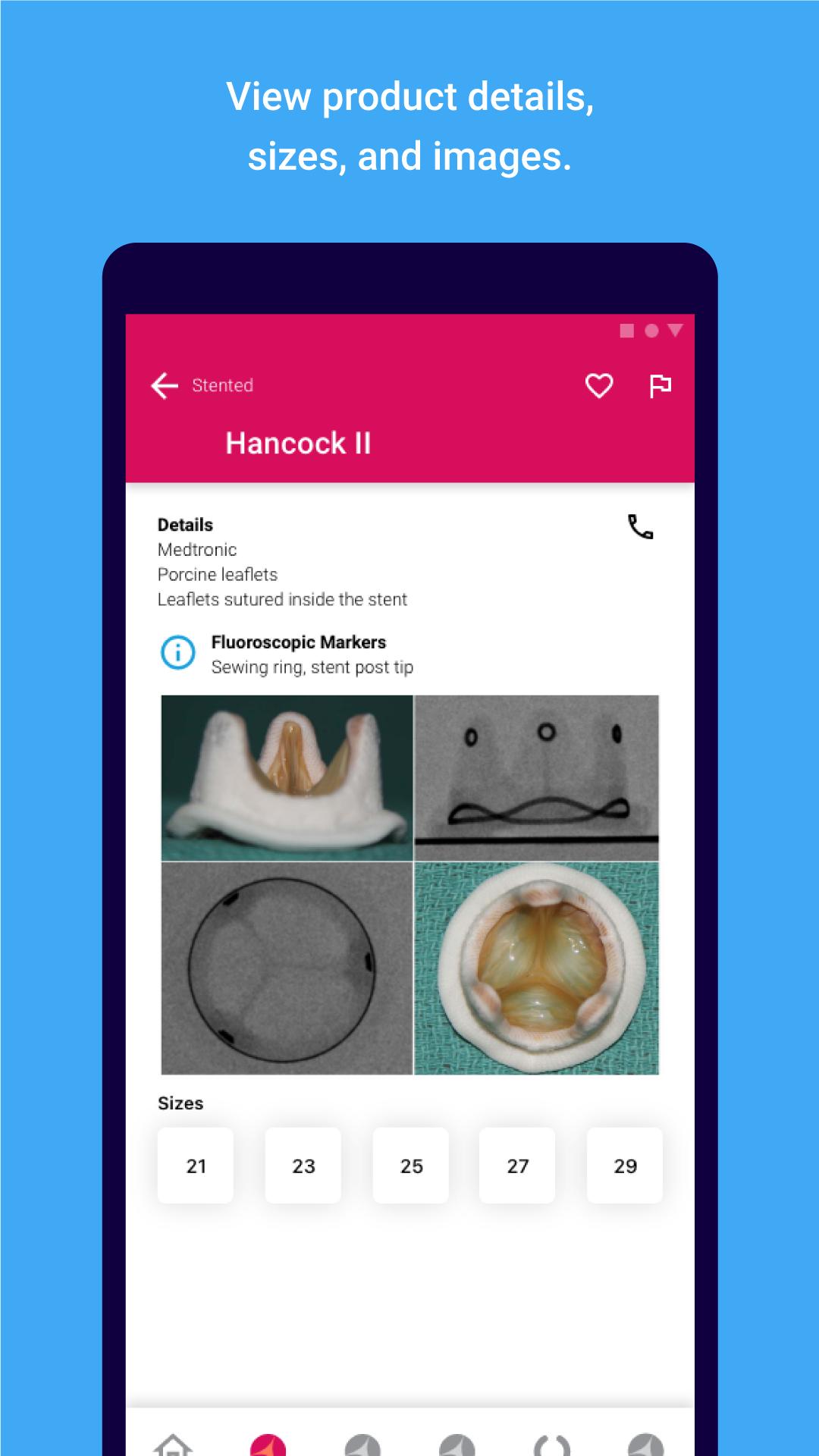
Success of a Valve in Valve procedure is based on correct identification of the surgical valve, choosing the correct size of the TAVR valve and its subsequent accurate placement. Surgical valves vary in appearance under fluoroscopy and also in their internal diameter. Similarly TAVR valves differ in their appearances and available sizes.
Knowledge about all the surgical valves that have been implanted in the last two decades is minimal but relevant to the Valve in Valve therapy. Users can now familiarise themselves with important design information about surgical and TAVR valves; they can also select the valve and find out which size of TAVR valve could be used and how it is best placed during a Valve in Valve procedure.
If the valve type is unknown, the App also guides the user through a series of steps where they can identify the surgical valve type and then use the information available for it.
The Valve In Valve app can be used to plan a case and confirm suitability for this procedure and reduces the need to trawl through vast amounts of literature to find information specific to the clinical scenario. The information is also available without the need for an internet connection and will enhance the users understanding of various aspects of this procedure. We hope this will result in improved results and better outcomes for patients.
Key features
- Design information for multiple types of surgical valve
- Sizing information for multiple types of surgical valve
- Real life and fluoroscopic images of all the surgical valves
- Design information about TAVR valve designs
- Sizing information for these TAVR valves
- Guides the user through a stepped process to help choose a specific valve, then the size and lastly the important dimensions to plan a Valve in Valve procedure
- Image based guidance for the ideal placement of a TAVR valve
- Video examples of actual placement of a TAVR valve
- Discusses important design considerations in detail to improve understanding of the Valve in Valve procedure
Avance
Etiquetas
MedicinaInformación
Desarrollador
KRUTSCH
La última versión
59.0
Última actualización
2025-04-14
Categoría
Medicina
Disponible en
Google Play
Mostrar más
Cómo jugar ViV Aortic con GameLoop en PC
1. Descargue GameLoop desde el sitio web oficial, luego ejecute el archivo exe para instalar GameLoop.
2. Abra GameLoop y busque "ViV Aortic", busque ViV Aortic en los resultados de búsqueda y haga clic en "Instalar".
3. Disfruta jugando ViV Aortic en GameLoop.
Minimum requirements
OS
Windows 8.1 64-bit or Windows 10 64-bit
GPU
GTX 1050
CPU
i3-8300
Memory
8GB RAM
Storage
1GB available space
Recommended requirements
OS
Windows 8.1 64-bit or Windows 10 64-bit
GPU
GTX 1050
CPU
i3-9320
Memory
16GB RAM
Storage
1GB available space