
myMerlinPulse™ para PC
Abbott
Descarga myMerlinPulse™ en PC con GameLoop Emulator
myMerlinPulse™ en PC
myMerlinPulse™, proveniente del desarrollador Abbott, se ejecuta en el sistema Android en el pasado.
Ahora, puedes jugar myMerlinPulse™ en PC con GameLoop sin problemas.
Descárgalo en la biblioteca de GameLoop o en los resultados de búsqueda. No más mirar la batería o llamadas frustrantes en el momento equivocado nunca más.
Simplemente disfrute de myMerlinPulse™ PC en la pantalla grande de forma gratuita!
myMerlinPulse™ Introducción
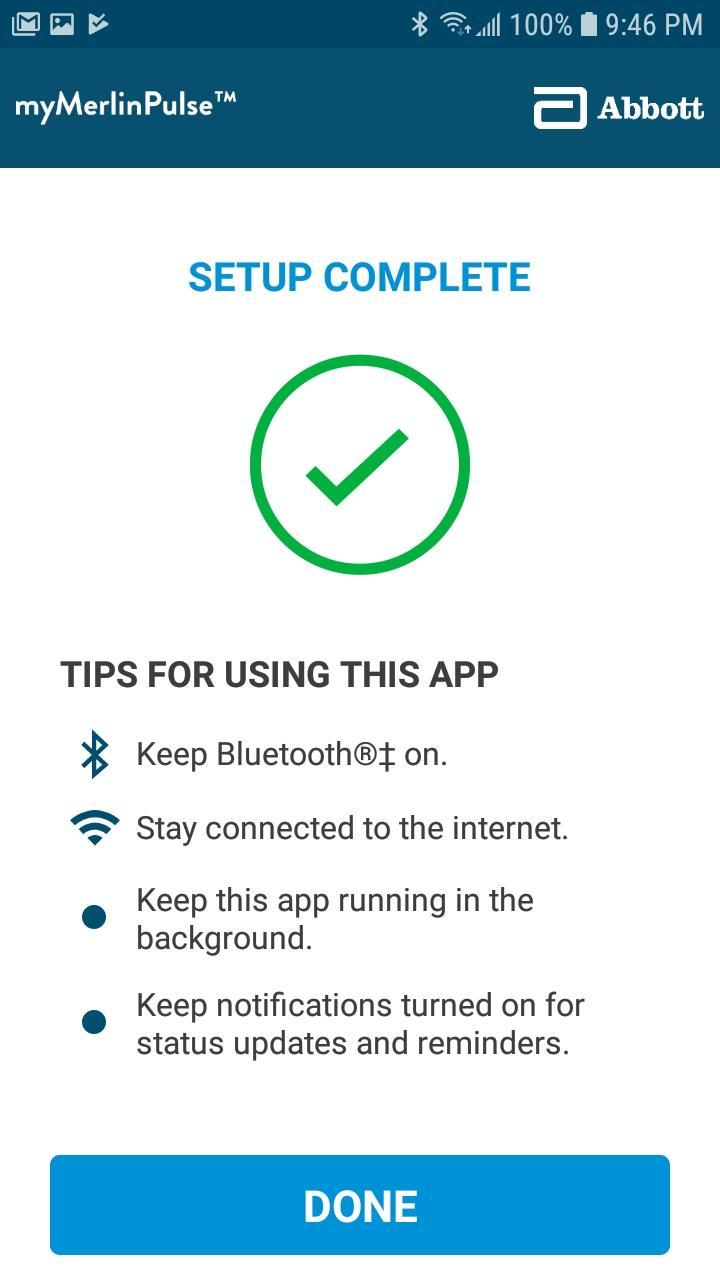
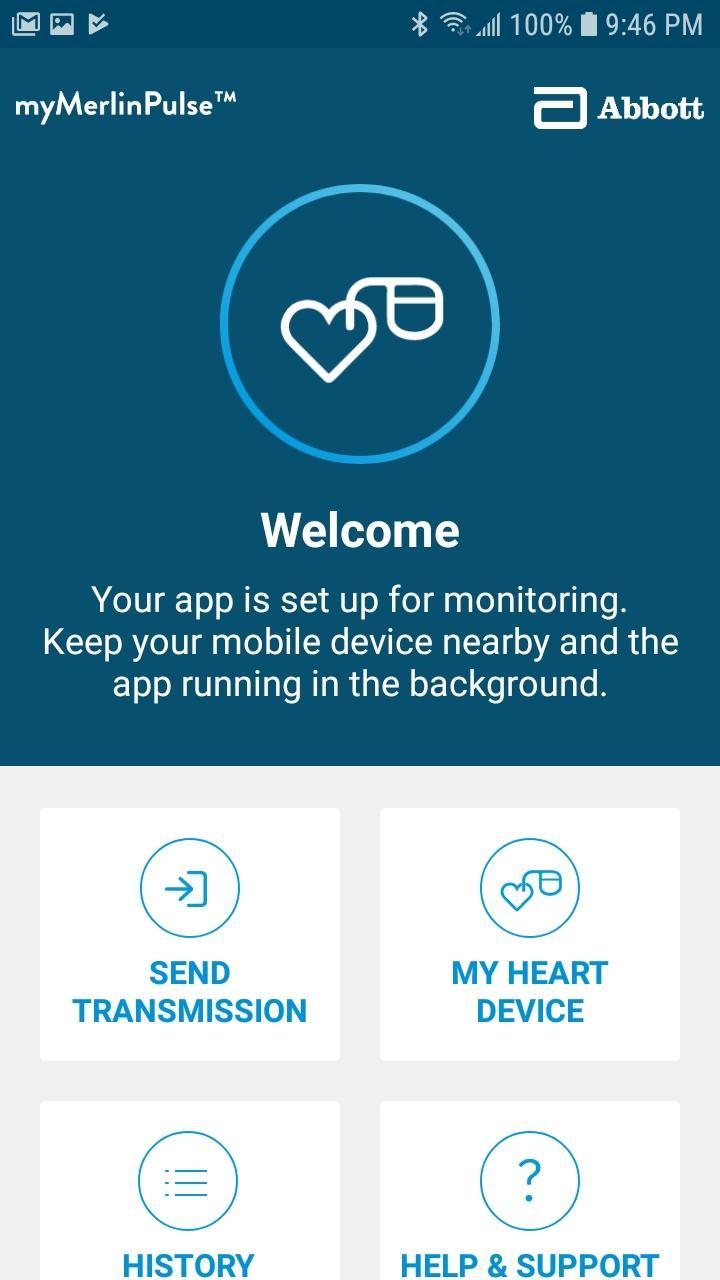
The myMerlinPulse™ mobile application for patients is intended for use by people who have an Abbott Medical implanted heart device and access to a mobile device. The app provides remote monitoring capability of the device by transmitting information from the patient’s implanted heart device to the patient’s healthcare provider.
The App uses an internet connection through a WiFi or cellular network to send information about your implanted heart device to your healthcare provider. Your information is encrypted to ensure the privacy and security of the transmission.
The app’s intuitive user-friendly interface allows you to check if your heart device is connected with your doctor, get information about your heart device including its battery status, view the history of transmissions and send manual transmissions to your healthcare provider, and be notified if there has been a significant change in the performance of your implanted device.
This app will only function once paired with your implanted device.
This app does not currently support tablet devices.
Do not rely on the app during a medical emergency. If you experience a medical emergency, seek medical attention immediately.
Avance
Etiquetas
MedicinaInformación
Desarrollador
Abbott
La última versión
1.0.107
Última actualización
2022-10-12
Categoría
Medicina
Disponible en
Google Play
Mostrar más
Cómo jugar myMerlinPulse™ con GameLoop en PC
1. Descargue GameLoop desde el sitio web oficial, luego ejecute el archivo exe para instalar GameLoop.
2. Abra GameLoop y busque "myMerlinPulse™", busque myMerlinPulse™ en los resultados de búsqueda y haga clic en "Instalar".
3. Disfruta jugando myMerlinPulse™ en GameLoop.
Minimum requirements
OS
Windows 8.1 64-bit or Windows 10 64-bit
GPU
GTX 1050
CPU
i3-8300
Memory
8GB RAM
Storage
1GB available space
Recommended requirements
OS
Windows 8.1 64-bit or Windows 10 64-bit
GPU
GTX 1050
CPU
i3-9320
Memory
16GB RAM
Storage
1GB available space