
INcardio para PC
InPulse
Descarga INcardio en PC con GameLoop Emulator
INcardio en PC
INcardio, proveniente del desarrollador InPulse, se ejecuta en el sistema Android en el pasado.
Ahora, puedes jugar INcardio en PC con GameLoop sin problemas.
Descárgalo en la biblioteca de GameLoop o en los resultados de búsqueda. No más mirar la batería o llamadas frustrantes en el momento equivocado nunca más.
Simplemente disfrute de INcardio PC en la pantalla grande de forma gratuita!
INcardio Introducción
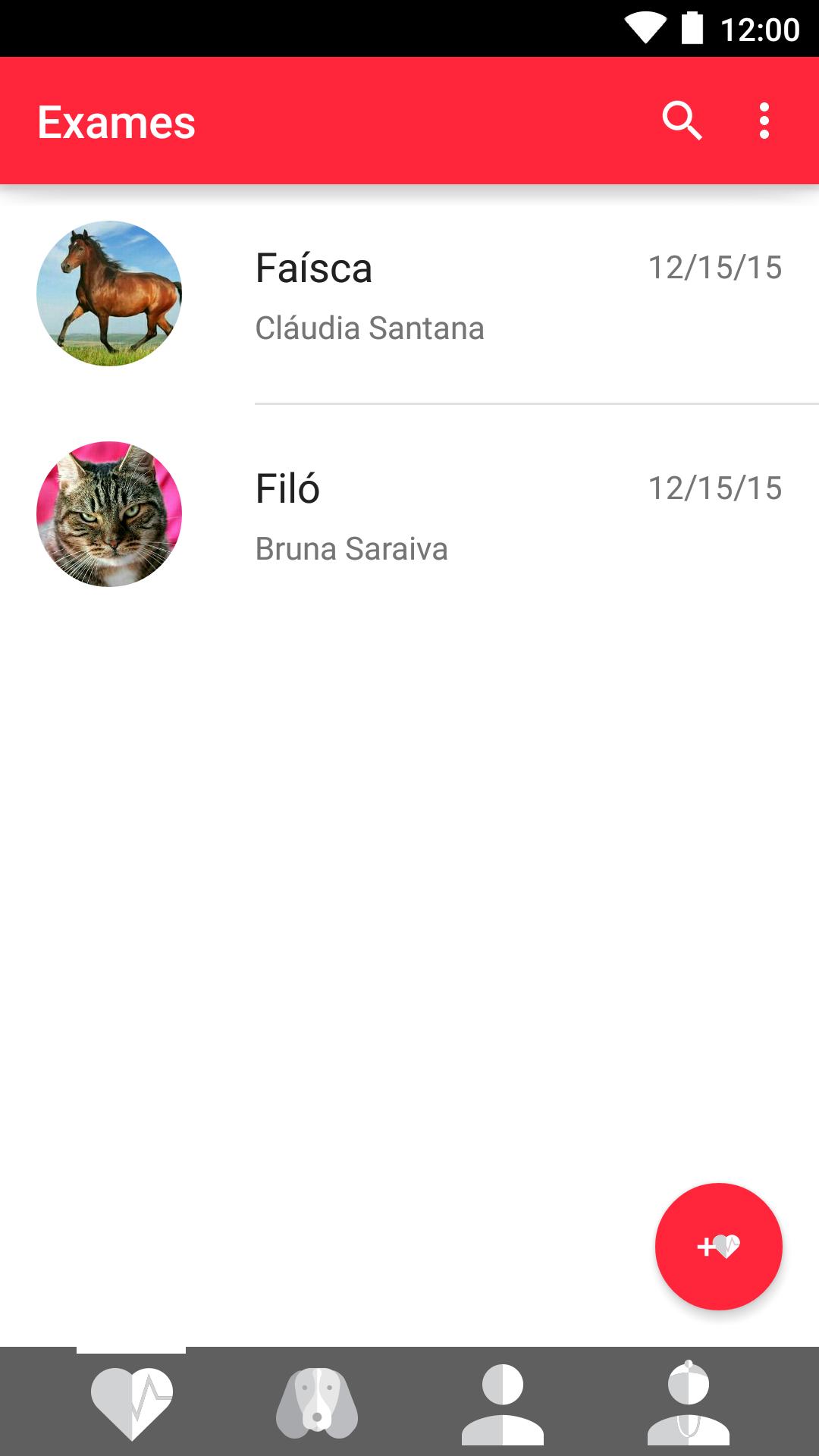
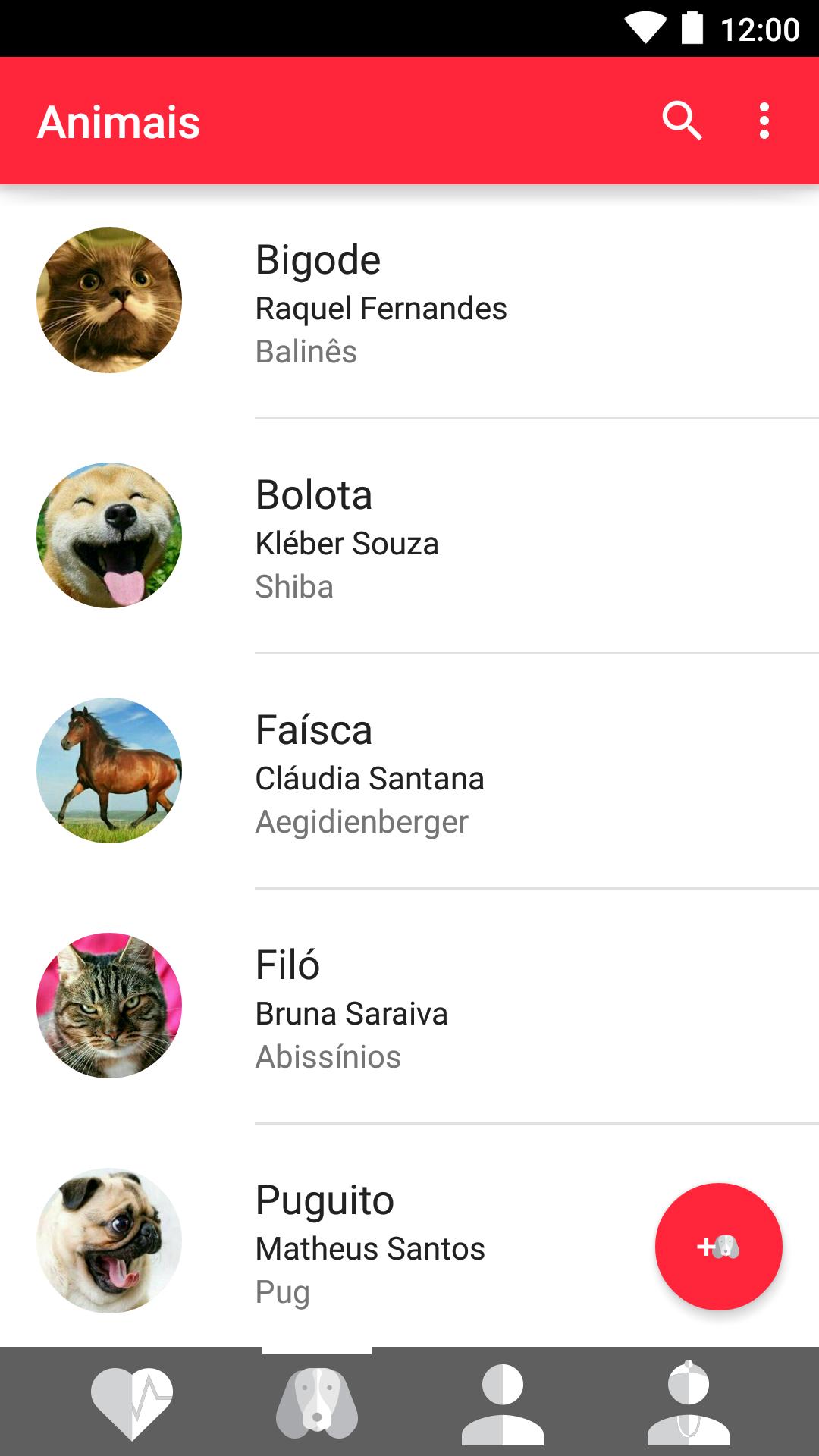
This exclusive use application to veterinary medicine were developed to facilitate the realization of electrocardiographic examinations with InCardio equipment. The application communicates wirelessly with the equipment, recording all data acquired in the largest digital resolution possible. Once acquired evidence of examinations, you can also add registration information, such as patient data and the owner.
To use this application you must have an account in incloud system (incloud.vet - cloud storage system for veterinary examinations ECG) and physical access to a device InCardio. All tests performed by the application can synchronize the user account in incloud and downloaded through the software for analyzing the trace. Additionally, you can also request a remote report of the examination conducted by telemedicine center. Once you make the request for a remote report, the same is completed within 24 hours.
To learn more about incloud, please incloud.vet/saibamais.
Avance
Etiquetas
MedicinaInformación
Desarrollador
InPulse
La última versión
2.16.1
Última actualización
2024-08-05
Categoría
Medicina
Disponible en
Google Play
Mostrar más
Cómo jugar INcardio con GameLoop en PC
1. Descargue GameLoop desde el sitio web oficial, luego ejecute el archivo exe para instalar GameLoop.
2. Abra GameLoop y busque "INcardio", busque INcardio en los resultados de búsqueda y haga clic en "Instalar".
3. Disfruta jugando INcardio en GameLoop.
Minimum requirements
OS
Windows 8.1 64-bit or Windows 10 64-bit
GPU
GTX 1050
CPU
i3-8300
Memory
8GB RAM
Storage
1GB available space
Recommended requirements
OS
Windows 8.1 64-bit or Windows 10 64-bit
GPU
GTX 1050
CPU
i3-9320
Memory
16GB RAM
Storage
1GB available space