
InLife Benefits Member App para PC
TopLogic Consulting Corporation
Descarga InLife Benefits Member App en PC con GameLoop Emulator
InLife Benefits Member App en PC
InLife Benefits Member App, proveniente del desarrollador TopLogic Consulting Corporation, se ejecuta en el sistema Android en el pasado.
Ahora, puedes jugar InLife Benefits Member App en PC con GameLoop sin problemas.
Descárgalo en la biblioteca de GameLoop o en los resultados de búsqueda. No más mirar la batería o llamadas frustrantes en el momento equivocado nunca más.
Simplemente disfrute de InLife Benefits Member App PC en la pantalla grande de forma gratuita!
InLife Benefits Member App Introducción
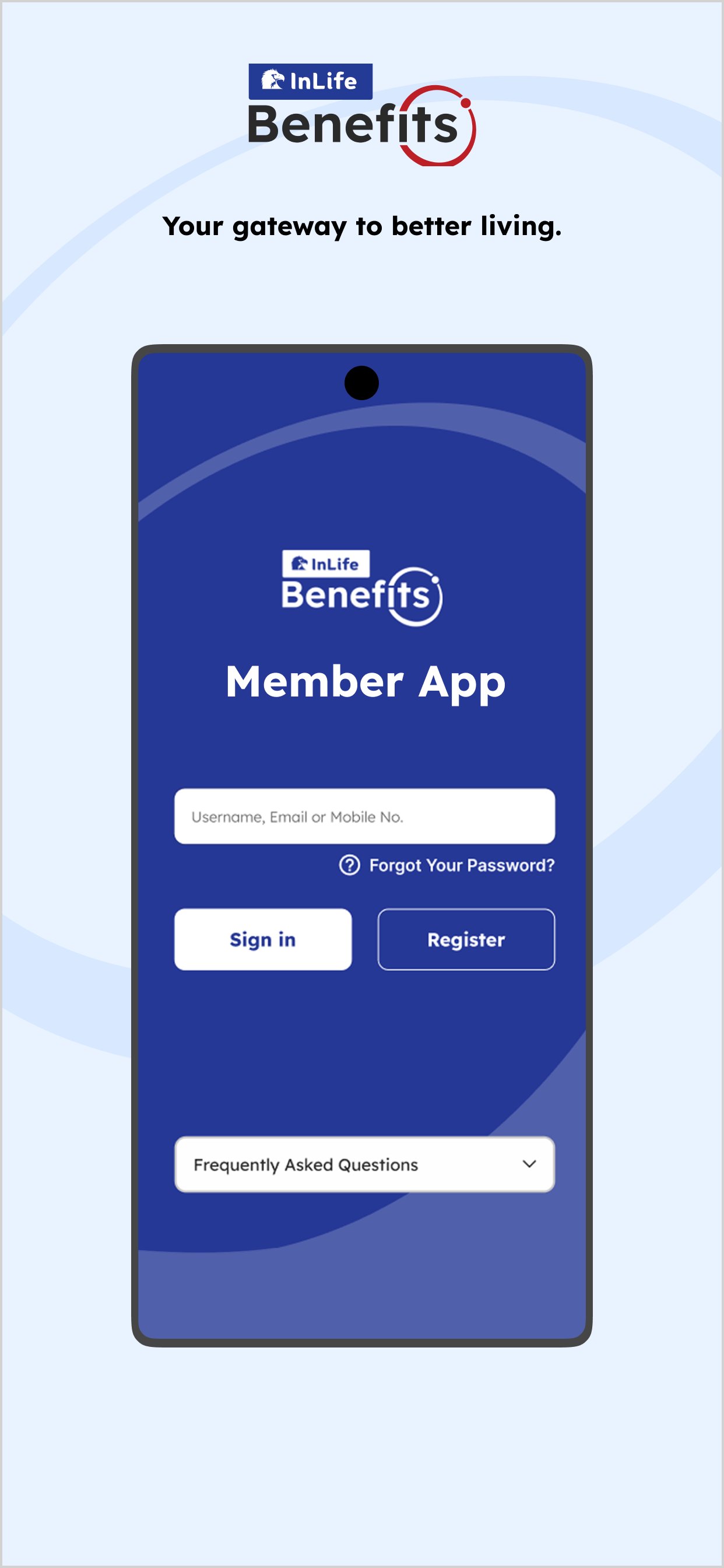
Stay on top of your membership anytime, anywhere with the InLife Benefits Member Mobile App (formerly GenConnect).
Welcome to our mobile app — your all-in-one companion for easy access to your benefits and healthcare services.
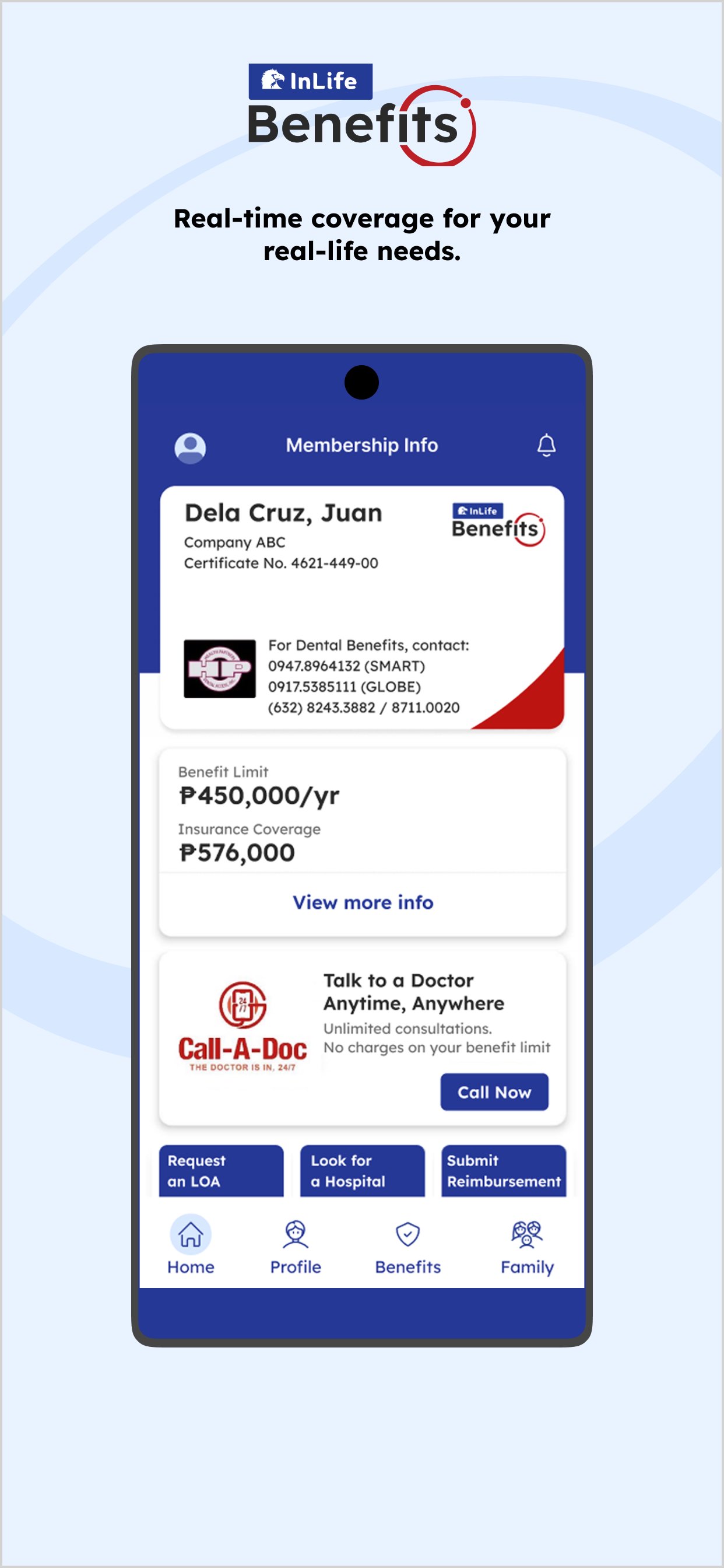
With the InLife Benefits App, you can:
• Talk to a doctor anytime, wherever you are
• View your membership details, benefits and usage
• Find nearby accredited hospitals and clinics
• Use your virtual card in lieu of a physical one
• Request for a Letter of Authorization for medical availments
Everything you need right at your fingertips. So you can focus on living well, while we make your journey simpler.
Connected. Convenient. For You. By InLife Benefits.
Avance
Etiquetas
MedicinaInformación
Desarrollador
TopLogic Consulting Corporation
La última versión
3.61
Última actualización
2026-09-29
Categoría
Medicina
Disponible en
Google Play
Mostrar más
Cómo jugar InLife Benefits Member App con GameLoop en PC
1. Descargue GameLoop desde el sitio web oficial, luego ejecute el archivo exe para instalar GameLoop.
2. Abra GameLoop y busque "InLife Benefits Member App", busque InLife Benefits Member App en los resultados de búsqueda y haga clic en "Instalar".
3. Disfruta jugando InLife Benefits Member App en GameLoop.
Minimum requirements
OS
Windows 8.1 64-bit or Windows 10 64-bit
GPU
GTX 1050
CPU
i3-8300
Memory
8GB RAM
Storage
1GB available space
Recommended requirements
OS
Windows 8.1 64-bit or Windows 10 64-bit
GPU
GTX 1050
CPU
i3-9320
Memory
16GB RAM
Storage
1GB available space