
PointClickCare PE para PC
PointClickCare
Descarga PointClickCare PE en PC con GameLoop Emulator
PointClickCare PE en PC
PointClickCare PE, proveniente del desarrollador PointClickCare, se ejecuta en el sistema Android en el pasado.
Ahora, puedes jugar PointClickCare PE en PC con GameLoop sin problemas.
Descárgalo en la biblioteca de GameLoop o en los resultados de búsqueda. No más mirar la batería o llamadas frustrantes en el momento equivocado nunca más.
Simplemente disfrute de PointClickCare PE PC en la pantalla grande de forma gratuita!
PointClickCare PE Introducción
We’ve created a new PE app to further strengthen security.
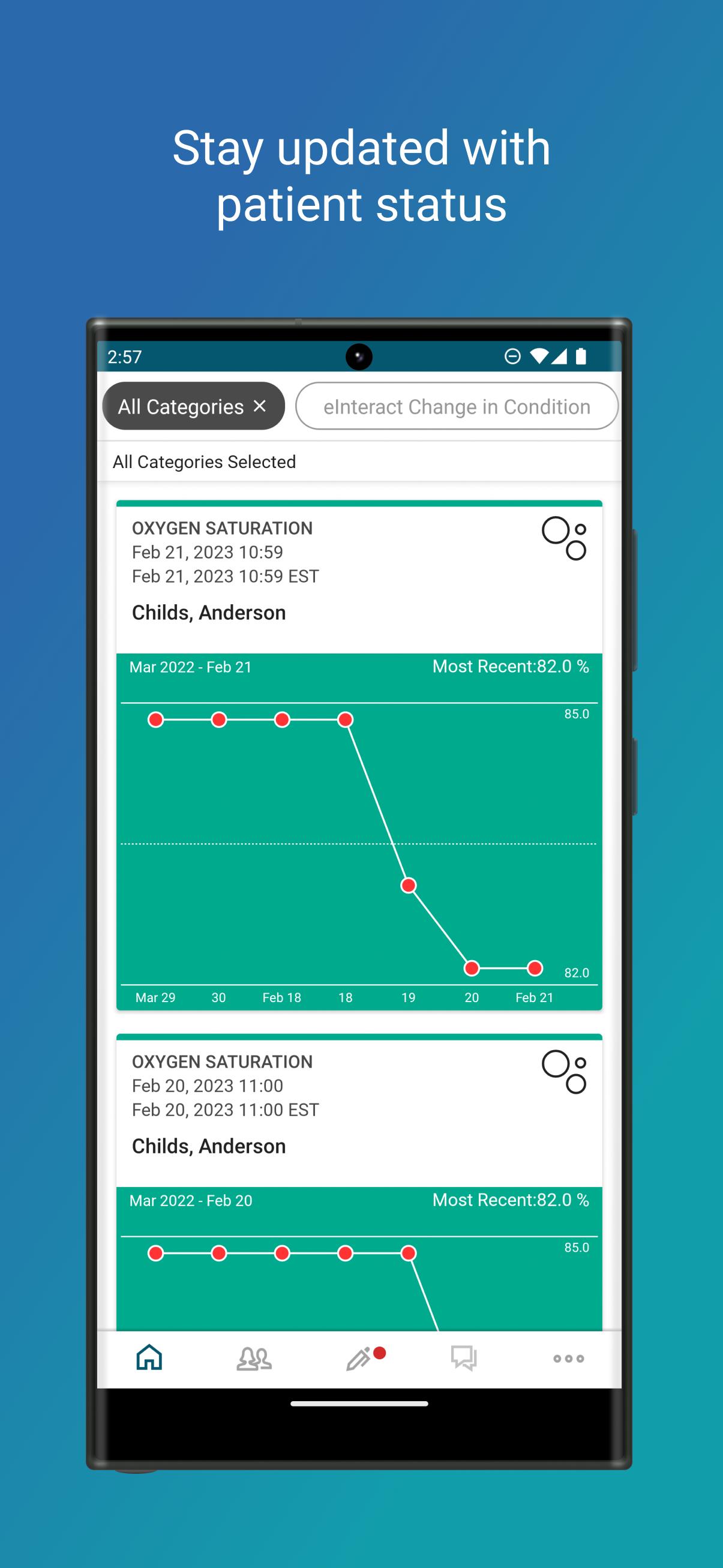
Using your Android phone or tablet, you can securely and conveniently view your patient's medical history, leveraging access to the PointClickCare EHR platform, to help you make better decisions and improve overall communications with senior care homes.
Key benefits include:
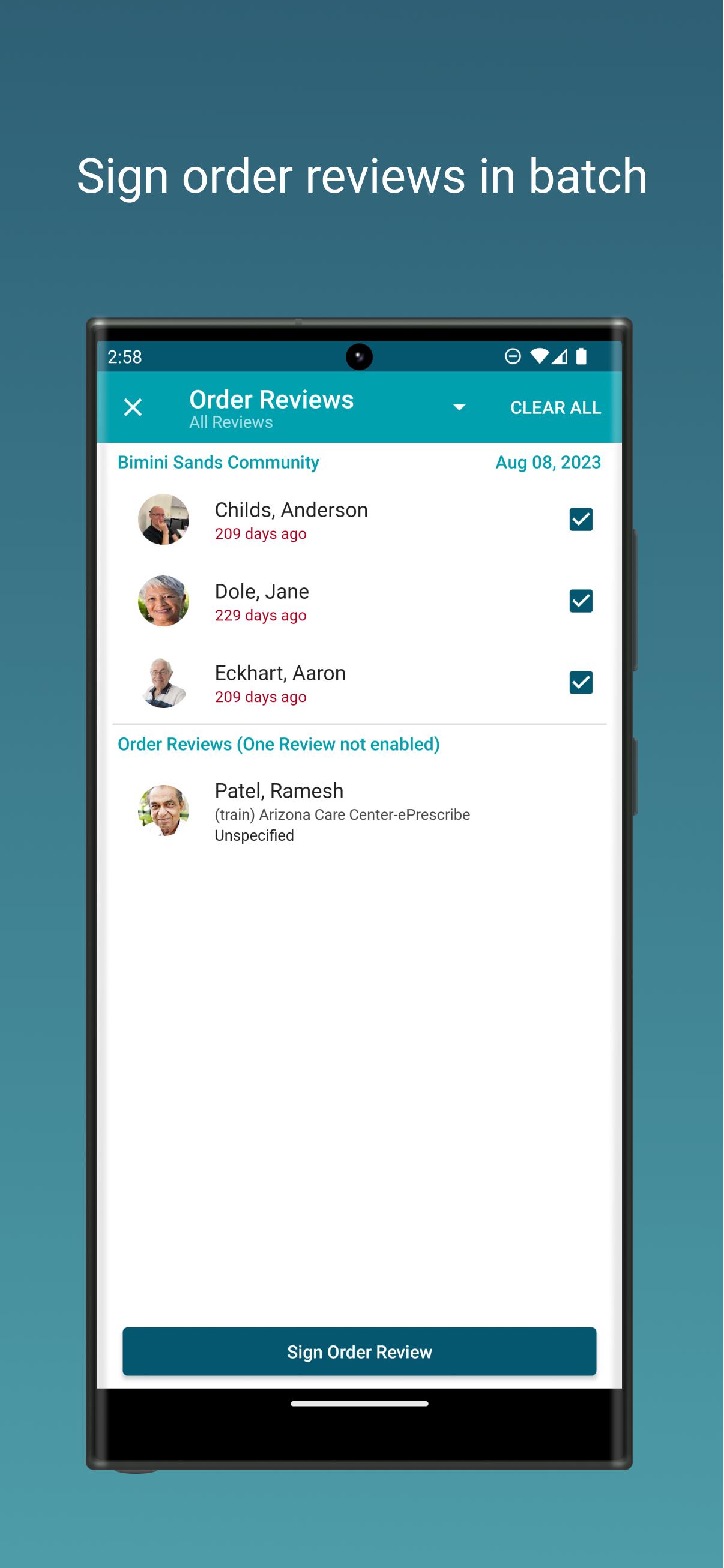
- Provide e-Signature for telephone, verbal and agent-entered Orders
- Receive Push Notifications for orders pending signature
- Mobile access to patient charts for faster responses
- Securely send and receive HIPAA-compliant messages
By downloading this application, you agree to the terms and conditions in the following End User License Agreement (EULA): http://pages.pointclickcare.com/rs/740-IBO-752/images/2015_07_24_EULA_for_Mobile_App_Android_Version.pdf
To learn more about PointClickCare please visit: http://www.pointclickcare.com/
Avance
Etiquetas
MedicinaInformación
Desarrollador
PointClickCare
La última versión
3.7.3
Última actualización
2023-11-25
Categoría
Medicina
Disponible en
Google Play
Mostrar más
Cómo jugar PointClickCare PE con GameLoop en PC
1. Descargue GameLoop desde el sitio web oficial, luego ejecute el archivo exe para instalar GameLoop.
2. Abra GameLoop y busque "PointClickCare PE", busque PointClickCare PE en los resultados de búsqueda y haga clic en "Instalar".
3. Disfruta jugando PointClickCare PE en GameLoop.
Minimum requirements
OS
Windows 8.1 64-bit or Windows 10 64-bit
GPU
GTX 1050
CPU
i3-8300
Memory
8GB RAM
Storage
1GB available space
Recommended requirements
OS
Windows 8.1 64-bit or Windows 10 64-bit
GPU
GTX 1050
CPU
i3-9320
Memory
16GB RAM
Storage
1GB available space