ACR Guidance para PC
American College of Radiology
Descarga ACR Guidance en PC con GameLoop Emulator
ACR Guidance en PC
ACR Guidance, proveniente del desarrollador American College of Radiology, se ejecuta en el sistema Android en el pasado.
Ahora, puedes jugar ACR Guidance en PC con GameLoop sin problemas.
Descárgalo en la biblioteca de GameLoop o en los resultados de búsqueda. No más mirar la batería o llamadas frustrantes en el momento equivocado nunca más.
Simplemente disfrute de ACR Guidance PC en la pantalla grande de forma gratuita!
ACR Guidance Introducción
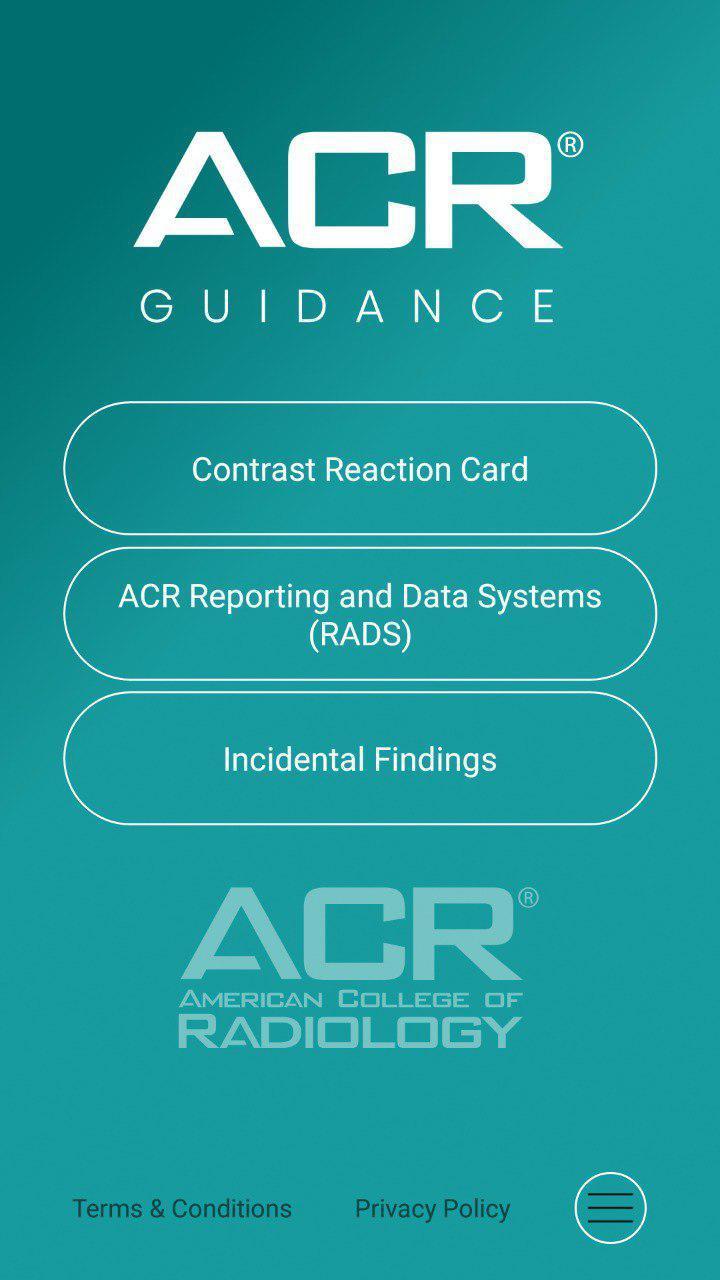
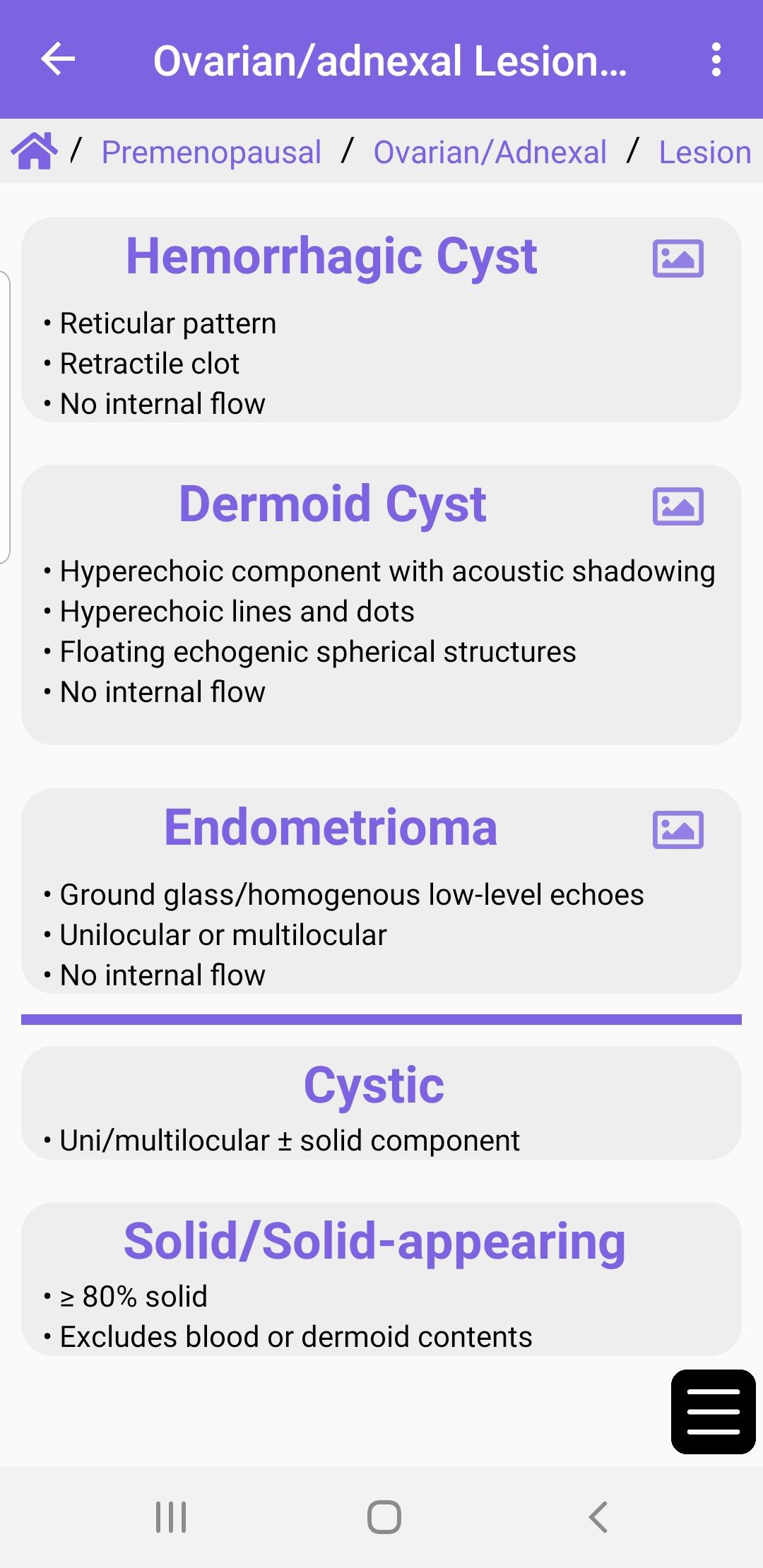
The ACR® Guidance App provides interactive mobile access to select clinical guidance content from the ACR website. Download to access the ACR Contrast Reaction Cards, Reporting and Data Systems (RADS), and Incidental Findings (IF) content.
This app is intended for healthcare professionals such as radiologists, oncologists, referring physicians, and medical students who desire on the go reference materials from ACR. This app is not a medical device and should not be considered as one.
ACR provides this mobile app for reference purposes only. It is not intended to substitute for the independent clinical judgment of a physician or other health care professional user. A physician or other user is solely responsible for verifying the currency and applicability of app content to a particular clinical situation and thus assumes all risk of use. As allowable under applicable law, ACR and ACR’s employees, officers, directors, agents, contractors and volunteers will not be liable for any damages arising out of the use or misuse of the app, its content, or calculations. This includes but is not limited to a user’s inability to access the app or any loss or corruption of a user’s data.
Avance
Etiquetas
MedicinaInformación
Desarrollador
American College of Radiology
La última versión
1.4.2
Última actualización
2024-09-19
Categoría
Medicina
Disponible en
Google Play
Mostrar más
Cómo jugar ACR Guidance con GameLoop en PC
1. Descargue GameLoop desde el sitio web oficial, luego ejecute el archivo exe para instalar GameLoop.
2. Abra GameLoop y busque "ACR Guidance", busque ACR Guidance en los resultados de búsqueda y haga clic en "Instalar".
3. Disfruta jugando ACR Guidance en GameLoop.
Minimum requirements
OS
Windows 8.1 64-bit or Windows 10 64-bit
GPU
GTX 1050
CPU
i3-8300
Memory
8GB RAM
Storage
1GB available space
Recommended requirements
OS
Windows 8.1 64-bit or Windows 10 64-bit
GPU
GTX 1050
CPU
i3-9320
Memory
16GB RAM
Storage
1GB available space