
Transportify Driver App para PC
Inspire Labs
Descarga Transportify Driver App en PC con GameLoop Emulator
Transportify Driver App en PC
Transportify Driver App, proveniente del desarrollador Inspire Labs, se ejecuta en el sistema Android en el pasado.
Ahora, puedes jugar Transportify Driver App en PC con GameLoop sin problemas.
Descárgalo en la biblioteca de GameLoop o en los resultados de búsqueda. No más mirar la batería o llamadas frustrantes en el momento equivocado nunca más.
Simplemente disfrute de Transportify Driver App PC en la pantalla grande de forma gratuita!
Transportify Driver App Introducción
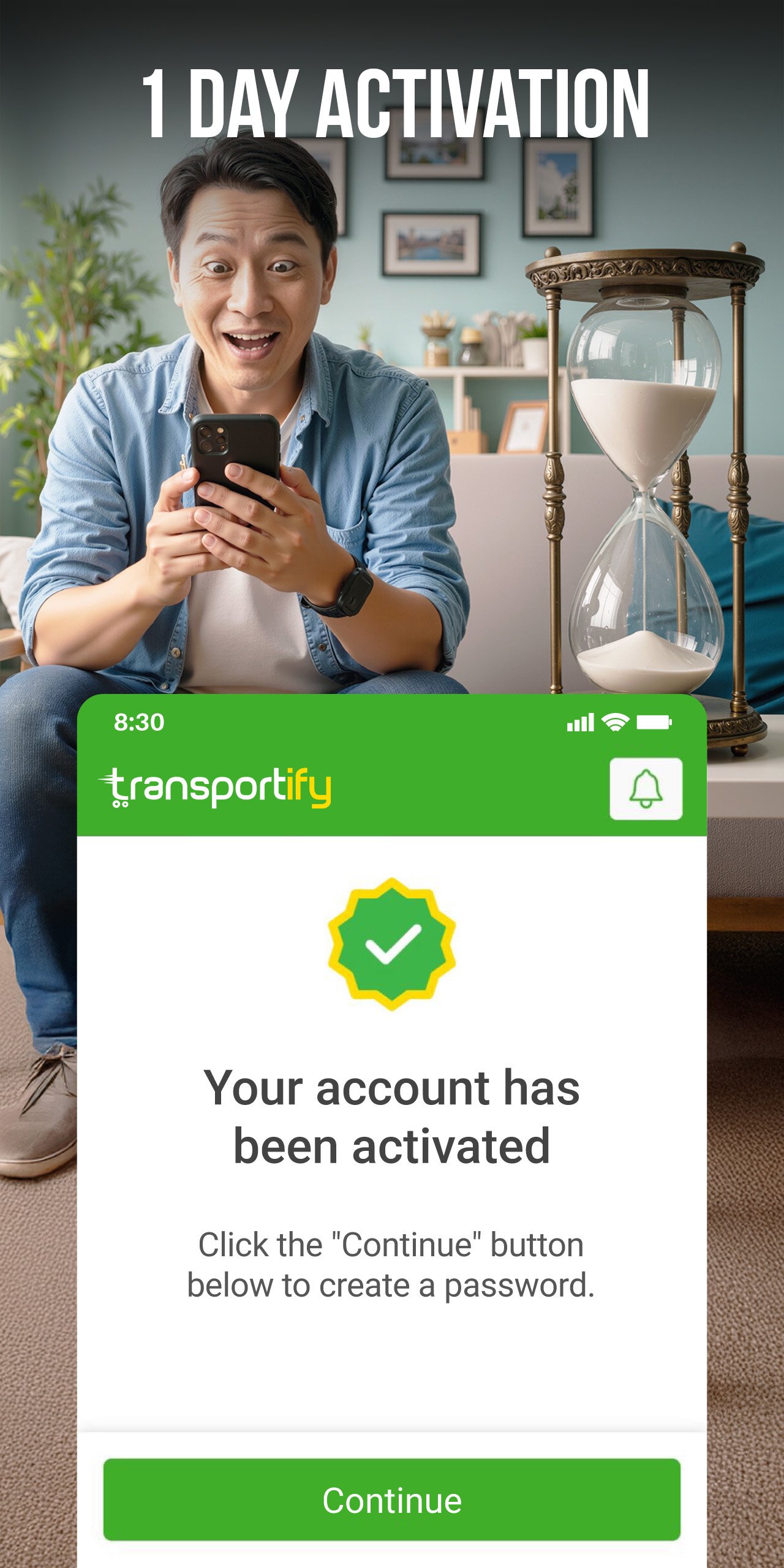
If you drive a car, van, or truck for deliveries, we can help you find available bookings with our driver app, including backload opportunities on return trips. With Transportify, delivery drivers can review job details upfront and get paid with flexible payout options. Registration is fully online, and activation typically completes within 1–2 days, depending on document checks and verification requirements.
How it works
1. Review - Check the new requests screen for available bookings. Tap a request to see pickup and drop-off locations, load notes, any required services, and your payout, including before and after commission, before accepting.
2. Accept - Choose the jobs you want. There are no obligations to accept requests that don’t match your schedule or preferred trucking lanes.
3. Deliver - Carry out the delivery per in-app details and instructions.
4. Get paid - Payment is either cash from the customer or credit to your in-app wallet upon completion.
Why choose Transportify
Transportify is built to give delivery drivers and fleet partners more control, clearer information, and dependable support, so you can find loads that fit your vehicle and schedule.
- Load board updated daily: New booking opportunities are posted daily across many service areas. Availability varies by location, vehicle type, and time of day.
- Match jobs to your route: Set preferences for your preferred trucking lanes (pickup/drop-off areas) to see relevant requests and backhaul opportunities higher up, and receive notifications for matching jobs.
- Reduce empty miles: Our app makes it easier to find a backhaul after you complete a drop-off. With your lane preferences set, you can lock in a backload faster and earn money on the way back to your home base.
- More repeat work: If a customer favorites you after a good delivery, you may see their future requests earlier than other drivers.
- In-app support: Live chat is available for any accepted bookings to help with booking questions, location changes, or payment concerns.
Who can join
- Individuals with an available vehicle (driver partner)
- Trucking companies with an available fleet (fleet partners)
- Businesses with internal fleets that have the capacity to take external bookings
Eligible vehicles
You can register as our online driver with many vehicle types, depending on the service area and capacity.
- Light-duty: sedan, MPV/SUV, small pickup, light van, L300/van.
- Medium-duty: closed van, open truck, 6W forward truck.
- Heavy-duty: 10- or 12-wheel wing van.
Service areas
You can register as our logistics driver anywhere in the Philippines, but you can only complete bookings within Transportify's service coverage areas. Use the in-app service area checker to confirm coverage.
Earnings & payouts
For each completed booking on the load board, you’re paid in one of two ways:
- Cash paid by the customer, or
- Credit to your in-app wallet
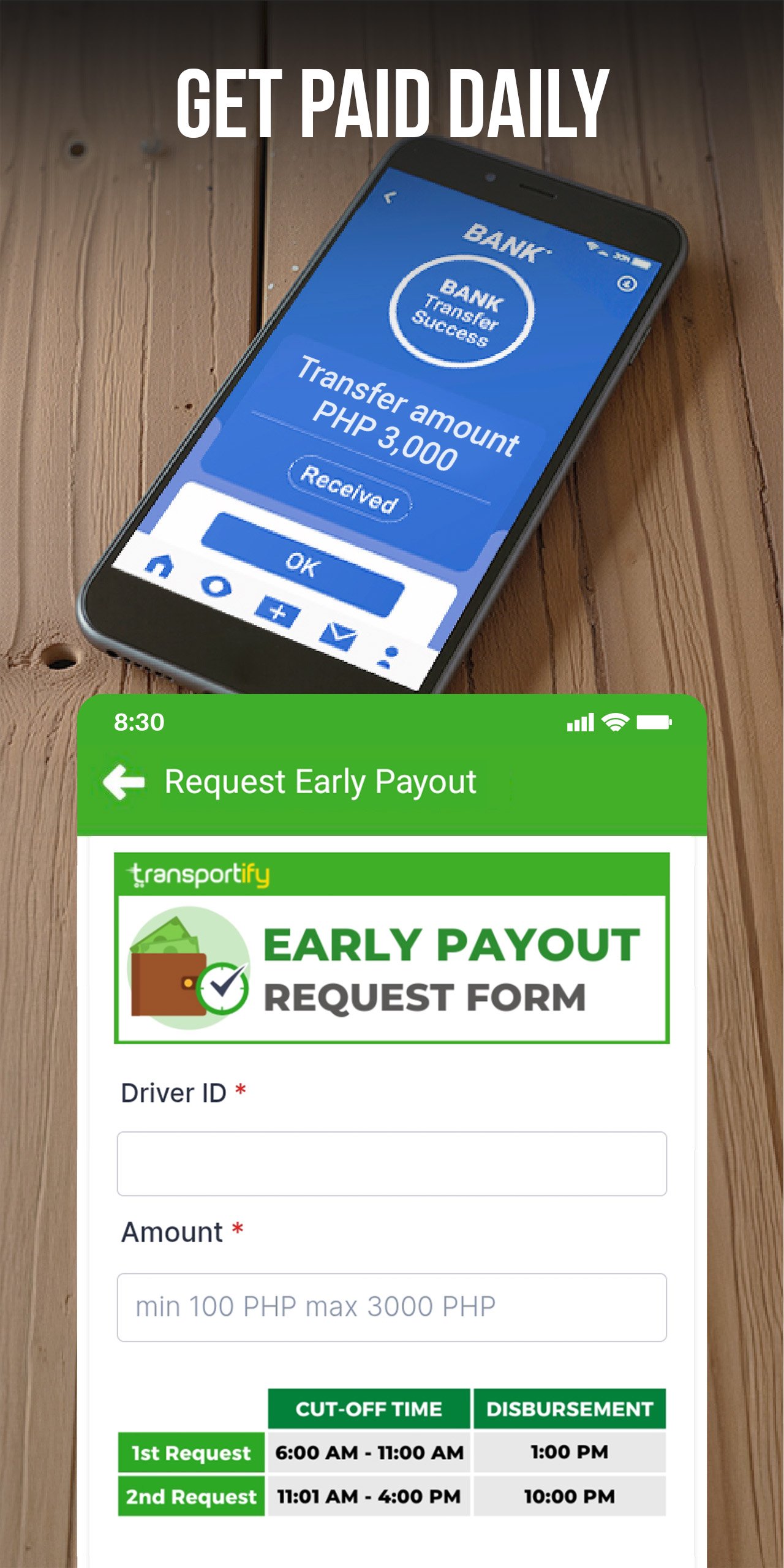
If you’re paid via e-wallet, you can cash out in the app. Where available, you can withdraw daily, with transfer times varying by bank and local processing. Earnings depend on area, vehicle type, and completed bookings.
Driver application steps
1. Install the Transportify driver app
2. Follow the registration steps in-app
3. Submit the required documents
4. Complete a short in-app test
5. Wait for verification and activation updates
Required documents list:
- A valid driver’s license
- Proof of vehicle lease, ownership, or permission to use the vehicle
- Vehicle make, model, and year
- Estimated cargo capacity
Privacy and data handling
We use your account details and submitted documents to verify your online driver profile, prevent fraud, and support payouts. We only share information when needed to provide the service (e.g., with payment providers or verification partners).
Contact Us
Transportify Philippines
Website: www.transportify.com.ph
Driver Registration: transportify.info/DriverRegistration
Avance
Etiquetas
Maps-&Información
Desarrollador
Inspire Labs
La última versión
4.11.1
Última actualización
2026-11-12
Categoría
Maps-navigation
Disponible en
Google Play
Mostrar más
Cómo jugar Transportify Driver App con GameLoop en PC
1. Descargue GameLoop desde el sitio web oficial, luego ejecute el archivo exe para instalar GameLoop.
2. Abra GameLoop y busque "Transportify Driver App", busque Transportify Driver App en los resultados de búsqueda y haga clic en "Instalar".
3. Disfruta jugando Transportify Driver App en GameLoop.
Minimum requirements
OS
Windows 8.1 64-bit or Windows 10 64-bit
GPU
GTX 1050
CPU
i3-8300
Memory
8GB RAM
Storage
1GB available space
Recommended requirements
OS
Windows 8.1 64-bit or Windows 10 64-bit
GPU
GTX 1050
CPU
i3-9320
Memory
16GB RAM
Storage
1GB available space