RPAS WILCO: Drone Flight Plans para PC
Artificial Intelligence Mastermind Robotics Inc.
Descarga RPAS WILCO: Drone Flight Plans en PC con GameLoop Emulator
RPAS WILCO: Drone Flight Plans en PC
RPAS WILCO: Drone Flight Plans, proveniente del desarrollador Artificial Intelligence Mastermind Robotics Inc., se ejecuta en el sistema Android en el pasado.
Ahora, puedes jugar RPAS WILCO: Drone Flight Plans en PC con GameLoop sin problemas.
Descárgalo en la biblioteca de GameLoop o en los resultados de búsqueda. No más mirar la batería o llamadas frustrantes en el momento equivocado nunca más.
Simplemente disfrute de RPAS WILCO: Drone Flight Plans PC en la pantalla grande de forma gratuita!
RPAS WILCO: Drone Flight Plans Introducción
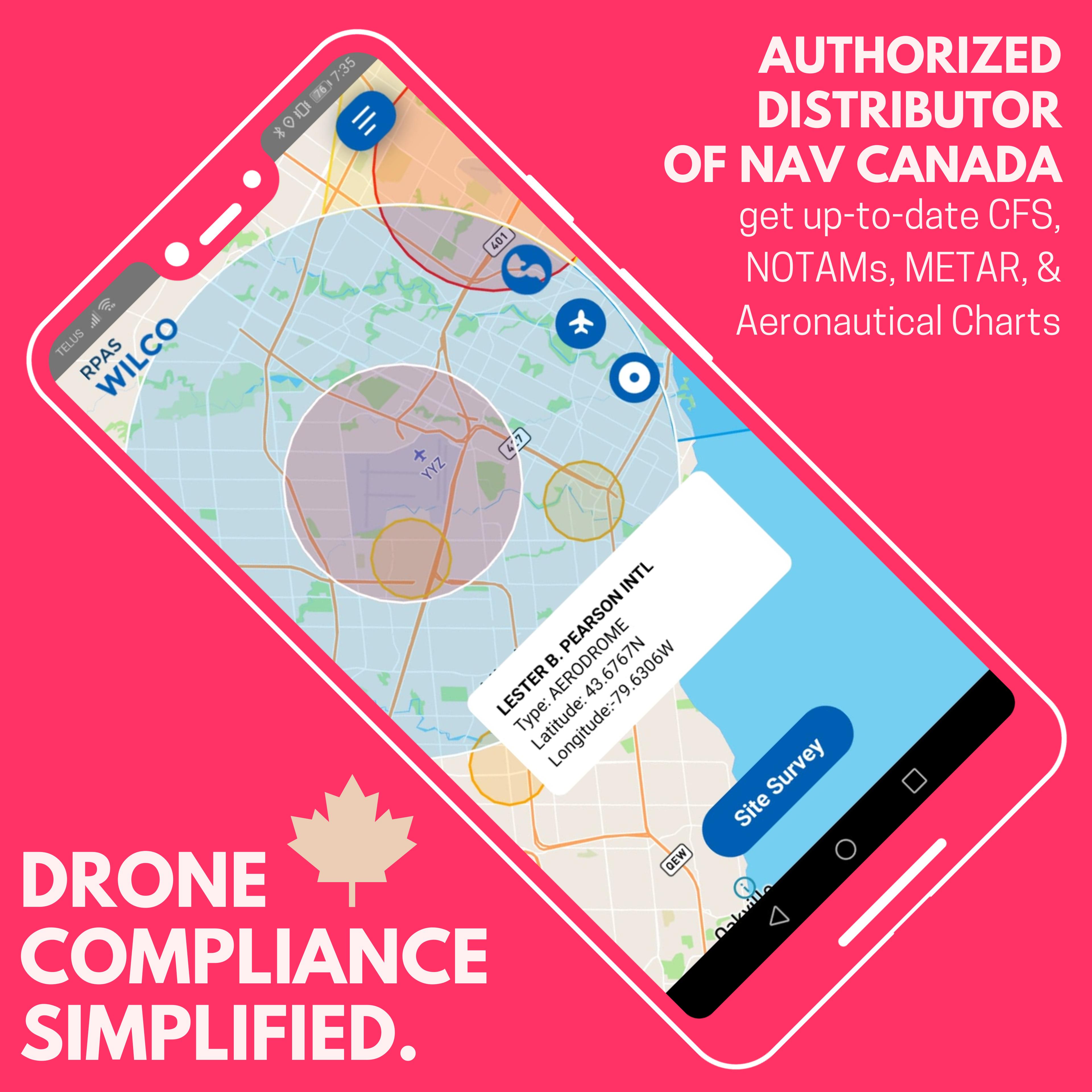
RPAS WILCO is the ultimate app for fast, reliable, and compliant drone site surveys, ready in under a minute! Created to help drone pilots meet Canadian Aviation Regulations Part IX, RPAS WILCO simplifies and accelerates pre-flight surveys, saving you hours on each flight.
With RPAS WILCO, you get:
• Airspace Class Information
• Location-Specific NOTAMs
• Canada Flight Supplement (CFS)
• Aeronautical Charts
As an official NAV CANADA distributor, we provide the most accurate, up-to-date CFS, CWAS, and VNC charts available.
Key Features:
• Automated Site Surveys – rapid, compliant, and accurate
• Flight Scheduler – organize flights and plan ahead
• Smart Checklists – complete pre-flight tasks effortlessly
• Integrated Flight Logs – keep all records in one place
• RPAS Inventory Management – track your equipment with ease
• & more!
For team leaders, RPAS WILCO for Enterprise offers advanced management tools to streamline your organization’s drone operations.
Start for FREE today and experience effortless compliance and safer flights!
Avance

Etiquetas
Maps-&Información
Desarrollador
Artificial Intelligence Mastermind Robotics Inc.
La última versión
3.0.2
Última actualización
2025-06-17
Categoría
Maps-navigation
Disponible en
Google Play
Mostrar más
Cómo jugar RPAS WILCO: Drone Flight Plans con GameLoop en PC
1. Descargue GameLoop desde el sitio web oficial, luego ejecute el archivo exe para instalar GameLoop.
2. Abra GameLoop y busque "RPAS WILCO: Drone Flight Plans", busque RPAS WILCO: Drone Flight Plans en los resultados de búsqueda y haga clic en "Instalar".
3. Disfruta jugando RPAS WILCO: Drone Flight Plans en GameLoop.
Minimum requirements
OS
Windows 8.1 64-bit or Windows 10 64-bit
GPU
GTX 1050
CPU
i3-8300
Memory
8GB RAM
Storage
1GB available space
Recommended requirements
OS
Windows 8.1 64-bit or Windows 10 64-bit
GPU
GTX 1050
CPU
i3-9320
Memory
16GB RAM
Storage
1GB available space