
Toddler Wake Clock para PC
Andrew Wood
Descarga Toddler Wake Clock en PC con GameLoop Emulator
Toddler Wake Clock en PC
Toddler Wake Clock, proveniente del desarrollador Andrew Wood, se ejecuta en el sistema Android en el pasado.
Ahora, puedes jugar Toddler Wake Clock en PC con GameLoop sin problemas.
Descárgalo en la biblioteca de GameLoop o en los resultados de búsqueda. No más mirar la batería o llamadas frustrantes en el momento equivocado nunca más.
Simplemente disfrute de Toddler Wake Clock PC en la pantalla grande de forma gratuita!
Toddler Wake Clock Introducción
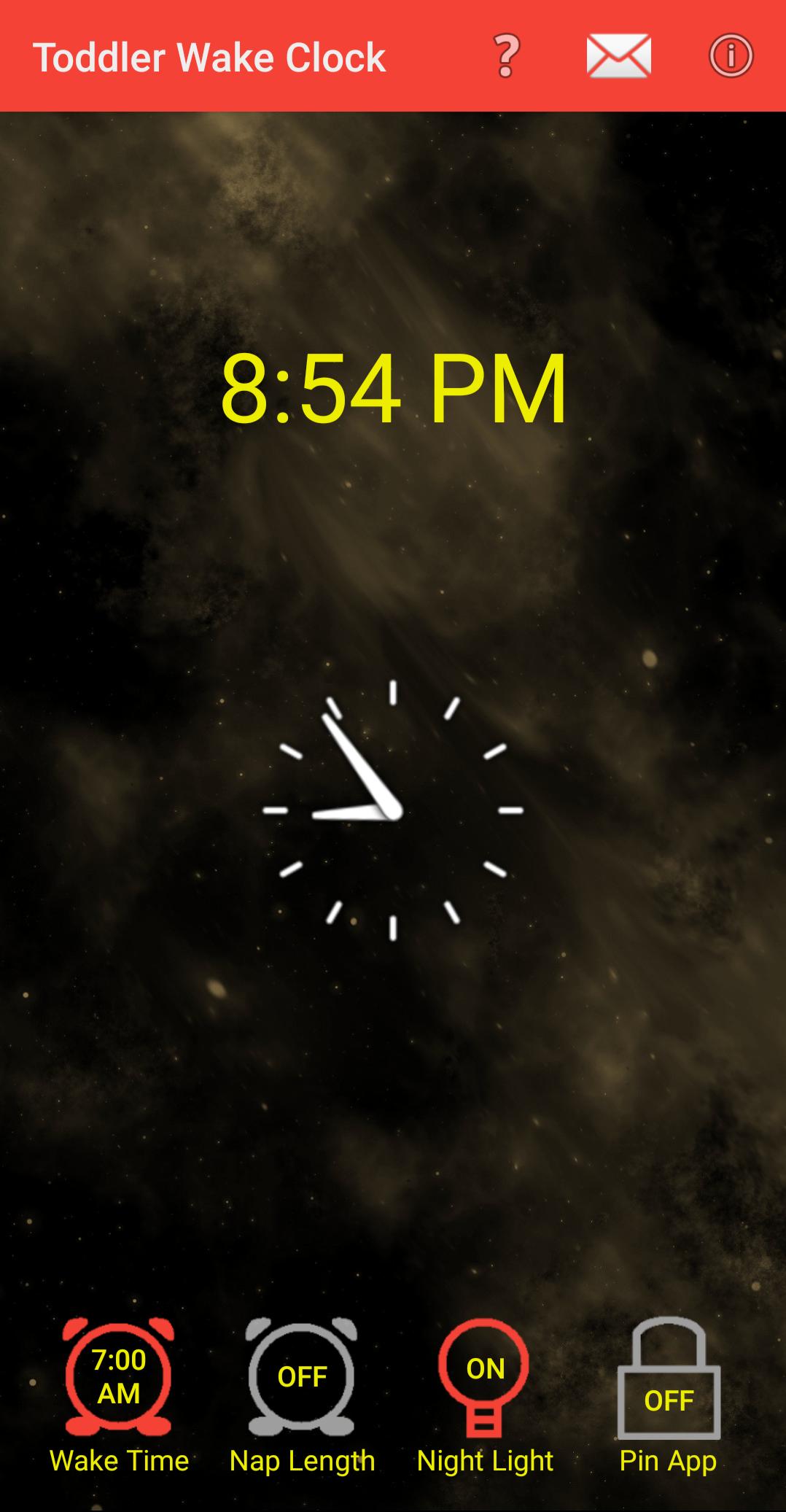
Welcome to the Toddler Wake Clock, designed to help you and your toddler get more sleep. I developed and used this app to help my child learn when it was acceptable to get up and wake me in the morning (Hint: It's not 4 AM). I hope it helps you and your toddler too.
Features:
* An animated dancing sun lets your child know when it is OK to leave his/her room in the morning.
* The screen stays on when it is OK to wake up so your toddler will not miss the animation.
* A "Wake Time" clock setting for mornings, and a "Nap Length" for problematic nappers.
* Avoids using blue light whenever possible so as to not disturb your toddler's sleep rhythm.
* Hints and tips to help you teach your toddler when it is OK to wake up.
* Optional screen night light.
Avance

Etiquetas
Estilo de vidaInformación
Desarrollador
Andrew Wood
La última versión
2.3.1
Última actualización
2024-07-25
Categoría
Estilo de vida
Disponible en
Google Play
Mostrar más
Cómo jugar Toddler Wake Clock con GameLoop en PC
1. Descargue GameLoop desde el sitio web oficial, luego ejecute el archivo exe para instalar GameLoop.
2. Abra GameLoop y busque "Toddler Wake Clock", busque Toddler Wake Clock en los resultados de búsqueda y haga clic en "Instalar".
3. Disfruta jugando Toddler Wake Clock en GameLoop.
Minimum requirements
OS
Windows 8.1 64-bit or Windows 10 64-bit
GPU
GTX 1050
CPU
i3-8300
Memory
8GB RAM
Storage
1GB available space
Recommended requirements
OS
Windows 8.1 64-bit or Windows 10 64-bit
GPU
GTX 1050
CPU
i3-9320
Memory
16GB RAM
Storage
1GB available space