Kakashi Hatake Lock Screen HD para PC
Ao-soft-dev
Descarga Kakashi Hatake Lock Screen HD en PC con GameLoop Emulator
Kakashi Hatake Lock Screen HD en PC
Kakashi Hatake Lock Screen HD, proveniente del desarrollador Ao-soft-dev, se ejecuta en el sistema Android en el pasado.
Ahora, puedes jugar Kakashi Hatake Lock Screen HD en PC con GameLoop sin problemas.
Descárgalo en la biblioteca de GameLoop o en los resultados de búsqueda. No más mirar la batería o llamadas frustrantes en el momento equivocado nunca más.
Simplemente disfrute de Kakashi Hatake Lock Screen HD PC en la pantalla grande de forma gratuita!
Kakashi Hatake Lock Screen HD Introducción
This is a wonderful lock screen made for Kakashi hatake fans .
Features:
- Simulate the best iPhone6/OS8 Lock screen with Parallax effect.
- Show Unread SMS and Missed Call counter on screen locker.
- Multiple kakashi hatake HD Wallpaper to choose.
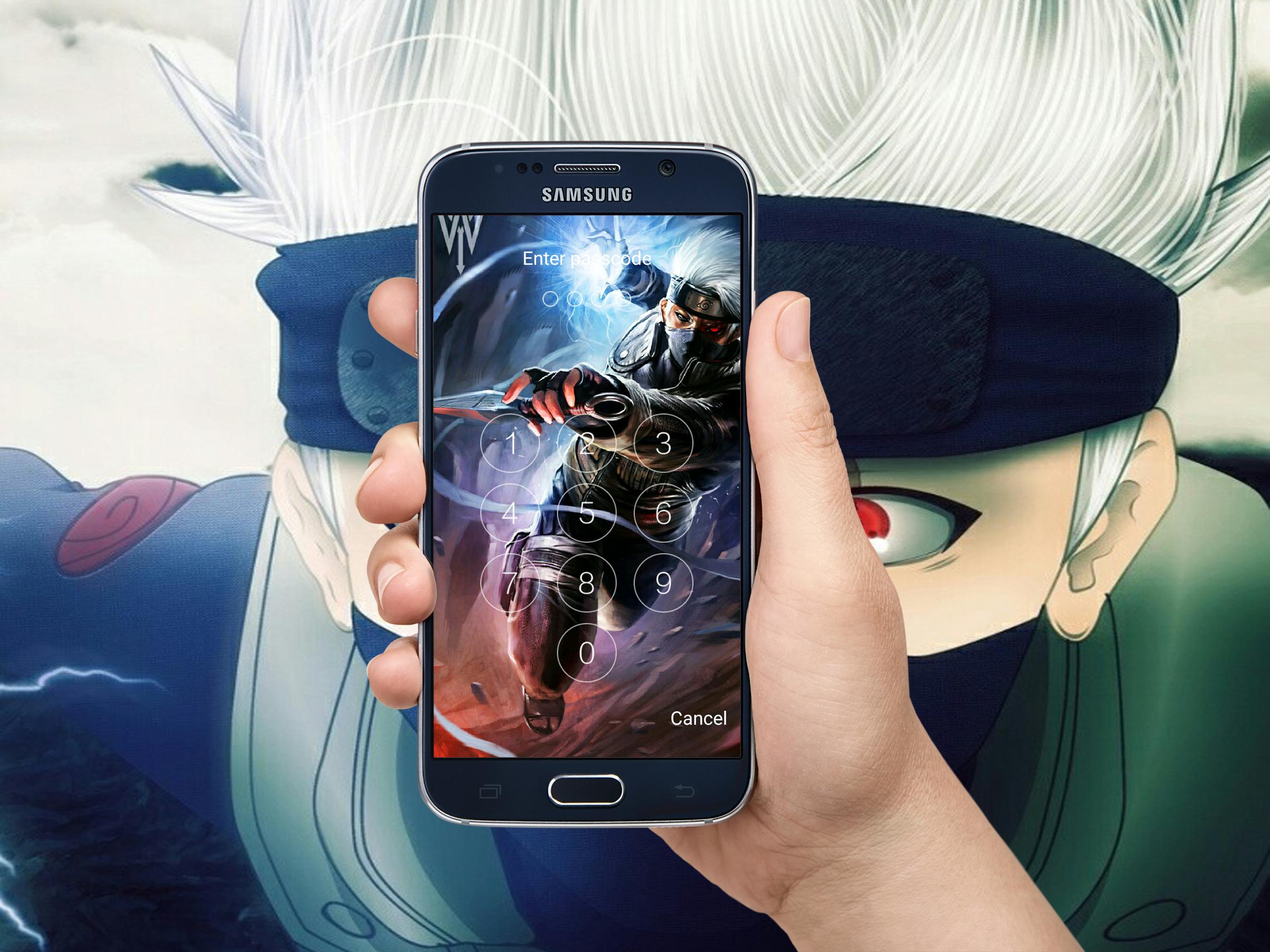
- Set PIN to enhance screen lock security, block HOME/MENU/BACK key,no one can access your phone without correct password.
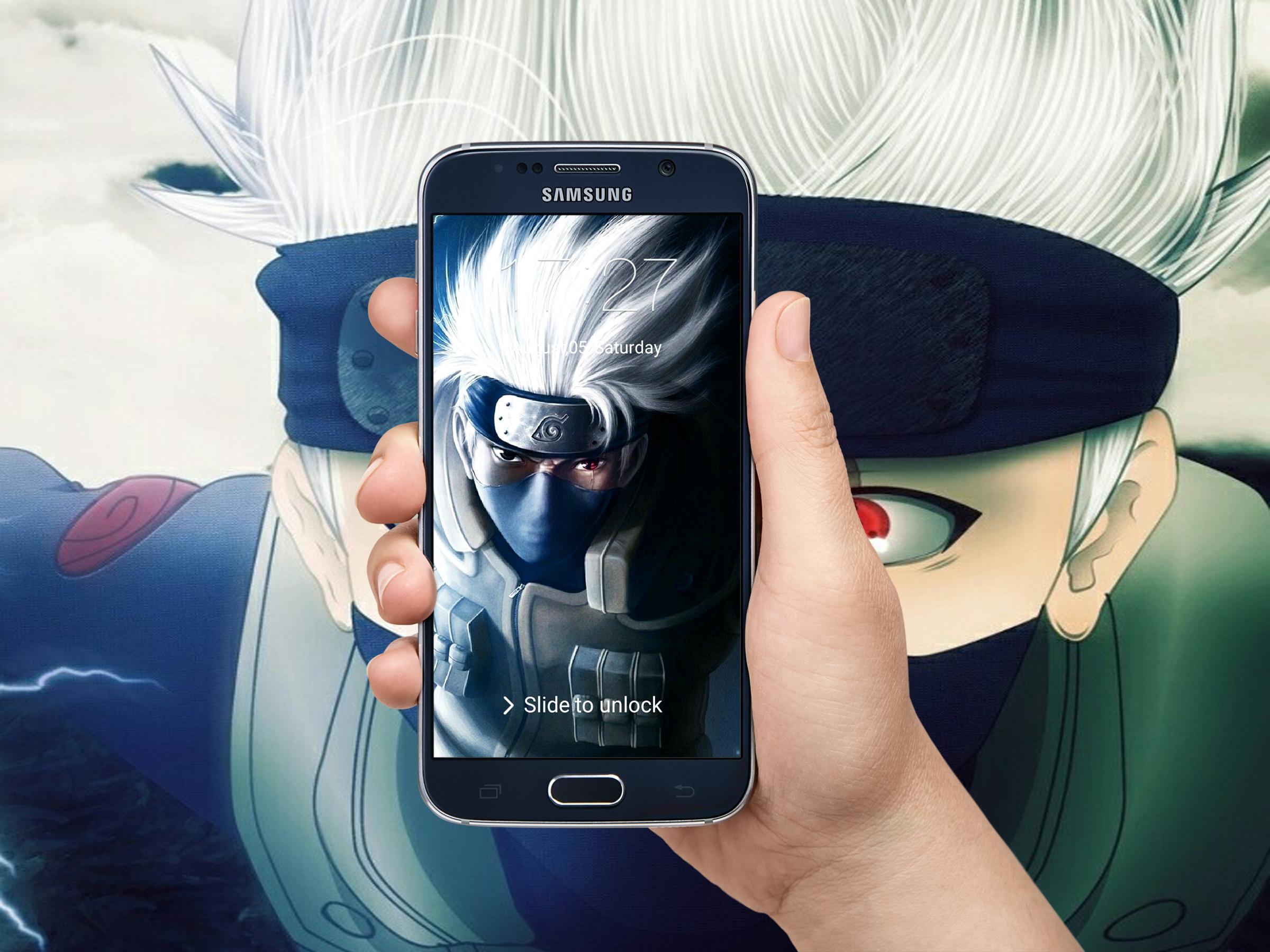
- Slide To Unlock.
- Consume less memory and battery,simple and clean design.
- It is easy to use
- It is beautiful
- It has keypad like iphone
-it has keyboard like iphone
- Let you set password easy an quickly
- Change background of lock screen with many beautiful HD wallpapers of kakashi hatacke.
- Change text "slide to unlock"
- Change color of date/time
- Support over 50 languages like Arabic English french Espagnol German....
- Support phone, tablet devices
-great free app with rarely photos of kakashi hatake.
How to Use:
1. Open the app settings, and tick the Enable Screen check box to enable it.
2. Create password and confirm this password
3. Click the Disable System Lock in case you use the system lock.
4. Click the Set theme Wallpaper to switch to different awesome backgrounds of kakashi hatake .
5. surf all teh other possibilities exist in the app
this app lock screen was created with much love of the coach sasuke uchiha, uzumaki and sakura
Kakashi Hatake
Avance
Información
Desarrollador
Ao-soft-dev
La última versión
3.0.0
Última actualización
2017-08-06
Categoría
Estilo de vida
Disponible en
Google Play
Mostrar más
Cómo jugar Kakashi Hatake Lock Screen HD con GameLoop en PC
1. Descargue GameLoop desde el sitio web oficial, luego ejecute el archivo exe para instalar GameLoop.
2. Abra GameLoop y busque "Kakashi Hatake Lock Screen HD", busque Kakashi Hatake Lock Screen HD en los resultados de búsqueda y haga clic en "Instalar".
3. Disfruta jugando Kakashi Hatake Lock Screen HD en GameLoop.
Minimum requirements
OS
Windows 8.1 64-bit or Windows 10 64-bit
GPU
GTX 1050
CPU
i3-8300
Memory
8GB RAM
Storage
1GB available space
Recommended requirements
OS
Windows 8.1 64-bit or Windows 10 64-bit
GPU
GTX 1050
CPU
i3-9320
Memory
16GB RAM
Storage
1GB available space